Upvotes
0
Pricing
Open Source
Category
Video Editing
In the database since
Oct 2026
Overview
About Blender VSE
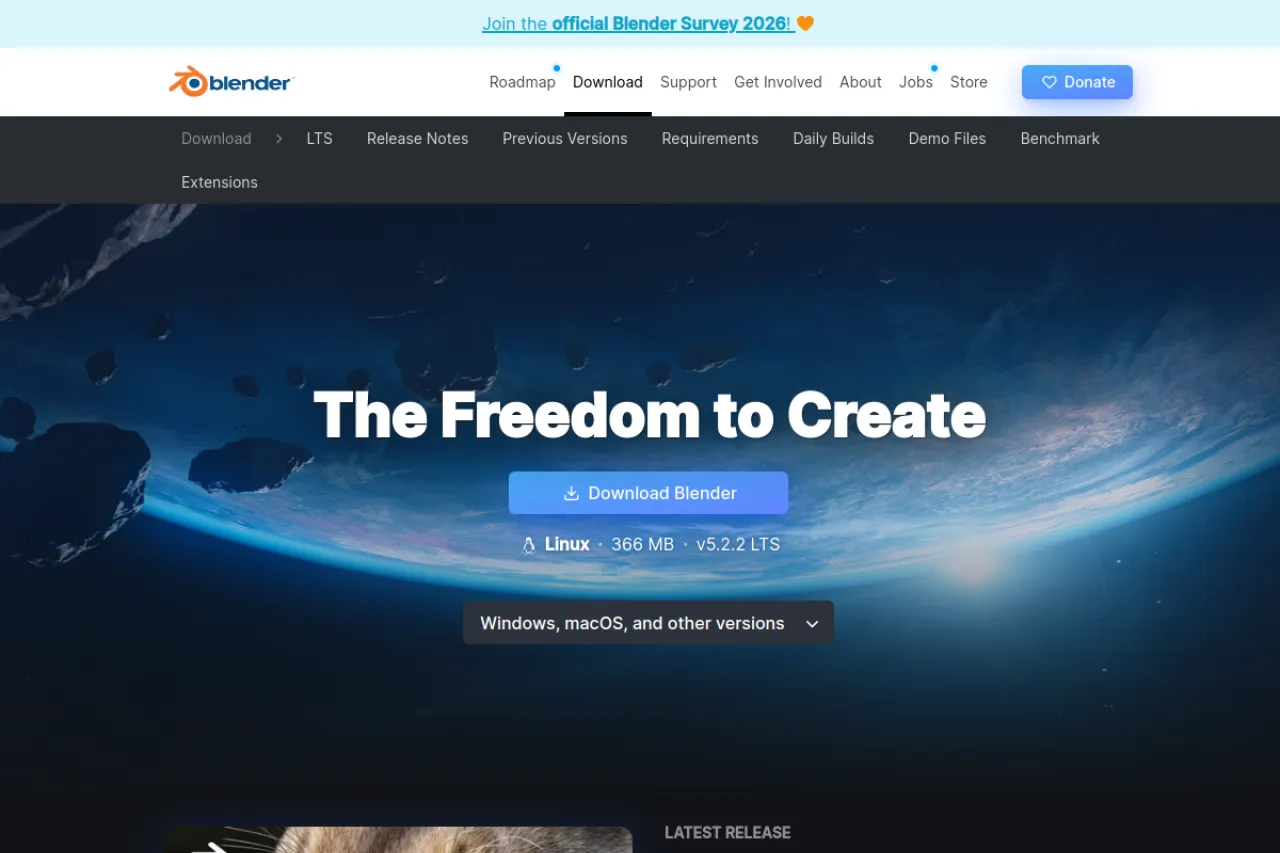
Blender VSE is the built-in video editor inside Blender. VSE (Video Sequence Editor) cuts and joins clips on a timeline. It handles cuts, transitions, titles, and basic color work. Being part of Blender, it is completely free and open source. Editors use it for YouTube videos, short films, and simple projects. It runs on Windows, macOS, and Linux. You also get Blender's 3D tools in the same app. It suits editors who already use Blender for 3D. Check the manual for editing tutorials.
Key Features
1. Timeline Editing
Cut, trim, and arrange clips on a multitrack timeline. The workflow feels like classic desktop editors.
2. Transitions and Effects
Add fades, wipes, and speed effects between your clips. Built-in effect strips keep things simple.
3. Titles and Text
Create titles with Blender's built-in text tools. Style them with fonts, colors, and simple animation.
4. Color Adjustments
Fix brightness, contrast, and color balance on your clips. Built-in scopes help you judge the result.
5. Free Inside Blender
No extra download or payment is needed. Every Blender install includes the full video editor.
Frequently Asked Questions (FAQ)
What is Blender VSE?
It is the Video Sequence Editor built into Blender. It edits video on a timeline with cuts, effects, and titles.
Is Blender VSE an AI tool?
No. It is a traditional video editor. It uses classic editing tools, not AI.
Can it handle 4K video?
Yes, with decent hardware. Proxy editing keeps the timeline smooth on slower machines.
How is it different from DaVinci Resolve?
Both edit video for free. Blender VSE is simpler and lives inside a 3D app, while Resolve is a full pro suite.
Can I edit audio in it?
Yes. It has audio strips with fades and mixing. It covers basic sound needs for video projects.
Conclusion
Blender VSE is a capable free video editor hiding in plain sight. Timeline editing, effects, and titles cover everyday projects. It suits Blender users and beginners learning to edit. The tool is open source and free forever. Open Blender and try the Video Editing workspace. Tutorials in the manual walk you through basics. Start with a simple project today.
Keep exploring
Similar AI tools
Ranked by the job they do, their capabilities, and how closely they fit this workflow.