Upvotes
0
Pricing
Freemium
Category
Video Editing
In the database since
Oct 2026
Overview
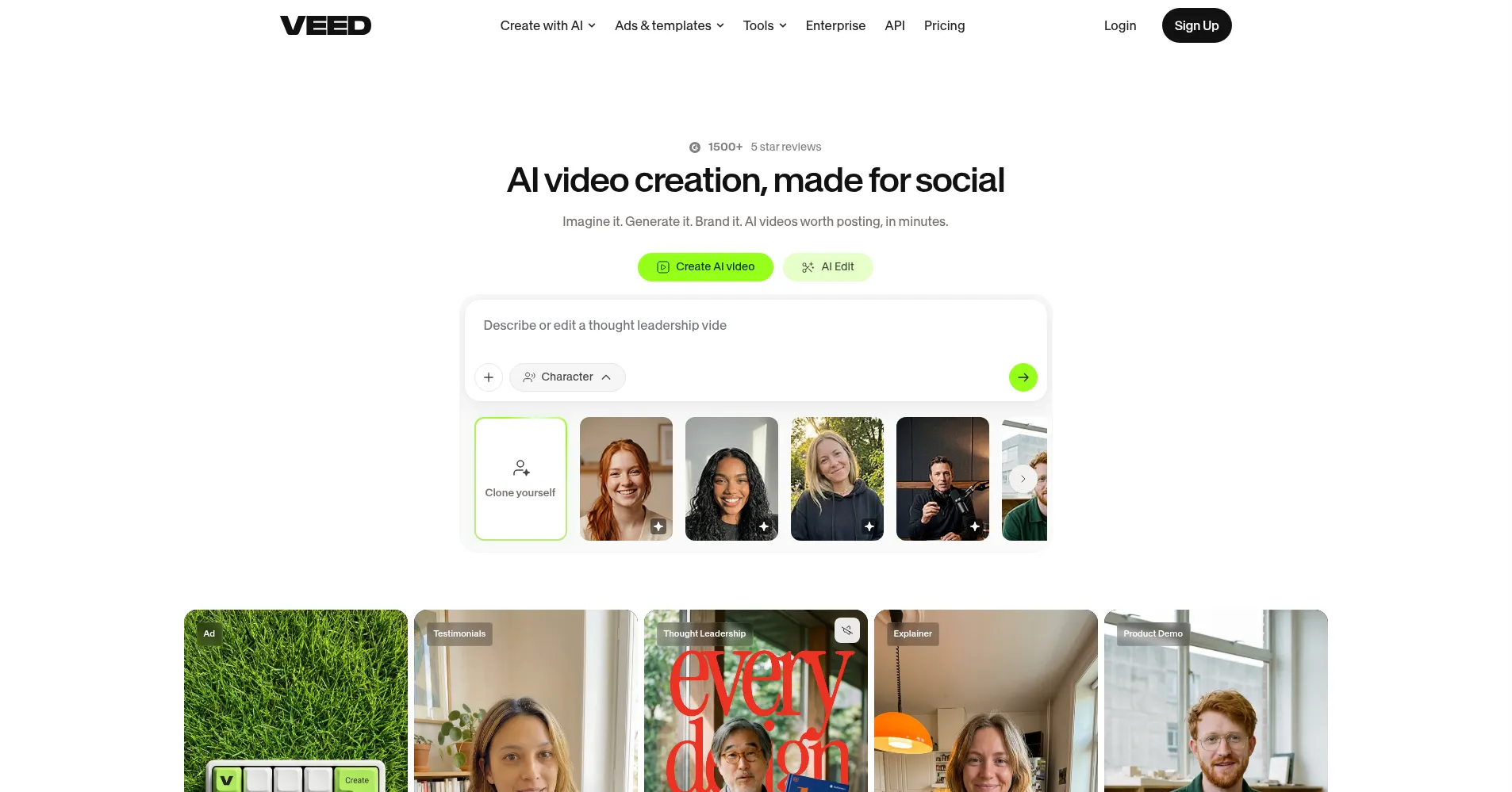
About VEED
VEED is a browser-based video editor with AI tools for fast social and marketing video. Upload footage and cut, caption, translate, dub, and brand it in one tab — no software to install. Its best-known feature is the auto-subtitle engine, with word-level timing in 125+ languages. Paid plans add AI avatars, dubbing into 50+ languages, and a Gen-AI Studio for text-to-video. Teams can host videos, share review links, and keep fonts and colors consistent with brand kits. Check veed.io/pricing for current plan details.
Key Features
1. Auto subtitles
Generates accurate captions with word-level timing and speaker detection in 125+ languages, with styling you can customize to match your brand.
2. AI avatars
Creates presenter videos from a script using more than 50 photorealistic AI avatars, so you can publish talking-head content without filming yourself.
3. AI dubbing and translation
Translates videos into 50+ languages and re-voices them with matched audio, letting one recording reach multilingual audiences.
4. Text-to-video generation
Turns scripts and prompts into short videos through the Gen-AI Studio, using stock footage, captions, and music.
5. One-click magic tools
Applies AI cleanups instantly — background noise removal, filler-word and silence removal, AI transitions, and suggested B-roll.
6. Platform auto-resize
Reformats a finished video for YouTube, TikTok, Instagram Reels, or LinkedIn in one click, with a preview of how it will look on each.
7. Brand kits and stock library
Stores your fonts, colors, and logos in shared brand kits and provides built-in stock footage, music, and sound effects for fast assembly.
Frequently Asked Questions
How accurate are VEED's auto subtitles?
Very accurate. The engine gives word-level timing and speaker detection across 125+ languages, and you can edit any line by hand before export.
Do I need to appear on camera to use AI avatars?
No. Type or paste a script, pick from 50+ AI avatars, and VEED renders a presenter video — handy for explainers and ads.
How does VEED's dubbing work?
Upload a video, pick one of 50+ languages, and VEED translates the script and re-voices it with matched audio.
Why do I see different VEED plan names online?
VEED changes its pricing tiers over time, so older reviews may list plan names you no longer see. Check veed.io/pricing for the current plans and what each includes.
Can VEED generate a video from just a text prompt?
Yes. The Gen-AI Studio builds a short social video — stock footage, captions, and music — from your text script. Paid plans unlock more generation time.
Does VEED work offline?
No. VEED is cloud-based and needs a stable internet connection. There is no offline mode, though mobile apps let you work on the go.
Conclusion
VEED is the browser editor for teams that need captions, translation, and branded video without desktop software. The auto subtitles are its standout, with AI avatars and dubbing making it a production suite. Start free to test the subtitle quality, then upgrade for watermark-free exports and the AI features. It is cloud-only — no internet, no editing.
Keep exploring
Similar AI tools
Ranked by the job they do, their capabilities, and how closely they fit this workflow.