
Upvotes
0
Pricing
Freemium
Category
Video Editing
In the database since
Oct 2026
Overview
About CapCut
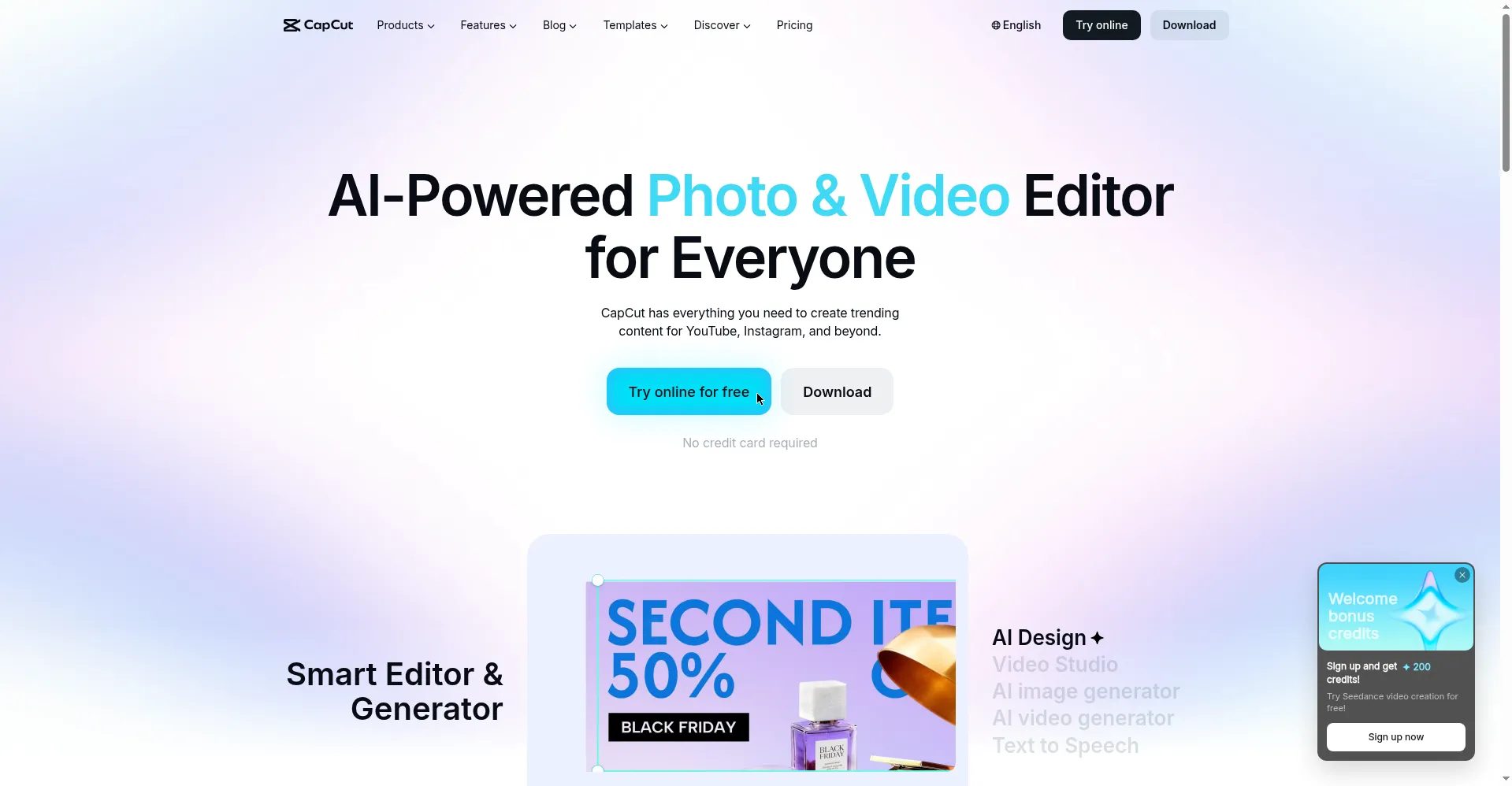
CapCut is ByteDance's free video editor for phones, computers, and the web. It started as TikTok's editing app, and it still fits short video best. You trim clips on a timeline, add text, music, and effects, then export for TikTok, Reels, or Shorts. AI tools handle captions, background removal, and voiceovers. The core editor is free, with a paid Pro plan for premium templates and extra AI uses. Beginners can finish a polished clip in minutes, with no editing skill needed.
Key Features
AI Auto-Captions
Speech recognition writes timed subtitles in over 50 languages. You can edit the words and change the style before you export.
Background Removal
One tap separates a person from a video background, with no green screen needed. It works best on clear, well-lit shots.
Template Library
Trending templates turn your clips into finished short videos fast. Drop in clips, and the cuts, music, and effects follow the template.
Text-to-Speech Voices
Type a script, and CapCut reads it aloud in a natural voice. You can pick from many voices and styles for narration.
High-Quality Export
Export finished videos in up to 4K resolution for crisp playback on phones and computers. Paid plans unlock the full export options.
Cross-Device Sync
Start a project on your phone and finish it on your computer. Your projects stay in sync through your CapCut account.
Beat Sync and Effects
Cuts snap to the beat of your music automatically. Filters, transitions, and effects then polish the video without manual timing work.
Frequently Asked Questions
Does CapCut work on desktop?
Yes. CapCut has native apps for Windows and macOS, plus a web editor, and projects sync with mobile through your account.
Can CapCut remove video backgrounds?
Yes. Its AI background removal separates a subject from video with one tap, though busy scenes may need cleanup.
What languages do auto-captions support?
Over 50 languages. CapCut transcribes speech into timed subtitles you can edit and style before export.
What does the Pro plan add?
Pro unlocks premium templates, more AI uses, extra cloud storage, and full export options. The core editor stays free.
Who is CapCut best for?
Short-form creators on TikTok, Reels, and Shorts, beginners editing on phones, and small teams that need fast turnaround.
Conclusion
CapCut gives beginners a fast path to polished short video, with AI captions, templates, and background removal in one free editor. Its paid plan suits creators who need premium assets and heavier AI use. If you post short video often, it is one of the easiest editors to start with today. Start free and upgrade later if needed.
Keep exploring
Similar AI tools
Ranked by the job they do, their capabilities, and how closely they fit this workflow.