
Spikes Studio
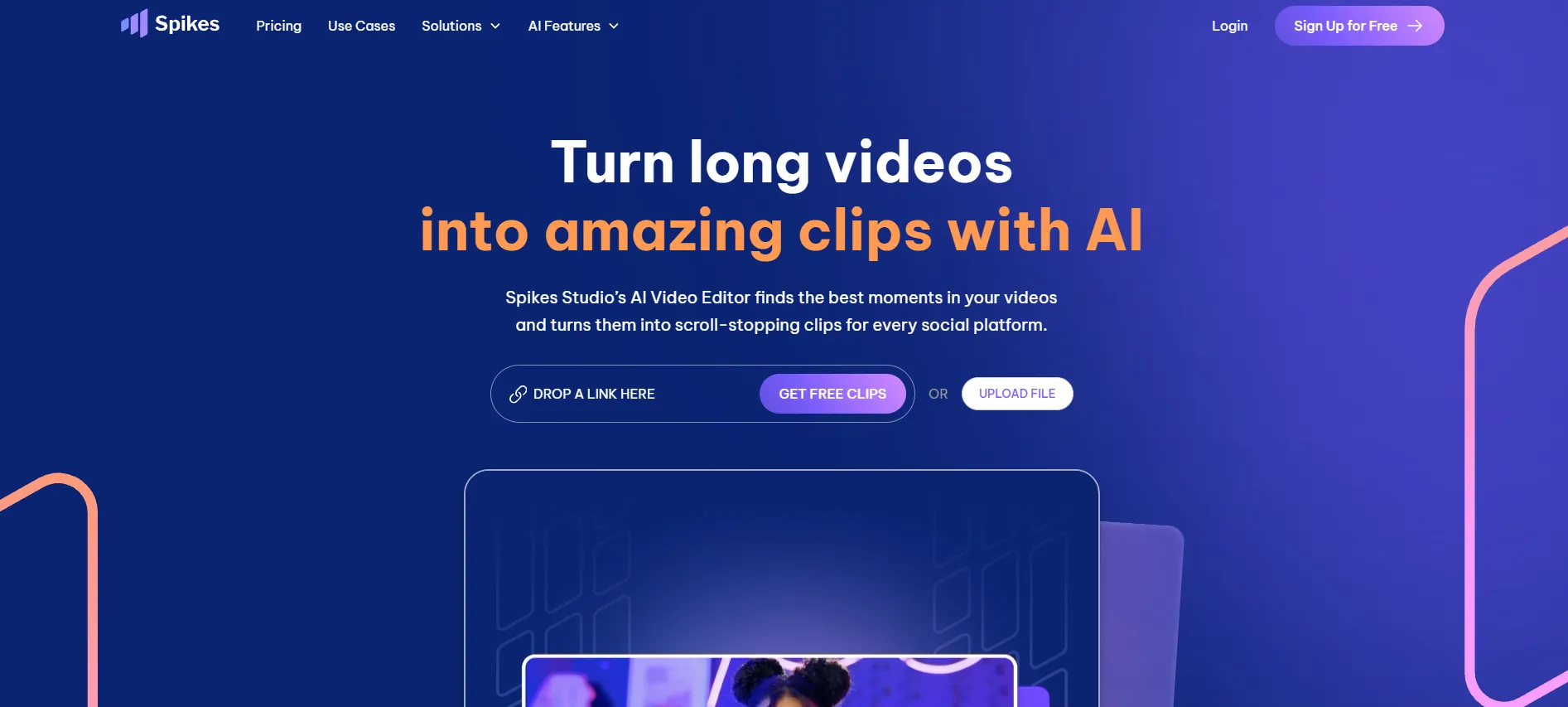
Turn long videos into viral clips with AI in minutes
Upvotes
0
Pricing
Freemium
Category
Video Editing
In the database since
Oct 2026
Overview
About Spikes Studio
Spikes Studio is an AI clip generator that turns long videos into short clips for TikTok, Reels, Shorts, and Twitch. Its AI finds standout moments and adds on-brand captions on its own. It suits creators and small businesses that publish video often. The site reports over 1 million users and a #1 Product Hunt ranking. Built-in scheduling and analytics make it a pipeline, not just a clipping tool. You can start the free trial without a credit card. Check spikes.studio for current plans and limits.
Key Features
1. AI Clip Detection
The in-house AI finds standout moments in long videos. It was trained on hundreds of thousands of broadcasts.
2. Auto Captions
Get on-brand captions added automatically. The AI also suggests titles, hashtags, and emojis for each platform.
3. Instant Resizing
Resize clips for TikTok, Reels, or Shorts in seconds. Each export fits the platform's format rules.
4. Multi-Platform Scheduling
Schedule and post across channels in a few clicks. A clear calendar shows your whole plan.
5. Engagement Analytics
Track views, engagement, and growth in one dashboard. See what works and make more of it.
6. 99+ Languages
The AI supports over 99 languages. Captions work in each video's own language. Reach a global audience from one workflow.
7. Web Editor
Edit videos up to 5 minutes in the browser. Add captions, reframe vertical shots, and apply auto-effects.
Frequently Asked Questions (FAQ)
What does Spikes Studio do?
It turns long videos into short clips for TikTok, Reels, Shorts, and Twitch. The AI finds key moments, adds captions, and resizes each clip.
Do free exports have a watermark?
Yes. Free-plan exports carry a watermark. A paid plan removes it. This is one of the most-asked questions about the tool.
Can I schedule posts in Spikes Studio?
Yes. Connect your social accounts and schedule posts to TikTok, Instagram, YouTube, Facebook, or LinkedIn from one dashboard.
What languages does it support?
Over 99 languages. The AI detects standout moments and adds captions in the video's own language.
Do I need a credit card to try it?
No. Start the free trial without a card. You can also earn extra minutes through the referral program.
Can it edit videos in the browser?
Yes. The web editor handles videos up to 5 minutes. Add captions, reframe shots vertical, and apply effects there.
Conclusion
Spikes Studio suits creators, video pros, and small businesses that publish video often. Its AI finds the best moments, then formats and schedules them for every platform. Analytics show what lands with viewers. Try it free without a card. With 1M+ users and a 4.9 Product Hunt rating, it is a proven pick. Check spikes.studio for current plans.
Keep exploring
Similar AI tools
Ranked by the job they do, their capabilities, and how closely they fit this workflow.