Upvotes
0
Pricing
Freemium
Category
Video Editing
In the database since
Oct 2026
Overview
About Canva Video
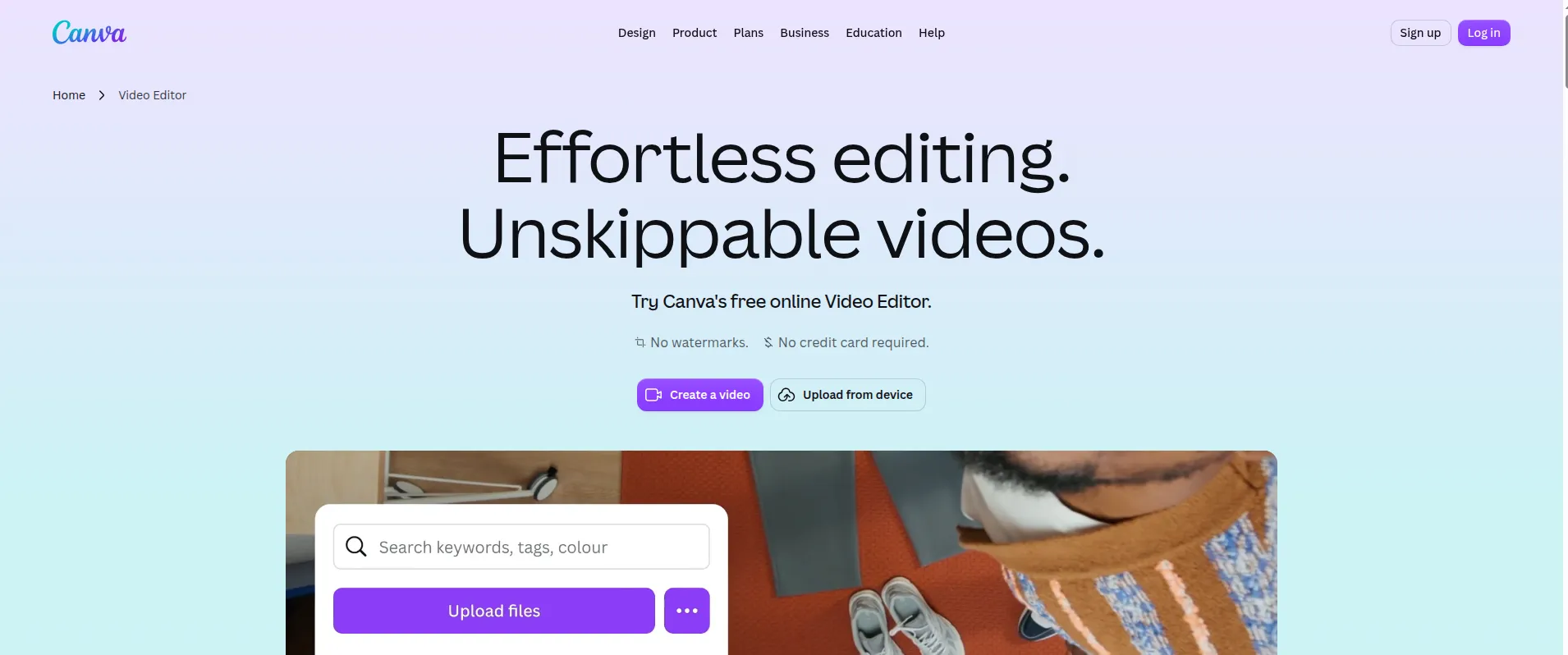
Canva Video is a free online video editor inside Canva. It is built for people who do not know editing software. Marketers, teachers, and business owners can make short videos with drag and drop. The timeline lets you trim, split, and layer clips. AI tools help with the hard parts, like picking the best moments or removing a background. It runs in your browser, so there is nothing to install. Check the official Canva site for the latest features and limits, since AI tools change fast.
Key Features
1. Magic Video
Drop in your clips and write a short prompt. The AI picks shots, adds transitions, and builds a social-ready video.
2. Highlights
AI scans your footage and marks the best moments. You skip the long scrubbing and jump straight to the good parts.
3. Background Remover
Click once to remove a video background. No green screen is needed. It works on clips in the editor.
4. Beat Sync
The tool lines up your cuts with the beat of your music. Your video feels in rhythm without manual timing.
5. Auto Captions
Canva creates captions from the speech in your video. Viewers can watch with the sound off and still follow along.
6. AI Video Generator
Use the built-in AI video generator to make a clip. It fills gaps when you have no real footage to use.
7. Resize for Every Feed
One click reshapes your video for Reels, TikTok, or YouTube. A single project can fit every platform.
8. Templates and Stock Library
Start from a ready template and add stock video, photos, and music. Templates, stock clips, and music are built into the editor.
Frequently Asked Questions (FAQ)
Do I need to install anything to use Canva Video?
No. Canva Video runs in your web browser. You only need a Canva account and an internet connection to start editing.
Does Canva Video add a watermark on the free plan?
No. Canva says its video editor has no watermarks.
Can I add animation to text and graphics?
Yes. You can add one-click animation to graphics and text. Canva also lists custom animation controls for graphics and text.
Can I record a voiceover for a video?
Yes. Canva offers a voiceover recording option for videos.
Can I silence background noise in a video?
Yes. Canva lists a tool to silence background noise in a video.
Conclusion
Choose this editor for short clips when you want a quick result. It keeps the steps short and the tools in one place. It is less suited to long projects that need fine control over sound and cuts. If you already work in Canva, it fits that workflow. Check the current feature list before you start a large project.
Keep exploring
Similar AI tools
Ranked by the job they do, their capabilities, and how closely they fit this workflow.