
Upvotes
0
Pricing
Freemium
Category
Video Editing
In the database since
Oct 2026
Overview
About Captions
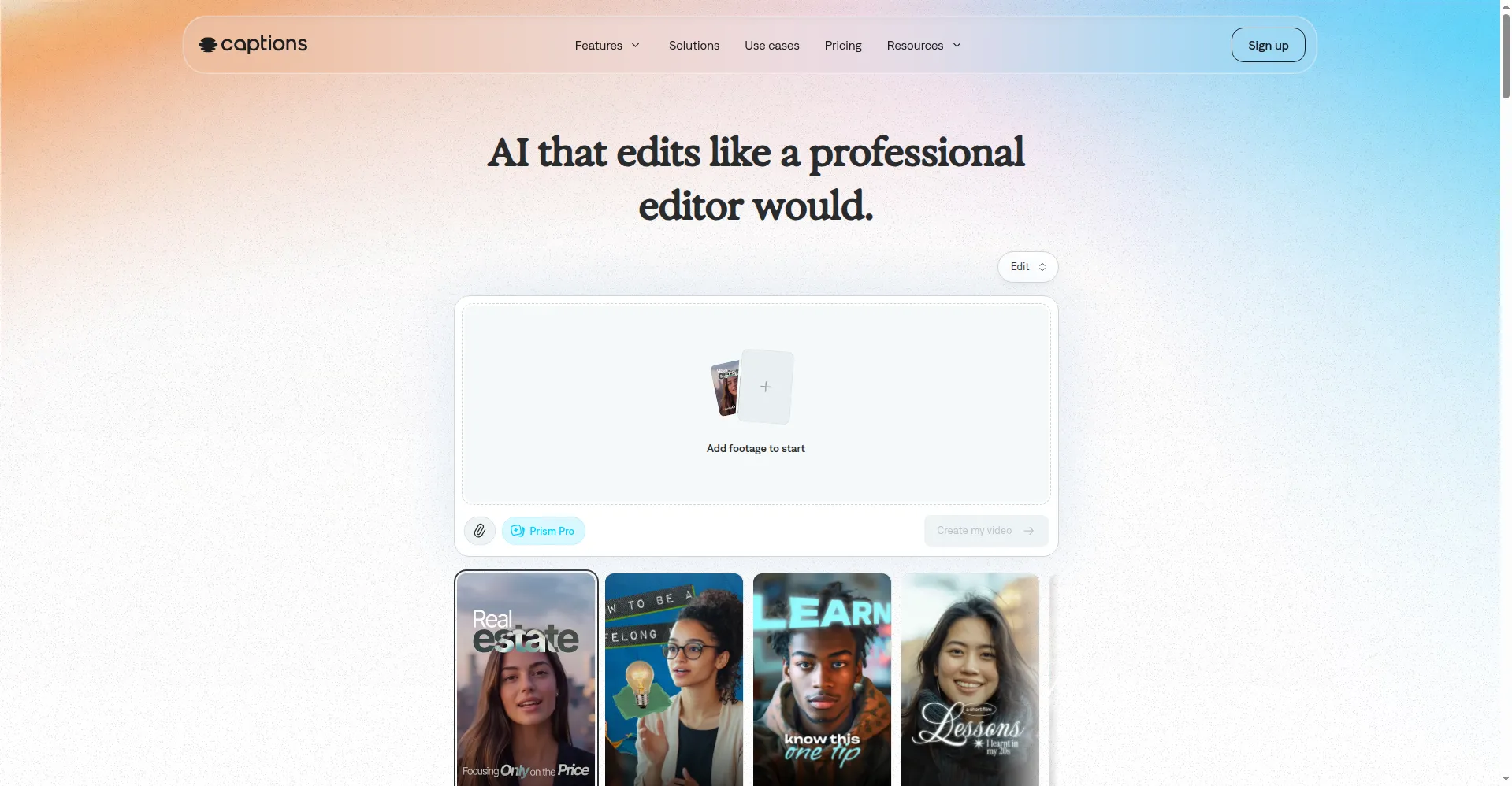
You filmed a talking-head clip on your phone. The take is good, but you were reading notes off camera, the room hums, and viewers scroll past videos without subtitles. Captions turns that raw footage into polished short-form video. It is a mobile-first AI editor that adds animated captions, fixes your gaze, cleans the audio, and can even dub your video into other languages. It works from one app, so a creator can record, edit, and export a vertical video without a desktop editor or a production team.
Key Features
1. Animated Auto-Captions — Captions turns speech into word-by-word subtitles with over 100 style templates, timed to match the viral formats used on TikTok and Reels.
2. AI Eye Contact Correction — The app remaps your gaze in post-production, so reading a script off camera looks like confident direct eye contact with the viewer.
3. AI Twins — An AI Twin is a digital clone built from your recordings that can present new scripts on video without you filming again.
4. Dubbing with Lip-Sync — Captions dubs videos into more than 30 languages, matching lip movement and voice to the translated audio.
5. Built-in Teleprompter — Record inside the app with a scrolling script on screen, so you never have to memorize lines or look away.
6. Background Noise Removal — One-tap audio cleanup strips room hum and background noise from phone recordings, leaving clear speech behind.
7. AI Edit and Clips — AI Edit polishes raw footage in one tap, while Clips cuts shareable short videos out of longer recordings automatically.
Frequently Asked Questions
Does Captions work on desktop? — Captions is built for phones first, with iOS and Android apps, and it is also available on the web, though some features work best on mobile.
What does the free plan include? — The free plan covers basic editing and captioning, with a watermark on exports, while AI features such as twins and dubbing need a paid credit plan.
How does eye contact correction work? — It remaps your gaze after filming, so video of you reading off camera appears as if you looked straight at the lens.
What are AI Twins? — AI Twins are digital clones made from your recordings that can deliver new scripts as video, so you can publish without filming again.
Can it translate my videos? — Yes. Dubbing translates videos into more than 30 languages, with translated voiceover and lip-sync matched to the new audio.
Who is it best for? — It suits talking-head creators on TikTok, Reels, Shorts, and LinkedIn who film on phones and want fast, professional polish.
Conclusion
Captions closes the gap between phone footage and publishable video. By automating captions, eye contact, and audio cleanup, it removes the three flaws that make amateur video look amateur. Creators can ship daily without a production workflow. The credit pricing can sting at high volume, but for short-form talking-head video, little else on a phone is faster.
Keep exploring
Similar AI tools
Ranked by the job they do, their capabilities, and how closely they fit this workflow.