
Upvotes
0
Pricing
Freemium
Category
Video Editing
In the database since
Oct 2026
Overview
About Clideo
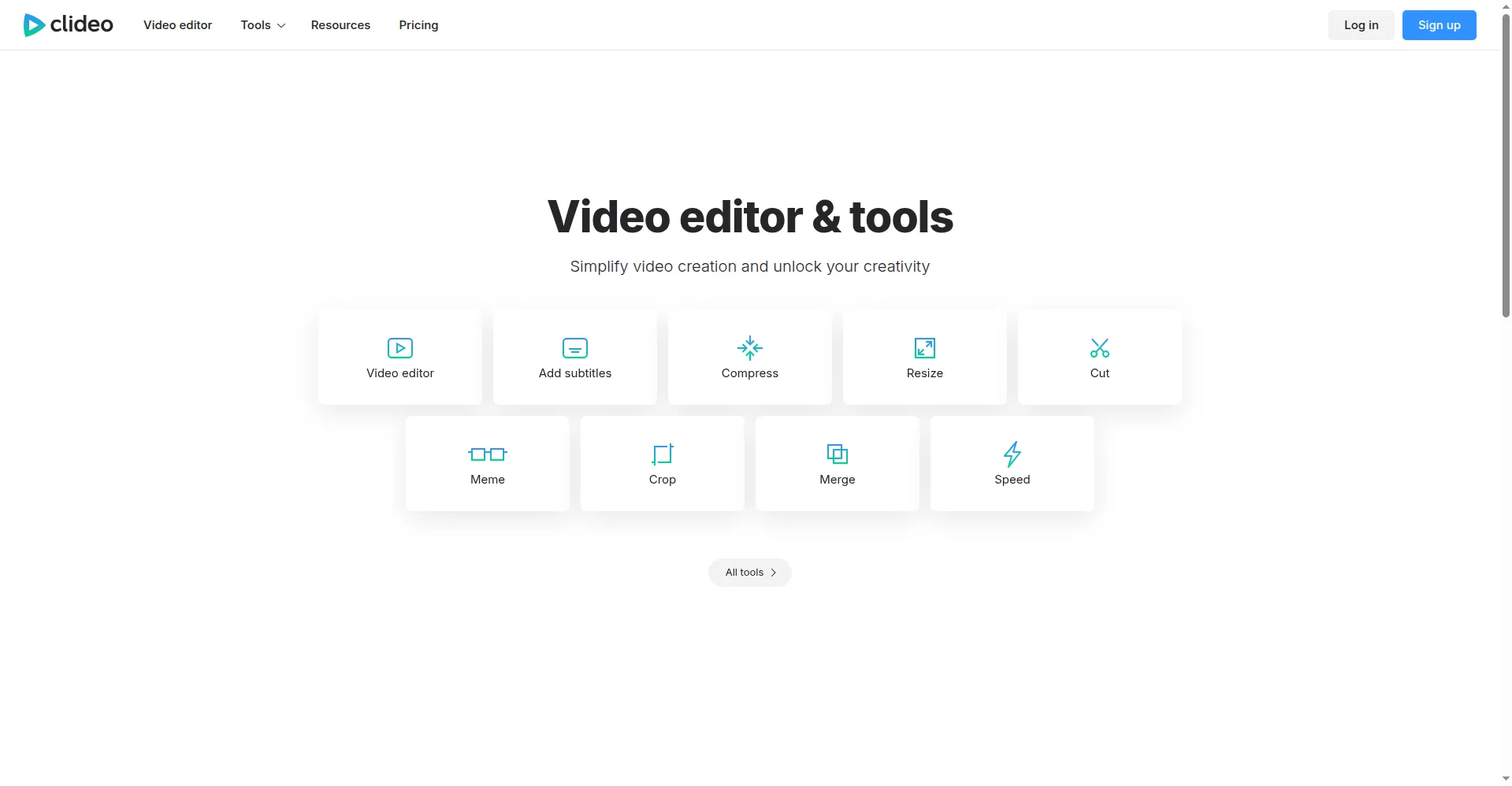
Clideo is a set of more than 30 single-purpose video tools that run entirely in a web browser. You do not need to install software or learn a timeline editor. Each tool does one job: trim a clip, merge two videos, compress a large file, resize for social media, or add subtitles. You upload a file, adjust a few settings, process it, and download the result. The tools work on Windows, Mac, Linux, phones, and tablets, which makes Clideo a quick fix for everyday video chores.
Key Features
30+ Single-Purpose Tools — Each utility handles one task on its own page, from trimming and merging to converting and rotating, without menus to dig through.
No Installation Needed — Everything runs in the browser, so you can upload, process, and download on any device with an internet connection.
Video Compressor — Shrink large files for email, messaging apps, or web upload, with control over quality and output size before processing.
Merger and Trimmer — Combine several clips into one video, or cut unwanted sections out, covering the two most common quick edits.
Subtitle Tools — Add subtitles by hand or generate them automatically, with support for many languages and export for use in other editors.
Meme and GIF Makers — Turn clips into memes, looping videos, or GIFs with purpose-built templates instead of a full editing project.
In-Browser Recording — Record your screen, webcam, or a presentation directly in the browser, then pass the recording to another Clideo tool.
Frequently Asked Questions
Do I need to install anything to use Clideo? — No. Every tool runs in your web browser, so you only need an internet connection and a file to work on.
Do free exports have a watermark? — Yes. Videos exported on the free plan carry a Clideo watermark, while paid exports are watermark-free.
What file size can I upload for free? — Free uploads are capped at 500 MB per file, and free exports are limited to 720p resolution.
Can I edit on my phone? — Yes. The tools work in mobile browsers, and Clideo also offers apps for iOS and Android devices.
Is Clideo a replacement for a full video editor? — No. Clideo skips the timeline entirely, so it suits single quick tasks rather than multi-track editing projects.
Conclusion
Clideo is best for one-off video chores that do not justify opening a full editor. The free watermark and 500 MB upload cap are real limits, but the tools are fast and need no setup. If you often compress, trim, merge, or subtitle single clips, it saves time on every job and beats opening a heavy editor.
Keep exploring
Similar AI tools
Ranked by the job they do, their capabilities, and how closely they fit this workflow.