Upvotes
0
Pricing
Freemium
Category
Video Editing
In the database since
Oct 2026
Overview
About Clipchamp
It's already on your Windows PC. You might have scrolled past it in the Start menu a dozen times. Clipchamp is Microsoft's free video editor, and it's quietly one of the most generous deals in software: unlimited exports at 1080p, no watermark, AI captions, text-to-speech voiceovers, and screen recording — all free, all in your browser. It also works as a web app, so you can start a project on a Windows PC and pick it up in a browser elsewhere.
What Is Clipchamp?
Clipchamp is Microsoft's browser-based video editor, available as a web app (Chrome/Edge) and a native Windows app. Microsoft acquired it in 2021 and folded it into the 365 ecosystem, keeping a genuinely free tier while reserving 4K export, premium stock, and brand kits for Microsoft 365 subscribers.
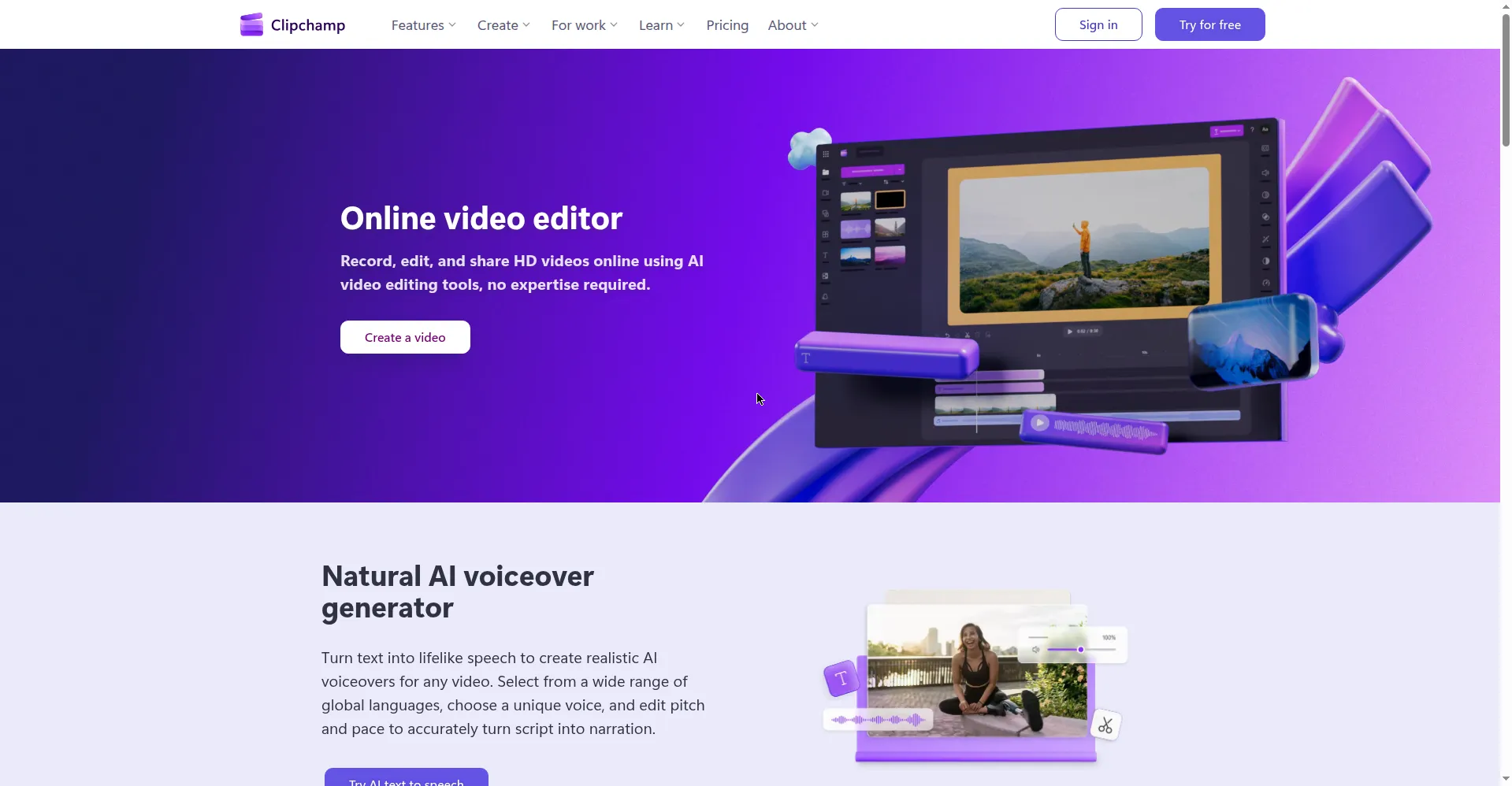
The editor covers standard timeline editing — trim, crop, transitions, animated text, filters — layered with practical AI: auto-captions across 80+ languages, natural text-to-speech voiceovers with adjustable pitch and pace, silence removal that tightens talking-head footage, and background noise cleanup. A built-in screen, webcam, and voice recorder makes it a one-stop shop for tutorials and presentations, with OneDrive backup keeping projects safe.
Key Features
1. Free Unlimited 1080p Exports
Export as many videos as you want in full HD with zero watermark — the most generous free tier among mainstream editors.
2. AI Captions in 80+ Languages
Auto-generate accurate subtitles in over 80 languages and style them to match your video, with no manual transcription needed.
3. Text-to-Speech Voiceovers
Type your script and get natural narration with control over pitch, pace, and voice character.
4. Screen and Webcam Recorder
Record screen, camera, or both simultaneously in the browser — ideal for tutorials and demos.
5. Silence and Noise Removal
AI strips awkward pauses, filler gaps and background hum from recordings automatically, so talking-head videos sound cleaner.
6. Templates and Stock Library
Ready-made templates plus stock video, images, music and effects help you build polished videos without starting from a blank timeline.
7. OneDrive Integration
Projects save to your Microsoft cloud automatically, so you can start on one device and continue editing on another.
Frequently Asked Questions
Is Clipchamp really free?
Yes — the free plan includes unlimited 1080p exports with no watermark. Premium features come via Microsoft 365.
Does it work on Mac?
The web version runs in Chrome or Edge on macOS. There's no native Mac app; Windows gets the desktop version.
Why won't it open in Firefox or Safari?
Clipchamp requires a Chromium-based browser (Chrome or Edge) for its editing engine to function.
Can I record my screen?
Yes — built-in screen, webcam, and voice recording works directly in the browser with no extensions.
What do I get with Microsoft 365?
4K exports, premium stock assets, premium filters and effects, and brand kit features.
Do I need an internet connection?
Yes — even the desktop app requires connectivity, since rendering happens with cloud assistance.
Conclusion
Clipchamp is Microsoft playing the long game: give away a genuinely good free editor, and the 365 upsell takes care of itself. For Windows users who need straightforward editing with AI assistance and refuse to pay for it, there's no better deal. The Chromium-only limitation and missing mobile app are real constraints — but free, unlimited, watermark-free 1080p is hard to argue with.
Keep exploring
Similar AI tools
Ranked by the job they do, their capabilities, and how closely they fit this workflow.