Upvotes
0
Pricing
Free
Category
Video Tools
In the database since
Oct 2026
Overview
About Ezgif
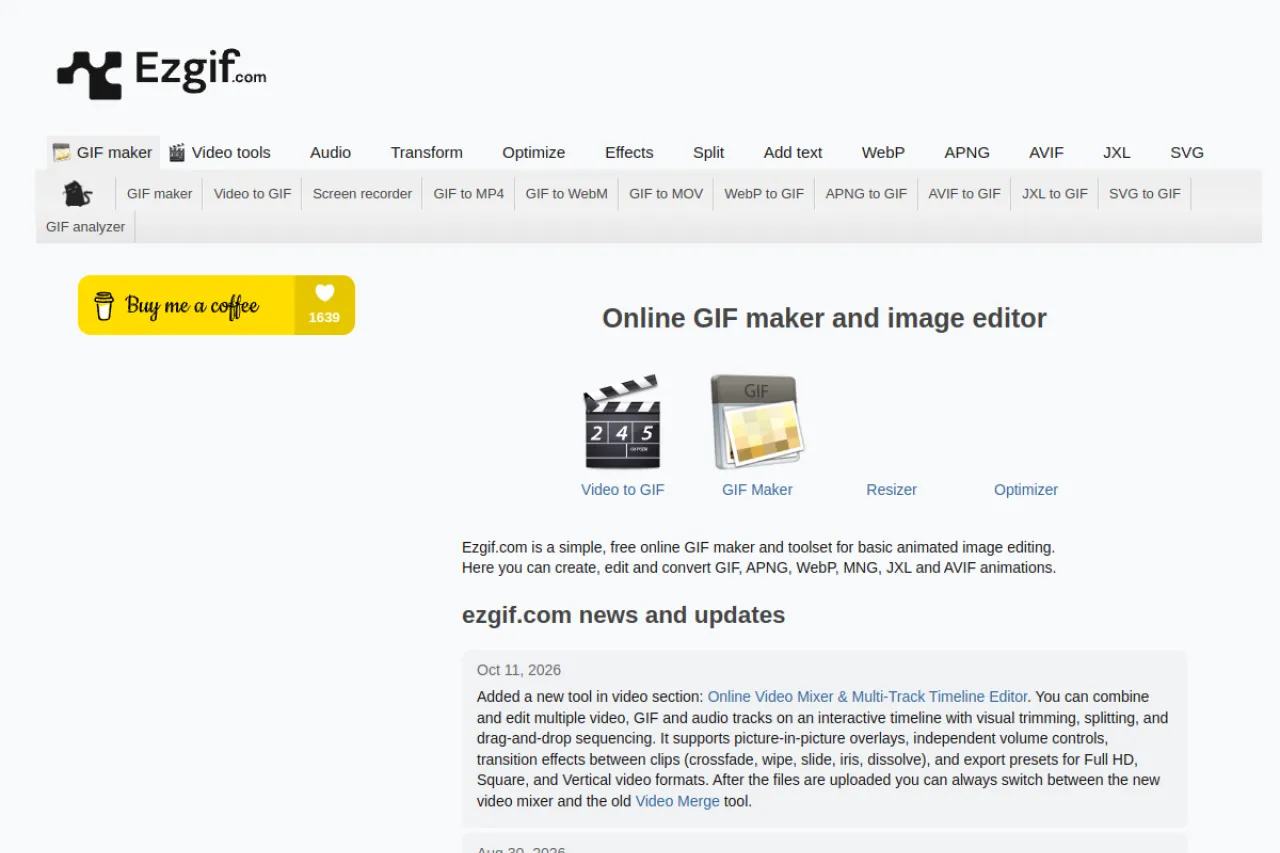
Ezgif is a free online toolkit for making, editing and converting animated images. Create GIFs from photos or video clips, edit frames, and optimize files for the web. It also converts between GIF, APNG, WebP, AVIF and MP4, plus video and audio utilities. Newer tools can process files locally in your browser for privacy. No signup, no install. Recent updates added a video mixer, screen recorder and Lottie converters. For the full tool list and current limits, check the official Ezgif site.
Key Features
1. GIF Maker
Turn images into animated GIFs with frame control, delays and effects. Combine different-sized images with alignment and offset options.
2. Video to GIF
Convert video clips to GIF, WebP or APNG. Cut the exact section you want, then resize and optimize the result.
3. GIF Editing Tools
Crop, resize, rotate, reverse, split and optimize animated images. Add text, adjust speed or apply filters frame by frame.
4. Format Converters
Convert between GIF, APNG, WebP, AVIF, JXL, MNG and MP4. Legacy and animation formats like FLIF and BPG are supported too.
5. Local Browser Processing
Newer tools offer local processing in your browser. Files never upload to servers, there are no file size limits and your work stays private.
6. Batch Mode
Process multiple files at once with batch converters and a bulk GIF optimizer. Download everything together as a ZIP archive.
Frequently Asked Questions (FAQ)
Do I need an account to use Ezgif?
No. All tools are free and work without signup. You just upload a file, or process it locally in your browser.
Are my files uploaded to a server?
It depends on the mode. Server mode uploads files for processing, while local mode handles everything in your browser with no uploads.
Which formats can I work with?
GIF, APNG, WebP, AVIF, JXL, MNG, MP4 and many more, including legacy animation formats. The news page lists every newly added format.
Is there a file size limit?
In local processing mode there are no file size limits. Server-side tools have limits — check the specific tool page for the current numbers.
Can I record my screen?
Yes. Ezgif added an online screen recorder that captures your screen, window or browser tab, then lets you edit and convert the recording.
Conclusion
Ezgif is a handy free toolkit for anyone working with GIFs and short animations. Making, editing, converting and optimizing all happen in one place with no signup. Local processing keeps files private when you need it. For quick animation tasks, it remains one of the most useful sites around. Check the news page to see the newest tools.
Keep exploring
Similar AI tools
Ranked by the job they do, their capabilities, and how closely they fit this workflow.