

Upvotes
0
Pricing
Open Source
Category
Video Tools
In the database since
Oct 2026
Overview
About OpenCut
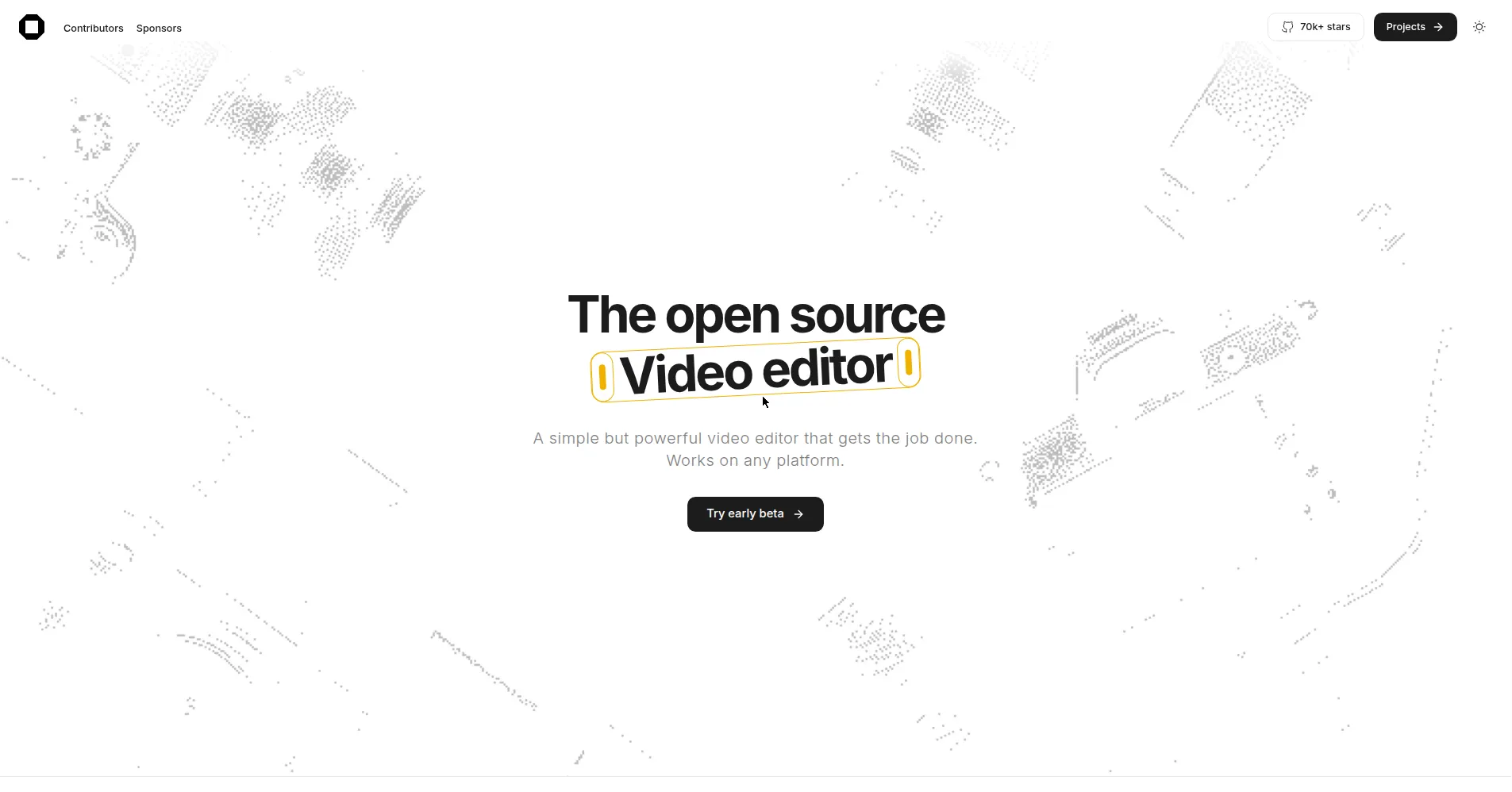
OpenCut is a free, open-source video editor that runs in your browser. It works like CapCut: you import clips, trim them on a multi-track timeline, and export finished videos. Everything is processed on your device, so your footage never leaves your computer. There are no watermarks and no paid tiers. The classic version lives at opencut.app, while the project is being rewritten around a Rust core for future desktop and mobile editions. It suits creators who want simple, private editing without signing up.
Key Features
1. Timeline-based editing
Trim, split, and arrange video and audio clips on a multi-track timeline with the straightforward workflow CapCut users already know.
2. Runs in the browser
The classic version works at opencut.app with nothing to install, so you can start editing from any computer with a web browser.
3. Desktop and mobile editions
A Rust core is being built to power native desktop, mobile, and browser versions from one codebase instead of three separate apps.
4. Local, private processing
Your videos stay on your device — there is no cloud upload and no account harvesting your footage.
5. MIT-licensed open source
The full source code is public on GitHub under the MIT license, so anyone can audit it, self-host it, or build on it.
6. Plugin-first architecture
The rewrite introduces an Editor API and first-class third-party plugins, so the editor can grow through community extensions.
7. Automation and scripting
A scripting tab inside the editor plus a headless mode enable automated edits and batch rendering without opening the UI.
FAQ
How is OpenCut different from CapCut?
OpenCut is the open-source alternative: its code is public under the MIT license, your footage is processed locally instead of in the cloud, and basic editing features are not paywalled — the project explicitly exists because many of CapCut's basics moved behind subscriptions.
Do I need to install anything to use OpenCut?
No. The classic version runs entirely in the browser at opencut.app. A native desktop app is in development as part of the rewrite, but the web version needs no download.
Where are my videos processed?
On your own device. OpenCut was built with local processing as a core principle, so your footage never has to be uploaded to a server to be edited.
What is the OpenCut rewrite?
The project is being rebuilt from the ground up around a Rust core, which will bring an Editor API, third-party plugins, an MCP server for AI agents, headless automation, and desktop and mobile apps from one codebase. The classic version at opencut.app remains the one to use today.
Can I self-host OpenCut?
Yes. The MIT license allows it, and the repository documents self-hosting with Docker, so teams and privacy-conscious users can run their own instance.
What is the MCP server for?
The planned MCP server will let AI agents drive the editor programmatically — opening the door to agent-assisted editing workflows alongside the headless mode for automation and batch rendering.
Conclusion
OpenCut is the editor to watch if you want CapCut-style simplicity without the subscription creep or the cloud lock-in. The classic browser version already covers everyday timeline editing, and the Rust rewrite — with plugins, scripting, and AI-agent hooks — aims much higher. MIT-licensed and local-first, it is an editor your footage never leaves, and a codebase anyone can improve.
Keep exploring
Similar AI tools
Ranked by the job they do, their capabilities, and how closely they fit this workflow.
