Upvotes
0
Pricing
Freemium
Category
Video Editing
In the database since
Oct 2026
Overview
About Filmora
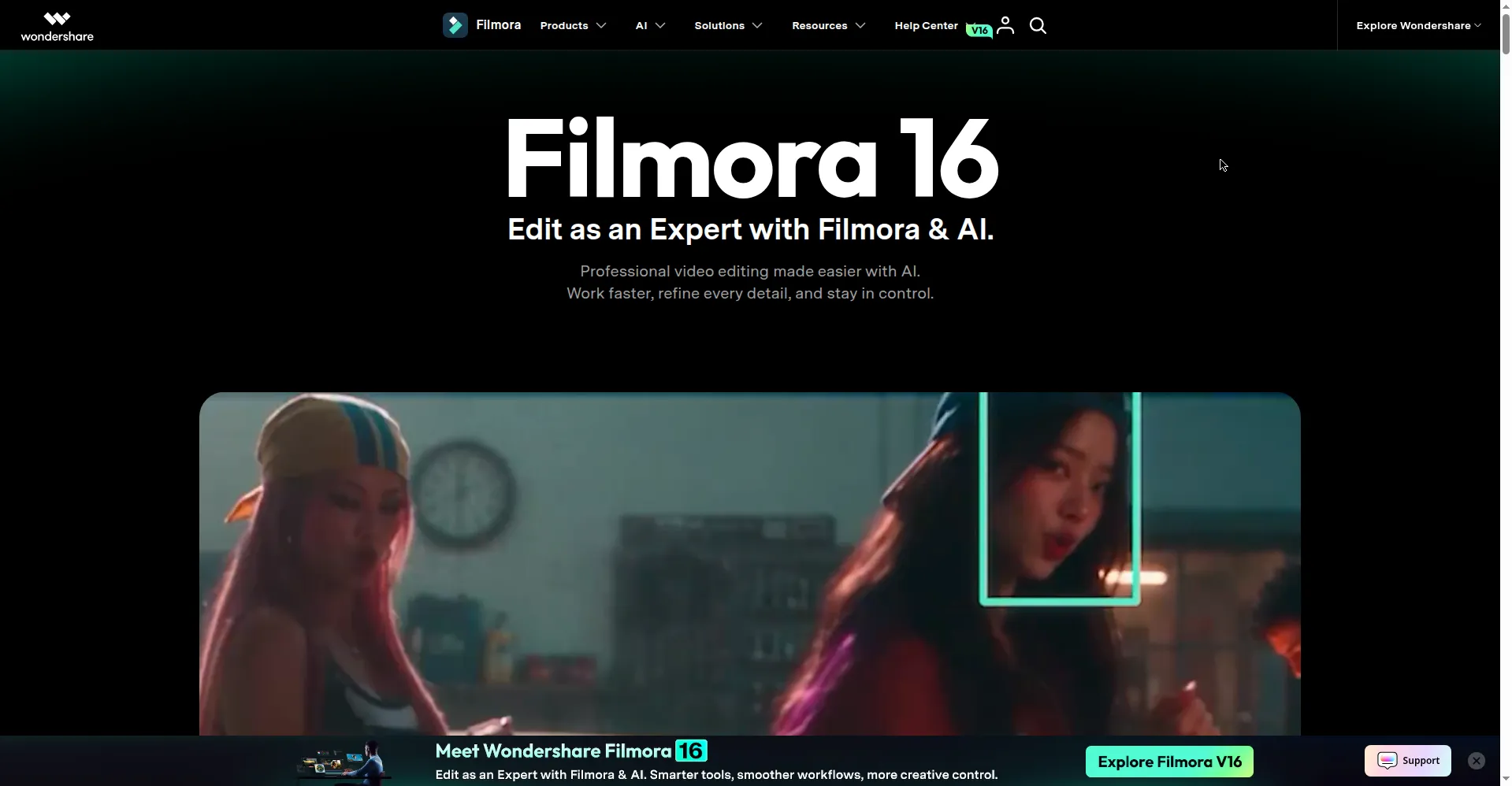
Filmora is Wondershare's video editor for Windows, Mac, iOS, and Android. It pairs a full multitrack timeline with AI tools, so beginners and working creators can cut, polish, and share videos in one app. You trim clips, add titles and effects, fix audio, and export for YouTube or social feeds without learning a studio-grade suite. Its AI handles captions, music, cutouts, and clip generation, while the timeline keeps full control in your hands. Check the official site for current plans and features before you buy.
Key Features
1. Full Timeline Editing
Cut on a multitrack timeline with keyframing, compound clips, and precise trim controls for full editing control.
2. AI Text-to-Video
Turn a written prompt into a video clip inside the editor, then trim and polish it on the timeline.
3. AI Object Remover and Smart Cutout
Brush away unwanted objects, people, or backgrounds, and cut out subjects without manual masking work.
4. Auto Captions and Speech-to-Text
Turn spoken dialogue into styled subtitles in one click, with smart text correction for clean captions.
5. AI Music Generator
Create royalty-free background music that fits your video's mood and length, ready to drop on the timeline.
6. Motion Tracking and Speed Ramping
Follow moving subjects with attached graphics, and shape cinematic speed changes with smooth precision curves.
7. Asset Library and Multi-Cam
Work from thousands of templates, effects, transitions, and titles, and cut multi-cam footage on one timeline.
Frequently Asked Questions
Is Filmora good for beginners?
Yes. The layout is simple to learn, and the timeline still gives you room to grow as your skills improve.
Can Filmora replace Premiere Pro?
For YouTube, social, and corporate video, often yes. For Hollywood-level color and effects pipelines, no.
Does the free version add a watermark?
Yes. You can test the full editor for free, but exported videos carry a watermark until you buy a plan.
What platforms does Filmora run on?
Windows and macOS on desktop, plus iOS and Android apps for editing on the go.
Can I edit multiple camera angles?
Yes. Multi-cam editing syncs your angles and lets you cut between them on a single timeline.
Conclusion
Filmora suits creators who want real editing power without a studio-grade learning curve. The timeline gives full control, the AI tools remove dull jobs like captions and cutouts, and the asset library speeds up everyday projects. It is a strong step up from phone-only editors, and a practical daily editor for YouTube and social work.
Keep exploring
Similar AI tools
Ranked by the job they do, their capabilities, and how closely they fit this workflow.