FreeVideo
Local MiniMax H3 video generation on your own PC
Upvotes
0
Pricing
Open Source
Category
Video Generators
In the database since
Nov 2026
Overview
About FreeVideo
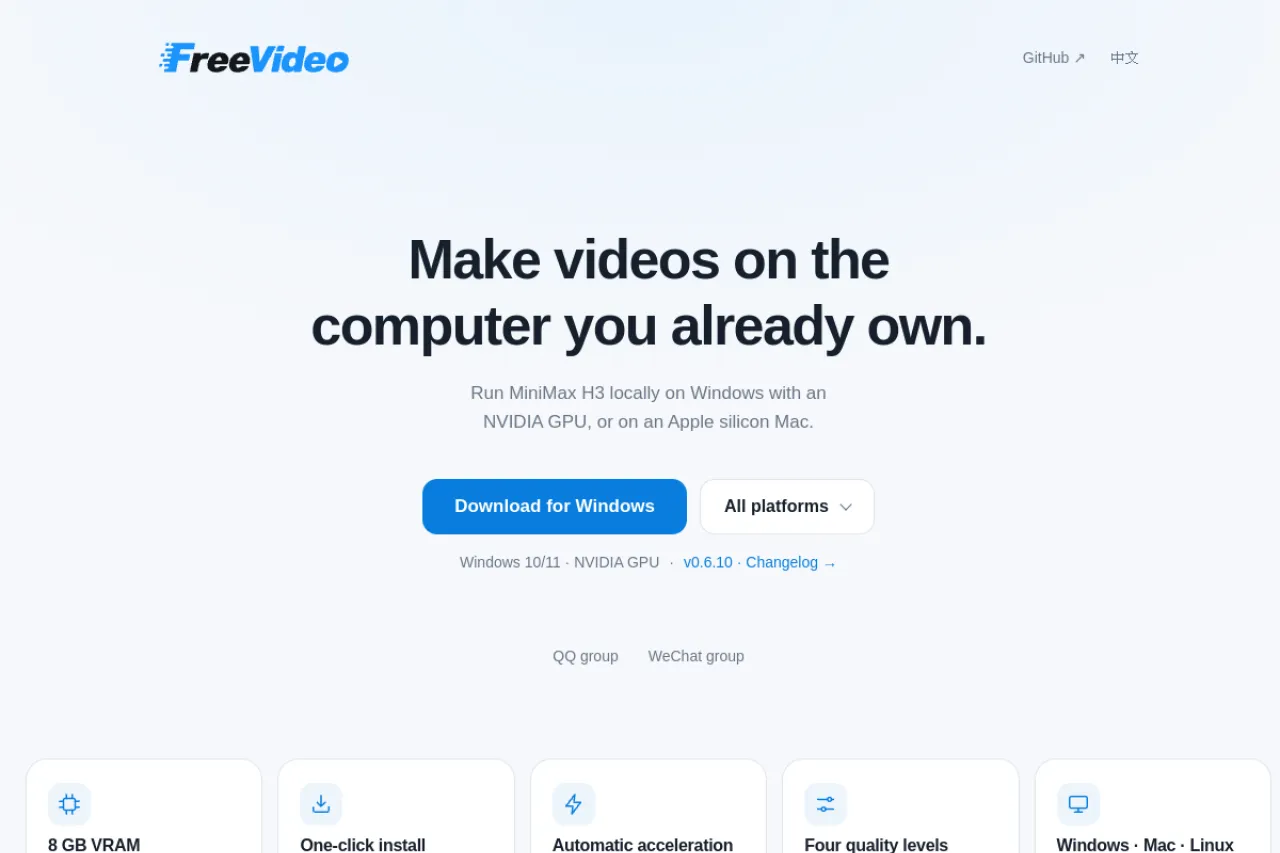
FreeVideo is a free, open-source tool that runs the MiniMax H3 video model on your own computer. It makes videos with synchronized sound from text prompts, and it works with first and last frames plus image, video, and audio references. The tool needs an NVIDIA graphics card with 8 GB of VRAM and 16 GB of RAM, and it runs as a ComfyUI plugin with launchers for Windows, macOS, and Linux. No account, no cloud fee. If your PC meets the bar, you can make AI videos at home.
Key Features
Runs MiniMax H3 locally
FreeVideo runs the MiniMax H3 video model on your own PC, so your prompts and videos never leave your machine.
Low hardware bar
It needs only 8 GB of VRAM and 16 GB of RAM, with weight streaming and chunked compute keeping peak memory low.
Hardware-adaptive execution
FreeVideo checks your GPU and picks the right precision and attention method, using int8 on GeForce cards and FP8 on workstation cards.
Video with synced sound
It makes videos with audio that matches the picture, from a text prompt alone or with first and last frames.
Image, video, and audio references
Guide a video with an image, a video clip, or an audio track, and use community LoRAs for MiniMax H3 in the same workflow.
Long videos and editing
Generate videos over a minute long in parts, then edit them on a timeline with a preview-first mode that saves time.
H3 Image
Make pictures up to 16 MP locally from 8 GB of VRAM, and upscale a finished video to a larger size.
One-click install
The launcher sets up ComfyUI, the runtime, and the models for you, and it supports a fully offline install.
Frequently Asked Questions
Is FreeVideo free?
Yes. The code is open source under Apache 2.0, with no paid plan and no sign-up. The model weights sit under the MiniMax H3 Community License.
What GPU do I need?
An NVIDIA GPU with compute capability 8.0 or higher, such as the RTX 30 series or newer, with at least 8 GB of VRAM and 16 GB of RAM.
Does FreeVideo work on Mac?
Yes, as a preview on Apple silicon Macs with macOS 14 or newer. It is not notarized yet, so macOS blocks the first launch until you approve it.
Can I use FreeVideo without the internet?
Yes, after setup. Generation runs locally, and a full offline install is possible with the model packs from Quark or ModelScope.
Do I need ComfyUI installed first?
No. The launcher installs ComfyUI for you. If you already use ComfyUI, install FreeVideo as a custom node instead.
Conclusion
FreeVideo is the simplest free way to run a strong video model on a normal gaming PC. If you have an NVIDIA card with 8 GB of VRAM, download the launcher and make a short test video. The quality speaks for itself, and the open-source license means there is nothing to pay. Read our full FreeVideo guide to get started.
Keep exploring
Similar AI tools
Ranked by the job they do, their capabilities, and how closely they fit this workflow.