Upvotes
0
Pricing
Free
Category
Audio Editing
In the database since
Oct 2026
Overview
About GarageBand
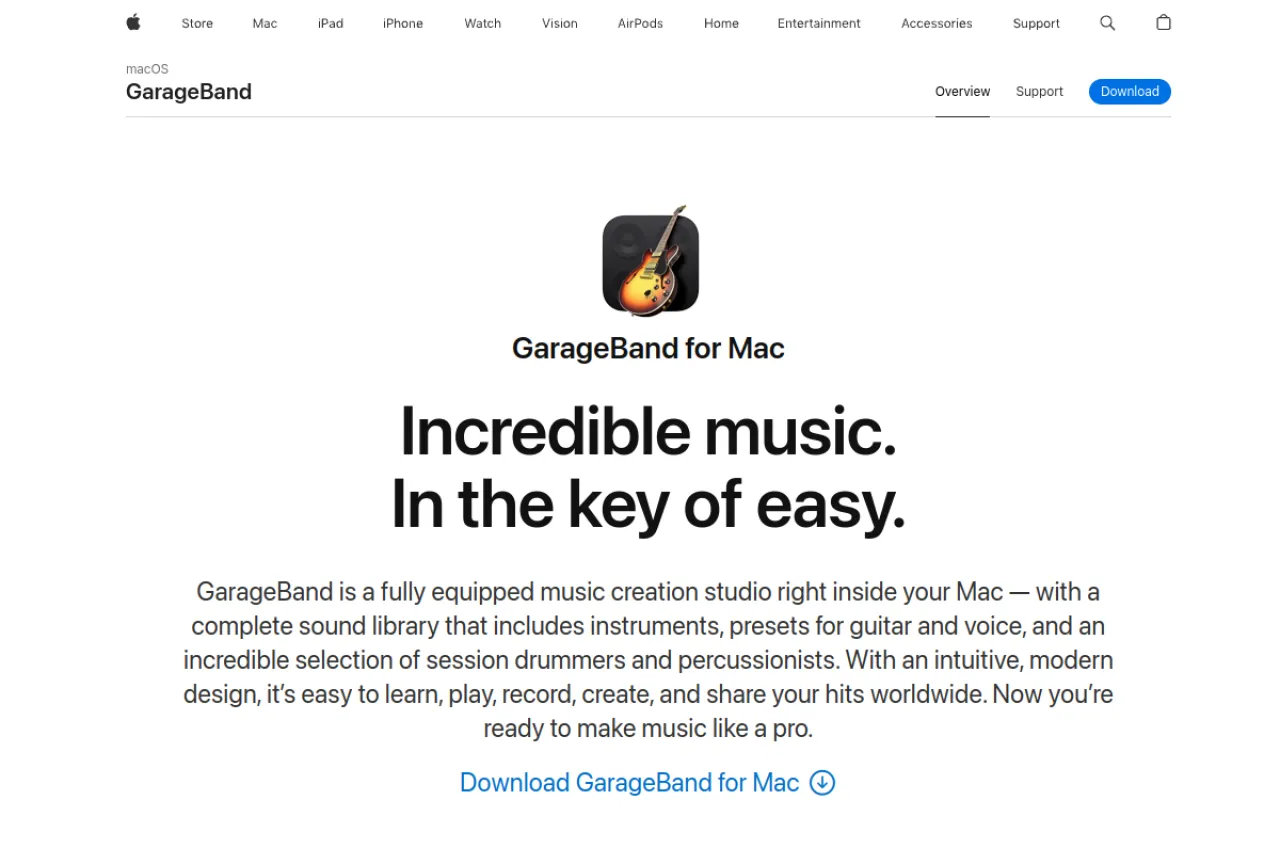
GarageBand is Apple's free music creation studio for Mac, iPhone, and iPad. It lets you record, edit, and mix songs without paying for software. Beginners get touch instruments, a huge loop library, and lessons that teach piano and guitar. Tracks you start on iPhone can open later in Logic Pro, Apple's professional studio. GarageBand is only available on Apple devices. It works for bedroom producers and school music classes alike. Check Apple's official page for the current features and device requirements.
Key Features
1. Free on Apple Devices
GarageBand comes free with every Mac, iPhone, and iPad. There are no paid upgrades for its core recording and mixing features.
2. Touch Instruments
Play piano, guitar, drums, and more with on-screen instruments. Multi-Touch controls let you shape notes, bends, and slides by hand.
3. Apple Loops Library
Thousands of royalty-free loops cover beats, bass lines, and melodies. You can drag loops into a track and they match your song's tempo automatically.
4. Live Loops
Trigger loops live in a grid to build arrangements on the fly. This cell-based view suits electronic music and live performance ideas.
5. Lessons for Beginners
Built-in lessons teach piano and guitar step by step. The app listens as you play and shows which notes you got right.
6. iCloud Sync
Projects save to iCloud and open on your other Apple devices. You can start a song on iPhone and finish mixing it on a Mac.
Frequently Asked Questions (FAQ)
Can I open GarageBand projects in Logic Pro?
Yes. GarageBand projects open directly in Logic Pro, so your songs carry over when you want Apple's professional studio tools.
Can I use GarageBand on Windows or Android?
No. GarageBand is only available on Apple devices. Windows and Android users need a different digital audio workstation.
Does GarageBand work on iPhone and iPad?
Yes. GarageBand runs on Mac, iPhone, and iPad, and projects sync through iCloud. You can start a song on your phone and finish mixing it on a Mac.
Can I release music made in GarageBand?
Yes. Apple's loops are royalty-free, so you can release and sell songs you create with them. Your own recordings are yours to publish.
Do I need musical experience to start?
No. Touch instruments, loops, and built-in lessons help complete beginners make music. You can build a track without reading music.
Conclusion
GarageBand turns any Mac or iPhone into a working music studio. Loops, touch instruments, and lessons make songwriting approachable for beginners. Serious producers can move projects into Logic Pro later. It remains the easiest starting point for Apple users making music before spending money on paid software. Check Apple's site for the current features and requirements.
Keep exploring
Similar AI tools
Ranked by the job they do, their capabilities, and how closely they fit this workflow.