
Genjutsu AI
Transfer motion to a new character or swap one element in a clip.
Upvotes
0
Pricing
Freemium
Category
Video Editing
In the database since
Nov 2026
Overview
About Genjutsu AI
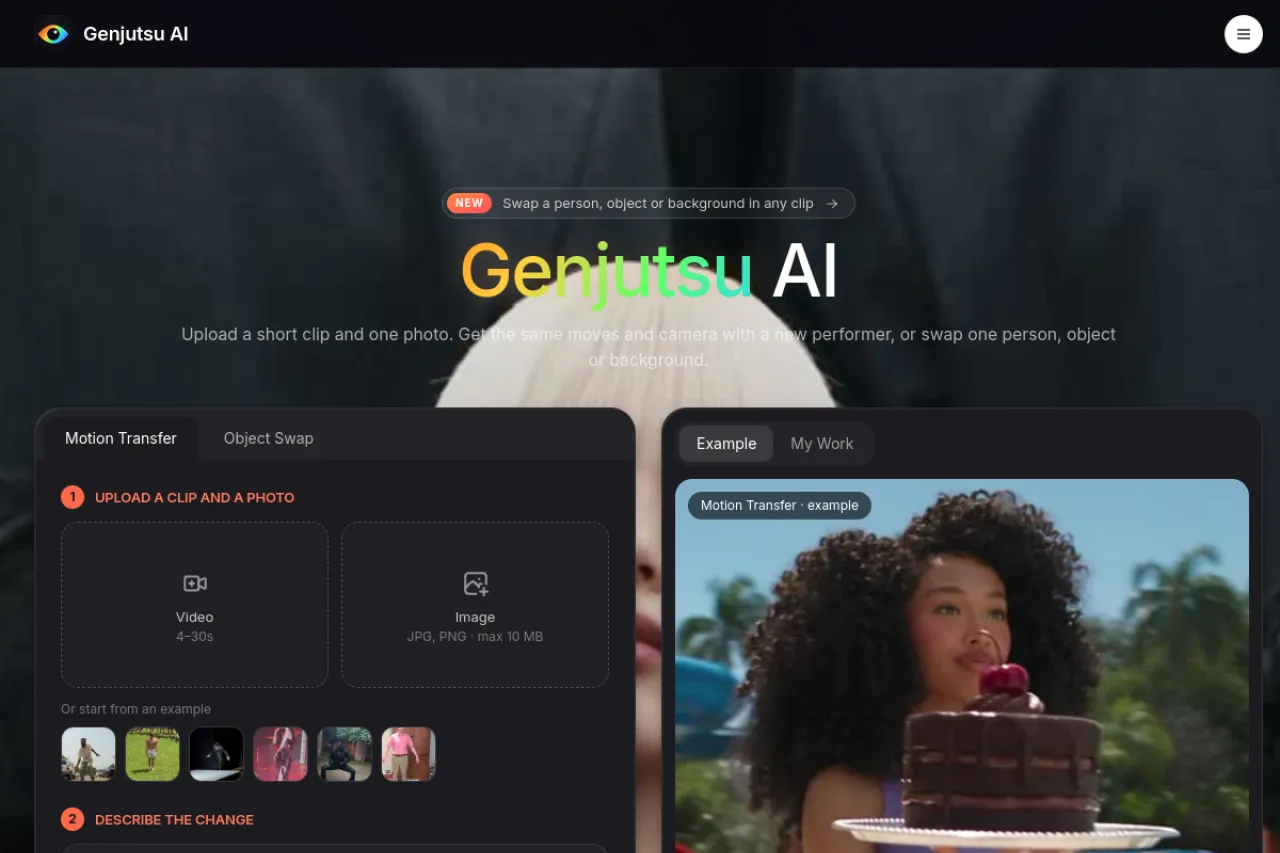
Genjutsu AI is an AI video editor that changes footage you already shot. It can move the motion and camera path from your clip onto a character in a photo, or swap one person, object, or background in a clip. You do not need a timeline, masks, or keyframes to use it. It suits creators who film once and want new versions of that take without reshooting. Credit packs and current limits can change, so check the official site before you buy.
Key Features
Motion Transfer
Lift body movement, timing, and camera path from your clip and hand them to the character in a reference photo.
Object Swap
Replace one target — a person, an object, or the background — while the rest of the shot stays as filmed.
Kling 3.0 engines
Generations run on Kling 3.0 and Kling 3.0 Omni, two leading video models for motion and scene work.
720p and 1080p output
Draft an idea at 720p, then render the version you keep at 1080p full quality.
Cost shown before rendering
The Generate button shows the credit cost first, and credits are charged per second of source video.
Failed renders refunded
If a render fails, its credits return to your balance automatically, and pack credits never expire.
Frequently Asked Questions (FAQ)
What is Genjutsu AI?
An AI video editor for existing footage. Motion Transfer moves a performance onto a different character and scene, while Object Swap replaces one person, object, or background.
Is it the same as Higgsfield Genjutsu?
No. Genjutsu AI is an independent product with no connection to Higgsfield. It does the same kind of edit on footage you upload yourself.
What clips can I upload?
MP4 or MOV up to 95 MB: 4 to 30 seconds for Motion Transfer, or 4 to 15 seconds for Object Swap. Object Swap clips must be at least 700 px wide and tall.
How long does rendering take?
Usually 10 to 20 minutes. Object Swap tends to return faster, while Motion Transfer takes longer at 1080p or with a full 30-second clip.
Do credits expire?
No. Credits from packs and the sign-up bonus never expire, and failed renders never cost credits.
Conclusion
Genjutsu AI suits creators who film once and want many versions from that single take. Motion Transfer recasts performances, Object Swap fixes one element, and per-second pricing with upfront costs keeps spending visible. Draft at 720p, finish at 1080p, and change one thing per run for the cleanest results without reshooting the scene or learning editing software.
Keep exploring
Similar AI tools
Ranked by the job they do, their capabilities, and how closely they fit this workflow.