Upvotes
0
Pricing
Free
Category
Art & Design Tools
In the database since
Oct 2026
Overview
About Google Stitch
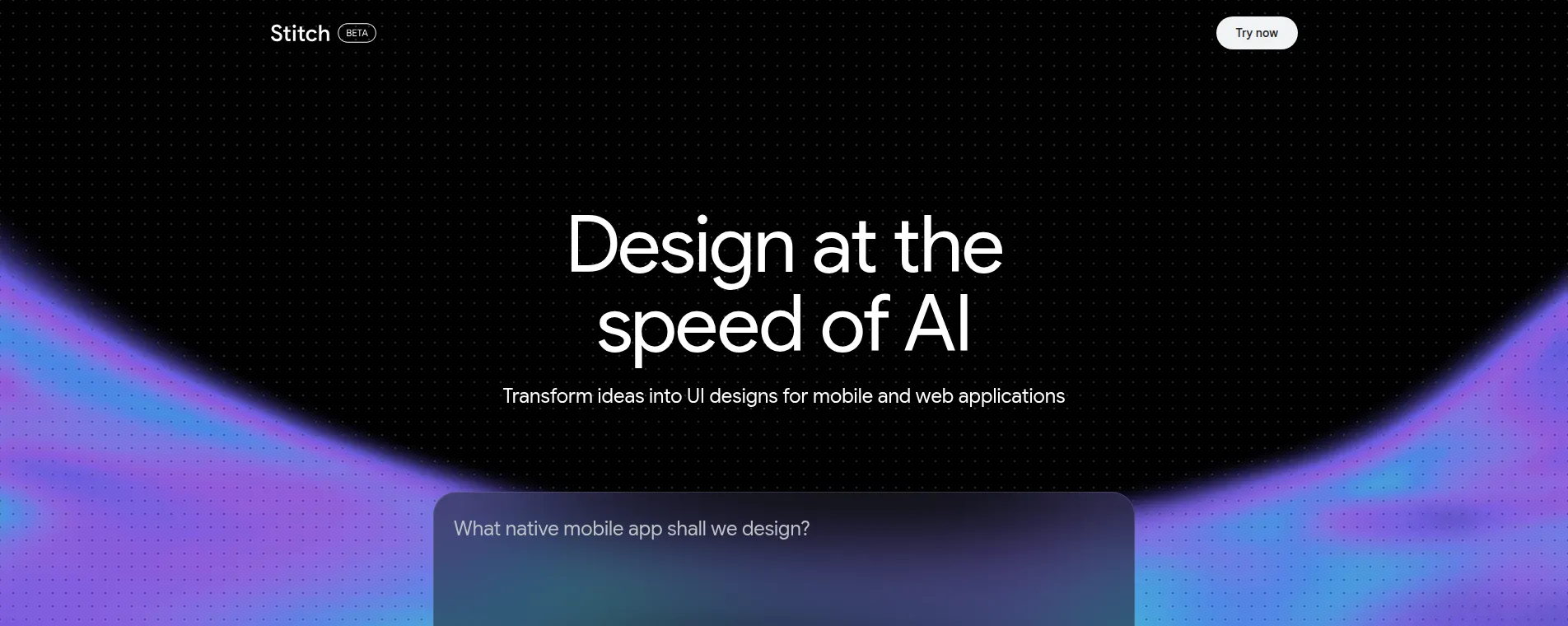
Google Stitch is a free AI design tool from Google Labs. Describe an app in plain words, speak to it, or upload a sketch — and it builds high-fidelity screens for mobile and web. It runs on an infinite canvas and is powered by Gemini. Stitch generates structured, layered UI instead of flat images, so every element has real HTML and CSS behind it. You can refine screens with follow-up prompts, turn them into clickable prototypes, and export to Figma or clean code.
Key Features
Vibe Design
Describe the feeling you want, like “premium and minimal,” and Stitch creates multiple design directions from that single idea.
Voice Canvas
Speak changes in real time while the AI asks questions and updates the design live on the canvas.
Stitch Agent
The agent streams the design onto the canvas while generating, so you can redirect it mid-way instead of waiting and re-prompting.
Clickable Prototypes
Connect generated screens into interactive flows with transitions, all inside the browser — no separate prototyping tool needed.
DESIGN.md
Exports your design system as a plain-language file that both people and AI coding tools can read and reuse across projects.
Developer Exports
Paste designs into Figma with layers and Auto Layout preserved, or export code in HTML, Tailwind CSS, React, Flutter, or SwiftUI.
FAQ
How do I start using Stitch?
Sign in with a Google account at stitch.withgoogle.com. It runs fully in the browser, so there is nothing to install.
What can I export from Stitch?
Figma files with Auto Layout, frontend code in HTML, Tailwind, React, Vue, Flutter, or SwiftUI, and DESIGN.md design-system specs.
Does Stitch build the backend of my app?
No. Stitch is design-only. You can hand screens to a coding tool like Google Antigravity to wire up the backend logic.
Can I use my existing code or design files?
Yes. You can bring a codebase or design file in as context, and the Design Agent tracks your project’s history across sessions.
What is the MCP server for?
It lets AI coding tools such as Cursor or Claude Code call Stitch and generate UI without leaving your editor.
Conclusion
Google Stitch is useful for fast UI exploration: describe an idea, get working screens, and export clean code or Figma files. It is still a Google Labs experiment, so do not build critical work on it. For founders, developers, and designers who need UI drafts fast, it saves real time — as long as you accept its experimental status.
Keep exploring
Similar AI tools
Ranked by the job they do, their capabilities, and how closely they fit this workflow.