
Upvotes
0
Pricing
Free
Category
Video Editing
In the database since
Oct 2026
Overview
About Hybrid
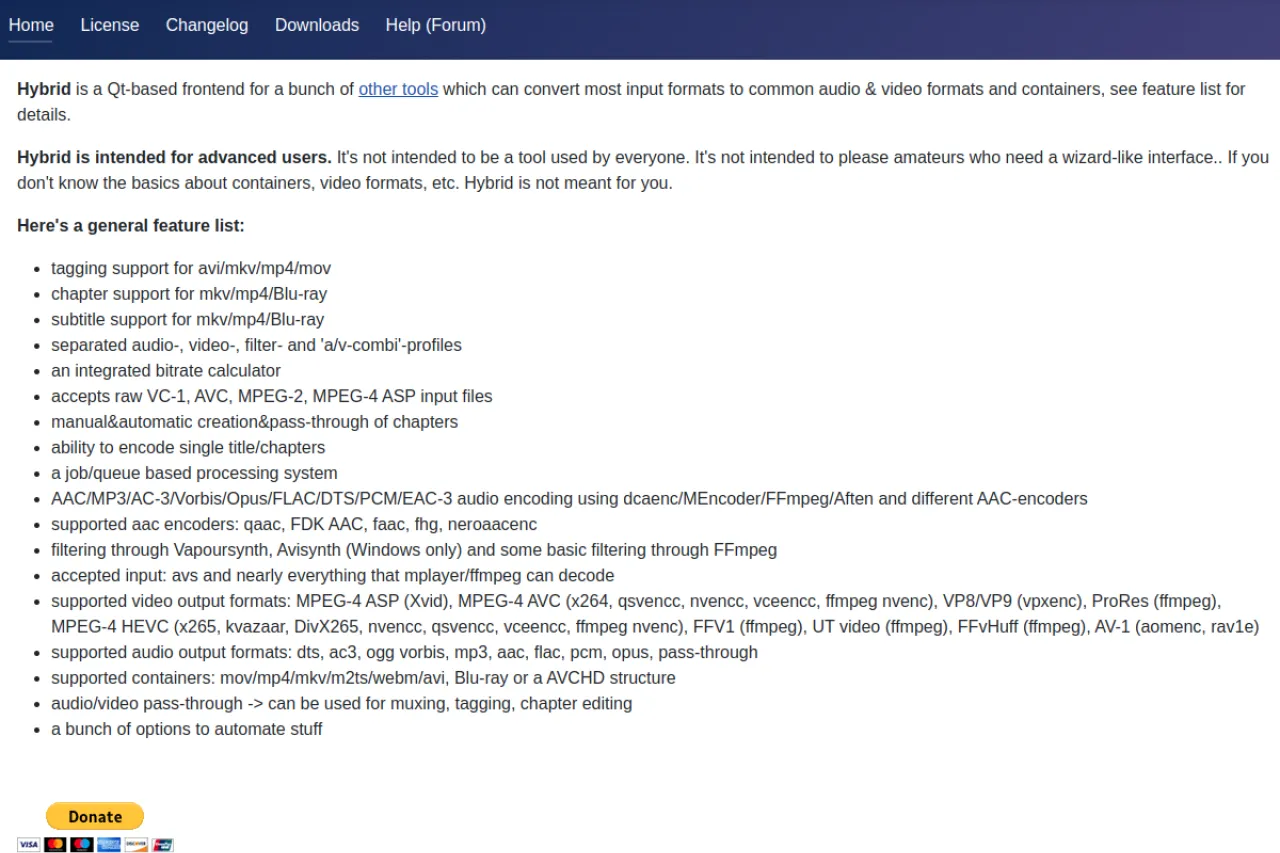
Hybrid is a free Qt-based frontend for advanced video and audio conversion. It wraps tools like x264, x265, and FFmpeg in one deep interface, converting most input formats to common containers. It runs on Windows, Mac, and Linux. It is made for advanced users who know containers and codecs — not for beginners. The interface offers profiles, filters, chapters, and a job queue. It is free to use, with donations accepted. Check the official selur.de site for the feature list and downloads.
Key Features
1. Many formats
This deep converter converts nearly any video input to mp4, mkv, webm, and many more.
2. Pro encoders
All top encoders like x264, x265, VP9, and AV1 are fully supported for pro use right here.
3. Profiles
Its separate audio, video, and filter profiles keep all your deep encoding work neatly organized.
4. Job queue
You can line up many conversions and let them all run fully on their own.
5. Freeware
Hybrid is free to use, with small user donations keeping the ongoing project alive today.
Frequently Asked Questions (FAQ)
What is Hybrid used for?
Advanced users use it to convert video and audio with deep control. It suits people who know codecs and containers.
Is Hybrid beginner friendly?
No. The developer says it is for advanced users. Beginners may prefer simpler converters.
How do I convert a video with Hybrid?
Load your input file, pick the output format such as mp4 or mkv, and adjust the encoding settings you need. Then start the job and wait for the converted file.
Which systems does it run on?
Windows, Mac, and Linux. Check the downloads page for your platform's build.
What can it convert?
Most inputs to mp4, mkv, webm, m2ts, and Blu-ray structures. See the feature list for details.
Conclusion
Hybrid is the power user's video converter. It suits advanced users who want total control over encoding. The deep options and free price make it a keeper. Read the feature list before you dive in. Then queue your first batch. Control freaks, welcome home. Grab it from the official site when you are ready.
Keep exploring
Similar AI tools
Ranked by the job they do, their capabilities, and how closely they fit this workflow.