
Upvotes
0
Pricing
Freemium
Category
Video Editing
In the database since
Oct 2026
Overview
About Kapwing
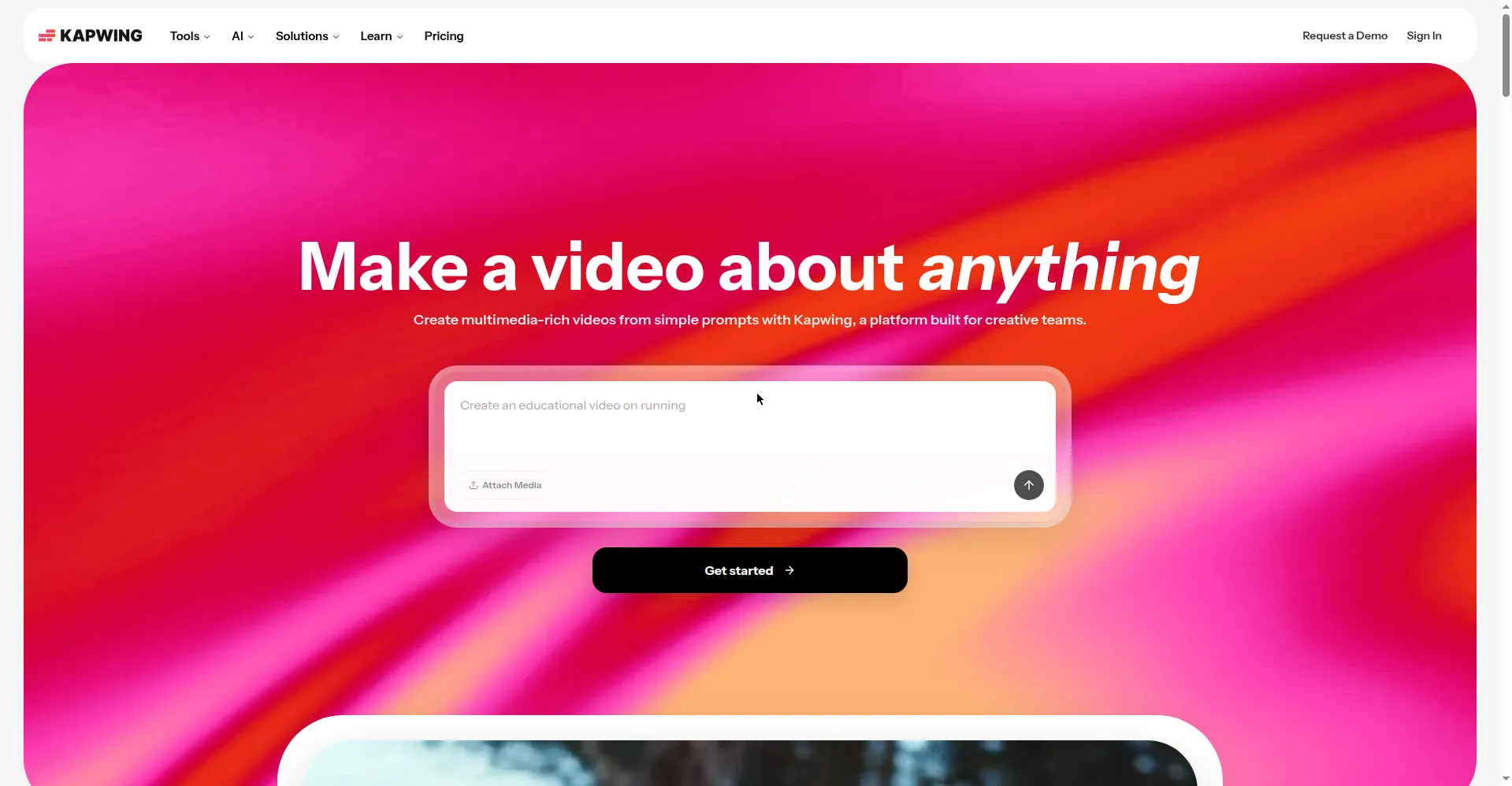
Kapwing is a browser-based video editor made for teams and creators who publish video online. Nothing to install — open a tab and you get timeline editing with layers, text overlays, transitions, and effects. Its AI tools create subtitles in over 70 languages, remove silences, clean up audio, and turn long videos into short clips. Multiple people can edit the same project at the same time, leave frame-specific comments, and share brand assets in one workspace, so feedback happens in the edit — not in email threads.
Key Features
Browser-Based Timeline Editor
Full layered editing that works on any computer. Nothing to download, and your projects live in the cloud.
Real-Time Collaboration
Multiple editors work on one project at once, with comments, version history, and a shared team workspace.
AI Auto-Subtitles
Generate captions in over 70 languages, edit the transcript directly, and export SRT files for any platform.
Smart Cut and Clean Audio
Remove silences automatically and clean background noise, so talking-head videos sound polished in minutes.
Repurpose Studio
Turn long videos into social-ready short clips with AI-detected highlights and automatic formatting.
Text-to-Speech and Dubbing
Create voiceovers from text, clone voices, and dub content into dozens of languages for new audiences.
Brand Kit
Save colors, fonts, and logos in one place so every team member's output looks consistent.
FAQ
Do I need to install Kapwing?
No. Kapwing runs entirely in Chrome, Firefox, or Edge with nothing to download or install.
What does the free plan include?
10 AI credits per month, unlimited watermarked exports up to 4 minutes each at 720p, and 5 GB of cloud storage.
How do I remove the watermark?
Upgrade to Pro at $16 per month billed yearly. It also unlocks 4K exports, longer projects, and 1,000 AI credits monthly.
Can my team edit a project together?
Yes. Real-time multi-editor support, shared workspaces, comments, and version history are built in.
How much subtitling do I get?
The free plan includes 10 minutes of auto-subtitling per month. Pro includes 1,000 minutes and Business includes 4,000.
Conclusion
Kapwing suits teams that make short-form video together: editing, subtitles, and repurposing all happen in one browser tab with real collaboration built in. The free plan works for testing, but the watermark and 720p limit push serious creators toward Pro. If shared editing is your bottleneck, it remains one of the most practical and affordable options available today.
Keep exploring
Similar AI tools
Ranked by the job they do, their capabilities, and how closely they fit this workflow.