Upvotes
0
Pricing
Free
Category
Art & Design Tools
In the database since
Oct 2026
Overview
About Kleki
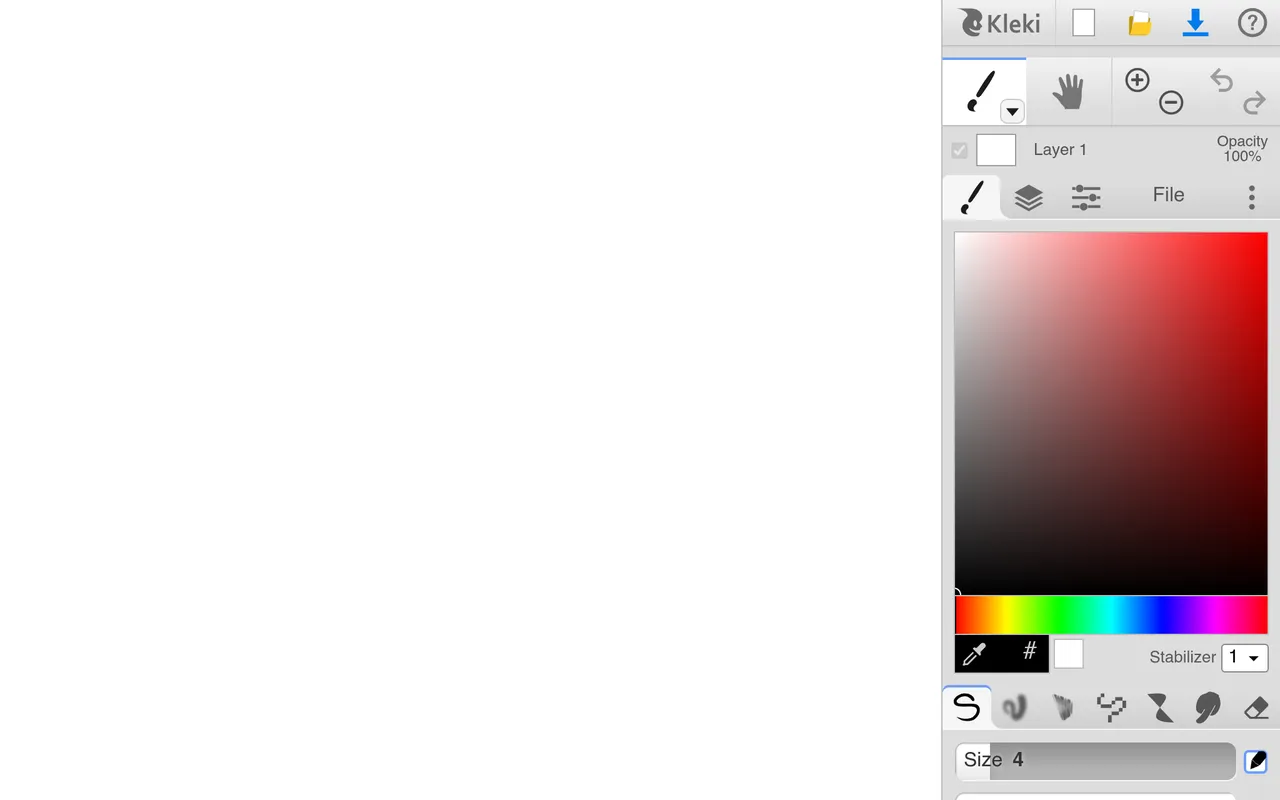
Kleki is a free drawing app that runs in your web browser. It offers paint brushes, layers, filters, and even simple animation, all with no account and no install. The interface feels like a slimmed-down desktop paint program, which makes it easy to learn. You can open it on a Chromebook, sketch an idea, and download the finished image. It suits students, doodlers, and anyone who needs a quick sketch without setting up software. Visit kleki.com to start drawing.
Key Features
1. Browser-Based Painting
The full app runs at kleki.com with nothing to install. It works on any device with a modern web browser.
2. Layers Support
Draw on separate layers like in professional software. Layers make it easy to edit one part without touching the rest.
3. Brush Collection
Multiple brushes cover sketching, inking, and painting styles. Brush size, opacity, and spacing are all adjustable.
4. Filters and Adjustments
Built-in filters and color adjustments change the look of your art. They add effects without leaving the app.
5. Simple Animation
A basic animation mode turns layered drawings into moving images. It is a fun extra for simple motion tests.
Frequently Asked Questions (FAQ)
What is Kleki used for?
It is used for digital sketching and painting in the browser. People draw doodles, illustrations, and simple animations without installing software.
How do I start drawing in Kleki?
Open kleki.com, choose a brush, and start drawing on the canvas. You can add layers to keep parts of your artwork separate while you paint.
Does Kleki work on Chromebooks?
Yes. Since it runs in the browser, Kleki works on Chromebooks, tablets, and phones. It is a popular art option for school Chromebooks.
Can I use a drawing tablet with Kleki?
Yes. Kleki supports pressure-sensitive drawing tablets through the browser. Pen pressure controls brush size and opacity.
What formats can Kleki export?
Kleki exports drawings as PNG and other common image formats. You can download your finished art straight to your device.
Conclusion
Kleki is a quick, free way to draw on any computer. Layers, brushes, and filters cover real sketching needs without the weight of big software. Students and casual artists get everything at no cost. Professional illustrators will want deeper tools eventually. It loads in seconds on Chromebooks and tablets too. For fast digital drawing, open kleki.com and sketch.
Keep exploring
Similar AI tools
Ranked by the job they do, their capabilities, and how closely they fit this workflow.