
Upvotes
0
Pricing
Freemium
Category
Art & Design Tools
In the database since
Oct 2026
Overview
About Krea
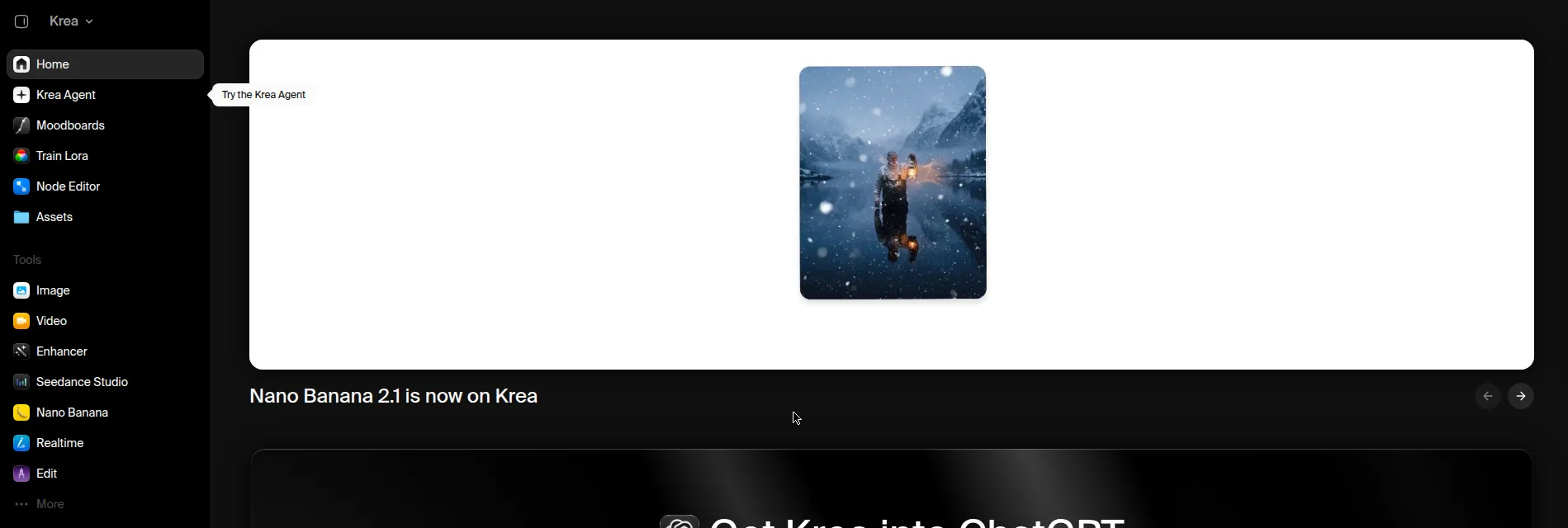
Krea is a real-time AI creative suite for images, video, and 3D. Its canvas updates live as you paint or type, so you see each change at once. It bundles 60+ image and video models, including Flux, Veo, Kling, and its own Krea models, in one subscription. Designers, architects, and creators use it to test ideas fast and build final visuals. The free plan gives 100 compute units each day with no credit card. Check the official pricing page for current plans and limits.
Key Features
1. Real-Time Canvas — Images change live as you paint, type, or adjust a prompt. You see each edit at once, so you can test many ideas in minutes.
2. 60+ Models — Use Flux, Veo, Kling, Runway, and Krea models in one place. You pay for one subscription instead of many single-model tools.
3. Video Generation — Turn text or still images into short video clips. Models include Veo, Sora, and Kling for social and brand visuals.
4. 22K Upscaling — Enlarge images to very high detail for print and large screens. Full upscaling up to 22K comes with paid plans.
5. LoRA Training — Train a custom model on your own style or subject. The free plan limits training to 50 images per model.
6. Krea Nodes — Build automated workflows with a node-based editor. Link models and tools into steps you can reuse.
7. Sketch-to-Image — Draw a rough sketch and get a detailed image back. It suits concept artists who start by hand.
Frequently Asked Questions (FAQ)
What is Krea used for? — Krea is used to create and edit images, video, and 3D visuals. Designers and creators use it to test ideas fast and make final art.
How does the real-time canvas work? — The canvas redraws the image as you paint or type. Each change shows at once, so you can shape the result step by step.
What is Krea 2? — Krea 2 is Krea's own image model, built with 12.9 billion parameters. Its open weights are free for non-commercial use and research.
Can Krea make videos? — Yes. Krea turns text or still images into short clips with models such as Veo, Sora, and Kling. Full video access comes with paid plans.
What are compute units? — Compute units are Krea's usage currency. Simple images cost few units, while long videos cost many, and premium models use units faster.
Who should use Krea? — Krea suits designers, architects, and creators who want speed and model choice. It also suits beginners who want to test ideas without buying many tools.
Conclusion
Krea stands out for its live canvas and wide model library in one subscription. The free daily units suit casual image tests with no card needed. Video, 3D, and full upscaling need a paid plan. If you iterate fast and want many models, Krea is a strong pick. Start free to test the canvas first.
Keep exploring
Similar AI tools
Ranked by the job they do, their capabilities, and how closely they fit this workflow.