LiveFaceSwap AI
Real-time face swap for streaming and calls, in browser or desktop.
Upvotes
0
Pricing
Freemium
Category
Video Tools
In the database since
Nov 2026
Overview
About LiveFaceSwap AI
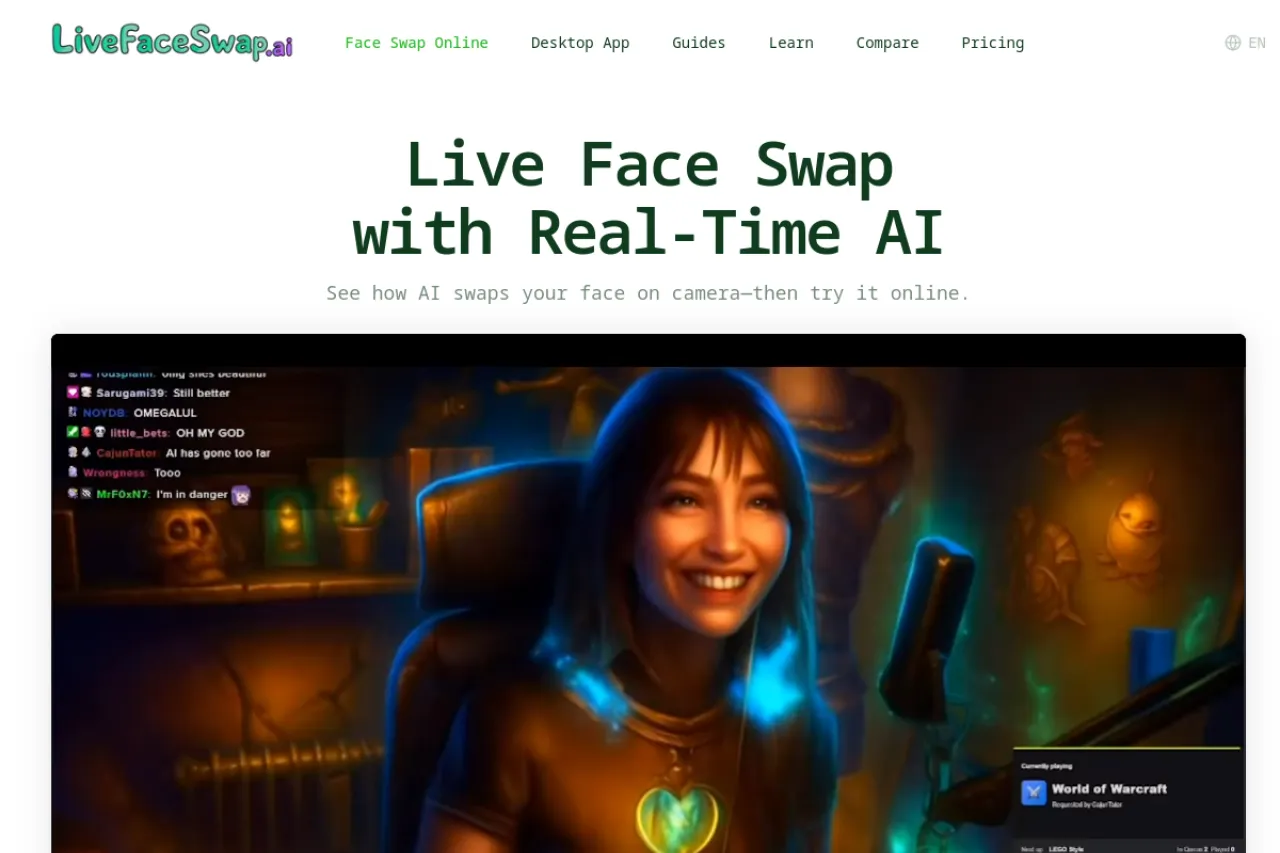
LiveFaceSwap AI swaps your face on camera in real time, in the browser or through a desktop app. The online preview needs no installation: pick a preset or upload a permitted portrait, turn on your camera, and compare the result live. The desktop app adds virtual-camera output for OBS, streaming software, and meeting apps on Windows and macOS. Cloud processing keeps latency under 500 ms, so no powerful GPU or model download is needed. Free downloads cover Windows 10 and 11 plus macOS 13 and later on Apple Silicon.
Key Features
Real-time browser preview
Try the swap online with no installation, comparing references and models directly against your camera view.
Desktop virtual camera
The desktop app outputs the swapped video as a virtual camera for OBS, streaming apps, and meeting software.
Live try-on and restyle
Beyond face swaps, live try-on changes outfits and live restyle applies character and visual styles in real time.
Cloud processing, low latency
Camera video goes to the cloud for processing and returns in under 500 ms, with no GPU or download required.
Windows and macOS apps
Free desktop downloads run on Windows 10 and 11, and on macOS 13 and later with Apple Silicon.
Preset or uploaded portraits
Choose a preset look or upload a portrait you have permission to use, with a clear front-facing photo working best.
Frequently Asked Questions (FAQ)
What is LiveFaceSwap AI?
A browser and desktop tool for real-time face swaps, virtual try-on, and style changes on live camera video.
How is it different from Live Face Swap?
They are separate products. LiveFaceSwap AI adds a desktop app with virtual-camera output for OBS, streaming, and meeting apps, while Live Face Swap is a browser-only tool with local recording.
Do I need a powerful computer?
No. Processing runs in the cloud, so you need no GPU and no model download, with latency under 500 ms.
Which systems does the desktop app support?
Windows 10 and 11, and macOS 13 and later on Apple Silicon. Downloads are free.
Can I use it in streams and calls?
Yes, through the desktop app. Its virtual-camera output feeds OBS, streaming software, and meeting or video-call apps.
Conclusion
LiveFaceSwap AI suits streamers, presenters, and creators who want a live transformed camera feed beyond the browser. The free online preview makes testing quick, while the desktop virtual camera carries the effect into OBS and meetings. Cloud processing removes hardware worries, and sub-500 ms latency keeps the swap feeling live for streams, calls, and creative play.
Keep exploring
Similar AI tools
Ranked by the job they do, their capabilities, and how closely they fit this workflow.