MacWhisper
macOS transcription for audio and recordings, processed locally on-device.
Upvotes
0
Pricing
Freemium
Category
Transcription
In the database since
Oct 2026
Overview
About MacWhisper
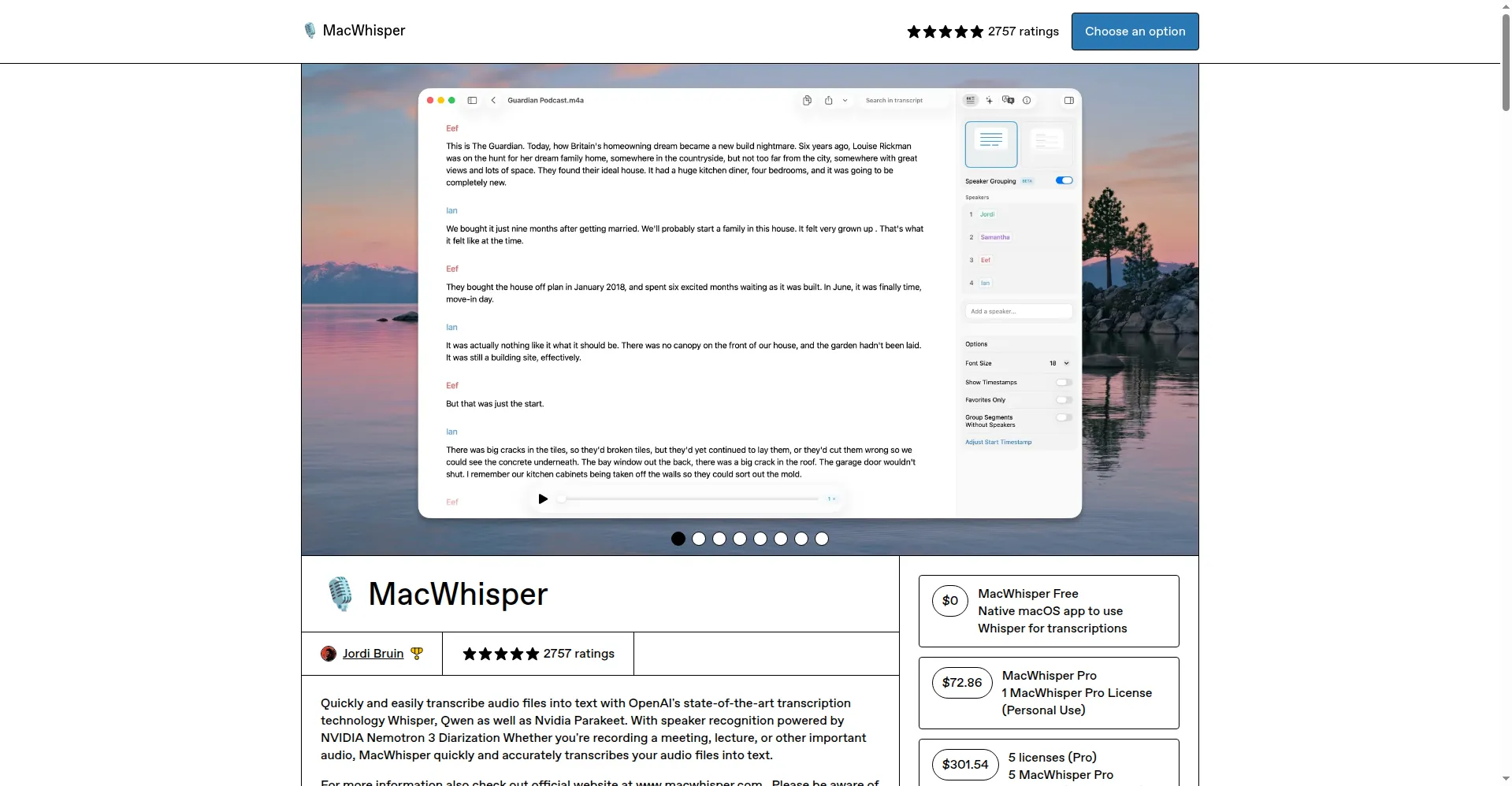
MacWhisper is a macOS application that converts spoken audio into written text using Whisper transcription technology. Users can import audio files, record from a microphone or another input device, and review the resulting transcript in an editor view. Transcription runs on the local Mac, so audio files are processed without sending them to a remote server. The application supports transcription in 100 languages, includes timecodes and transcript search, and exports results in formats including SRT, VTT, PDF, DOCX, Markdown and HTML.
Key Features
1. Mac Native
Designed for macOS, the application follows Mac interface conventions and can be opened from the menu bar for transcription from anywhere on the Mac.
2. Whisper Powered
Whisper models process speech locally, with model size options from Tiny to Large, and language selection or automatic language detection for transcription.
3. Offline Mode
Without an internet connection, the application transcribes audio on the Mac itself, keeping audio and transcripts on the device rather than uploading them.
4. Quick Transcribe
Audio files can be added by drag and drop, including MP3, WAV, M4A, OGG and OPUS formats, for transcription with synced audio playback.
5. Direct Recording
Recording can start from a microphone or another input device, and system audio can be recorded for meetings, with the recording transcribed in the application.
Frequently Asked Questions (FAQ)
What is MacWhisper?
MacWhisper is a macOS application that transcribes audio files and recordings into text using Whisper technology, with transcription processed on the local Mac.
Is MacWhisper free?
Yes, a free version is available, and a Pro licence is available as a one-time payment for additional features.
Does it work offline?
Yes, MacWhisper transcribes on the local Mac without an internet connection, so audio does not leave the device during local transcription.
Which Macs are supported?
MacWhisper supports macOS Sonoma, Sequoia and Tahoe (14.0 and higher), with M-series Macs recommended and Intel Macs also supported, and legacy versions are listed for older macOS releases.
Conclusion
For Mac users who need written records of audio, MacWhisper offers a transcription workflow that stays on the local computer. Audio can be imported or recorded, converted to text, reviewed in the editor, and exported for later use. The combination of local processing, language support and standard export formats makes the resulting transcripts usable in notes, documents and subtitle files.
Keep exploring
Similar AI tools
Ranked by the job they do, their capabilities, and how closely they fit this workflow.