Upvotes
0
Pricing
Freemium
Category
Transcription
In the database since
Oct 2026
Overview
About MeetGeek
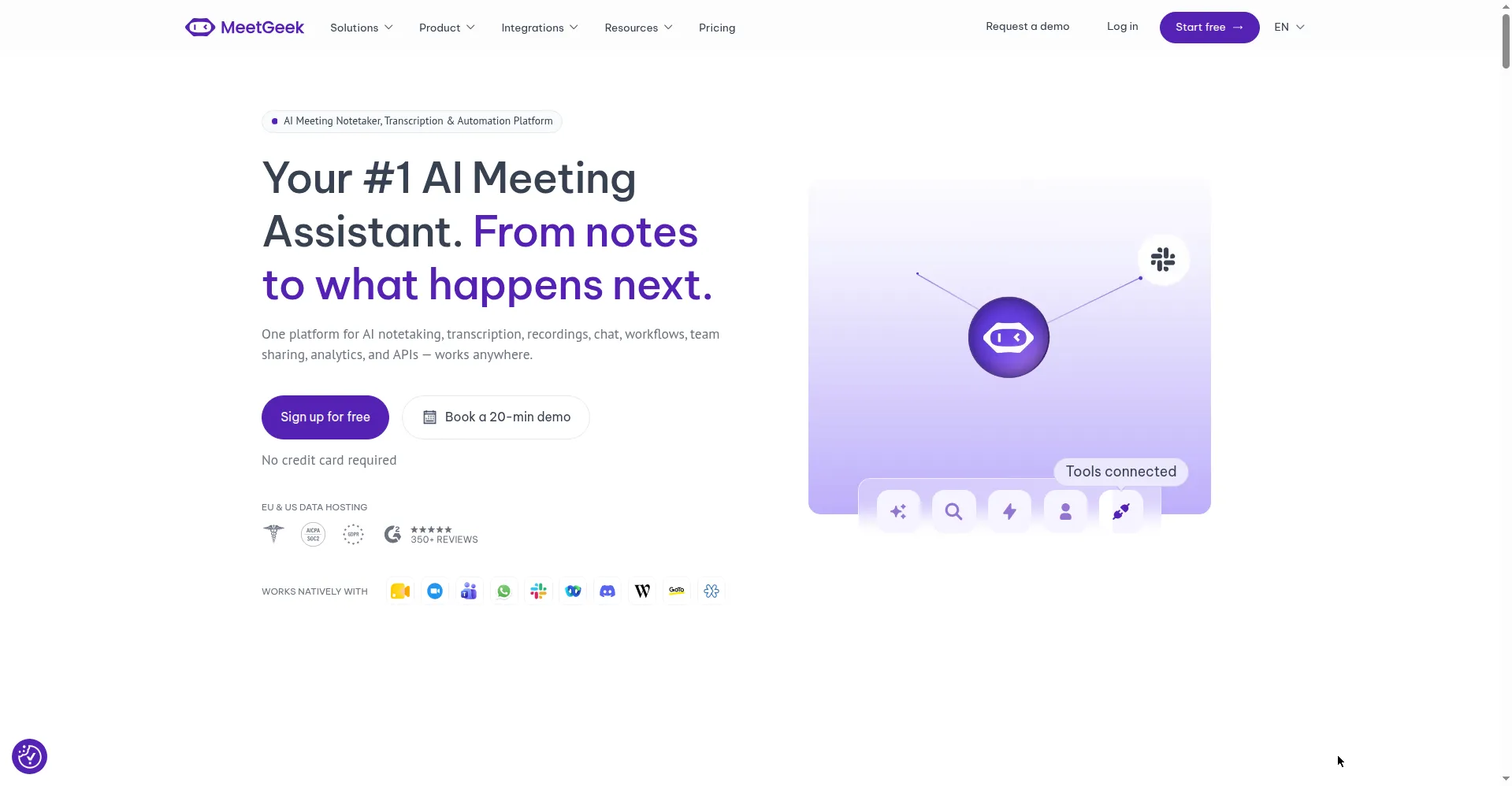
MeetGeek is an AI meeting assistant that records, transcribes, and summarizes your calls. It joins Zoom, Google Meet, or Teams meetings through a bot, or captures audio without a bot via its desktop app and Chrome extension. After each call, you get topic summaries, action items, decisions, and searchable transcripts in over 100 languages. MeetGeek syncs notes to your CRM, Slack, and Notion, and over 50,000 teams use it. It suits sales, customer success, and HR teams that run many meetings.
Key Features
1. Bot or No-Bot Capture
Join calls with a bot or record without one. The desktop app and Chrome extension capture audio quietly.
2. AI Summaries
Get summaries broken into topics, action items, concerns, and decisions. Tailored to the type of meeting.
3. 100+ Languages
Transcribes over 100 languages with automatic detection. Multilingual teams get notes in their own languages.
4. Searchable Library
Search every transcript to jump to the exact moment a word was said. Upload files for transcription too.
5. Integrations
Push summaries and action items to Slack, HubSpot, Salesforce, and Notion. Connects 10,000+ apps via Zapier.
6. In-Person Recording
The mobile app records and summarizes face-to-face conversations. It helps at events, in offices, and for field teams.
Frequently Asked Questions (FAQ)
How does MeetGeek capture meetings without a bot?
Through its desktop app or Chrome extension, which record system audio quietly. No outside participant joins the call, so nothing interrupts the meeting.
What does MeetGeek do after the call?
It sends you a summary with topics, action items, and decisions, plus a searchable transcript. Summaries can flow automatically into your CRM, Slack, or Notion.
Can it record meetings I cannot attend?
Yes. Auto-recording lets the bot join scheduled calls on its own, so you still get notes from overlapping meetings.
Does MeetGeek train AI on my meetings?
No. MeetGeek says customer data is never used to train AI models, and it supports EU or US data residency on every plan.
Which meeting platforms work with MeetGeek?
Zoom, Google Meet, and Microsoft Teams through the bot. The desktop app and extension also cover Webex, Discord, and Slack calls.
Conclusion
MeetGeek turns meetings into organized notes, decisions, and follow-up tasks. Flexible capture options and 100+ languages make it fit many teams. Integrations push notes where work already happens. It suits sales and customer success teams best. A free tier covers light use; paid plans add hours, integrations, and team features. Setup takes minutes through your calendar.
Keep exploring
Similar AI tools
Ranked by the job they do, their capabilities, and how closely they fit this workflow.