
Upvotes
0
Pricing
Open Source
Category
Video Editing
In the database since
Oct 2026
Overview
About MPC-HC
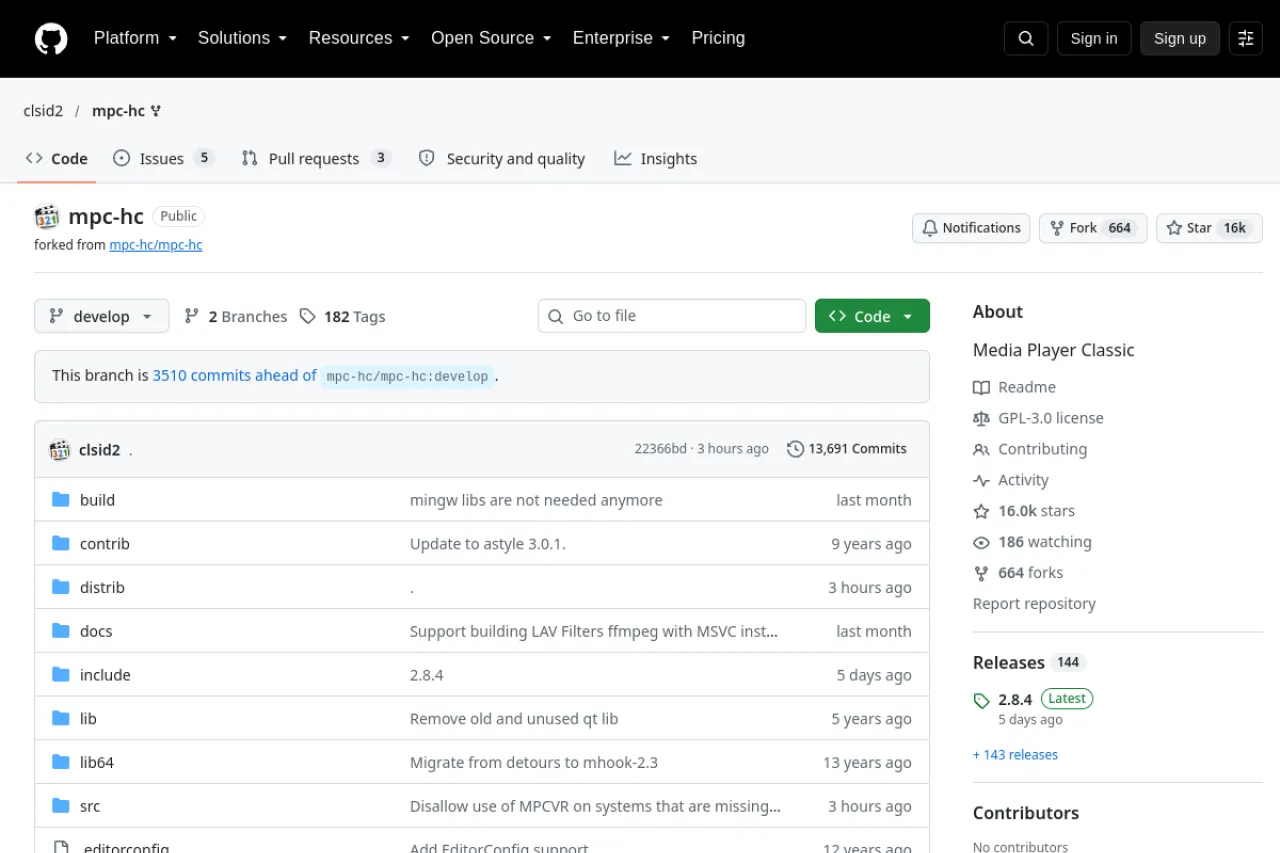
MPC-HC is an open-source media player for Windows that plays nearly every video and audio format. It is loved for its simple interface and light footprint, running well even on older computers. Being a DirectShow player, it can use third-party filters for extra codecs and features. The current fork by clsid2 has seen steady improvements since 2017. It is made for people who want a fast, no-nonsense player. The code is open under the GPL. Check the official GitHub repo for downloads and the latest build.
Key Features
1. Wide format support
It plays nearly every video and audio format, with extra codecs handled by DirectShow filters.
2. Lightweight
The player uses little memory and CPU, so it runs smoothly even on old machines.
3. Customizable
Toolbars, hotkeys, and many options can be tuned, and extra filters add new playback abilities.
4. No ads
There are no ads, no tracking, and no paid tier anywhere inside this player at all.
5. Active fork
The clsid2 fork keeps improving the player with steady fixes and new features since 2017.
Frequently Asked Questions (FAQ)
What is MPC-HC used for?
People use it as their daily video and audio player on Windows. It suits anyone who wants a fast player that handles odd formats.
Is MPC-HC still updated?
Yes. The clsid2 fork has been actively improved since 2017, with regular builds on GitHub.
What is DirectShow?
It is Windows' media framework that splits playback into filters. MPC-HC uses it, so you can add third-party filters for new codecs.
Does it play 4K and HDR?
Yes, with the right filters and hardware. Check the wiki for the recommended setup for high-quality video.
Does MPC-HC show ads?
No. MPC-HC is ad-free and open source, so nothing interrupts playback and no data is tracked.
Conclusion
MPC-HC is the classic lightweight player for Windows done right. It plays almost anything, stays fast on old hardware, and respects your privacy. The active fork keeps it fresh. It suits anyone who wants a simple, powerful media player. Install it and set it as your default player. Check the official GitHub repo for the latest build.
Keep exploring
Similar AI tools
Ranked by the job they do, their capabilities, and how closely they fit this workflow.