NormalMapAI
Turn photos into normal and PBR texture maps in your browser.
Upvotes
0
Pricing
Freemium
Category
Art & Design Tools
In the database since
Nov 2026
Overview
About NormalMapAI
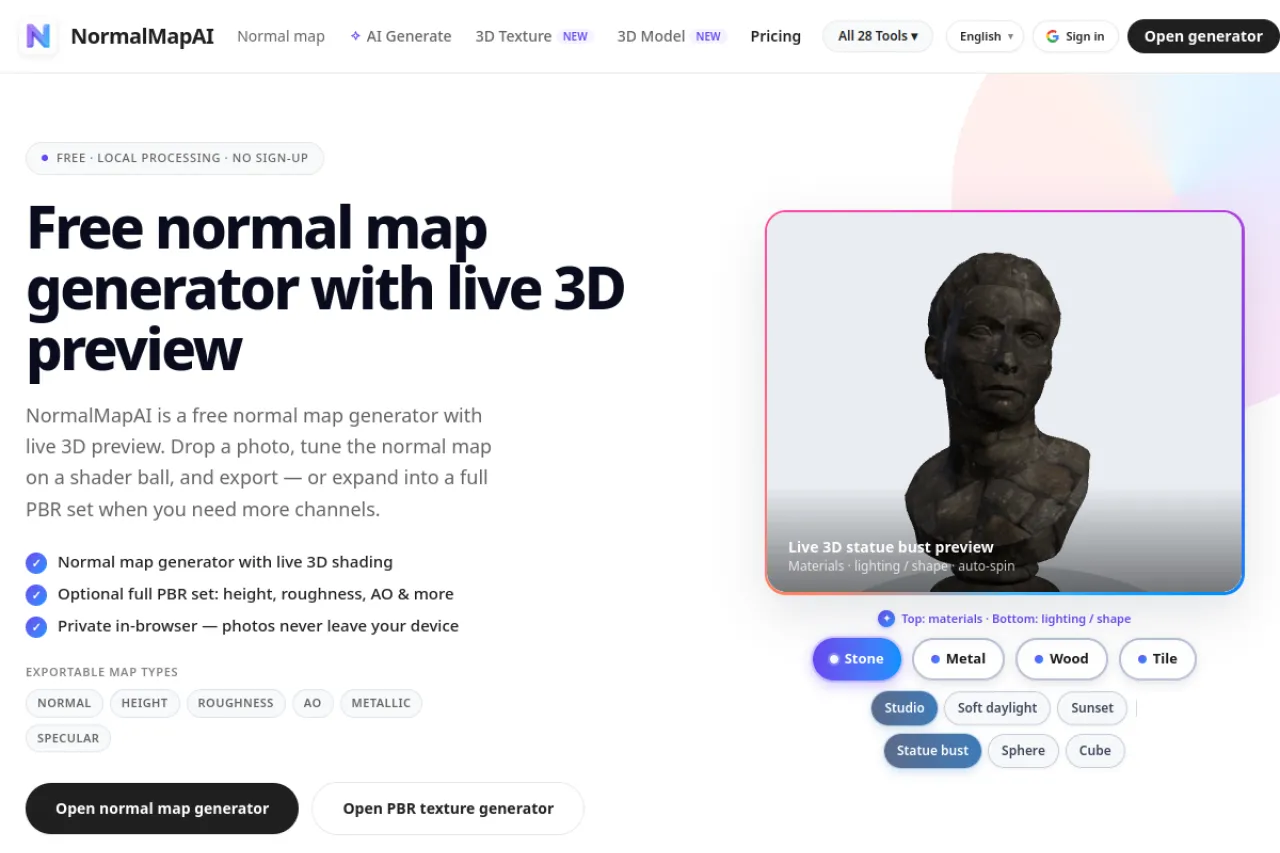
NormalMapAI turns a 2D photo or texture into a full PBR material set in your browser: normal, roughness, ambient occlusion, displacement, and metallic maps. The AI runs on your device GPU through WebGL, so source images never leave your computer and results stay commercially safe. Sliders adjust normal strength, blur, displacement depth, and roughness, with a live 3D preview on primitives. Finished maps drop into Unity, Unreal Engine, and Blender workflows. Base tools are free, with paid tiers adding more generations and higher resolution support.
Key Features
AI normal maps from photos
The AI reads lighting and structure in a 2D image to predict surface angles and build an accurate normal map.
Full PBR map set
Generate normal, roughness, ambient occlusion, displacement, and metallic maps together from one single source image.
Local WebGL processing
Your device GPU handles the work through WebGL, so images never upload and nothing waits on a server.
Live 3D preview
Preview generated textures at once on 3D primitives with interactive lighting before you download anything.
Seamless tiling
Built-in seamless texture tools blend edges and borders so generated materials tile without any visible seams.
Engine-ready exports
Maps import into Unity, Unreal Engine, and Blender, with guides for color space and green-channel settings.
Frequently Asked Questions (FAQ)
What is NormalMapAI?
A browser suite that uses AI to generate PBR textures — normal, roughness, ambient occlusion, displacement, and metallic maps — from standard 2D images.
Are my images uploaded?
No. The core generator runs on your device GPU through WebGL, so source images never leave your browser or reach a server.
Which engines can I use the maps in?
Unity, Unreal Engine, and Blender, with published guides for color space, ORM packing, and green-channel settings.
Can I use generated textures commercially?
Yes. Because processing happens locally from your own inputs, the resulting textures are commercially safe and royalty-free.
What does the free tier include?
Base local tools are free forever, with paid tiers adding generation allowances and higher resolution support.
Conclusion
NormalMapAI suits game developers, 3D artists, and archviz creators who need believable materials without long baking sessions. Local processing keeps work private and fast, while the full map set and engine guides cover the path to a finished scene. Start from a photo, tune the sliders, and download a material set ready for your pipeline.
Keep exploring
Similar AI tools
Ranked by the job they do, their capabilities, and how closely they fit this workflow.