
Ocenaudio
Edit audio free on Windows, Mac, and Linux with live previews.
Upvotes
0
Pricing
Free
Category
Audio Editing
In the database since
Oct 2026
Overview
About Ocenaudio
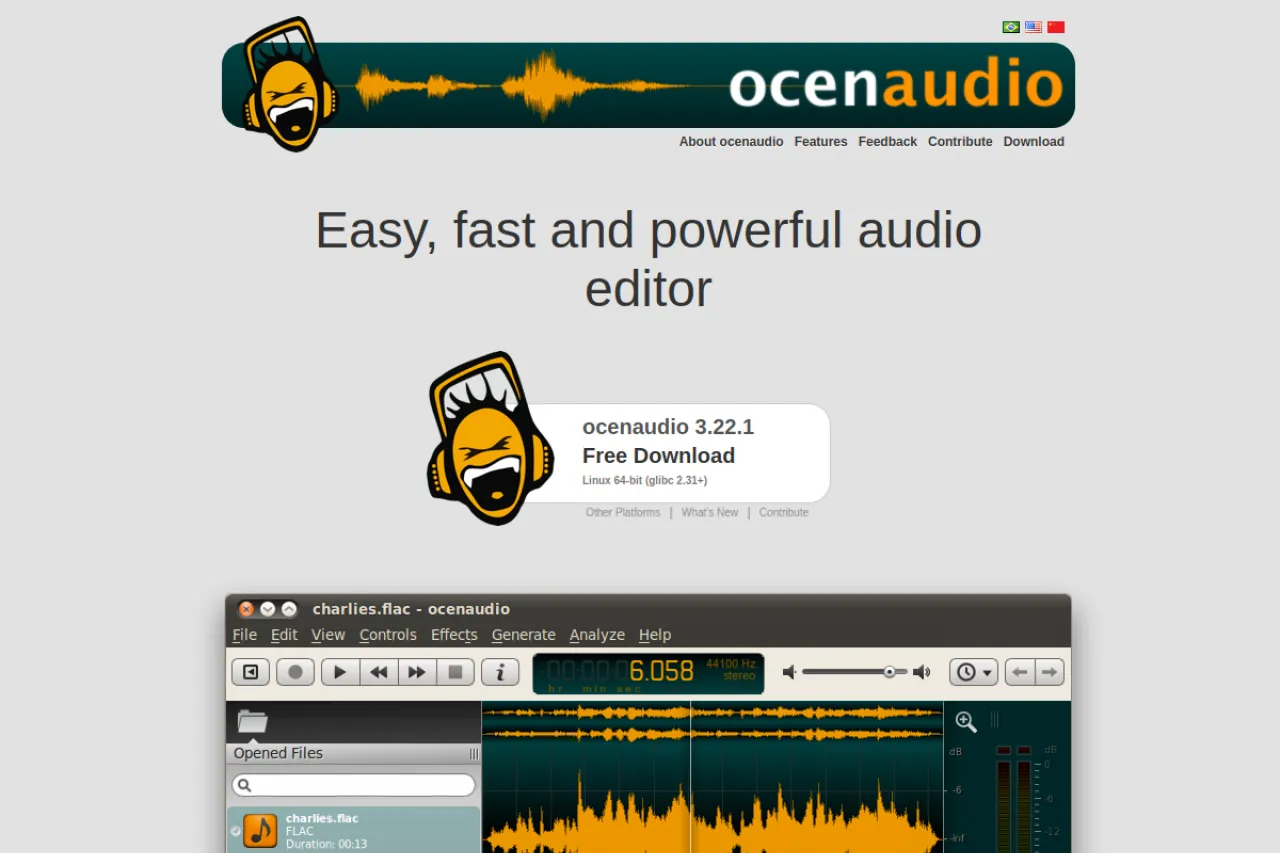
ocenaudio is a free, cross-platform audio editor that runs on Windows, Mac, and Linux. It is designed to be easy, fast, and functional, with real-time previews of effects so you hear changes as you make them. The editor supports VST plugins (extra audio effects made by third parties), multi-selection editing, and a spectrogram view of your sound. Podcasters, musicians, and students use it for quick, reliable audio work. The current version is free to download from the official site. Visit ocenaudio.com for the download and changelog.
Key Features
1. Cross-Platform Support
ocenaudio runs on Windows, Mac, and Linux with the same interface. You can switch computers without learning a new editor.
2. Real-Time Effect Previews
Effects preview in real time as you adjust their settings. You hear exactly what the change sounds like before you apply it.
3. VST Plugin Support
You can load VST plugins, which are third-party audio effects and instruments. This extends the editor with thousands of free and paid effects.
4. Multi-Selection Editing
You can select several parts of the audio at once and edit them together. This speeds up repetitive fixes across a recording.
5. Spectrogram View
The spectrogram shows sound as a visual map of frequencies over time. It helps you spot noise, clicks, and other problems by sight.
6. Fast and Easy Workflow
The interface is built for speed with simple, clear controls. Beginners can start editing in minutes without reading a manual.
7. Free Download
ocenaudio is freeware with no trial period or paid tier. You download the full editor and use every feature.
Frequently Asked Questions (FAQ)
What is ocenaudio used for?
ocenaudio is used to edit and analyze audio on any major desktop system. Podcasters, musicians, and students use it for recording cleanup, cutting, and effects.
Which systems does ocenaudio support?
It supports Windows 10 and newer, macOS, and Linux. The same free version is available for all three platforms.
Does ocenaudio support VST plugins?
Yes. You can install VST plugins to add new effects and instruments, greatly expanding what the editor can do.
What is the spectrogram view for?
The spectrogram displays audio frequencies visually over time. It helps you find and fix issues like hum, clicks, and background noise.
Is ocenaudio really free?
Yes. ocenaudio is freeware with no trial period, feature locks, or paid tier. You download the full editor from the official site.
Conclusion
ocenaudio is a free, easy, and fast audio editor for Windows, Mac, and Linux. It suits podcasters, musicians, and students who want real-time effects, VST support, and visual analysis without paying anything at all. Multi-selection and the spectrogram view add real power for detailed editing work. Download the current version free from the official ocenaudio.com site today.
Keep exploring
Similar AI tools
Ranked by the job they do, their capabilities, and how closely they fit this workflow.