
Upvotes
0
Pricing
Freemium
Category
Video Editing
In the database since
Oct 2026
Overview
About OpusClip
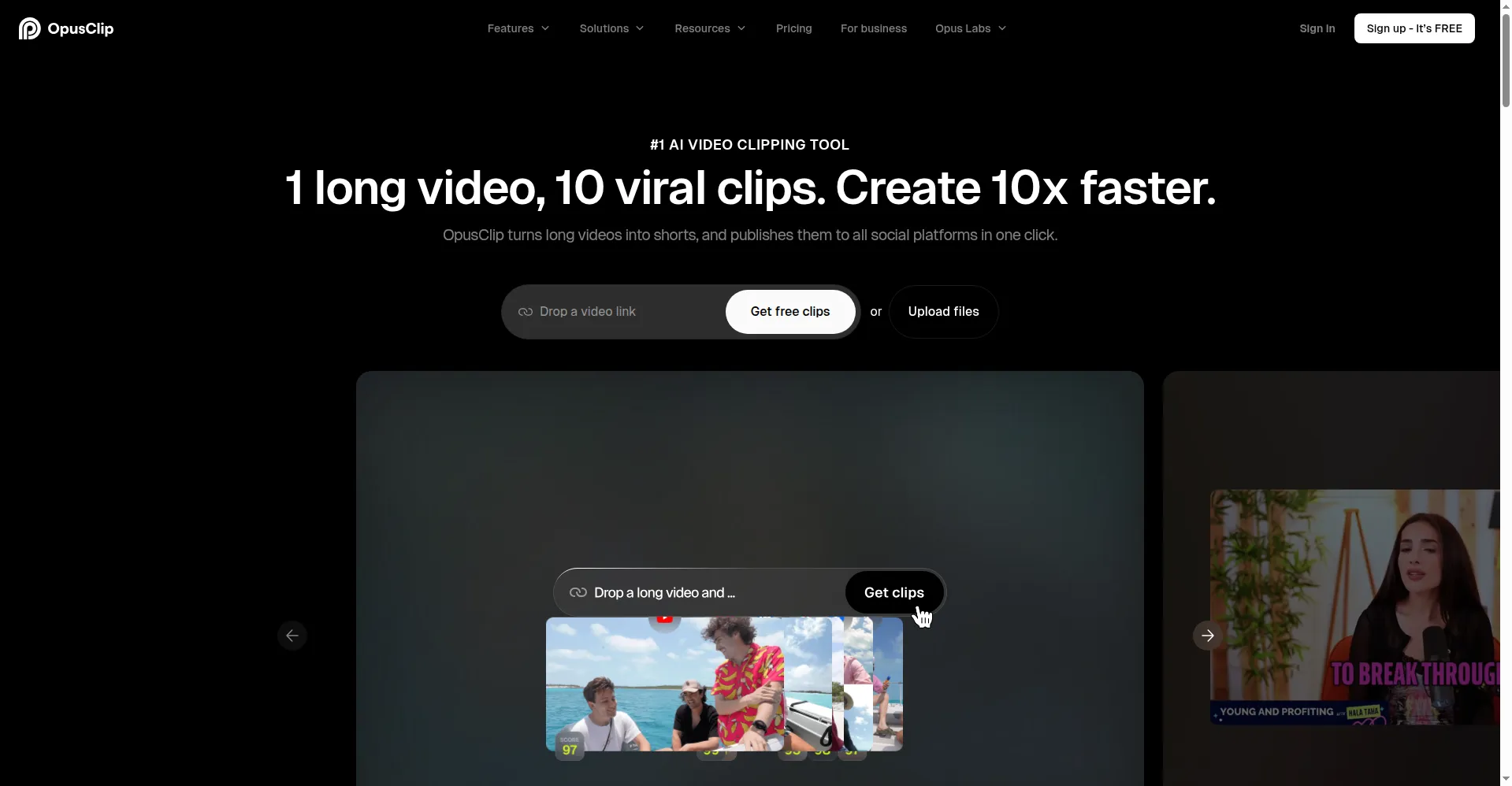
OpusClip is an AI tool that turns long videos — podcasts, webinars, interviews, and streams — into short vertical clips for TikTok, Instagram Reels, and YouTube Shorts. Upload a video, and its AI finds the moments that hold attention, then reframes, captions, and formats them as ready-to-post clips. It suits creators, podcasters, and marketers who publish short-form video weekly. It works on a credit system. Paid plans add virality scores, editing, and social posting, and a free plan is available for trying it.
Key Features
1. AI Clip Detection
The AI scans a long video for hooks, pacing, and topic energy, then cuts out the moments most likely to work as short clips.
2. Virality Score
On paid plans, each clip gets a virality score that ranks how likely it is to perform, so creators post the strongest clips first.
3. Auto Reframing
Footage is reframed from wide 16:9 to vertical 9:16 or square 1:1, with the speaker kept in frame as they move.
4. Animated Captions
Word-by-word animated captions are added in trendy styles, with emoji and keyword highlights to hold viewer attention.
5. ClipAnything Search
On the Pro plan, type a prompt for a scene, topic, or feeling, and the tool finds the matching moment in the video for clipping.
6. Built-in Editor
Paid plans include an editor with text-based and timeline editing, so clips can be trimmed and refined before posting.
7. Brand Templates
Save fonts, colors, and logos as a brand template, so every clip keeps the same look across platforms.
Frequently Asked Questions
How does the virality score work?
It is a paid-plan score. The AI rates each clip on hooks, pacing, and topic energy, then ranks clips so the strongest ones are easy to spot.
What can I import into OpusClip?
Upload a video file. Paid plans add automatic import from a verified YouTube account.
What does the free plan include?
The free plan covers a monthly processing-credit allowance, up to 1080p. Exports carry a watermark, cannot be edited, and expire for export after 3 days.
What clip lengths can it make?
Clips can be set from under 1 minute up to 15 minutes, using the custom clip-length options.
Which platforms can it post to?
Paid plans auto-post to YouTube Shorts, TikTok, and Instagram Reels. The Pro plan adds a scheduler and more connected accounts.
Conclusion
OpusClip suits creators and marketers who already record long videos and want a steady stream of short clips for social media without manual cutting. Its clip detection, reframing, and captions handle the repetitive work, while paid plans add editing, scoring, and posting. Check the official site for current credit limits before subscribing, since plans change.
Keep exploring
Similar AI tools
Ranked by the job they do, their capabilities, and how closely they fit this workflow.