Upvotes
0
Pricing
Free
Category
Transcription
In the database since
Oct 2026
Overview
About oTranscribe
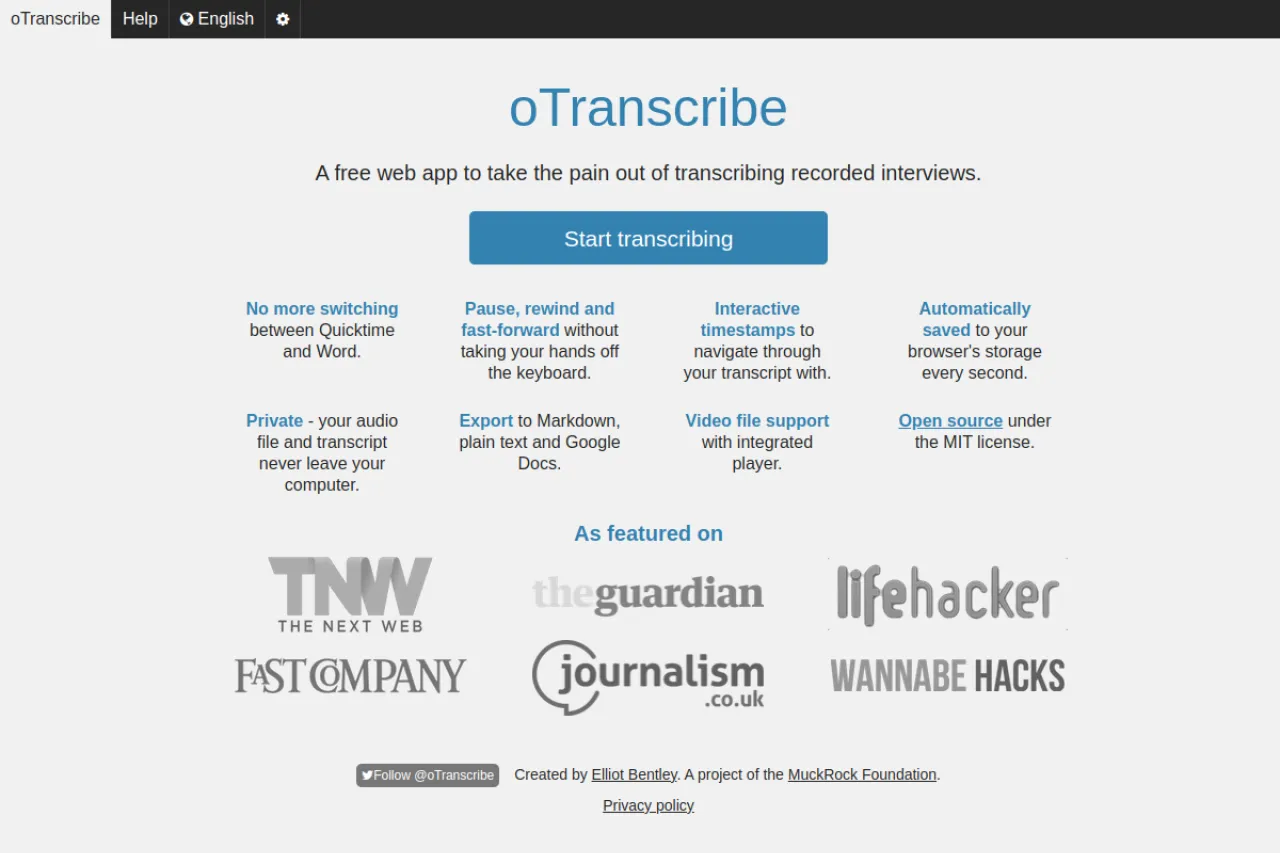
oTranscribe is a free web app for transcribing audio and video by hand. It is made for journalists, researchers, and students who turn interviews into text. The app lets you pause, rewind, and fast-forward without taking your hands off the keyboard. Interactive timestamps help you jump through the transcript, and everything saves to your browser automatically. It is open source under the MIT license. Check the official site to start transcribing. Note that it works on desktop computers only. Video files play in the built-in player.
Key Features
1. Keyboard audio controls
Pause, rewind, and fast-forward right from the keyboard. You keep typing without switching between apps.
2. Interactive timestamps
Clicking a timestamp jumps the audio to that moment. This makes it easy to check a quote against the recording.
3. Automatic browser saving
Your transcript saves to browser storage every second. You will not lose work if the tab crashes or closes.
4. Private by design
Audio and text never leave your computer. The app processes everything locally, which suits sensitive interviews.
5. Multiple export formats
You can export to Markdown, plain text, and Google Docs. Video files play in the built-in player for visual reference.
Frequently Asked Questions (FAQ)
What is oTranscribe used for?
oTranscribe is used for manual transcription of interviews and recordings. Journalists, researchers, and students use it to type out audio without juggling two apps.
Does oTranscribe use AI transcription?
No. oTranscribe is a manual tool, not an automatic one. You listen and type yourself, with keyboard shortcuts to control playback.
Is my audio uploaded anywhere?
No. The app keeps your audio file and transcript on your computer. Nothing is sent to a server, so private recordings stay private.
Does oTranscribe work on mobile?
No. The official site says oTranscribe works on desktop computers only. The keyboard shortcuts need a full keyboard to work well.
Conclusion
oTranscribe is a free web app that makes manual transcription less painful. Keyboard playback controls, timestamps, auto-save, and exports cover the whole workflow. Because everything stays on your computer, it is safe for sensitive interviews. It suits journalists, researchers, and students who transcribe recordings by hand. It is open source and backed by the MuckRock Foundation.
Keep exploring
Similar AI tools
Ranked by the job they do, their capabilities, and how closely they fit this workflow.