Realtime Colors
Preview color palettes and fonts on a live website mockup.
Upvotes
0
Pricing
Free
Category
Art & Design Tools
In the database since
Oct 2026
Overview
About Realtime Colors
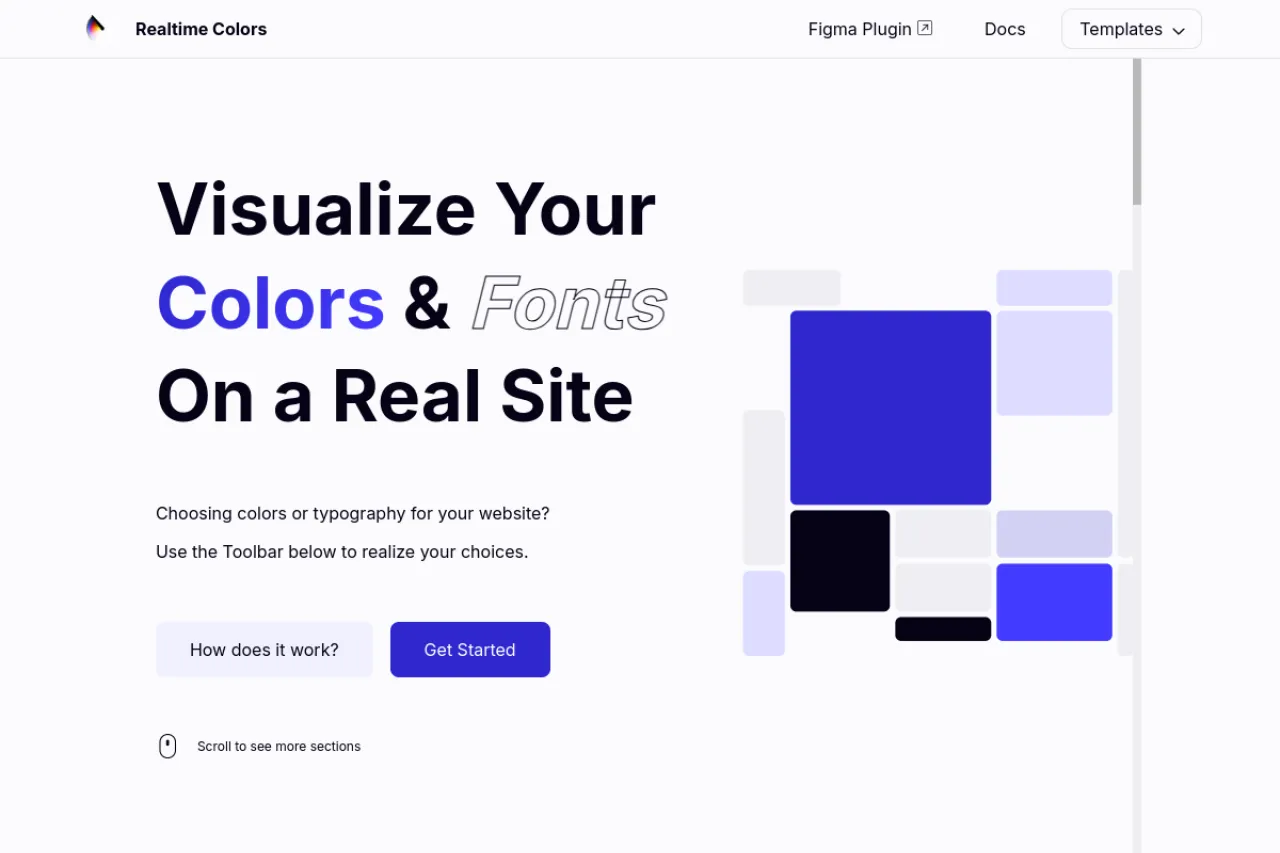
Realtime Colors is a free tool that shows your colors and fonts on a real website mockup. You pick colors for the background, text, buttons, and accents. The site updates instantly so you can see every change in context. It also lets you test font pairings with your palette. When you are happy, you can export the palette as CSS, SCSS, PNG, and more. It is handy for web designers picking a scheme. See the official site for the newest details.
Key Features
1. Live Website Preview
Your colors appear on a full website mockup right away. This shows how a palette works in a real layout.
2. Font Pairing Tests
Try different fonts with your color scheme. Seeing type and color together helps you judge the full design.
3. Role-Based Color Picks
Assign colors to background, text, primary, secondary, and accent roles. The mockup shows each role in place.
4. Export in Many Formats
Download your palette as CSS, SCSS, PNG, and more. The code drops straight into a web project.
5. 100% Free Forever
The site states it is 100% free forever. You can use every feature without paying.
Frequently Asked Questions (FAQ)
What is Realtime Colors?
It is a free tool that visualizes color palettes and fonts on a website mockup. It helps designers test schemes in context.
How do I build a palette?
Pick colors for each role like background, text, and buttons. The mockup updates live as you adjust each color.
Can I export my palette?
Yes. Export as CSS, SCSS, PNG, and other formats. The exported code works directly in web projects.
Does it help with font pairing?
Yes. You can test font combinations alongside your colors. This shows how typography and palette look together.
Who should use Realtime Colors?
Web designers, developers, and anyone picking colors for a site. It is useful before starting any web project.
Conclusion
Realtime Colors takes the guesswork out of picking website colors. The live mockup shows your palette and fonts in a real layout. Exports in CSS and other formats make handoff easy. It suits designers and developers alike. The tool is free, so open it and test your next color scheme in minutes. Avoid ugly color clashes fast.
Keep exploring
Similar AI tools
Ranked by the job they do, their capabilities, and how closely they fit this workflow.