Upvotes
0
Pricing
Freemium
Category
Video Editing
In the database since
Oct 2026
Overview
About Riverside
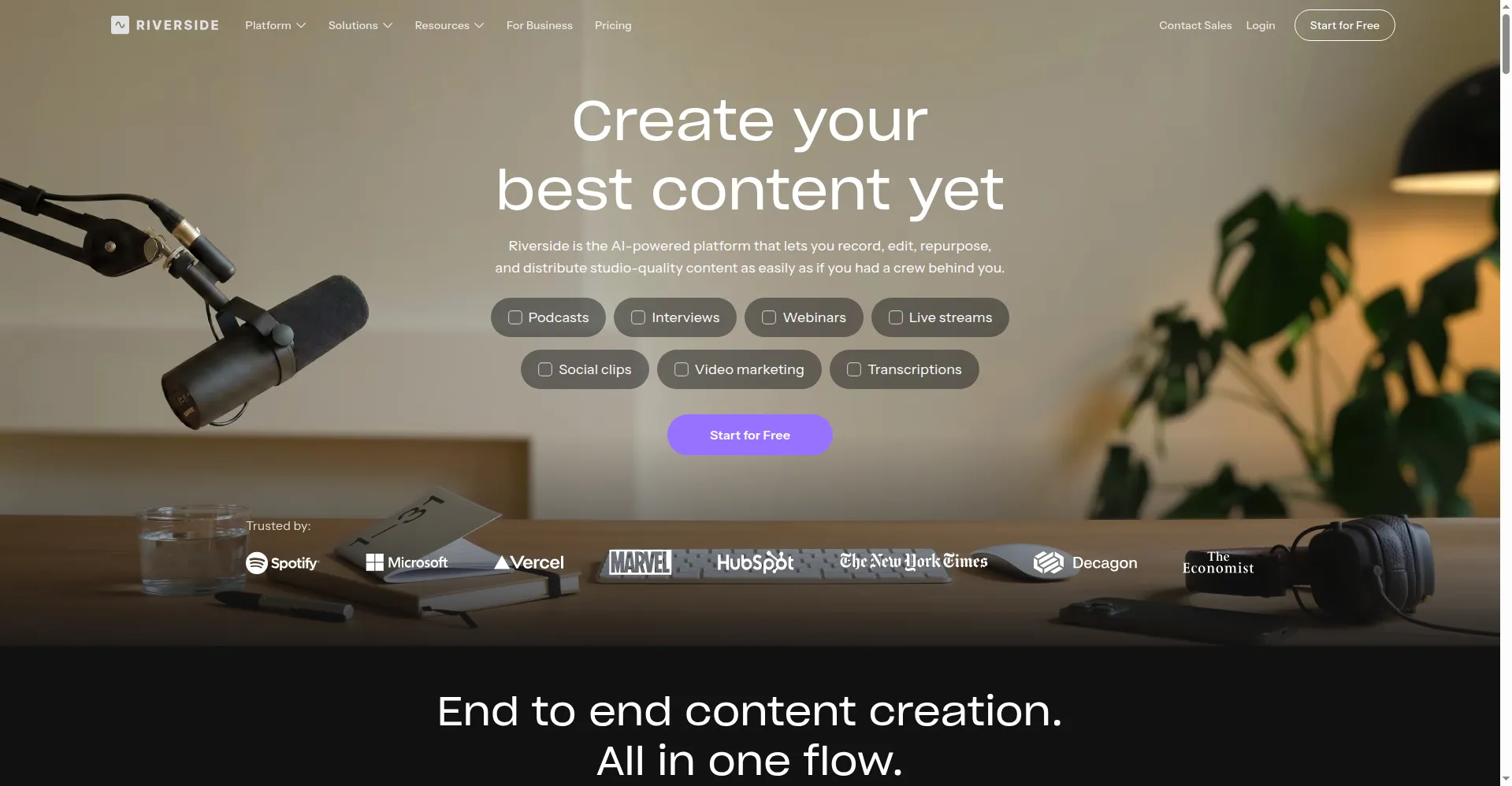
Riverside is an online studio for recording podcasts and video. Guests join from a browser link, with no account or download, while Riverside records each person locally in up to 4K video and 48kHz audio. Because the recording happens on each device, a bad connection cannot ruin a take. After recording, one dashboard covers text-based editing, AI transcripts in over 100 languages, translation and dubbing in over 30 languages, Magic Clips for social video, livestreaming, webinars, and podcast hosting with distribution to Spotify and Apple Podcasts.
Key Features
1. Local 4K Recording
Each guest records locally in up to 4K video and 48kHz audio — internet drops can't ruin a take.
2. Separate Tracks
Every participant gets isolated audio and video tracks for precise editing and mixing.
3. Text-Based Editing
Edit by editing the transcript — cut words to cut video, no timeline skills required.
4. Magic Clips
AI finds highlight moments and formats them as vertical social clips with animated captions.
5. Magic Audio
One-click voice cleanup: removes noise and echo, levels and enhances every speaker.
6. Livestreaming and Webinars
Stream live to YouTube, LinkedIn, Facebook, and Twitch, or host 4K webinars with Q&A.
7. Podcast Hosting and Distribution
Publish episodes directly and distribute to Spotify, Apple Podcasts, and more from one dashboard.
Frequently Asked Questions
Do guests need to install anything?
No — guests join from a browser link with no account or download required.
What happens if someone's internet drops?
The local recording continues unaffected; files upload progressively when the connection returns.
How is this different from Zoom recording?
Zoom records the compressed stream; Riverside records pristine local files per participant.
Can I livestream and record simultaneously?
Yes — multistream to multiple platforms while capturing separate high-quality tracks.
Does it transcribe in other languages?
Yes — transcription in 100+ languages, plus AI translation and dubbing in 30+.
Is there a teleprompter?
Yes — a built-in teleprompter scrolls your script during recording for natural delivery.
Conclusion
Riverside solved the problem everyone else accepted: remote recording quality is at the mercy of the worst connection in the call. By recording locally and uploading progressively, it made geography irrelevant to quality. Then it kept going — editing, clipping, streaming, hosting — until the studio, the editor, and the distributor were all in one browser tab.
Keep exploring
Similar AI tools
Ranked by the job they do, their capabilities, and how closely they fit this workflow.