Upvotes
0
Pricing
Freemium
Category
Art & Design Tools
In the database since
Oct 2026
Overview
About Scenario
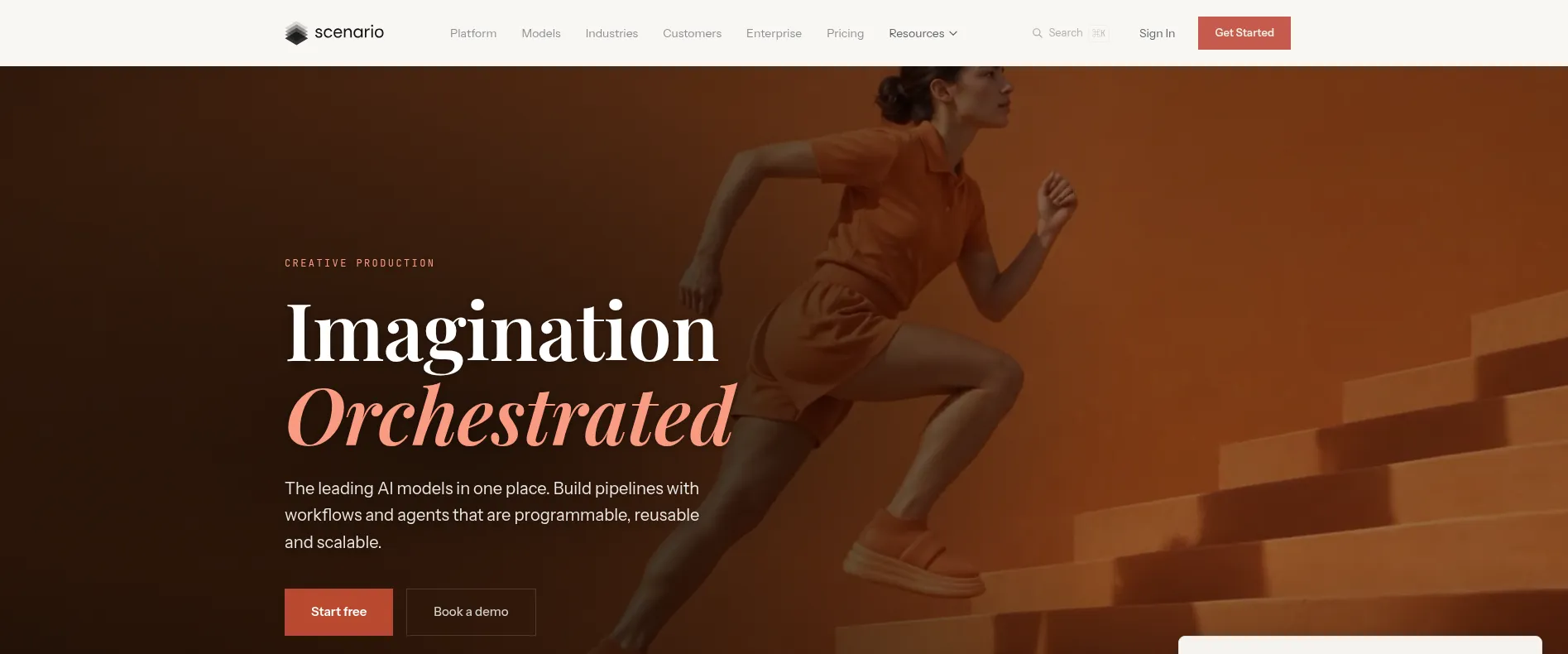
Scenario is a creative production platform for game and brand assets, covering images, video, 3D, and audio in one browser workspace. Its core idea is consistency: you train a custom model on your own art style, so every asset matches, shot after shot. Teams can also chain models into node workflows, run them through an API, or use the Blender plugin. You can start with 50 free daily credits and no credit card. It suits studios that need many on-brand assets fast.
Key Features
1. Custom Model Training
Train a private model on your own references, such as a brand look or a recurring character, and keep every asset in the same style.
2. Four Media Types
Make images, video, 3D models, and audio in one workspace, and compare models on the same brief without switching tools.
3. Node Workflows
Chain models and tools on a node canvas, save the chain as a workflow, and let teammates run it from a simple form.
4. Agents and Skills
Describe a result and let the Node Agent build the workflow, while Genie, the on-page assistant, picks models and fills forms.
5. API and MCP
Call any model or saved workflow from your own pipeline through the REST API, or connect Claude, Codex, or Cursor through Scenario MCP.
6. Blender Plugin
Bring image, video, 3D, and material generation into Blender's viewport, so textures, props, and scenes stay inside your 3D workflow.
Frequently Asked Questions (FAQ)
What can I generate?
Characters, environments, props, textures, video, 3D models, and audio, all from one workspace.
How does custom training work?
Upload your own style references and train a private model, then generate new assets that match that style.
Can I run it inside my own tools?
Yes. Use the REST API with the TypeScript or Python SDKs, connect assistants through Scenario MCP, or work inside Blender with the plugin.
What is a node workflow?
A chain of models and tools on one canvas. Save it once, and anyone on the team can run it from a simple form, with the cost shown before the run.
Who is it for?
Game studios, agencies, and brands that need large volumes of consistent, on-brand assets.
Conclusion
Scenario suits teams that need many assets in one consistent style. Custom models, node workflows, and API access make it a production tool, not just a toy generator. Start with the daily credits, test a custom model, and see if the style holds. For studios shipping games or campaigns, it is worth a serious look.
Keep exploring
Similar AI tools
Ranked by the job they do, their capabilities, and how closely they fit this workflow.