ScreenToGif
Record your screen or webcam and edit the result as a GIF.
Upvotes
0
Pricing
Open Source
Category
Video Editing
In the database since
Oct 2026
Overview
About ScreenToGif
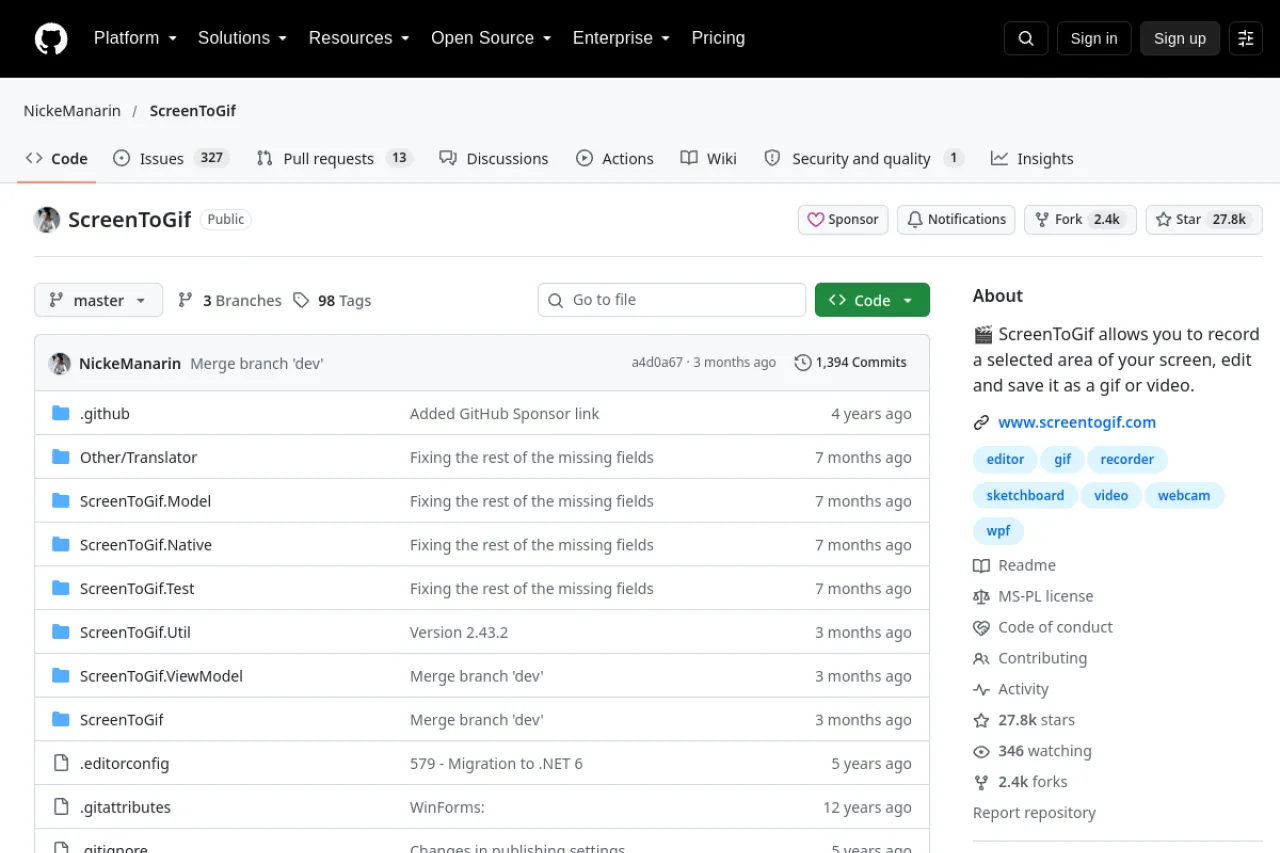
ScreenToGif is an open-source recorder for Windows that captures your screen, webcam, or sketchboard and saves the result as a GIF. It has a frame-by-frame editor where you can cut, crop, and add text or effects before saving. It is made for people who need quick demos, bug reports, and tutorials in GIF form. There is no watermark and no paid plan. The code is open under the Microsoft Public License. Check the GitHub repository for the download and guides.
Key Features
1. Screen recording
Record any part of your screen, with the webcam and sketchboard as extra input sources.
2. Frame editor
Every frame can be edited: cut, crop, resize, add text, or draw on top of it.
3. GIF optimization
Built-in tools shrink file size so your GIFs stay small and load fast everywhere online.
4. No watermark
Your recordings carry no watermark, and the app itself never shows any ads at all.
5. Other exports
Finished projects can also export as common video files instead of just making GIFs too.
Frequently Asked Questions (FAQ)
What is ScreenToGif used for?
People use it to record quick demos, bug reports, and tutorials as GIFs. It suits anyone who needs a short visual clip fast.
Is it only for GIFs?
No. It can also export projects as video files. GIF is the main format, but video export is built in.
Does it work on Mac?
No. ScreenToGif is a Windows app. Mac users need a different recorder.
Is there a watermark?
No. Recordings are clean, and the app has no ads and no paid plan.
Can I edit frames?
Yes. The built-in editor lets you cut, crop, resize, add text, and draw on individual frames.
Conclusion
ScreenToGif is a simple, honest tool for turning screen recordings into clean GIFs. The frame editor gives full control without a paid plan or watermark. It is ideal for quick demos and bug reports on Windows. Download it from GitHub and start recording in minutes. It also saves animations as video, APNG, PSD, or PNG images.
Keep exploring
Similar AI tools
Ranked by the job they do, their capabilities, and how closely they fit this workflow.