Upvotes
0
Pricing
Free
Category
Video Tools
In the database since
Oct 2026
Overview
About SplitCam
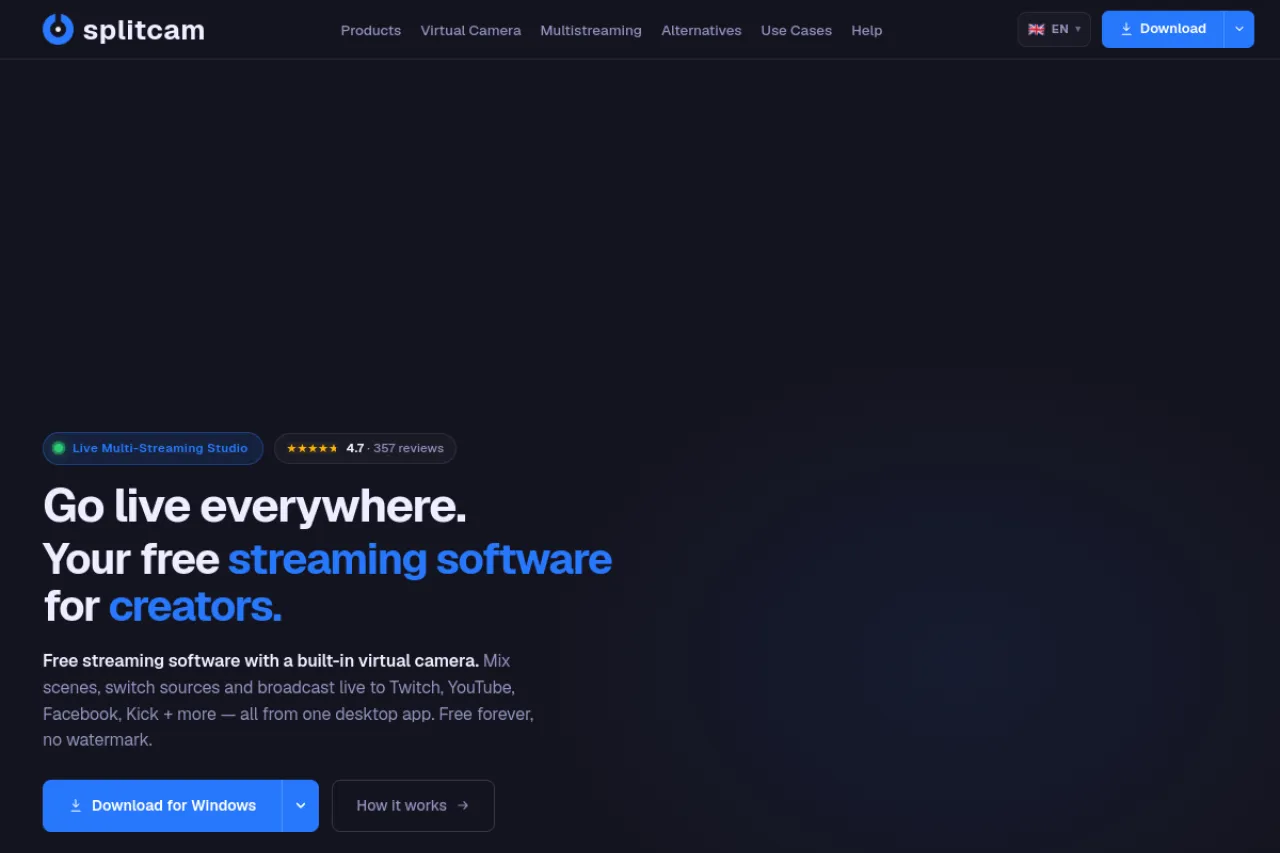
SplitCam is a free desktop app for live streaming and video calls. Stream to Twitch, YouTube, Facebook, Kick and more than 84 platforms at once from a single encode. It doubles as a virtual camera for Zoom, Teams, Google Meet and Discord. Built-in tools include AI background removal, scene mixing, a pro audio mixer and beauty effects. It is free forever with no watermark and no signup. Available for Windows, macOS, iOS and Android. Check the official site for the latest version and platform presets.
Key Features
1. Multistreaming
Go live on Twitch, YouTube, Facebook, Kick and 84+ platforms at the same time. One encode feeds every destination directly, with no cloud middleman.
2. Virtual Camera
Use SplitCam as a virtual camera in Zoom, Teams, Meet, Discord and 60+ apps. Your scenes, effects and AI background appear in every call.
3. AI Background Removal
Remove, blur or replace your background instantly with no green screen. AI detects your silhouette in real time during streams.
4. Pro Audio Mixer
Mix unlimited audio sources with VST plugin support, neural denoise and per-layer sync correction. Your voice stays broadcast-ready from the start.
5. Scenes and Sources
Add webcam, screen, game, browser, phone and video files as drag-and-drop layers. Build unlimited scenes and switch them with hotkeys or transitions.
6. Beauty and Vertical Tools
Apply beauty effects like skin smoothing and face tracking in one click. Switch to a 9:16 canvas for TikTok Live, Reels and Shorts.
Frequently Asked Questions (FAQ)
What does SplitCam cost?
Nothing. It is completely free for personal and commercial use, with no watermark, no time limit and no locked features.
Which platforms can I stream to?
Twitch, YouTube, Facebook, Kick, TikTok, Instagram, LinkedIn and 84+ others. You can also stream to any custom RTMP endpoint.
Which devices are supported?
Windows, macOS, iOS and Android. The desktop versions carry the full studio; mobile apps focus on streaming on the go.
Can I import my OBS scenes?
Yes, on Windows. One click imports your OBS Studio scene collections, keeping sources, scenes, transitions and hotkeys.
Can I record while streaming?
Yes. SplitCam records locally in HD with multi-track audio while you broadcast, so you keep clean files for editing later.
Conclusion
SplitCam packs a full streaming studio into one free download. Multistreaming, a virtual camera, AI backgrounds and pro audio cover streamers, teachers, churches and musicians alike. With no watermark and no locked features, it is hard to beat. If you stream or teach online, give it a try. Download it from the official site and go live in minutes.
Keep exploring
Similar AI tools
Ranked by the job they do, their capabilities, and how closely they fit this workflow.