Upvotes
0
Pricing
Freemium
Category
Art & Design Tools
In the database since
Oct 2026
Overview
About StarryAI
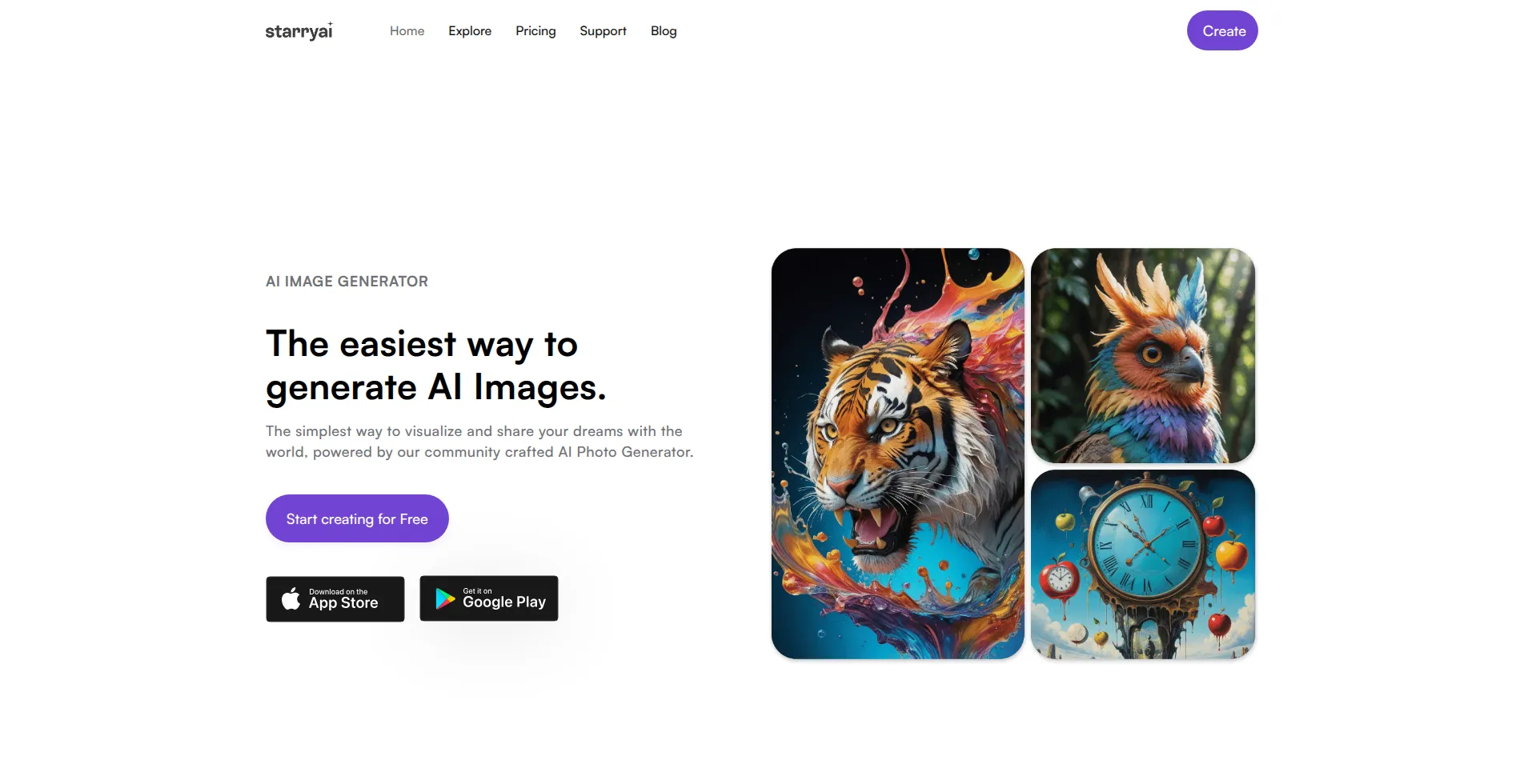
StarryAI is a mobile-first AI art generator that turns text prompts into images. It offers over 1,000 artistic styles, from anime to realistic portraits. You can create on iOS, Android, or the web. Every image you make is fully yours, with commercial rights and no watermark. The free plan gives daily images at no cost. Paid plans add faster generation and upscaling. It suits beginners and mobile creators who want art on the go. Check the official pricing page for current limits.
Key Features
1. Over 1,000 Art Styles
Pick from over 1,000 styles, including anime, abstract, and realistic looks. The library also includes styles created by the community.
2. Altair and Orion Models
Choose Altair for artistic images or Orion for realistic, cinematic results. Each model gives your art a different look and feel.
3. Canvas Editor
Edit any image with in-painting and out-painting tools. You can fix, extend, or reshape parts of a generated image.
4. Custom Styles
Train your own style from reference images you upload. Your saved styles keep a consistent look across new generations.
5. Full Ownership, No Watermarks
You own full commercial rights to every image you create. No watermarks appear on your art, even on the free plan.
6. Mobile and Web Apps
Create on iOS, Android, or the web. Start a piece on your phone and finish it later in your browser.
7. Upscaling Options
Paid plans include 4x and 8x upscaling for sharper, print-ready images. Advanced actions use Lumens, the in-app credit.
FAQ
What is StarryAI used for?
StarryAI turns text prompts into AI-generated art. You pick a style and model, type a description, and get an image in seconds.
Who owns the images I create with StarryAI?
You do. StarryAI gives you full commercial rights to every image you generate, so you can sell or publish your art.
Can I train my own style in StarryAI?
Yes. Upload reference images to train a custom style, then reuse it whenever you want a consistent look.
Can I use StarryAI on my phone?
Yes. StarryAI has polished iOS and Android apps plus a web app, so you can create art anywhere.
Can I edit parts of a generated image?
Yes. The canvas editor lets you in-paint or out-paint any image to fix, extend, or reshape parts of it.
Conclusion
StarryAI suits beginners and mobile creators who want simple AI art. It gives daily free images, over 1,000 styles, and full ownership with no watermarks. Paid plans add faster generation and upscaling. For art on the go, it is one of the easiest options. Beginners can start in minutes with no learning curve. Check the official site for current plans.
Keep exploring
Similar AI tools
Ranked by the job they do, their capabilities, and how closely they fit this workflow.