VideoProc Vlogger
Forever-free 4K video editor from Digiarty with no watermark.
Upvotes
0
Pricing
Free
Category
Video Editing
In the database since
Oct 2026
Overview
About VideoProc Vlogger
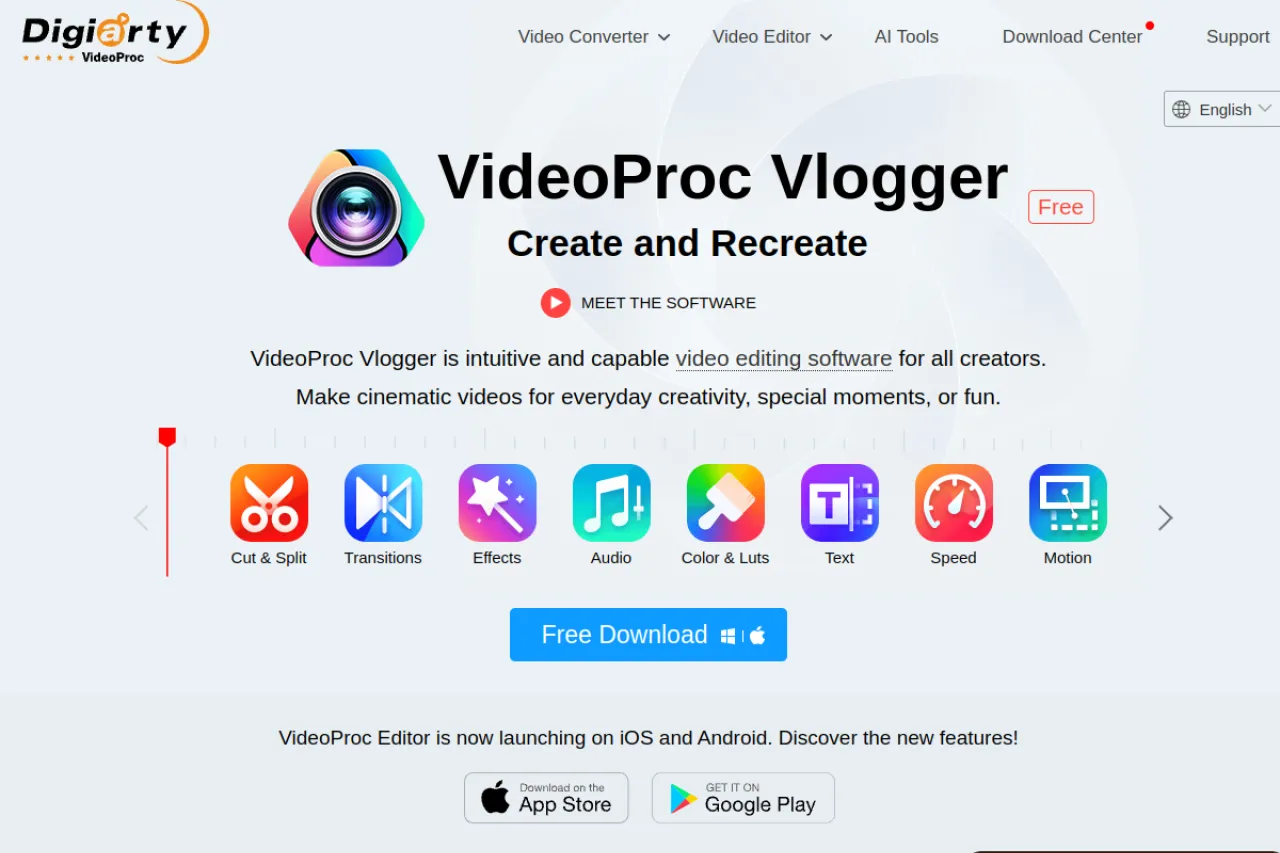
VideoProc Vlogger is a video editor made by Digiarty for Windows and Mac. The company offers it as a forever-free license: the full feature set is included, with no watermark on exports, no output quality limits, and no ads. It is built for vloggers and creators working with footage from drones, action cameras, and phones. The interface stays simple, but the engine handles 4K video with hardware acceleration. It suits beginners who want a real desktop editor without paying. Check the official VideoProc page for the current download.
Key Features
1. Forever-Free License
The license costs nothing and covers the full feature set. You never hit a paywall, export limit, or ad while editing.
2. Watermark-Free Exports
Exported videos carry no branding or watermark. Your final video is clean and ready to upload anywhere.
3. 4K Video Support
The editor handles 4K footage from phones, drones, and action cameras. Hardware acceleration keeps playback and export smooth.
4. Action-Cam Tools
Built-in tools fix shaky footage and adjust fisheye lens distortion. They are made for GoPro and DJI-style camera clips.
5. Speed Controls
Speed ramping changes clip speed smoothly within one shot. Use it for slow-motion highlights or fast time-lapses.
Frequently Asked Questions (FAQ)
What is VideoProc Vlogger used for?
It is used to edit vlogs, travel videos, and action-camera footage on a computer. It covers cutting, effects, color, and export in one desktop app.
How do I edit 4K video in VideoProc Vlogger?
Import your 4K clips like any other footage and edit them on the timeline. The editor uses hardware acceleration, which keeps playback and export smooth on supported computers.
Does VideoProc Vlogger add a watermark?
No. Videos exported from VideoProc Vlogger carry no watermark. This is one of its main advantages over trial versions of paid editors.
Which cameras does VideoProc Vlogger support?
It works with footage from GoPro, DJI drones, iPhones, and most phones and cameras. It includes tools to stabilize shaky clips and correct fisheye distortion.
What is the difference between VideoProc Vlogger and VideoProc Converter?
Vlogger is the free video editing app. VideoProc Converter is Digiarty's separate paid product for converting and compressing video formats.
Conclusion
VideoProc Vlogger gives beginners a genuine desktop editor at no cost. The forever-free license, watermark-free exports, and 4K support cover most vlogging needs. Action-camera tools are a welcome bonus for drone and GoPro users. Editors needing pro-level color or multi-camera work will want a paid tool instead. Download it from the official VideoProc page today.
Keep exploring
Similar AI tools
Ranked by the job they do, their capabilities, and how closely they fit this workflow.