
Upvotes
0
Pricing
Freemium
Category
Video Editing
In the database since
Oct 2026
Overview
About Vizard.ai
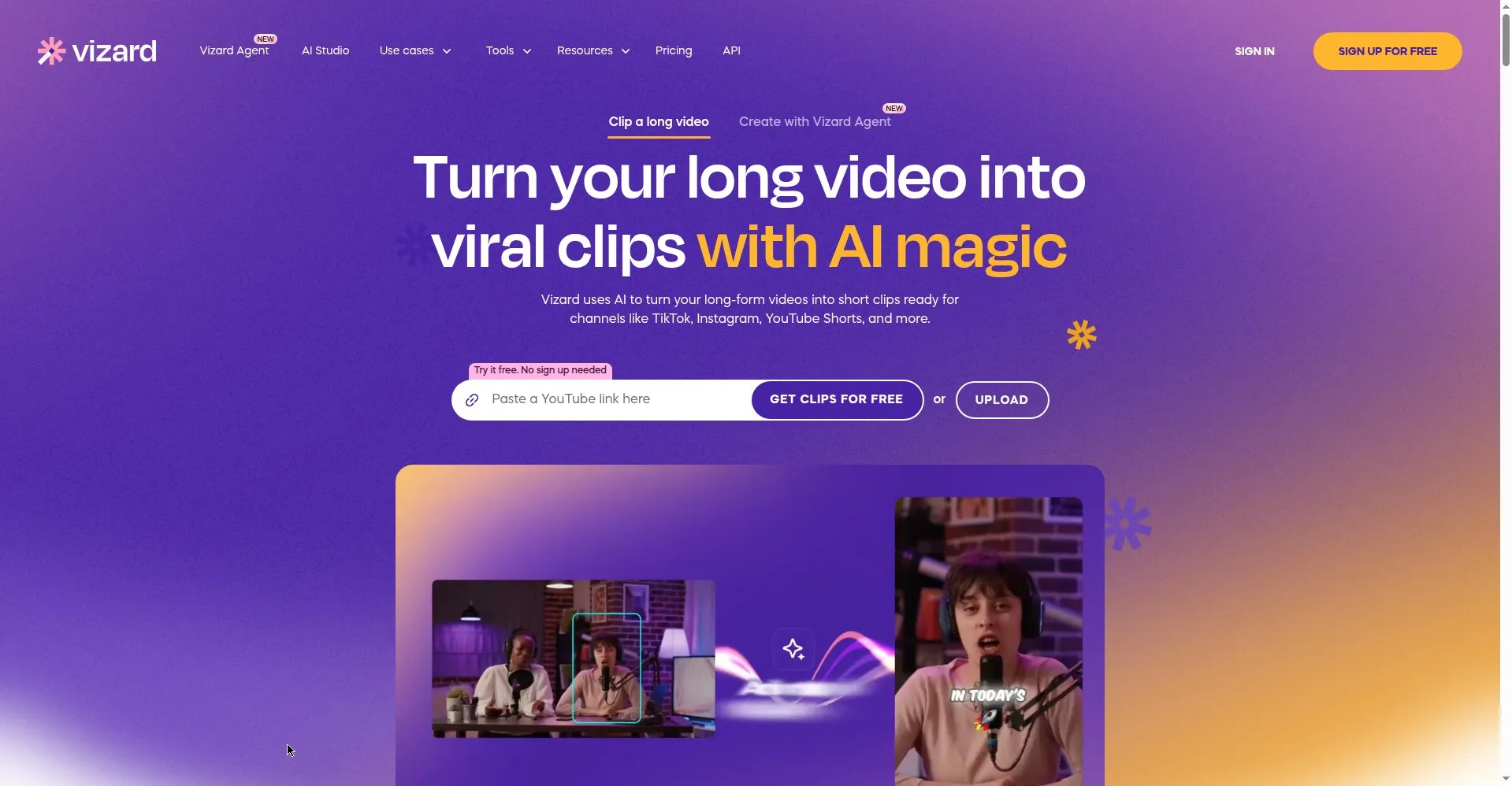
One hour of footage can become thirty short clips with no timeline scrubbing. That is the promise Vizard makes to creators sitting on podcasts, webinars, interviews, and live streams. Upload the long video, and Vizard transcribes the speech, finds the engaging moments, centers the speakers in vertical format, and adds captions in more than 140 languages. The result is a ready content library in about twelve minutes, built for TikTok, Instagram Reels, and YouTube Shorts, with no manual editing work.
Key Features
1. One-Click AI Clipping
Generate more than 30 social-ready clips from a single long video automatically, without scrubbing through the timeline by hand.
2. Text-Based Editing
Trim clips by editing the transcript directly. Delete words from the text to cut the video, with no timeline skills needed.
3. Auto Captions in 140+ Languages
Create dynamic subtitles automatically and translate them for global audiences, so clips can reach viewers in many languages.
4. Speaker Tracking Reframe
Convert horizontal footage to vertical or square formats while the AI keeps the active speaker centered in every frame.
5. Virality Scoring
See a score on each clip that shows how engaging it is likely to be, so you know which clips to publish first.
6. 100+ Templates
Pick from more than 100 ready-made styles for different niches and platforms, which speeds up production of each clip.
7. Auto-Scheduling and Publishing
Schedule clips and publish them directly to your social platforms from Vizard, closing the loop from upload to posted.
Frequently Asked Questions
How many clips can I get from one video?
Typically 5 to 30 or more clips, depending on the source length and how many engaging moments the AI finds.
Does it work with webinars and interviews?
Yes. Podcasts, webinars, interviews, streams, and YouTube videos are its core use cases for repurposing.
Can it generate video from text?
No. Vizard repurposes existing footage; it does not create new video from written prompts.
What languages are supported?
Captions and transcription cover 100 to 140 or more languages, depending on the feature you use.
Does the free plan have limits?
Yes. The free plan includes 60 credits per month, 720p exports, full editor access, and 3-day storage.
Can my team collaborate?
Yes. Team workspaces support shared projects, real-time viewing, and client previews for review.
Conclusion
Vizard sits at the repurposing end of short-form video: making new footage is getting cheaper, so reach now comes from squeezing more from every recording you already own. One upload becomes a week of clips in minutes, which makes consistency, the hardest part of social media, almost automatic for busy creators who would otherwise never keep up.
Keep exploring
Similar AI tools
Ranked by the job they do, their capabilities, and how closely they fit this workflow.