Upvotes
0
Pricing
Freemium
Category
Video Editing
In the database since
Oct 2026
Overview
About Vmake
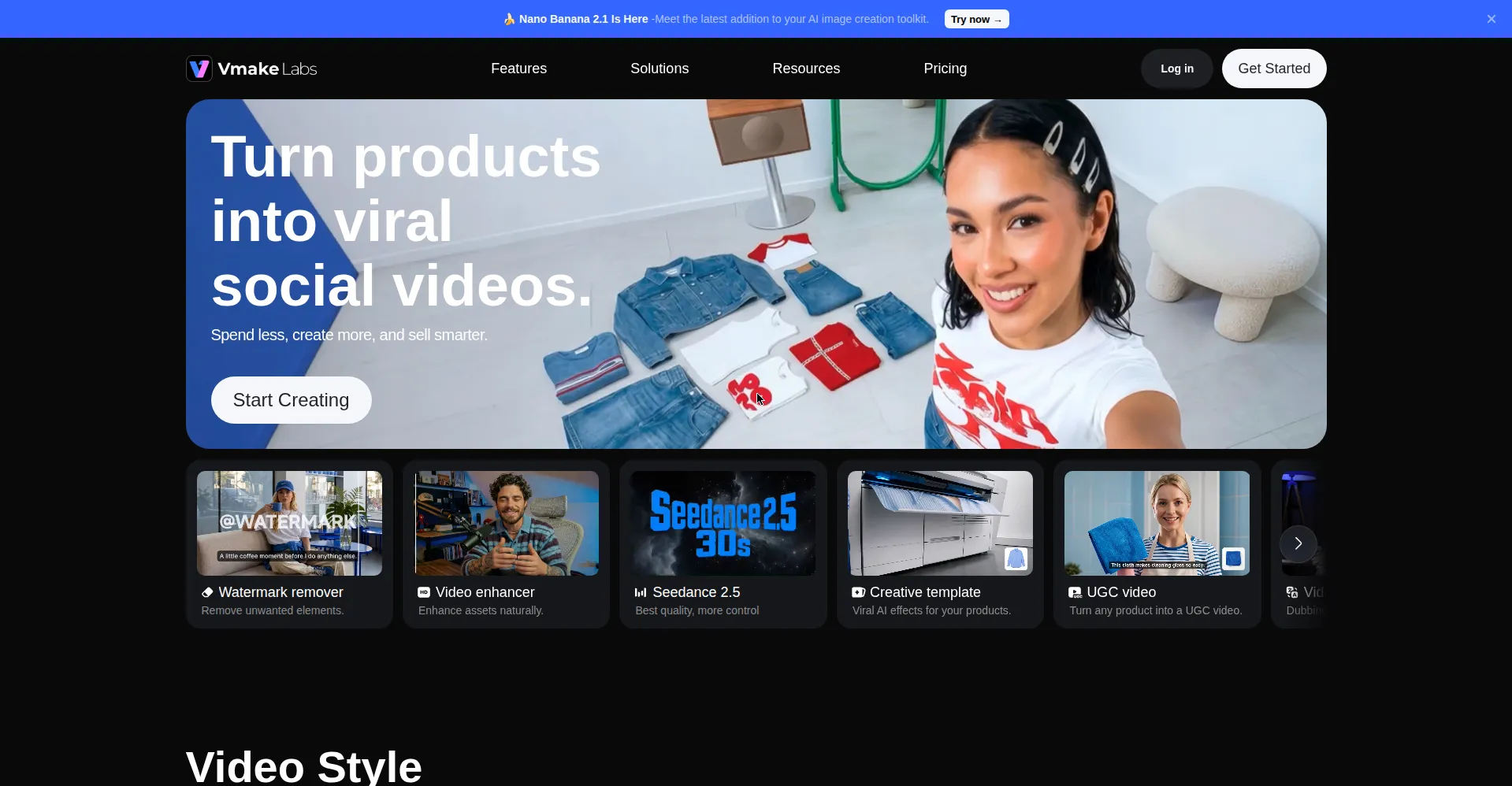
Vmake is an AI video platform for creating and enhancing short videos. It gives you access to leading AI video models like Sora, Veo, Kling, and Seedance in one workspace. You can generate clips from text, animate images, or restyle existing footage. Built-in tools handle captions, enhancement, watermark removal, and thumbnails. A free tier lets you try it, with paid plans for regular use. It suits e-commerce sellers, social media managers, and short-form creators. The platform runs in the browser, so there is nothing to install.
Key Features
1. Multiple AI Video Models
Pick from Seedance, Sora, Kling, Veo, Hailuo, Vidu, and Wan models. Choose the engine that fits each job.
2. Text, Image, and Video to Video
Generate from prompts, animate reference images, or restyle existing clips. First and last frames guide the output.
3. Up to 4K Output
Export clips in high resolution, up to 4K on higher plans. Output suits ads and professional projects.
4. Video Enhancement
Upscale low-quality footage and reduce noise. Old or rough clips come out cleaner and sharper.
5. Watermark and Background Removal
Remove watermarks, unwanted objects, and backgrounds with AI. Useful for cleaning up repurposed footage fast.
6. Auto-Captions and Thumbnails
Generate captions that sync with speech and thumbnails built for clicks. Both speed up publishing.
7. AI Avatars and Talking Photos
Create presenter videos from avatars or make photos speak. Good for product demos without filming.
Frequently Asked Questions (FAQ)
What is Vmake used for?
Making short AI videos for social media and e-commerce. It generates clips, enhances footage, and adds captions and thumbnails.
Which AI models does Vmake support?
Seedance 2.0, Sora 2, Kling 3.0, Veo 3.1, Hailuo 2.3, Vidu Q2, Wan 2.2, and others. The list grows over time.
Can Vmake restyle my existing videos?
Yes. Video-to-video lets you upload a clip and generate a new visual style from your original footage.
Does Vmake replace a full video editor?
No. It is best for quick AI tasks like generation, cleanup, and packaging. Complex edits still need a real editor.
What is the AI Video Agent?
A workflow that writes scripts, breaks them into scenes, and aligns visuals with voiceovers. It suits UGC-style ad production.
Can I use Vmake on my phone?
Yes. It has mobile apps alongside the browser version. Create and edit from your phone.
Conclusion
Vmake packs many AI video tasks into one workspace. Sellers and creators who publish short videos often get the most from it. The free tier works for testing, while paid plans unlock more credits and higher resolution. It will not replace a full editor. For fast AI clips and cleanup, it saves time. See the official site for current limits.
Keep exploring
Similar AI tools
Ranked by the job they do, their capabilities, and how closely they fit this workflow.