
VN Video Editor
Mobile and desktop editor with no watermark and keyframe tools.
Upvotes
0
Pricing
Freemium
Category
Video Editing
In the database since
Oct 2026
Overview
About VN Video Editor
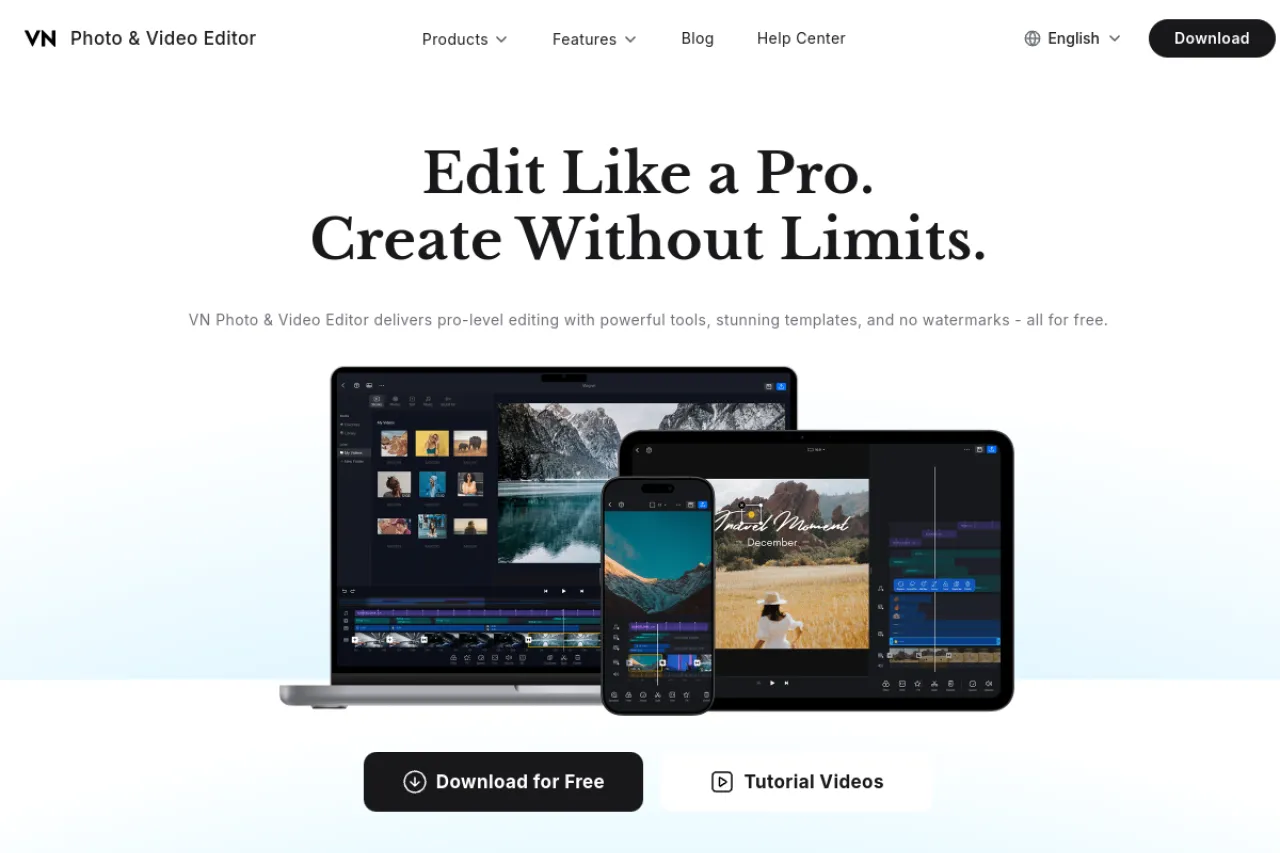
VN Video Editor is a video editor for phones and computers that adds no watermark to your exports. A watermark is a logo stamped on videos, and many free editors force one — VN does not. It offers a multi-track timeline where you layer video, audio, and text clips. Keyframes animate things like zoom and position over time, and curve controls fine-tune how fast changes happen. Creators use it for vlogs, shorts, and social videos. The core app is free, with an optional Pro plan.
Key Features
1. No Watermark Exports
Finished videos export clean with no logo, which is rare among today's free video editors.
2. Multi-Track Timeline
Stack video, audio, text, and effects on separate tracks to build layered and polished edits.
3. Keyframe Animation
Use keyframes to smoothly animate zoom, movement, position, and opacity across every single video clip.
4. Curve Speed Control
Adjust speed curves to ramp clips faster or slower, which creates smooth slow-motion and time effects.
5. Music and Sound Effects
Add background music and sound effects to clips, with easy volume controls for each track.
6. Mobile and Desktop Apps
VN runs on phones, tablets, and computers, so you can start an edit on one device and finish on another.
Frequently Asked Questions (FAQ)
What is VN Video Editor used for?
VN is used to edit videos for vlogs, YouTube, TikTok, and social posts. Creators cut clips, add music, and export without watermarks.
Is VN Video Editor really free with no watermark?
Yes. The core editor is free and its exports carry no watermark. An optional VN Pro subscription adds extra effects and assets.
What are keyframes in VN?
Keyframes are markers that set a value at one point in time. VN moves smoothly between them, so you can animate zooms and pans.
Can I edit on both phone and computer?
Yes. VN has mobile and desktop versions, which lets you edit on the go or on a bigger screen.
Is VN good for beginners?
Yes. The interface is simple enough for first-time editors, while keyframes and curves give room to grow.
Conclusion
VN Video Editor punches above its weight for a free tool. No-watermark exports, keyframes, and a multi-track timeline cover most creator needs on phone or desktop. It suits vloggers and social creators who want capable editing without paying or settling for branded exports. It is a favorite among mobile video creators worldwide. Download it and start editing today.
Keep exploring
Similar AI tools
Ranked by the job they do, their capabilities, and how closely they fit this workflow.