Upvotes
0
Pricing
Freemium
Category
Transcription
In the database since
Oct 2026
Overview
About Vomo
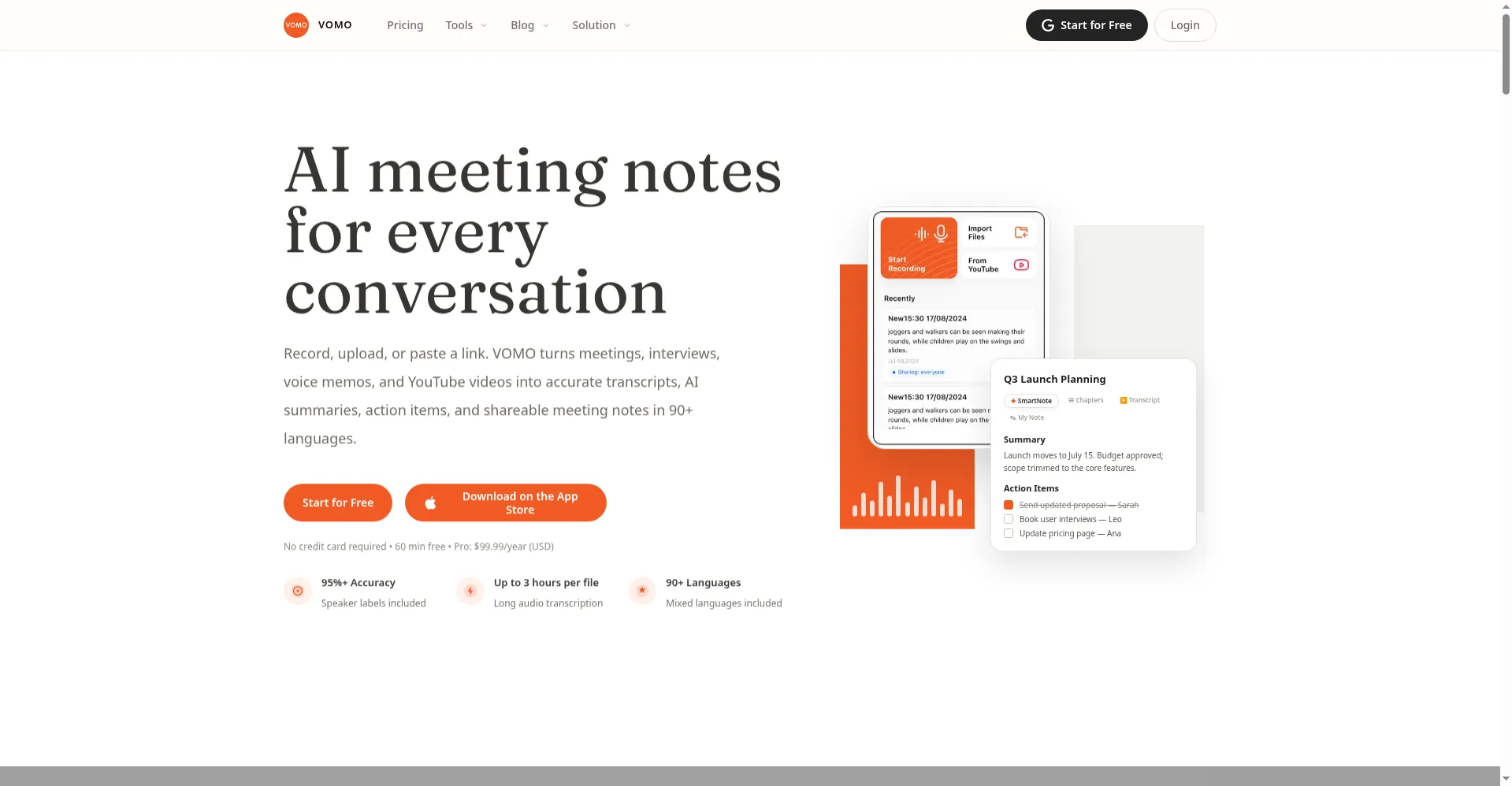
Vomo is an AI voice-note app that turns spoken words into text. Record or import audio, and Vomo transcribes it, writes a summary, and labels speakers. Its Ask AI feature answers questions about your recording without you re-reading it. Customizable summary templates let you shape notes for meetings, classes, or interviews. The app focuses on voice memos and audio-to-text, with a mobile app for recording anywhere. It suits students, journalists, and professionals who capture ideas and talks on the go.
Key Features
1. Voice-to-Text
Record or import audio and get an accurate transcript. Works for memos, meetings, and lectures.
2. Ask AI
Ask questions about your recording and get answers from the transcript. No need to re-read everything.
3. Smart Summaries
Get clean, well-organized summaries of long recordings. Customizable templates suit meetings, classes, and interviews perfectly.
4. Speaker Labels
Speakers are labeled in the transcript. You can see who said what at a glance.
5. Share Easily
Share transcripts and summaries with teammates or friends. Export notes or send them straight from the app.
Frequently Asked Questions (FAQ)
What is Vomo used for?
Vomo turns voice memos, meetings, lectures, and interviews into text. You get a transcript, a summary, and an Ask AI chat for each recording.
How does Ask AI work?
Ask AI answers questions using your transcript as the source. It pulls out decisions, objections, and follow-ups so you skip re-reading.
Can I customize the summaries?
Yes. Vomo offers customizable summary templates, so you can shape notes for meetings, classes, or interviews.
Does Vomo label speakers?
Yes. Speaker labels are included in transcripts, so you can tell who said what.
Is Vomo only for iPhone?
Vomo's mobile app is built for iOS, and you can also import audio files to transcribe.
Conclusion
Vomo turns voice memos and recordings into useful text. Transcripts, summaries, and Ask AI cover the whole workflow from capture to notes. Speaker labels and templates add polish for sharing. It suits students, journalists, and busy professionals best. Record on your phone, ask questions later, and keep every idea searchable. Check the official site for current plan details and limits.
Keep exploring
Similar AI tools
Ranked by the job they do, their capabilities, and how closely they fit this workflow.