
Upvotes
0
Pricing
Freemium
Category
Video Editing
In the database since
Oct 2026
Overview
About Wisecut
Talking-head videos are full of small pauses. Every 'um,' every silence while you think, every dead second between sentences stays in the footage. Cutting them out by hand takes hours on a timeline. Wisecut does that job for you. Upload a video and its AI finds the silences, removes them, and adds jump cuts with punch-in zooms. It also writes captions, picks background music, and reframes the video for each platform. You get a clean, watchable edit without touching a timeline.
Key Features
1. Auto-Cut Silences
Wisecut detects pauses and filler words in your audio and cuts them out automatically. Jump cuts and punch-in zooms keep the pace tight and natural.
2. AI Highlight Detection
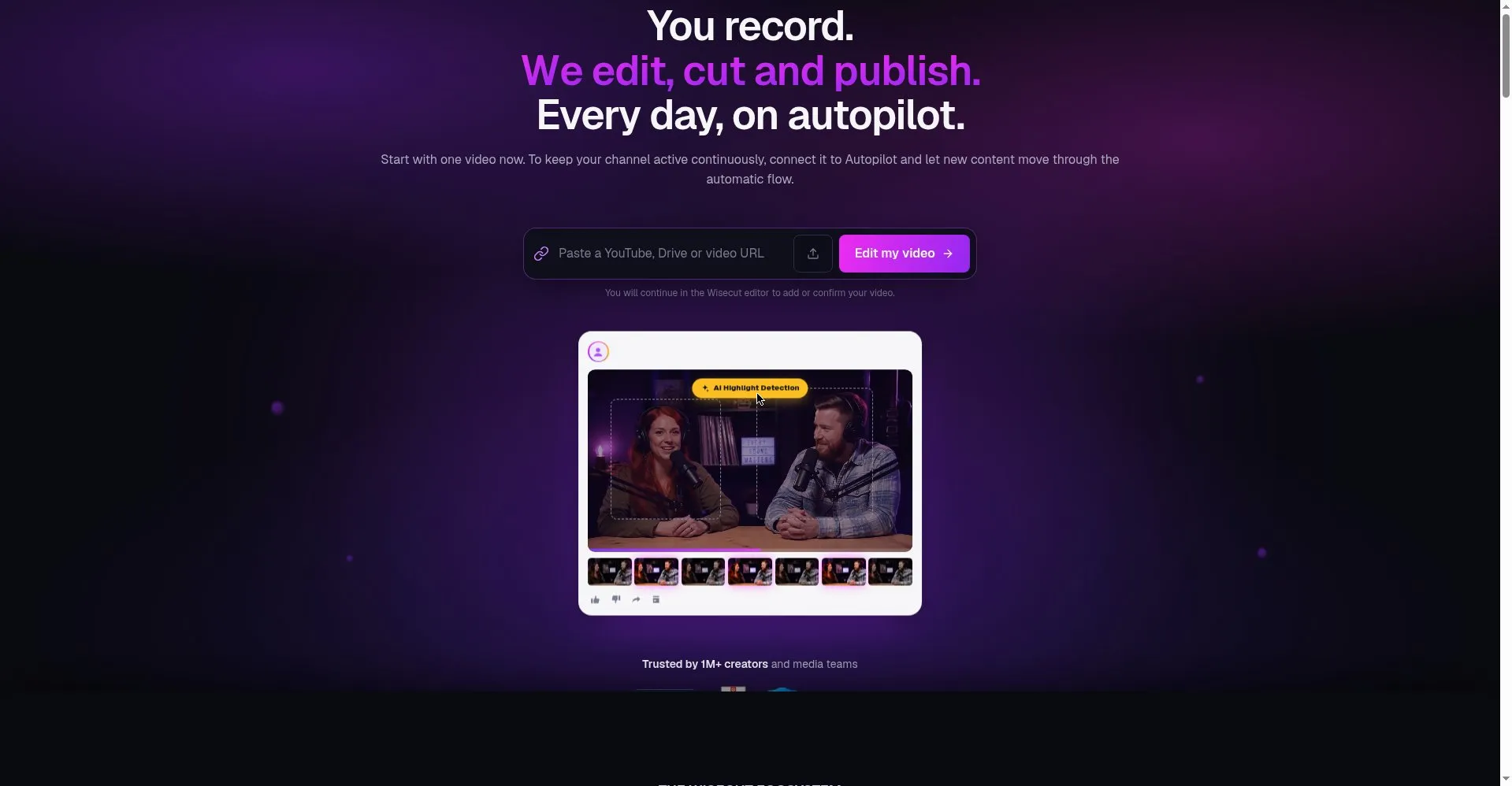
The AI scans long recordings for the strongest moments and turns them into short clips. These clips are ready to post as Shorts or Reels.
3. Storyboard Editing
Your footage becomes a text storyboard built from the transcript. Move or delete text blocks to change scenes, with no timeline scrubbing needed.
4. Auto Captions and Translations
Wisecut writes subtitles from your speech automatically. It can also translate them, so viewers in other countries can follow your videos.
5. Smart Background Music
The AI picks music that fits your video and matches its length. It lowers the music under speech, so your words always stay clear.
6. Auto Reframe
One upload becomes vertical, square, and widescreen versions. Each version keeps the speaker in frame, ready for YouTube, TikTok, or Instagram.
7. WISH Prompt Editing
WISH plans your edit from a plain-language prompt. Describe the result you want, and the AI handles cuts, captions, and reframe choices.
8. Autopilot Publishing
Connect your YouTube channel and Autopilot turns each new upload into scheduled social clips. New videos become Shorts without extra work.
Frequently Asked Questions
How does Wisecut remove silences?
It reads your audio with voice recognition, finds pauses and filler words, and cuts them out. Jump cuts and punch-in zooms fill the gaps so the edit feels natural.
What is WISH?
WISH is Wisecut's prompt-based editing tool. You describe the edit you want in plain words, and it plans the cuts, captions, and reframe for you.
Can it make Shorts from my YouTube videos?
Yes. Autopilot watches your connected channel and turns new uploads into short clips. It can also schedule them for your social accounts.
What does the free plan include?
The free plan gives 30 minutes of editing per month at 480p resolution. Exports can run up to 3 minutes each, with no watermark.
Do I need editing skills?
No. You edit by moving text in the storyboard, not by scrubbing frames on a timeline. The AI handles cuts, captions, music, and reframing.
Conclusion
Wisecut is built for creators who would rather record than edit. It removes the slowest parts of post-production: cutting silences, writing captions, picking music, and reframing clips. The result is a polished video in minutes, not hours. If talking-head videos are your main content, Wisecut saves time on every single upload. That time goes back into recording your next video.
Keep exploring
Similar AI tools
Ranked by the job they do, their capabilities, and how closely they fit this workflow.