XMedia Recode
Video and audio converter with GPU-accelerated encoding.
Upvotes
0
Pricing
Free
Category
Video Tools
In the database since
Oct 2026
Overview
About XMedia Recode
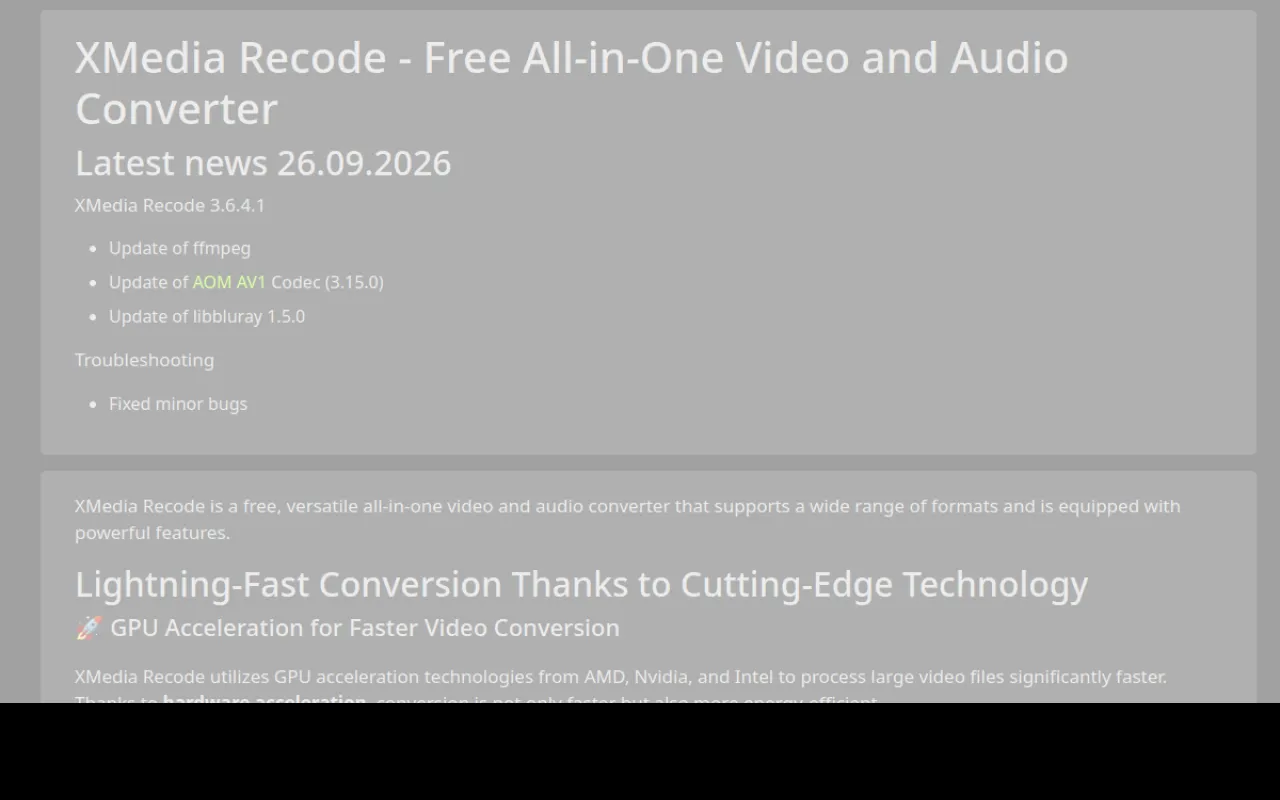
XMedia Recode is a free video and audio converter for Windows. It changes files between many formats and also edits them. The app uses your graphics card to speed up encoding with Nvidia, AMD, or Intel chips. It suits anyone who converts videos for phones, players, or the web. The site says it is completely free with no ads or hidden costs. Check xmedia-recode.de for the current version and formats before you start. Encoding means turning raw video into a file format that plays on your device.
Key Features
1. GPU-Accelerated Encoding
Nvidia, AMD, and Intel graphics speed up conversions. This makes big files finish much faster.
2. Video and Audio Formats
It converts both video and audio files. The format list covers all common types you need.
3. Device Profiles
Ready profiles target Apple, Samsung, Sony, and many more brands. Pick your device and go.
4. Three Windows Builds
Choose 64-bit, 32-bit, or portable builds for Windows. The portable build runs with no install at all.
5. No Ads or Costs
The site says it is completely free. It contains no ads and no hidden costs.
Frequently Asked Questions (FAQ)
What is XMedia Recode used for?
It converts video and audio files between formats. You can also edit them before converting.
Which systems does it run on?
It runs on Windows 10 and 11. There are 64-bit, 32-bit, and portable builds.
Does it use my graphics card?
Yes. Nvidia, AMD, and Intel chips speed up encoding. This makes conversions much faster.
What are device profiles?
They are ready settings for brands like Apple, Samsung, and Sony. Pick your device to get the right output.
Does it show ads or ask for payment?
No. The site says it is completely free with no ads or hidden costs.
Conclusion
XMedia Recode is a solid free converter for Windows. It suits anyone who changes video or audio formats. GPU speed, device profiles, and portable builds cover most needs. The app has no ads or hidden costs. Check the official site for the current version before you start today. It is a good pick for fast, clean conversions.
Keep exploring
Similar AI tools
Ranked by the job they do, their capabilities, and how closely they fit this workflow.