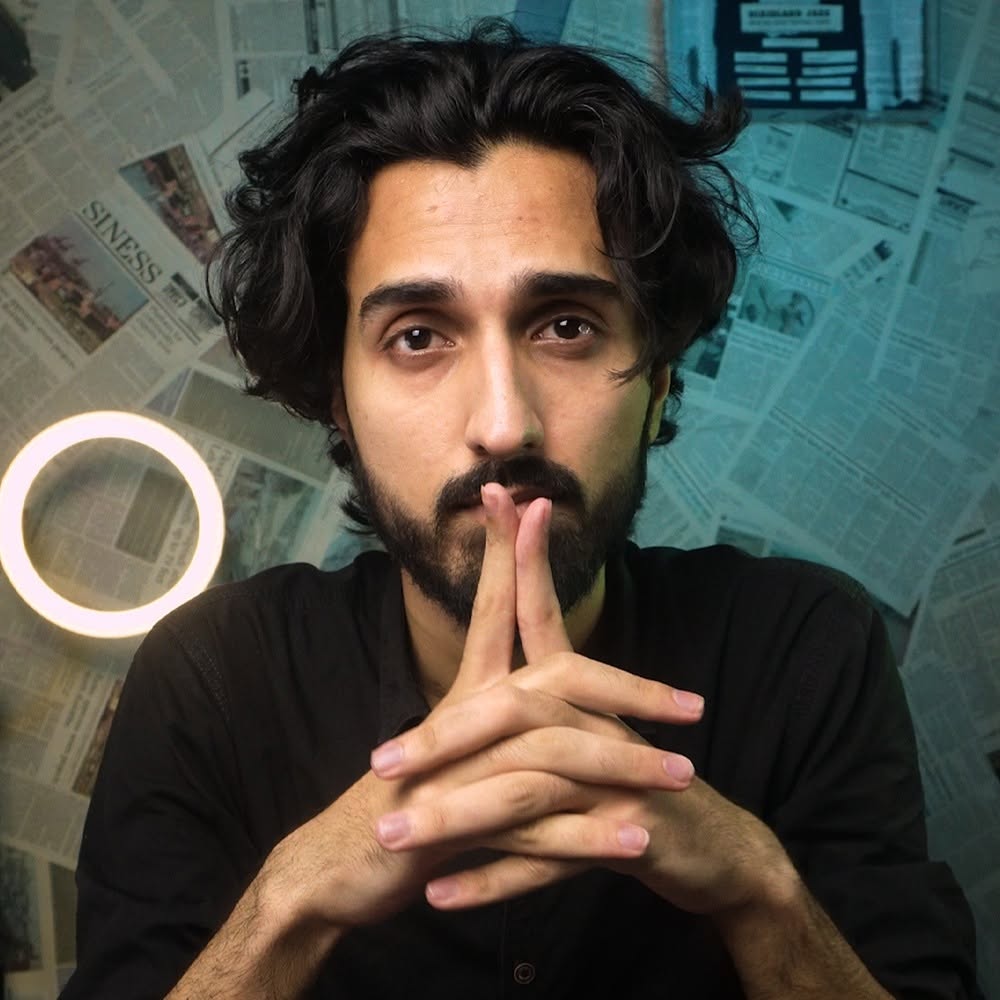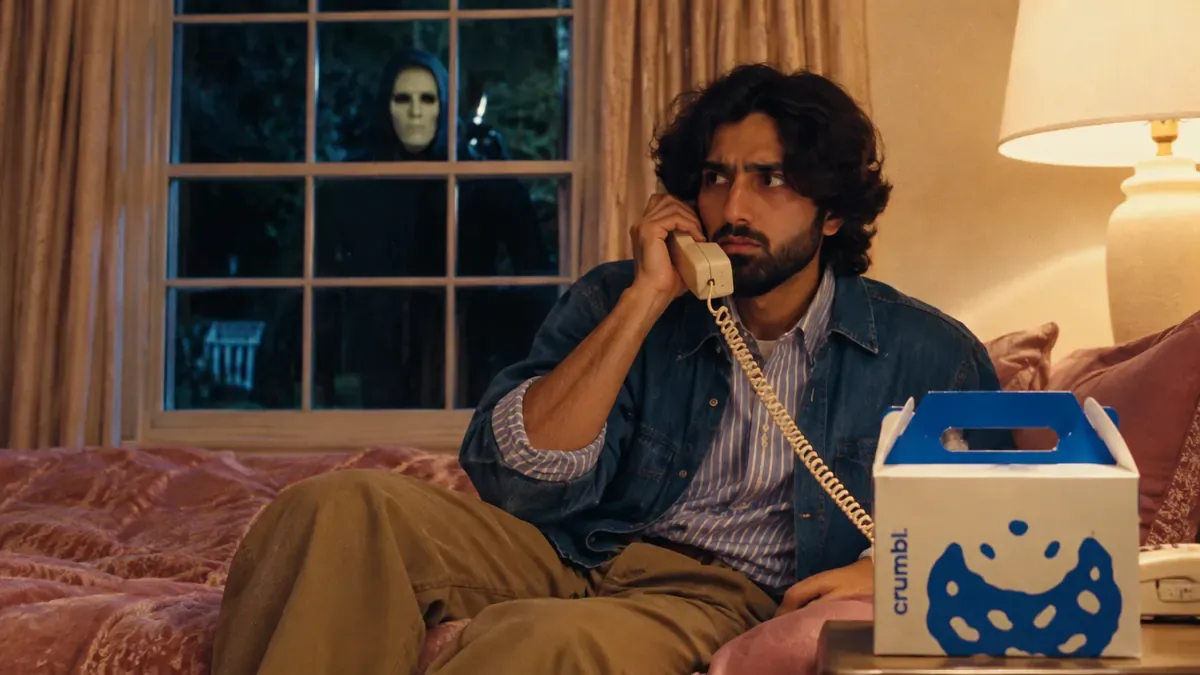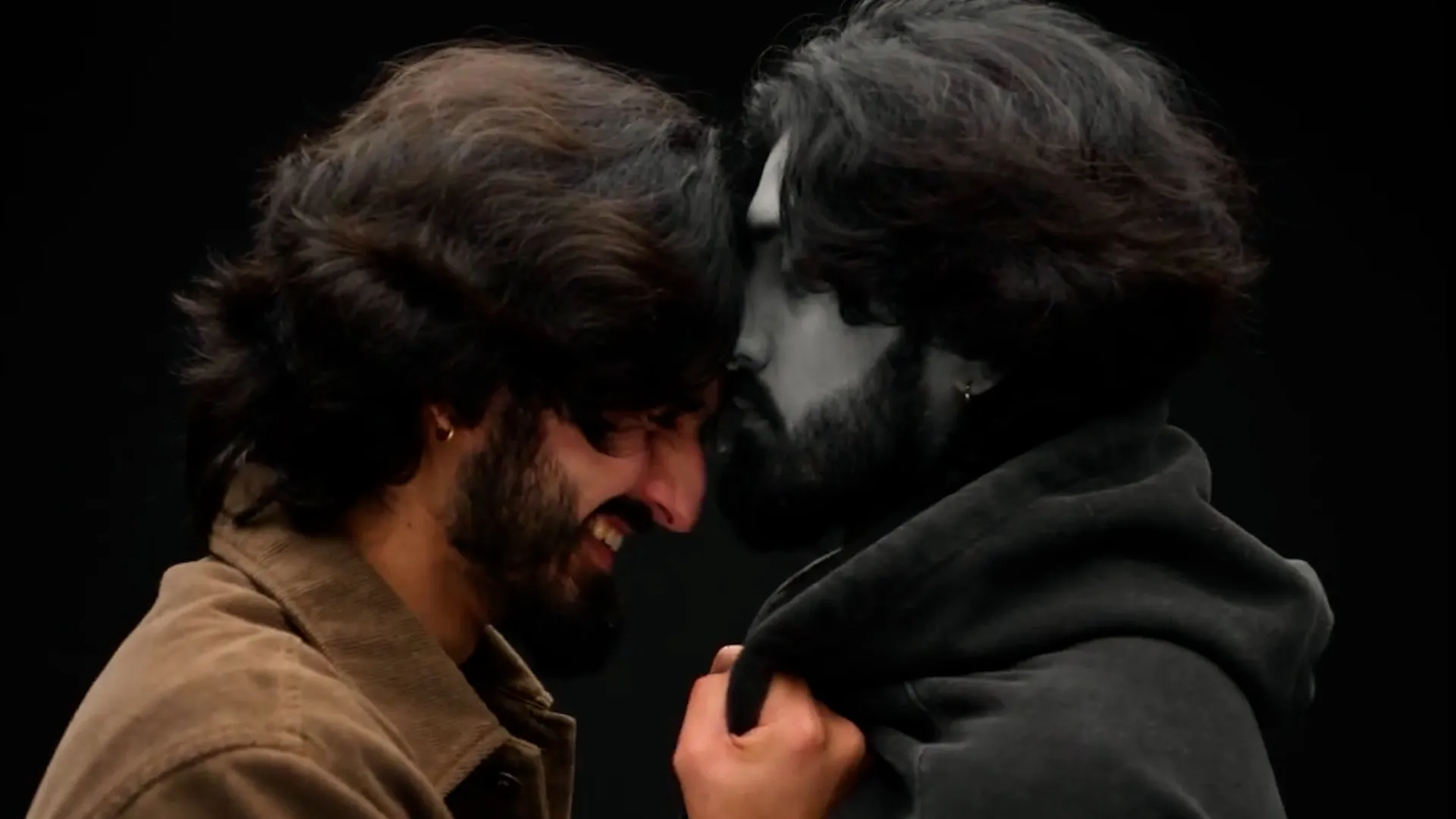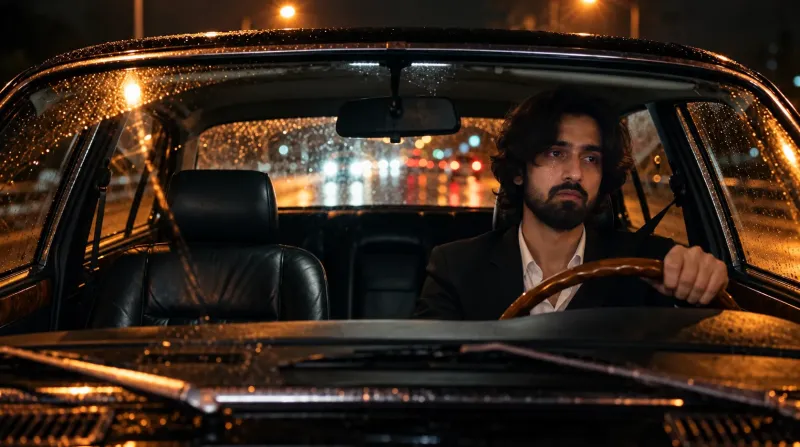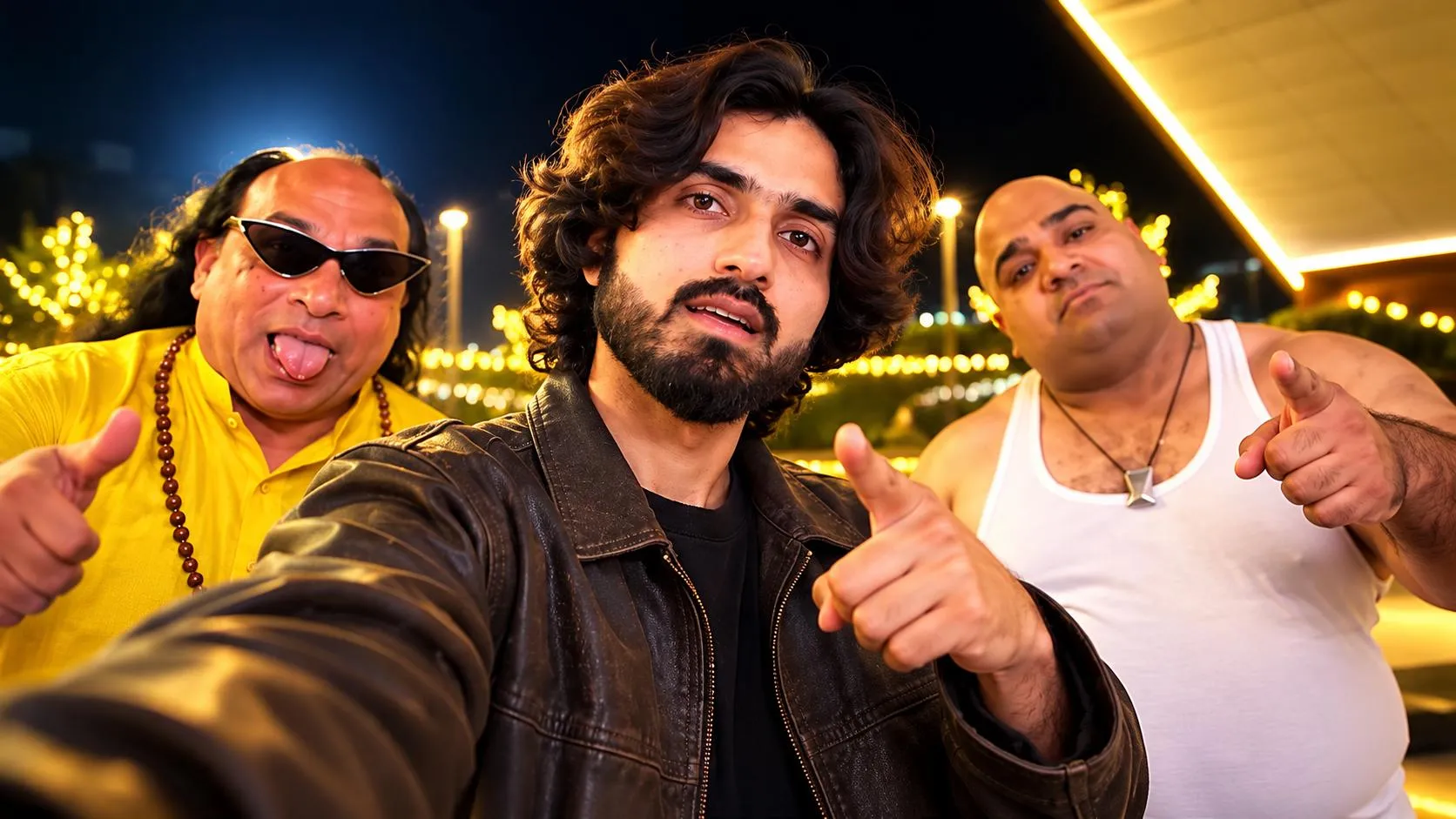
This video is made in Wizstar using Seedance 2.5
Want to replace every character in a video with real people you choose, without breaking the scene? This prompt does exactly that. It swaps the faces and outfits, and leaves everything else untouched.
What this prompt does
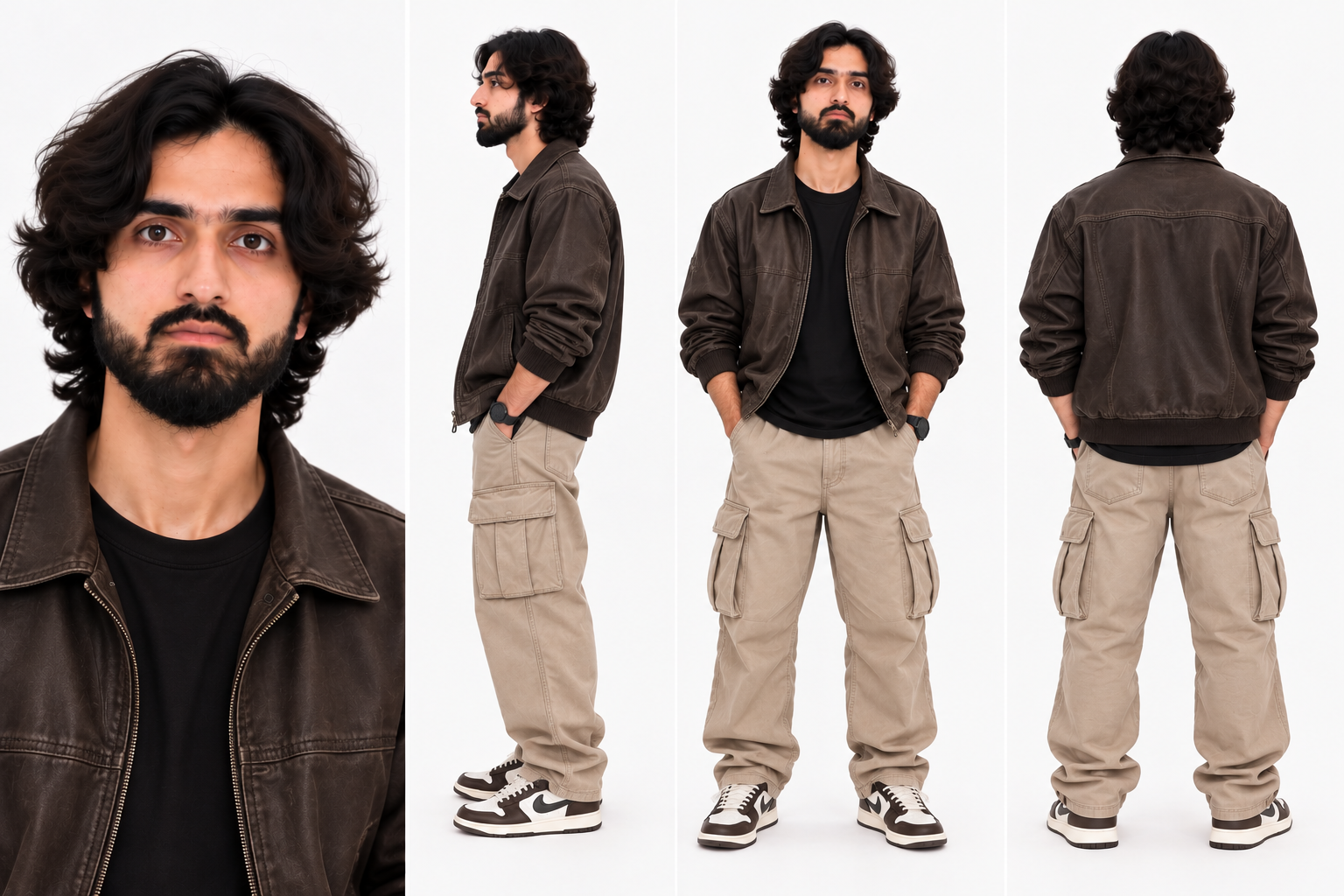
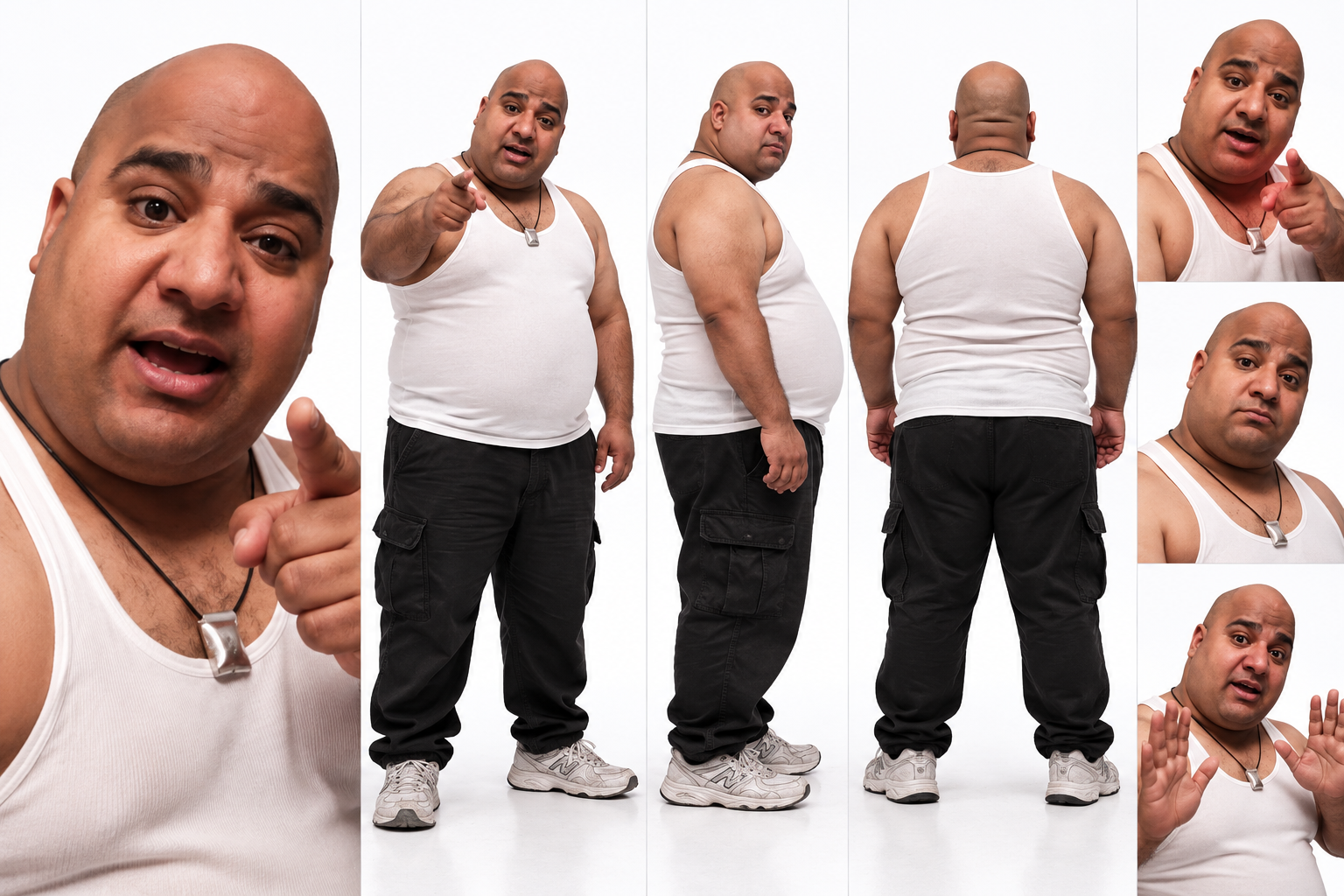
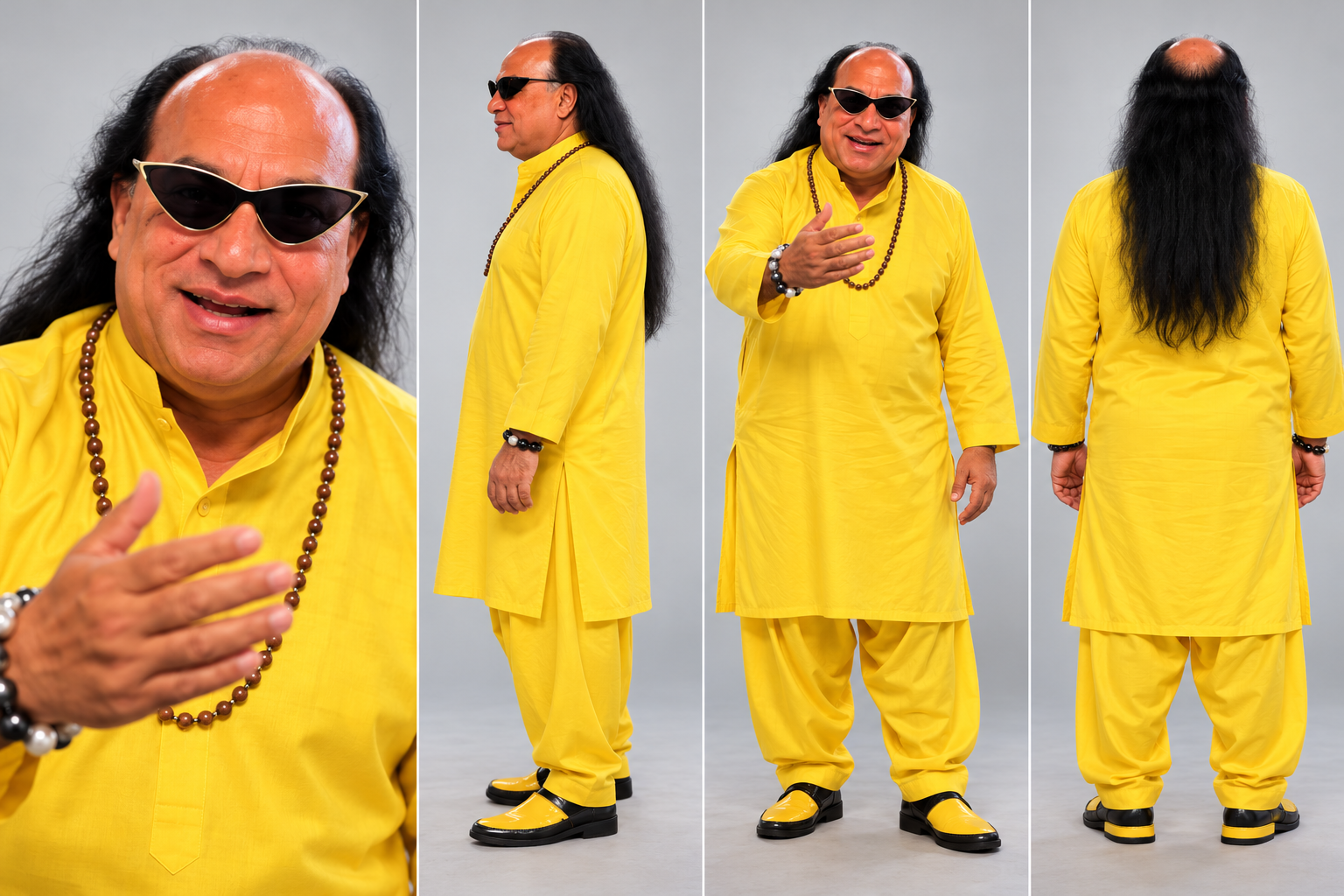
It replaces Character 1 with the person from Image 1, Character 2 with the person from Image 2, and Character 3 with the person from Image 3.
Each character's face, body, skin tone, facial features, hair, and overall physical appearance must match their reference image exactly, 1:1. Nothing is altered, modified, or reinterpreted. The identity of each person is preserved with complete accuracy.
At the same time, it replaces each character's outfit entirely with the clothing shown in their reference image. Fabric texture, color, cut, styling, accessories, and garment fit are all preserved exactly as seen in the reference. The original video's costumes are completely replaced.
What stays exactly the same
Everything else stays 100% identical to the source video:
- Facial expressions
- Body movements and gestures
- Poses
- Camera angles
- Lighting
- Background
- Motion and timing
- Scene composition and environment
Only the faces, physical identity, and outfits change.
What you need
- The original video you want to change
- 3 separate reference images, one per character: Image 1 for Character 1, Image 2 for Character 2, and Image 3 for Character 3
Character 1
Character 2
Character 3
Use a clear, front-facing reference for each person where possible. A group photo is useful as an illustration, but for the cleanest swap, give the tool one reference image per character, not one combined photo for all three.
How to use it
- Upload your original video.
- Upload Image 1, Image 2, and Image 3 in that order, matching them to Character 1, 2, and 3.
- Paste the prompt below exactly as written.
- Generate, then check the result shot by shot: face match, outfit match, and motion.
Copy/paste prompt
What changes, and what does not
| Changes | Stays the same |
|---|---|
| Face and physical identity | Facial expressions |
| Outfit, fabric, color, fit, accessories | Body movements, gestures, poses |
| — | Camera angles and lighting |
| — | Background, motion, timing, composition |
If the result looks off
| Problem | Fix |
|---|---|
| Face looks like a mix of two people | Use one clear reference per character, and re-check the Image 1 / 2 / 3 order |
| Outfit from the original video is still visible | Repeat the full outfit-replacement rule, and name the reference garment details |
| Motion or camera angle changes | Re-emphasize that motion, timing, camera, and background must remain 100% identical |
| Text or a watermark remains | Keep the clean-output rule: no text, watermarks, logos, subtitles, or overlays anywhere in the frame |
Final checklist
- 3 characters, 3 separate reference images, in the correct order
- Faces matched 1:1, with no reinterpretation
- Outfits fully replaced, with fabric, color, cut, and accessories preserved
- Expressions, motion, camera, lighting, and background unchanged
- Final video completely clean, with no text or graphics in the frame
Upload your video, attach your three references, paste the prompt, and let the swap do the rest — same scene, same motion, new characters.