Looking for the best free ai video editor with no watermark? Most free editors stamp their logo on your export — that is how they push you to pay. We checked 7 free AI video editors for exactly that: which ones export clean video, and what the free tier really costs you in limits.
Quick answer: Clipchamp is the best free ai video editor with no watermark — unlimited 1080p exports, no watermark, free. The catch: 4K export and premium stock need a paid plan. If you edit on your phone, CapCut's free tier also exports without a watermark at 1080p — as long as you only use free assets.
No single editor wins for everyone. The best pick depends on your job: watermark-free exports, talking-head editing, or quick browser trims. The table below shows the trade-offs at a glance.
How we checked
We reviewed each tool's published pricing and free-tier terms for three things: watermarks on free exports, export resolution caps, and monthly usage limits. What we did not test: side-by-side editing speed, AI feature quality, or render times — those depend on your device and footage, so test your own clips on the top two before you commit.
Comparison: the 7 tools at a glance
| Tool | Free tier | Sign-up? | Watermark? | Free limit | Best for |
|---|---|---|---|---|---|
| Clipchamp | Yes — unlimited | Yes (Microsoft) | No | 1080p max | Watermark-free exports |
| CapCut | Yes | Yes | No (free assets only) | 1080p max | Mobile short-form editing |
| Kapwing | Yes — monthly | No to start | Yes | 4 min/video, 720p, 30 min/mo | Browser collaboration |
| Descript | Yes — monthly | Yes | Yes | 1 hr media/mo, 720p | Talking-head editing |
| Filmora | Trial | Yes | Yes | Full editor, watermarked | Desktop editing test-drive |
| FlexClip | Yes | Yes | Yes | 720p, 12 projects | Template-based promos |
| Clideo | Yes | No | Yes | 500 MB/file, 720p | Quick single-task trims |
Free limits change often — check each tool's pricing page before you rely on it.
1. Clipchamp — Best Watermark-Free Exports
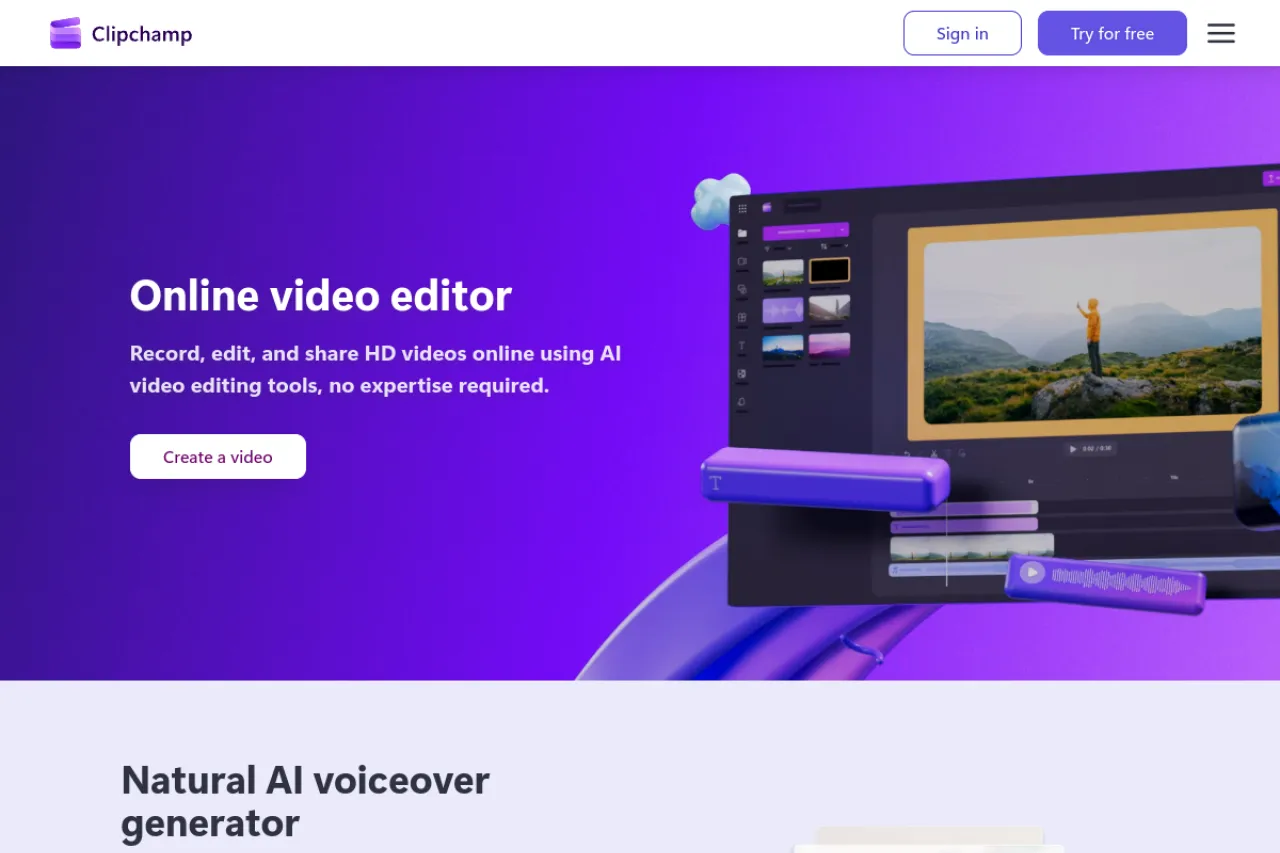
Price: Free plan $0; Premium about $11.99/month or included with Microsoft 365.
Free tier
Clipchamp is the only editor here with truly watermark-free exports on the free plan — unlimited 1080p exports, no logo stamped on your video. AI captions, text-to-speech voices, and silence removal are included free. You need a Microsoft account to sign in.
Strengths
Unlimited clean exports at 1080p is unmatched at this price — zero dollars. It runs in the browser, so it works on Windows, Mac, and Chromebook. The interface is simple enough for a first-time editor.
Trade-offs
4K export needs Premium. Premium stock footage is paywalled — using it on a free project blocks the export until you remove it. No phone app, and it needs a decent computer to run smoothly.
Bottom line
The honest answer to "no watermark" — free, unlimited, and clean.
2. CapCut — Best for Mobile Short-Form
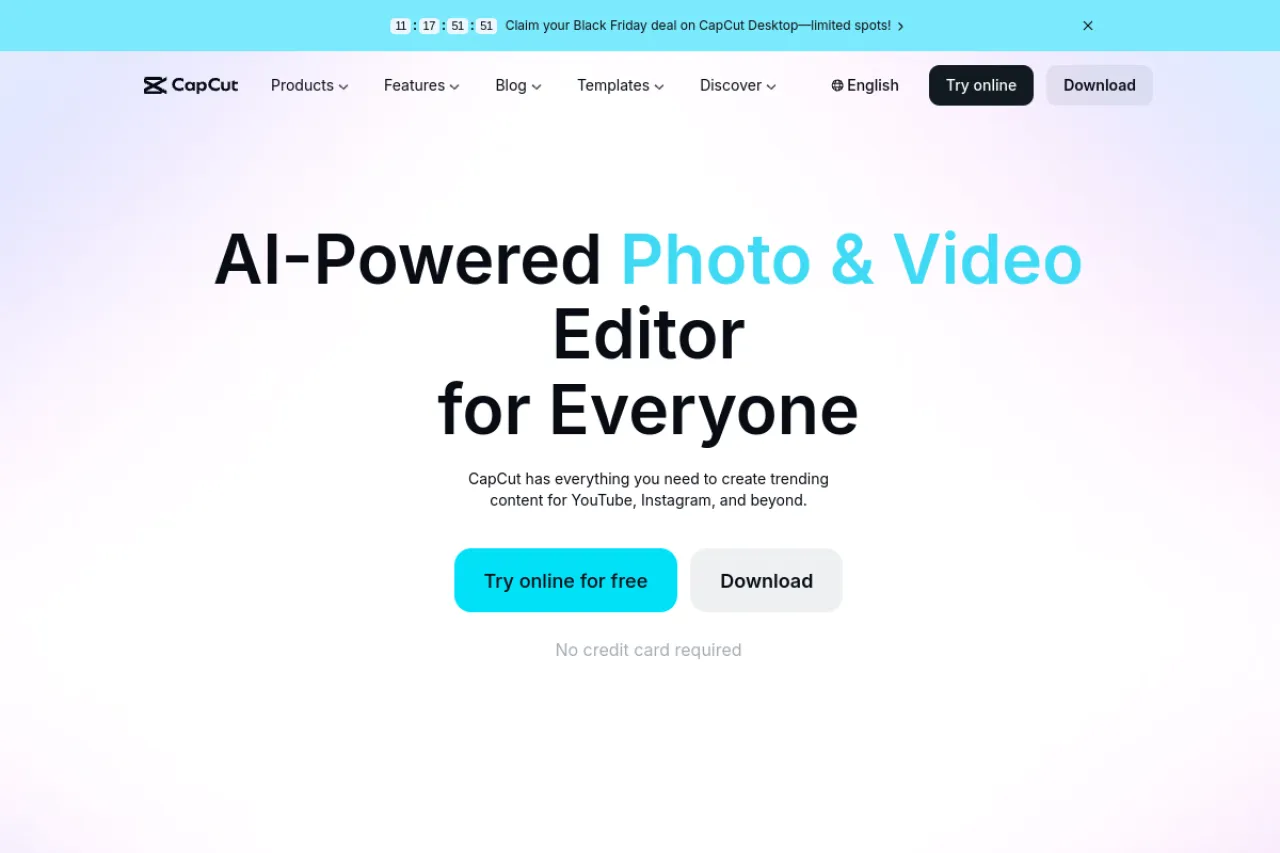
Price: Free plan $0; Pro about $19.99/month.
Free tier
CapCut's free tier exports at 1080p with no watermark — as long as every asset in your project is free. Per CapCut's own help center, a video made from your own clips and free items exports clean. The trap: one Pro-marked effect, template, or song watermarks the entire export.
Strengths
Built for TikTok, Reels, and Shorts — trending templates and effects land here first. Auto-captions and text-to-speech are included. Works on phone, desktop, and web with the same account.
Trade-offs
The watermark works like a trap door — you only discover it at export time, after your edit is done. 4K export and the full AI toolkit need Pro. Free cloud storage is minimal, so projects live on your device.
Bottom line
The best free mobile editor — just check every asset for the Pro badge before you export.
3. Kapwing — Best Browser Collaboration
Price: Free plan $0; Pro about $16/month billed annually.
Free tier
Kapwing's free plan allows unlimited exports, but every one carries a Kapwing watermark. Exports cap at 4 minutes per video and 720p, with 30 export minutes a month. Projects are deleted after 3 days. No sign-up is needed to start editing.
Strengths
Collaboration is the product — shared workspaces and per-member pricing suit small teams. Smart Cut, auto-subtitles, and clean-audio tools are genuinely useful. Everything runs in the browser, nothing to install.
Trade-offs
The watermark never comes off on free, which rules out publishing under your name. Four-minute exports and 720p cap long or polished projects. Three-day project storage means you must export fast.
Bottom line
A great free test-drive for teams — not a free publishing tool.
4. Descript — Best for Talking-Head Editing
Price: Free plan $0; Hobbyist about $16/month billed annually.
Free tier
Descript's free plan gives 1 hour of media a month and 100 one-time AI credits. Exports are 720p with a watermark. This is a real free tier, not a trial — the hour renews monthly.
Strengths
Edit video by editing text — delete a sentence and the footage cuts itself. Transcription accuracy is best-in-class. Filler-word removal and Studio Sound cleanup save hours on talking content.
Trade-offs
Free exports are watermarked at 720p, so you cannot publish from free. One hour of media a month covers a test, not a series. Heavy effects and color work hit its ceiling fast.
Bottom line
The fastest way to edit talking videos — test the workflow free, pay to publish.
5. Filmora — Best Desktop Test-Drive
Price: Free trial $0; paid plans from about $49.99/year.
Free tier
Filmora's free trial unlocks the full desktop editor — every tool, every effect. The catch is absolute: all exports carry a Filmora watermark. There is no way to remove it without paying.
Strengths
A real desktop editor with a gentle learning curve — keyframes, motion tracking, and AI captions included. The effects and music library is huge. A rare one-time lifetime license exists for buyers who hate subscriptions.
Trade-offs
The watermark makes the free tier evaluation-only. Even paid plans gate some premium effects behind extra purchases. It is less deep than pro tools for advanced color and audio work.
Bottom line
Try the full editor free — then decide if the watermark is worth paying to remove.
6. FlexClip — Best Template-Based Promos
Price: Free plan $0; Plus about $11.99/month billed annually.
Free tier
FlexClip's free plan exports at 720p with a FlexClip watermark. You get 12 projects, videos up to 10 minutes, and one stock video plus one stock audio per project. AI tools are limited on free.
Strengths
Thousands of templates for promos, intros, and social posts — pick one, swap the text, export. Entirely browser-based, works on any computer. AI subtitles and text-to-speech speed up simple jobs.
Trade-offs
The watermark stays until you pay. One stock asset per project is tight for anything ambitious. Twelve projects fill up fast if you experiment a lot.
Bottom line
Fast promo videos from templates — pay to lose the watermark.
7. Clideo — Best Quick Single-Task Trims
Price: Free plan $0; Pro about $9/month billed annually.
Free tier
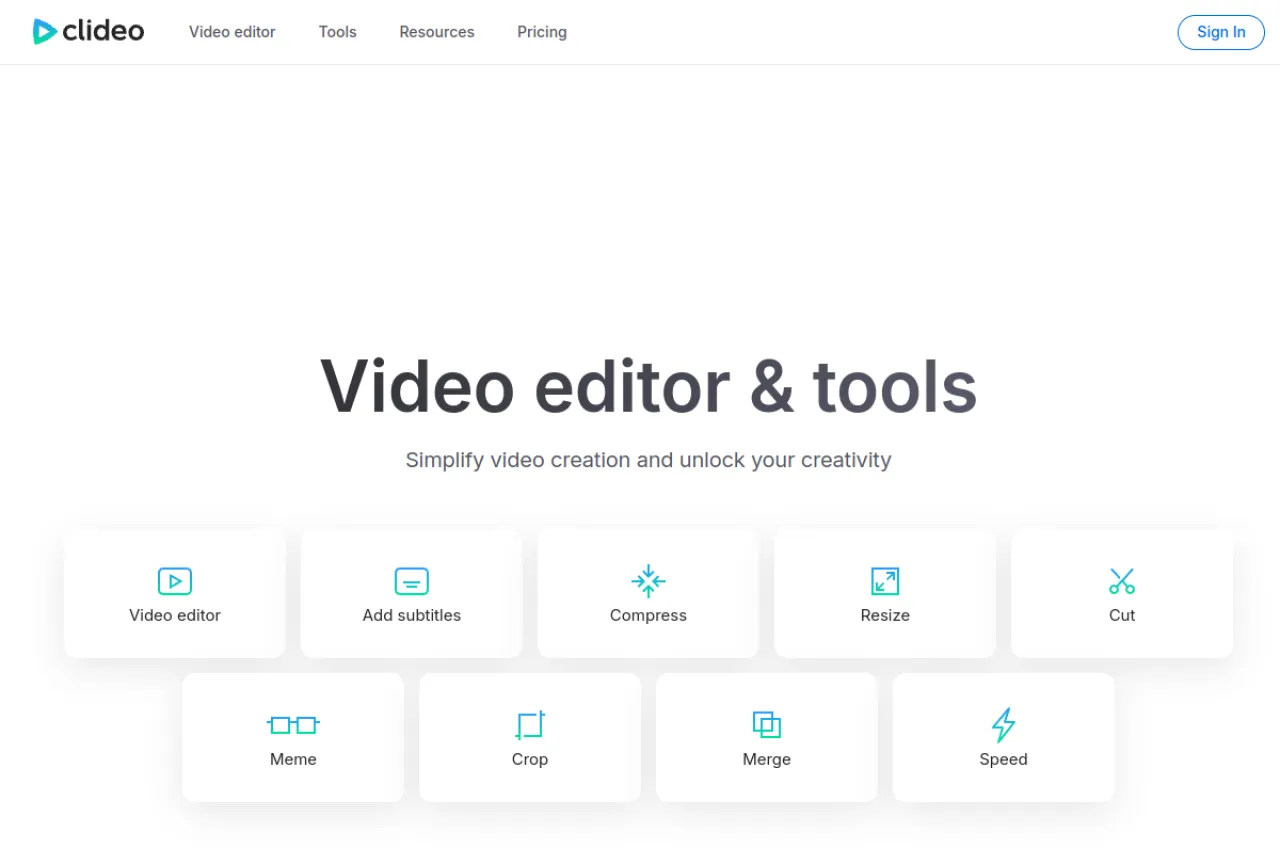
Clideo is a set of single-purpose browser tools — trim, compress, merge, resize. No sign-up needed to start. Every free export carries a watermark, files cap at 500 MB, and exports max out at 720p.
Strengths
No learning curve — open the tool, drop a file, done in a minute. Handles 500 MB files without an account. Good for one-off jobs like trimming a clip or compressing for upload.
Trade-offs
The watermark applies to every free export with no exceptions. Tools are separate pages, so multi-step edits mean download-and-re-upload between each. Cloud processing is slower than desktop.
Bottom line
The fastest free trim on the web — just not a watermark-free one.
Your situation → best pick
| Your situation | Best pick |
|---|---|
| Watermark-free exports, zero budget | Clipchamp |
| Editing TikToks and Reels on your phone | CapCut |
| Editing with a team in the browser | Kapwing |
| Cutting talking-head videos fast | Descript |
| Learning a real desktop editor | Filmora |
| Promo videos from templates | FlexClip |
| One quick trim, no sign-up | Clideo |
Frequently asked questions
Which free AI video editor has no watermark?
Clipchamp is the standout — unlimited 1080p exports with no watermark on the free plan. CapCut also exports watermark-free at 1080p, but only when every asset in your project is free; one Pro item watermarks the whole export. Every other free editor on this list watermarks exports.
Is CapCut really free?
Yes, with a catch. CapCut's free tier includes full editing tools and exports at 1080p without a watermark — as long as you use only free assets. Effects, templates, fonts, and songs marked Pro watermark the entire export. Check each item for the Pro badge before you hit export, or the watermark appears as a surprise.
What is the best free video editor for YouTube?
Clipchamp is the best free pick for YouTube — watermark-free 1080p exports cost nothing. For talking-head YouTube videos, Descript's transcript editing saves hours, though free exports are watermarked. If you need 4K or heavy effects, DaVinci Resolve's free desktop version goes further than any browser tool.
Does Kapwing add a watermark on free exports?
Yes. Every Kapwing free export carries a watermark that cannot be removed on the free plan. Free exports also cap at 4 minutes per video, 720p resolution, and 30 export minutes a month. Removing the watermark needs Pro at about $16 a month billed annually.
Can I edit videos online without signing up?
Yes. Kapwing and Clideo both let you start editing without an account. The trade-off: both watermark free exports. Clipchamp and CapCut need a sign-in but export without watermarks. If avoiding sign-up matters more than avoiding watermarks, start with Clideo for quick trims.
What is the best free video editor for beginners?
Clipchamp is the easiest path to a clean finished video — simple timeline, no watermark, no cost. CapCut is best if you edit on your phone. Filmora's free trial shows what a full desktop editor feels like, but exports are watermarked. Pick the one that matches where you edit: browser, phone, or desktop.
Start free, check the export before you publish, and pay only when a tool earns it — for more options, browse Draqee's AI tools directory.