
"Email assistant" sounds like one product, but it hides five different jobs. Some tools are a new inbox app built for speed. Some write draft replies for you. Some quietly sort mail into folders. Some let a whole team share one inbox. And some exist to send one personal-feeling email to hundreds of people at once. The best ai email assistants are the ones matched to the job you have, not the ones with the longest feature list. Quick Answer: Superhuman is the best all-round pick for one person with a heavy inbox, because it combines fast sorting, AI drafts, and follow-up reminders in one app. Shortwave is the runner-up — it answers questions across your Gmail history better than any other tool here.
No single tool wins every job, because the jobs pull in opposite directions. A tool built to send bulk mail does nothing for the mail you receive. A cleaner that deletes old clutter never drafts a reply. So read the table first, find your situation, then read that tool's section before you decide. Every price and free plan was checked on the tool's own website.
How we checked
We read the official website and pricing page of all eight tools and wrote down what each one does, whether a free plan exists, and its starting paid price. Where a site shows both monthly and yearly billing, we quote the billed-annually figure. Two pricing pages — SaneBox and Mailmeteor — show their prices. What we did not do: we did not test how well each AI writes, and we do not repeat any tool's own time-saved claims as facts.
Comparison: the 8 tools at a glance
| Tool | Free plan | Best for | Paid from |
|---|---|---|---|
| Superhuman | No free plan for the Mail app | A heavy personal inbox with AI drafting | $25 per user/month, billed annually |
| Shortwave | Yes — free plan for one person | AI answers across your Gmail history | $18 per seat/month |
| Fyxer | Yes — 400 credits a month, no sorting or drafts | Drafts inside Gmail or Outlook | $37 per person/month, billed annually |
| Missive | No — 30-day free trial | Team shared inboxes | $14 per user/month, billed yearly |
| SaneBox | No — 7-day free trial | Sorting without a new app | $5.42 per month, paid annually |
| Spark Mail | Yes — full inbox app, AI features are paid | A free inbox app, AI optional | $8.25 per user/month, billed yearly |
| Mailmeteor | Yes — 50 emails a day | Personalized bulk sending from Gmail | $4.49 per user/month, billed annually |
| Clean Email | Yes — clean up to 1,000 emails free | Bulk cleanup of an overloaded inbox | $29.99 a year |
1. Superhuman — Best for a Heavy Personal Inbox With AI Drafting
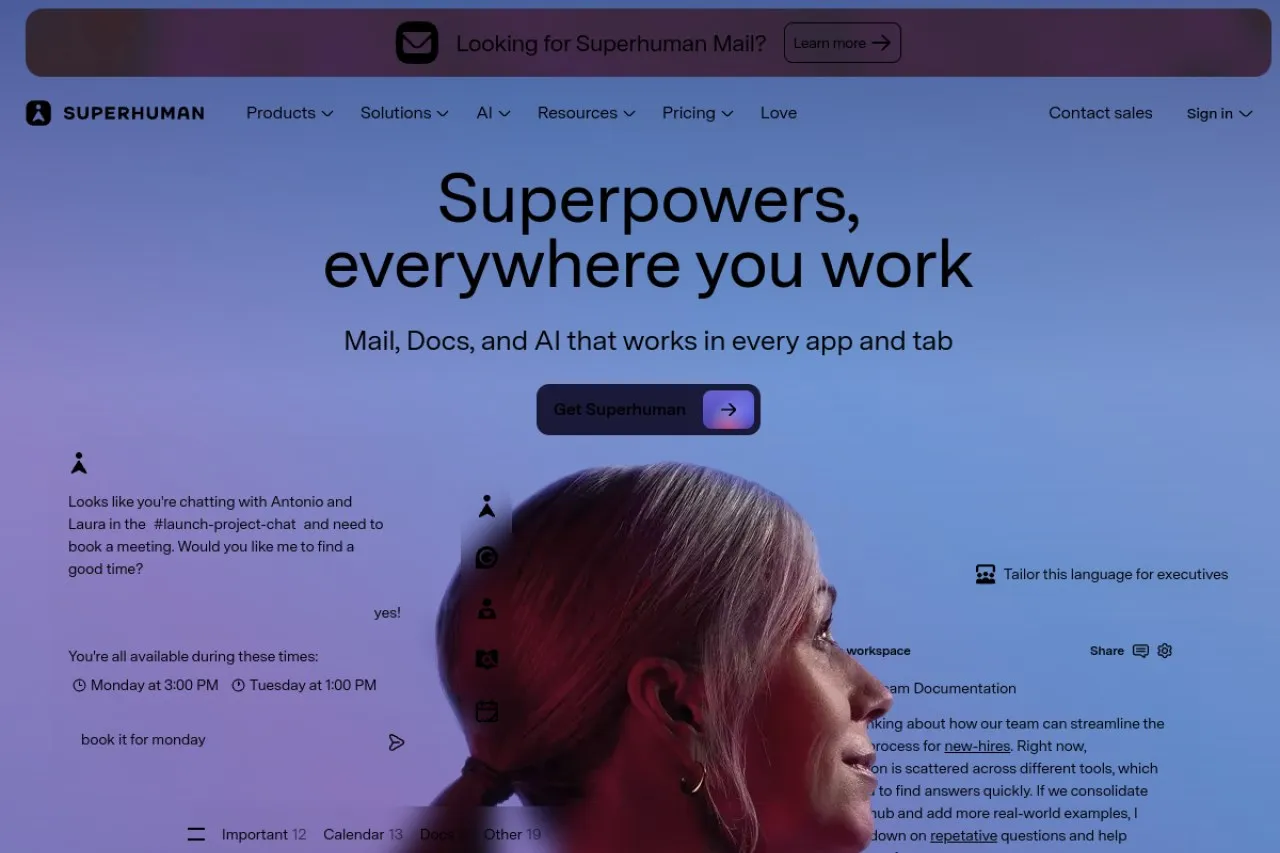
Price: No free plan · Paid from $25 per user/month billed annually ($30 month to month)
Free tier
There is no free version of the Mail app. Superhuman's wider suite has a free tier, but it covers the writing and docs tools, not the email app. The Starter plan is the entry point for email, and it already includes most of the AI features. The Business plan adds drafts that are written before you open a thread, an Ask AI assistant, and links to HubSpot and Salesforce.
Strengths
- Split Inbox separates mail from your team, your VIPs, and your tools into their own streams, so important mail is not buried under noise
- AI drafts replies in your voice, and on the Business plan a draft can be ready before you even open the thread
- Reminders fire when someone does not reply by the time you set, so follow-ups stop slipping through
- Read statuses show when a recipient opened your mail, which helps you time the next message
Trade-offs
- There is no cheap tier — the starting price sits where several rivals price their mid plans, and you still need your own Gmail or Outlook account underneath
- The speed comes from keyboard shortcuts, and learning them takes real practice before the app feels faster
Bottom line
If email is the core of your working day and you want one app that sorts, drafts, and tracks follow-ups, Superhuman is the most complete option here. Budget for both the price and the learning curve in the first weeks.
2. Shortwave — Best for AI Answers Across Your Gmail History
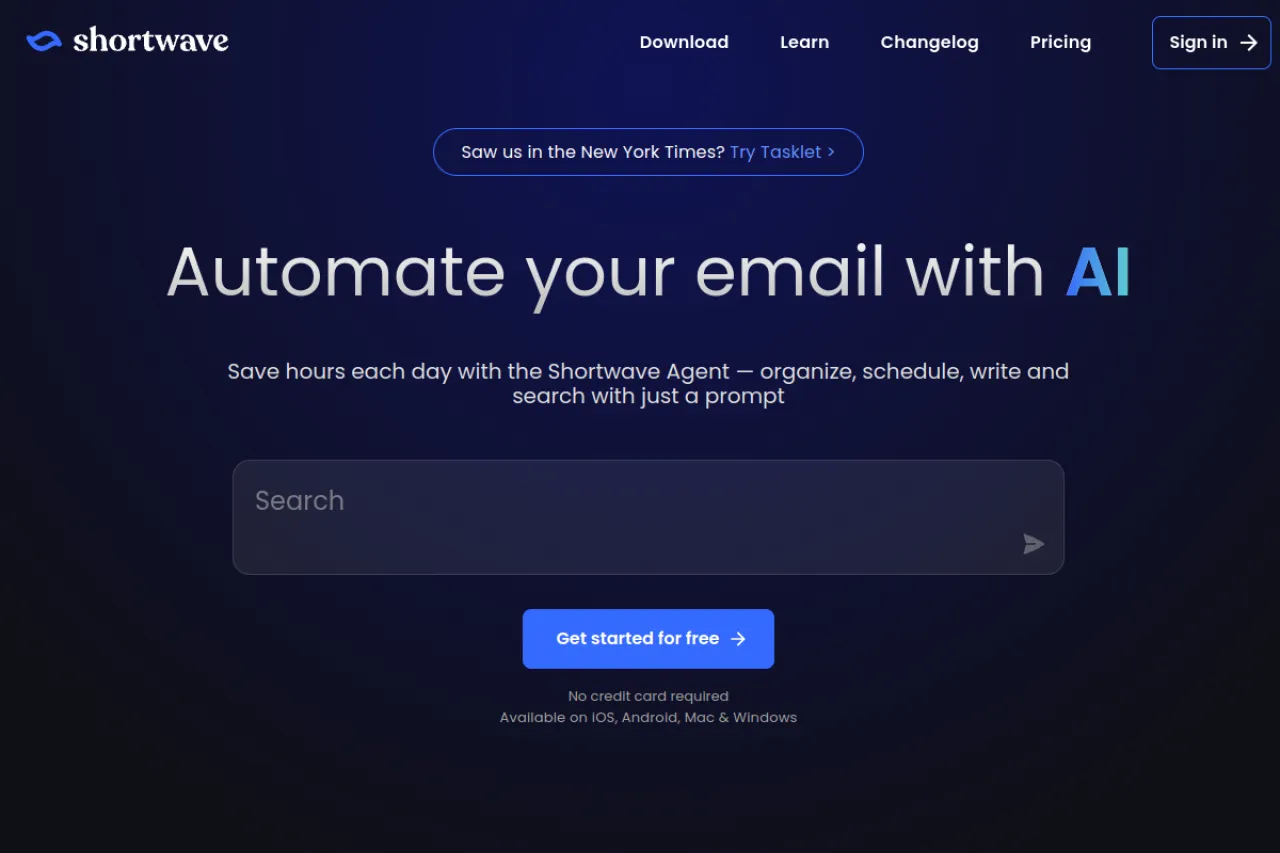
Price: Free plan · Paid from $18 per seat/month
Free tier
There is a free plan for one person, with basic AI, a limited daily AI quota, and 90 days of search history. Paid plans start at $18 per seat/month for Pro, and the Business plan is $30 per seat/mont
Strengths
- Ask a question in plain words and get an answer built from your own email history, instead of hunting through threads yourself
- Instant AI summaries sit at the top of long threads, so you read the point first and the detail only if you need it
- The AI writing learns your style, tone, and facts from the mail you send, so drafts sound like you
- Bundles and splits group newsletters and automated mail out of the main view, and delivery schedules batch new mail to set times
Trade-offs
- It is built around Gmail, so it is not the pick if your mail lives in Outlook or another provider
- AI use runs on a daily quota on every plan, so very heavy AI users get pushed up a tier
Bottom line
Pick Shortwave if your inbox lives in Gmail and your biggest pain is finding and understanding old threads, not just clearing new ones. Its memory of your past mail is the deepest here.
3. Fyxer — Best for Drafts Inside Gmail or Outlook
Price: Free plan · Paid from $37 per person/month billed annually ($49 month to month)
Free tier
The free plan is real, but narrow. You get 400 credits a month — about 20 chat messages if you spend them only on chat — plus a daily briefing on the dashboard, a weekly briefing by email, and meeting notes from audio recordings paid for with credits. The two features most people come for, automatic inbox sorting and replies drafted in your tone, start on the paid Pro plan.
Strengths
- Works inside Gmail and Outlook, your browser, and chat tools like Slack — you do not move to a new email app
- On paid plans it sorts and labels your inbox for you, including old mail, into clear groups like "to respond" and "marketing"
- It drafts replies in your tone, and Fyxer states plainly that it never sends mail for you — you always decide what goes out
- A follow-up list tracks who owes you a reply and updates itself as new mail arrives
Trade-offs
- The free plan leaves out the sorting and the drafting, so the free tier works more like a briefing tool than an assistant
- Paid plans run on monthly credits, and when the credits run out the metered actions pause until the next cycle
Bottom line
Fyxer suits people who want drafts and follow-up tracking inside the inbox they already use. Just expect to pay, because the useful parts start at Pro.
4. Missive — Best for Team Shared Inboxes
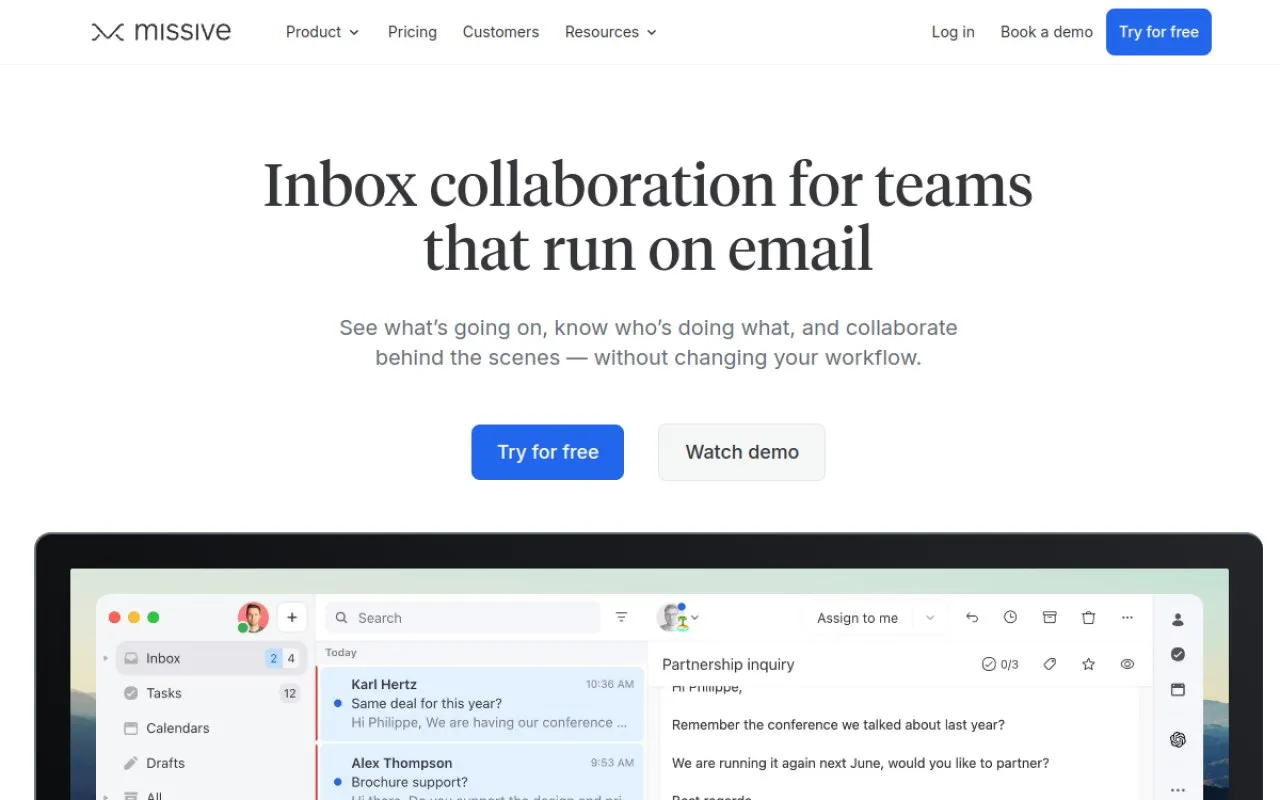
Price: No free plan · 30-day free trial · Paid from $14 per user/month billed yearly
Free tier
There is no free plan, but the trial is generous: 30 days, with no credit card required. A shared inbox is one mailbox that several people read and answer together, like a support or sales address. Every plan includes team spaces and shared inboxes, and the Starter plan covers up to 5 users. Rules and an AI assistant are part of the platform, and the plans shown allow up to 1,000 rules for routing mail automatically.
Strengths
- One shared inbox can hold email, SMS, and social accounts, so a team answers everything from one place
- Each conversation can be assigned to one person like a task, so two people never answer the same mail twice
- Teammates comment privately inside a thread to discuss a reply — the customer never sees the internal chat
- Rules route, label, and assign mail as it arrives, and analytics show how the team is keeping up
Trade-offs
- It is built for teams, so a solo user pays for collaboration features they will rarely touch
- There is real setup before it pays off: accounts, team spaces, and rules all need configuring first
Bottom line
If two or more people answer the same inbox, Missive is the natural pick on this list. For a solo inbox, it is more app than you need.
5. SaneBox — Best for Automatic Sorting Without a New App
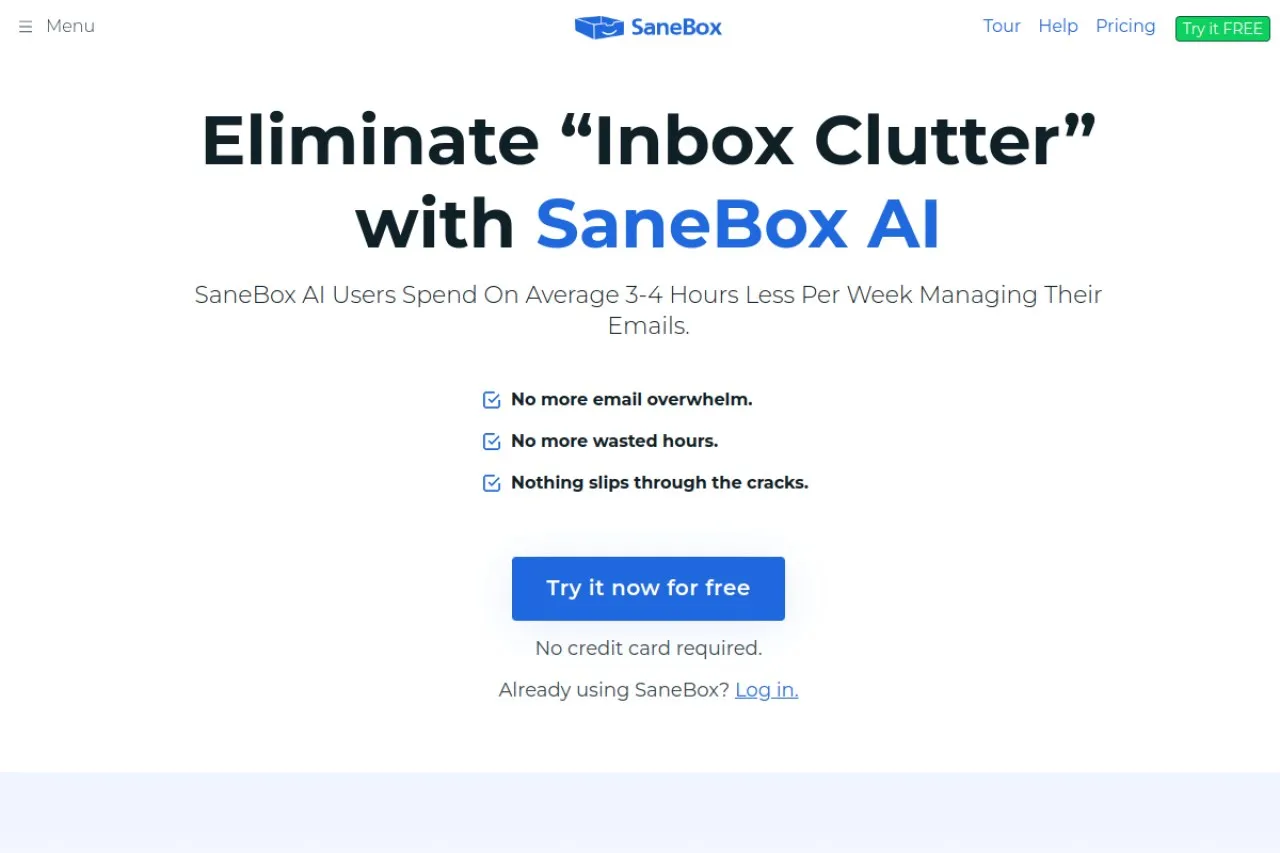
Price: No free plan · 7-day free trial · Paid from $5.42 per month paid annually ($9.49 month to month)
Free tier
There is no free plan. SaneBox offers a 7-day free trial on each of its three plans, and the plans differ by how many email accounts they cover and how many of the extra tools they include. Paid plans start at $5.42 per month, paid annually.
Strengths
- It keeps your current email app: sorting happens in folders on your own account — Gmail, Microsoft 365, iCloud, Yahoo, Fastmail, or any account that uses IMAP, the standard system apps use to reach a mailbox
- SaneBox says it sorts by looking at the basics — sender, subject line, and date — and never stores your full emails or attachments
- The Daily Digest collects unimportant, unopened mail into one summary you can scan once a day
- BlackHole makes an annoying sender disappear for good, and reminders flag sent mail that never got a reply
Trade-offs
- It sorts and files, but it does not write replies — the writing work stays with you
- One week is a short trial for judging whether the sorting fits the way you work
Bottom line
SaneBox is the pick when your email app is fine and only the sorting is broken. It fixes the pile-up without asking you to move to a new app.
6. Spark Mail — Best for a Free Inbox App, AI Optional
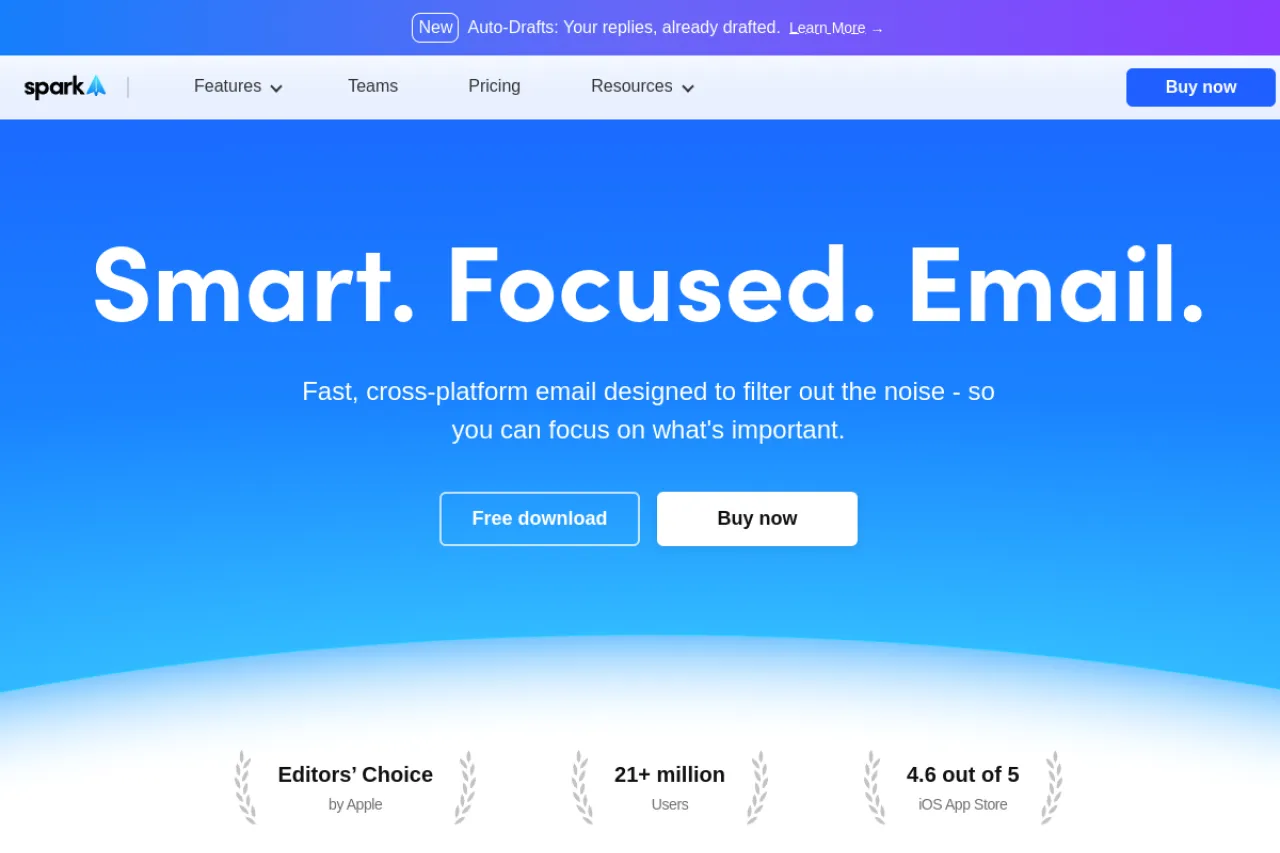
Price: Free plan · Paid from $8.25 per user/month billed yearly ($99 a year)
Free tier
The free plan is a full email app, not a demo. It includes the Smart Inbox, which groups mail by type, unlimited email accounts, smart notifications that only buzz for mail that matters, and a built-in calendar. What you do not get free is the AI: the writing assistant, summaries, and the AI Assistant are paid features, though free users can try a limited preview of the assistant.
Strengths
- One app holds all your accounts in a single inbox, and it stays in sync across phone and desktop
- Smart Inbox and the Priority view surface the people who matter and quiet the rest
- The paid Pro plan adds Auto-Drafts written in your voice and Autopilot rules that organize and forward mail for you
- Team features are there if you grow into them: shared inboxes, shared drafts, and private comments
Trade-offs
- The AI help that makes it an "assistant" rather than just an app sits behind the paid plans
- AI features draw from a monthly quota on paid plans, so very heavy use can run the quota down before the month ends
Bottom line
Spark is the easiest free start on this list: a better inbox today, at no cost, with AI drafting available the day you decide it is worth paying for.
7. Mailmeteor — Best for Personalized Bulk Sending From Gmail
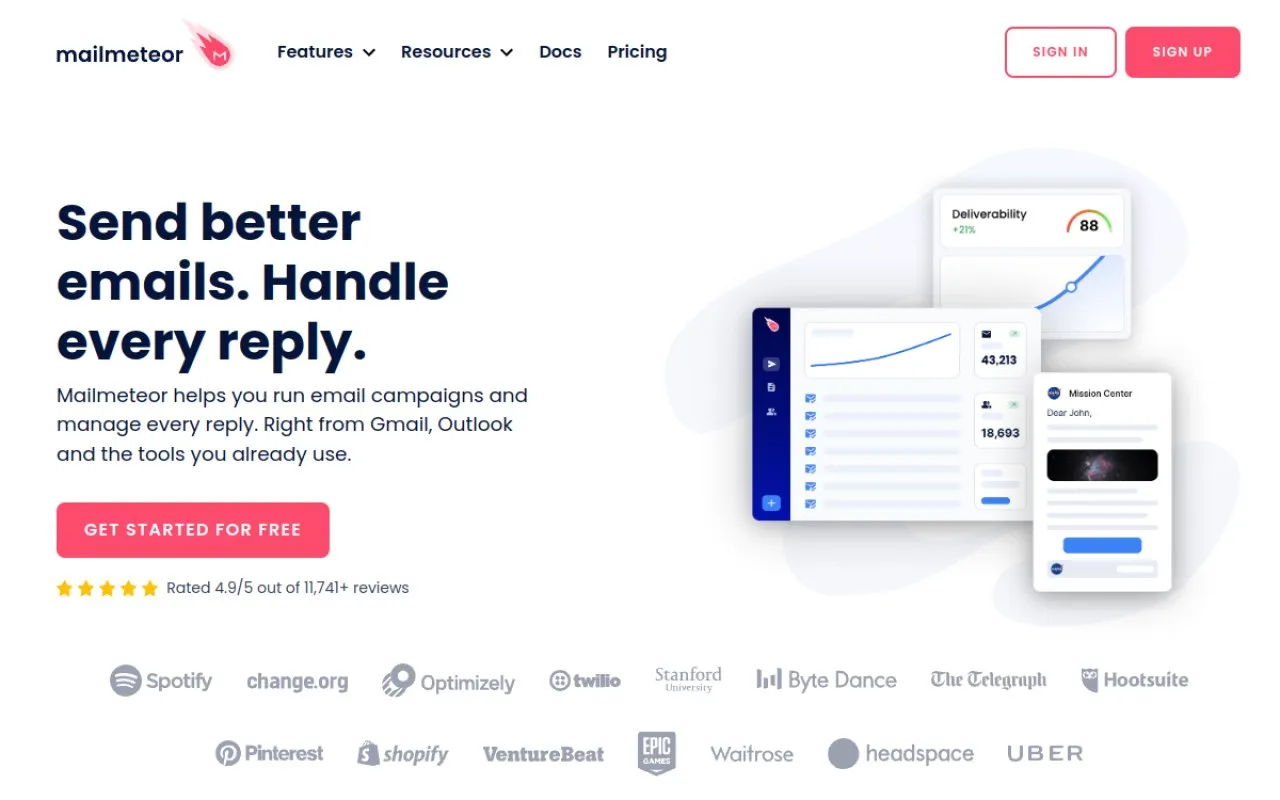
Price: Free plan · Paid from $4.49 per user/month billed annually ($5.99 month to month)
Free tier
The free plan sends real campaigns: up to 50 emails a day and 500 a month, across 3 campaigns, from 1 sender, with the AI Email Writer included. Mailmeteor works by mail merge — it takes one message and a list of people, and sends each person their own copy with their name and details filled in. Paid plans start at $4.49 per user/month, billed annually.
Strengths
- Build a campaign from a Google Sheet or Doc, where your contact list already lives
- Mail goes out through your own Gmail account, so each message looks like a normal email you typed, not a bulk blast
- Tracking shows opens, clicks, and replies as they happen, and you can schedule sends and set follow-ups
- By design it asks for minimal permissions and cannot read your inbox — it only sends mail for you
Trade-offs
- It only sends; it will not sort, summarize, or clean any of the mail you receive
- Your ceiling is Gmail's own sending limit no matter what you pay — 500 a day on a personal Gmail account, 2,000 on Google Workspace
Bottom line
When the job is sending — a newsletter, an announcement, outreach to a list you already have — Mailmeteor is the specialist here. It does nothing for the mail coming in.
8. Clean Email — Best for Bulk Cleanup of an Overloaded Inbox
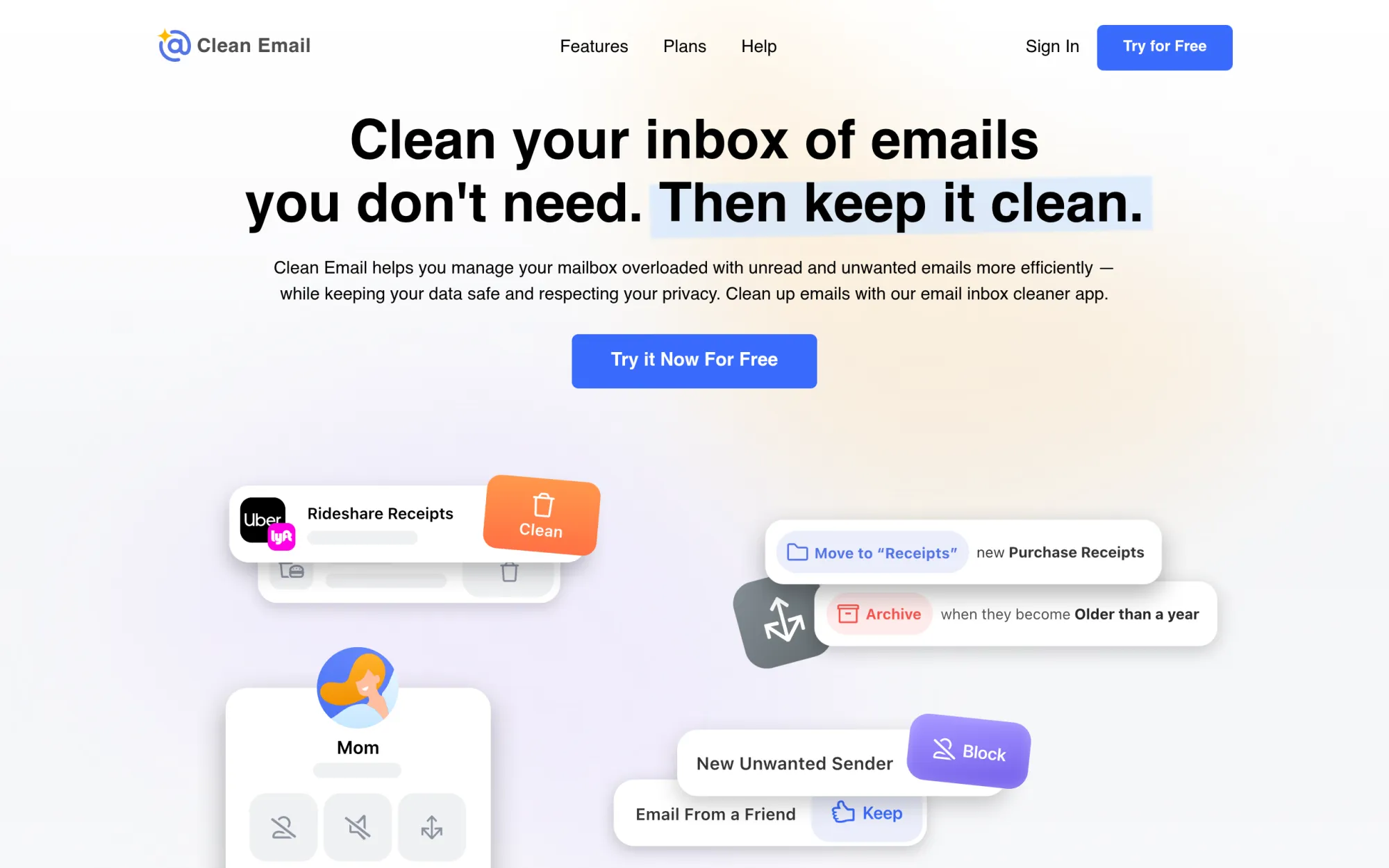
Price: Free to start · Paid from $29.99 a year (or $9.99 a month)
Free tier
You can clean up to 1,000 emails free, unsubscribe from 25 newsletters, and try the Screener and Auto Clean rules for 14 days, with no credit card. Paid plans then charge by how many email accounts you connect, and Clean Email's own site lists them starting at $9.99 a month or $29.99 a year.
Strengths
- It groups your whole mailbox into Smart Folders and bundles, so you can delete, archive, or label hundreds of similar emails in one action
- The Unsubscriber sends unsubscribe requests for you and blocks lists that keep mailing after you ask them to stop
- Auto Clean rules keep applying your cleanup to new mail, so the mess does not grow back
- It works with Gmail, Outlook, Yahoo, iCloud, and any IMAP account, and Clean Email says it checks only email headers — sender, subject, date — not full message text
Trade-offs
- It cleans and organizes only — there are no summaries, no drafts, and no answers drawn from your mail
- A first pass over a huge old inbox takes care: bulk actions deserve a careful review before you confirm them
Bottom line
If your problem is years of built-up clutter, start here. Clean Email is the deep-clean tool on this list; the daily AI help lives in the other tools.
Your situation → best pick
| Your situation | Best pick |
|---|---|
| Your personal inbox is heavy and replies eat your day | Superhuman |
| You keep losing track of old threads in Gmail | Shortwave |
| You want drafts and follow-up tracking inside Gmail or Outlook | Fyxer |
| Your team answers one shared inbox together | Missive |
| You like your email app but the sorting is a mess | SaneBox |
| You want a better inbox app free, AI later | Spark Mail |
| You send personal-feeling email to lists in Gmail | Mailmeteor |
| Your inbox holds years of clutter to clear | Clean Email |
FAQ
What is the best AI email assistant overall?
Superhuman, for one person with a heavy inbox. It combines fast sorting, AI drafts in your voice, and follow-up reminders in a single app that sits on Gmail or Outlook. If your pain is finding old mail instead, Shortwave answers questions across your Gmail history. Teams should start with Missive instead.
Is there a free AI email assistant?
Partly. Spark's inbox app is free, though its AI features are paid. Fyxer has a free plan with briefings and meeting notes, but sorting and drafts are paid. Mailmeteor sends 50 emails a day free. Shortwave has a free plan for one person. Superhuma, Missive, and SaneBox offer trials only — there is no free plan to stay on.
Do AI email assistants read my private mail?
To sort, summarize, or draft from your mail, a tool has to process it — there is no way around that. How much it reads differs: SaneBox says it checks sender, subject, and date, while drafting tools read full messages. Read each tool's privacy policy before connecting, and never treat any tool as risk-free.
Which AI email assistant is best for a team?
Missive. It is built around shared inboxes: a whole team sees the same support or sales mail, assigns each conversation an owner, and comments privately inside the thread. Spark also offers shared inboxes and shared drafts. The other tools here are mainly personal, even when they add light team features.
Can an AI email assistant send emails for me?
Some can, within limits. Mailmeteor sends campaigns you set up, through your own Gmail account. Superhuman's higher plan can send AI drafts if you switch that on. Fyxer states plainly that it never sends — it drafts, and you decide. Whatever the tool, the send button carries your name.
Which tool helps if I do not want to change my email app?
SaneBox. It works on the mailbox you already have — Gmail, Microsoft 365, iCloud, Yahoo, or Fastmail — and sorts mail into folders behind the scenes, so you keep your current app on every device. Fyxer also plugs into Gmail and Outlook, though its sorting and drafts need a paid plan.
The honest closing
No tool on this list knows which email deserves a careful answer and which deserves a polite no. What the right tool removes is the mechanical work — the sorting, the searching, the routine drafts — so your time goes on the judgment calls instead. Start with the job that eats most of your day, and browse more options in the Draqee tools directory.