Most script software only formats your pages. It lines up scene headings, dialogue, and action. It does not help you write them. The tools below split into two camps. Some add real AI help — drafting scenes, fixing dialogue, checking plot holes. Others are formatting apps with little or no AI, and we say which is which. The best ai script writing tools give you both: a clean script page and an AI partner that knows story shape. Quick Answer: NolanAI, now called FinalBit, is the best overall pick — a screenplay editor with an AI co-pilot and a free plan. The best cheap paid step is Sudowrite at $10 a month, billed annually — the strongest AI drafting here, though you format the pages elsewhere.
No tool here writes a finished script for you. AI drafts run long, repeat beats, and miss subtext — the quiet meaning under the lines. Treat every AI scene as a rough first pass. Your rewrite is where the script gets good. Match the tool to your job: AI drafting, clean formatting, or production paperwork. Where a price did not show on an official page, we say so.
How we checked
We opened each tool's official website and pricing page. We wrote down what the free plan or trial includes, what it holds back, and the first paid step. We also checked how real each AI claim is — some tools draft scenes, some only polish, and some have no AI writing help at all. We did not write a full script in each tool, and we publish no quality scores, because no official page can prove them.
Comparison: the 8 tools at a glance
| Tool | What you get free | Best for | Paid from |
|---|---|---|---|
| Sudowrite | Free trial with AI credits, no credit card needed — no free plan | AI drafting of scenes and dialogue | $10 per month, billed annually |
| NolanAI (FinalBit) | 1 script, 100 AI co-pilot requests, watermarked PDF export | AI help inside a real script editor | $40 per month, billed monthly (Creator) |
| Celtx | 1 project with the script editor | Script plus production planning | Not confirmed on the official site |
| StudioBinder | Free plan with screenwriting and pre-production tools, free forever | Writing and producing with a team in one place | $29 per month, billed monthly (Starter) |
| Arc Studio | 2 scripts, watermarked PDF export, short Pro trial | TV and series writing | $69 per year |
| Final Draft | Free trial version only — no free plan | Industry-standard production drafts | $8.33 per month, billed yearly (Suite) |
| Fade In | Free demo, nearly all features, watermarked print and PDF | Pro formatting, one payment | $99.95 one-time |
| WriterSolo | The full app, free — no paid tier at all | Zero-budget solo writing | None — free |
1. Sudowrite — Best AI for drafting scenes and dialogue
Price: Free trial, no credit card · Plans from $10 per month, billed annually
Free tier
There is no free plan. There is a free trial, and it needs no credit card. The trial gives you credits to test the AI tools — Write, Describe, Rewrite, and the Story Engine, which builds chapters and scenes from your outline. When the trial ends, your projects stay saved, but the AI stops until you pay. For scripts, know this: Sudowrite writes prose, not formatted script pages. Writers draft scenes and dialogue here, then move the text into a script editor for final format.
Strengths
- The Story Bible tracks your characters, world, and outline, so AI scenes stay consistent
- Story Engine turns an outline into draft scenes and chapters
- Describe and Rewrite sharpen thin lines and flat dialogue fast
- Many AI models to pick from, including one built only for fiction
Trade-offs
- No screenplay formatting — final pages must be built in another app
- AI use runs on credits, so heavy drafting burns through small plans
Bottom line
If your weak spot is the writing itself — blank scenes, flat dialogue — Sudowrite gives the most AI help per dollar. Just plan to format the script somewhere else.
2. NolanAI (now FinalBit) — Best AI co-pilot inside a real script editor
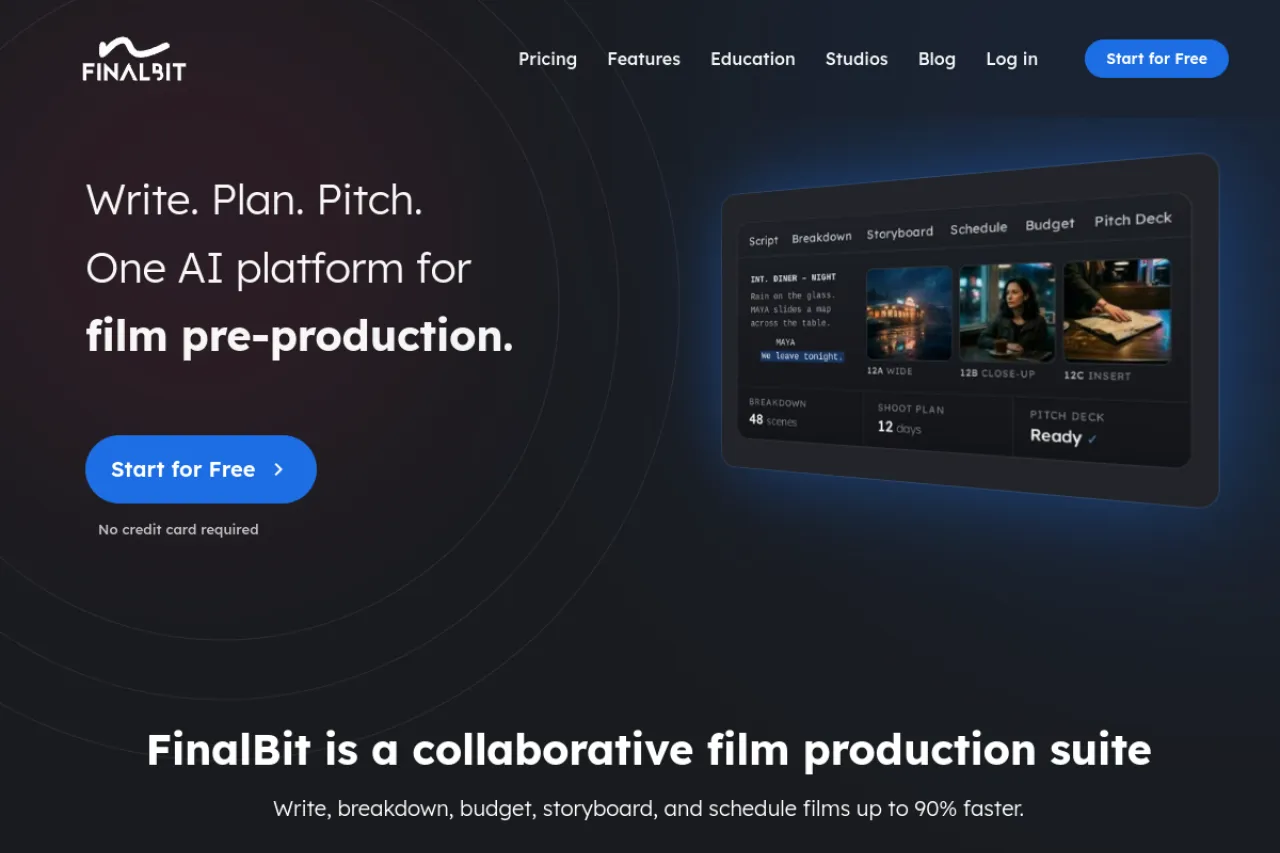
Price: Free Basic plan · Creator $40 per month, billed monthly · Pro $100 per month, billed monthly
Free tier
The free Basic plan costs nothing and needs no credit card. You get one project and one script in a full screenwriting editor. The AI Co-Pilot — a built-in helper that suggests dialogue and fixes scenes — includes 100 requests, given once. PDF exports carry a watermark. One warning: NolanAI now runs under a new name, FinalBit. The official pricing page uses the new name, but the plans and the editor are the same product.
Strengths
- Real AI inside a real script editor — no copy-paste between apps
- AI coverage reports read your script and flag its weak spots
- Plot-hole detection flags story gaps before a producer finds them
- Paid plans add AI storyboards, budgets, and shooting schedules
Trade-offs
- Only 100 free AI requests, and they do not refill
- The paid step is steep — Creator costs $40 a month and Pro costs $100 a month
Bottom line
For most script writers, this is the balanced pick: proper format, real AI help, and a free start. It is the one to try first.
3. Celtx — Best for taking one script toward production
Price: Free plan with 1 project · Paid plan prices not confirmed on the official site
Free tier
The free plan gives you one project with the script editor. That is enough to write a short script and learn the layout. Be clear about the AI: Celtx does not draft scenes or dialogue for you. Its smart help is small — it auto-completes character names and scene headings as you type. The paid plans mostly add more projects, story tools, and production planning like schedules and budgets.
Strengths
- Script, breakdown, schedule, and budget live in one project
- Beat sheets and storyboards help you plan before you write pages
- Real-time sharing makes notes from a director easy to handle
- Editors for stage plays and other formats sit beside the screenplay one
Trade-offs
- Almost no AI writing help — it will not draft or rewrite lines for you
- Paid plan prices did not display on the official pricing page during our check
Bottom line
Pick Celtx when the script is step one of a shoot you also plan yourself. For AI writing help, look elsewhere on this list.
4. StudioBinder — Best for teams that write and produce in one place
Price: Free plan · Starter from $29 per month, billed monthly
Free tier
The free plan costs nothing, and the pricing page calls it free forever. It lets you test-drive the whole platform, from scripting to call sheets. The screenplay editor writes in industry format, with script outlines and color-coded revisions. Now the honest part: there is no AI drafting here. StudioBinder does not write scenes or dialogue for you. You write every line — the app handles the format, the planning, and everything that comes after the draft.
Strengths
- A real screenplay editor with outlines, title pages, and revision tracking
- The script connects to breakdowns, shot lists, and storyboards in the same project
- Call sheets build themselves from your project details
- Collaborators can read, comment, and share the work in one place
Trade-offs
- No AI writing help — it formats and organizes, and every line is yours
- Prices climb fast, from $29 to $99 a month across the paid plans
Bottom line
Pick StudioBinder when the script is one step in a production you run with other people. Solo writers who only need pages should look above or below.
5. Arc Studio — Best modern editor for TV and series work
Price: Free plan with 2 scripts · Essentials from $69 per year
Free tier
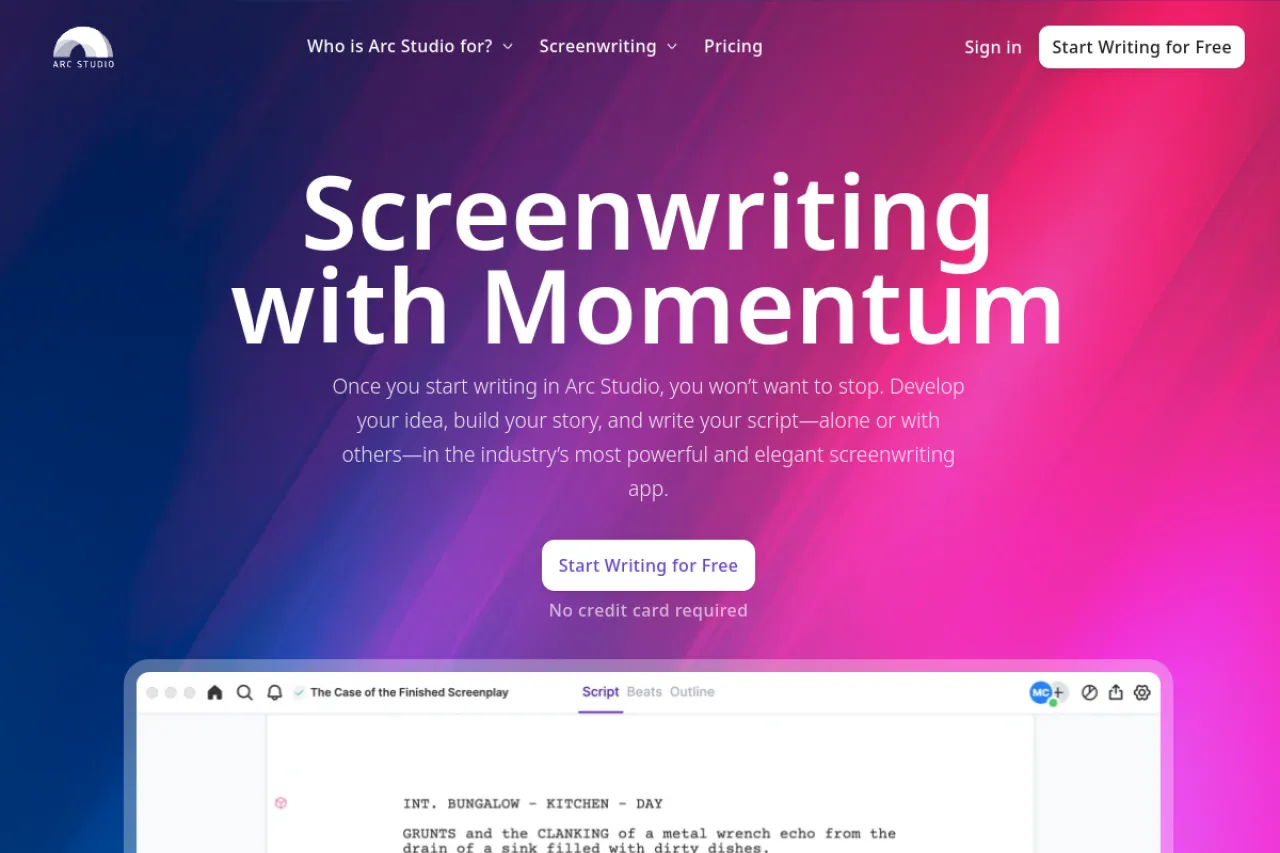
The free plan covers two scripts. PDF exports carry a watermark. Every new account also gets a short free trial of the Pro plan — the pricing page says 7 days. Now the honest part: Arc Studio has almost no AI writing help. Its AI extras — a table read that voices your lines, character images, a research helper — are paid add-ons bought with credits. They are not in any plan.
Strengths
- Clean, calm editor that auto-formats as you type
- Outlining tools and season plans suit TV and episode work
- Real-time co-writing with comments and feedback links
- Desktop, web, and phone apps share your scripts
Trade-offs
- No AI drafting — the AI extras cost extra credits on top of a plan
- The free plan stops at two scripts and marks your PDFs
Bottom line
Choose Arc Studio for the writing experience, not the AI. It is a fine home for a series bible and episode drafts.
6. Final Draft — Best for industry-standard production drafts
Price: Free trial · Suite from $8.33 per month, billed yearly · Final Draft 13 one-time $249.99
Free tier
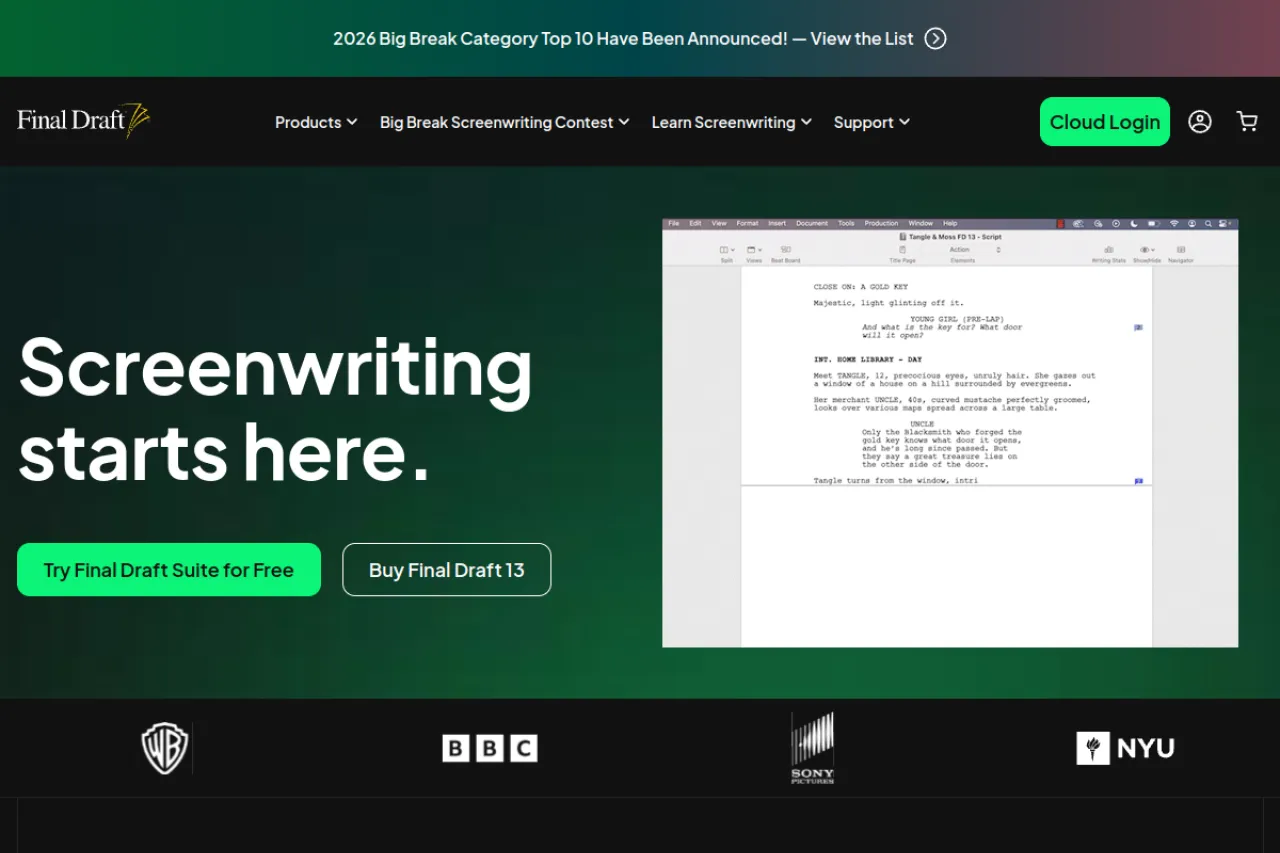
There is no free plan. The official site offers a free trial version, so you can test the full program before paying. And the honesty check: Final Draft has no AI that writes for you. No scene drafting, no dialogue generator. What it has is the format the film trade runs on, plus planning boards and production tools. You bring every word yourself.
Strengths
- Its .fdx file is the format productions pass around
- Beat Board and Story Map help you outline on cards before pages
- Revision tools track every change across production drafts
- A one-time purchase means you own the version you bought
Trade-offs
- The highest price here, and major upgrades cost extra
- No AI writing help at all — every line is yours to write
Bottom line
Buy Final Draft when a producer, class, or contest expects it — not for AI. For pure writing help, cheaper tools above do more.
7. Fade In — Best one-time buy with pro formatting
Price: Free demo · Full license $99.95 one-time, updates free
Free tier
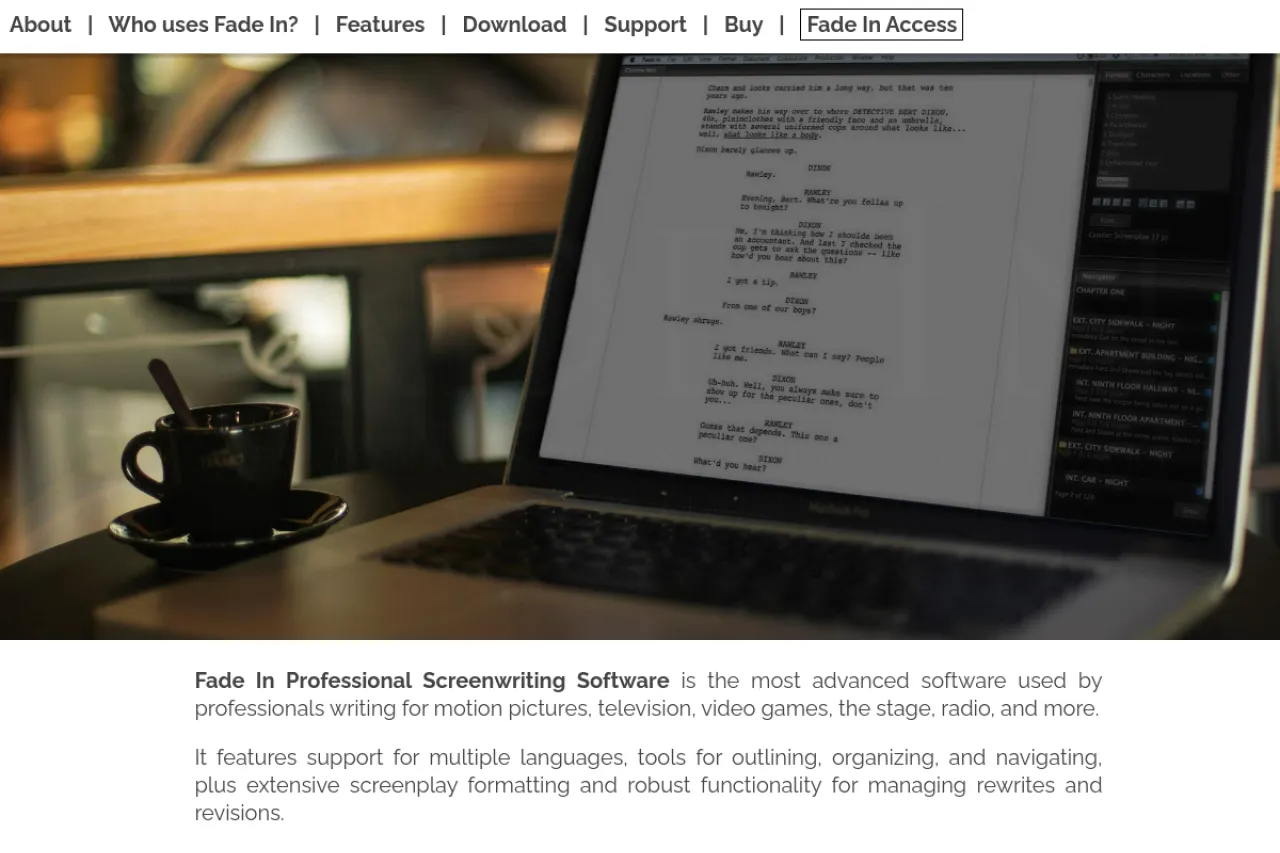
The free demo is nearly the whole program. You can write a full script with it. The catch: printed pages and PDF files carry a watermark, and there is no real-time co-writing. Like Final Draft, Fade In has no AI drafting. It is a formatting and revision tool, and a good one. The paid license is a single payment, and updates stay free after it.
Strengths
- One payment covers Windows, Mac, and Linux — rare on this list
- Free updates for life, with no subscription to keep alive
- A dialogue tuner helps you test how a line sounds
- Imports and exports Final Draft files, so swapping tools is painless
Trade-offs
- No AI writing features — it formats and revises, nothing more
- Fewer producers know it by name than the trade leader
Bottom line
Fade In is the value pick for writers who want pro formatting without rent. Just know the AI count here is zero.
8. WriterSolo — Best fully free script editor
Price: Free — no paid tier
Free tier
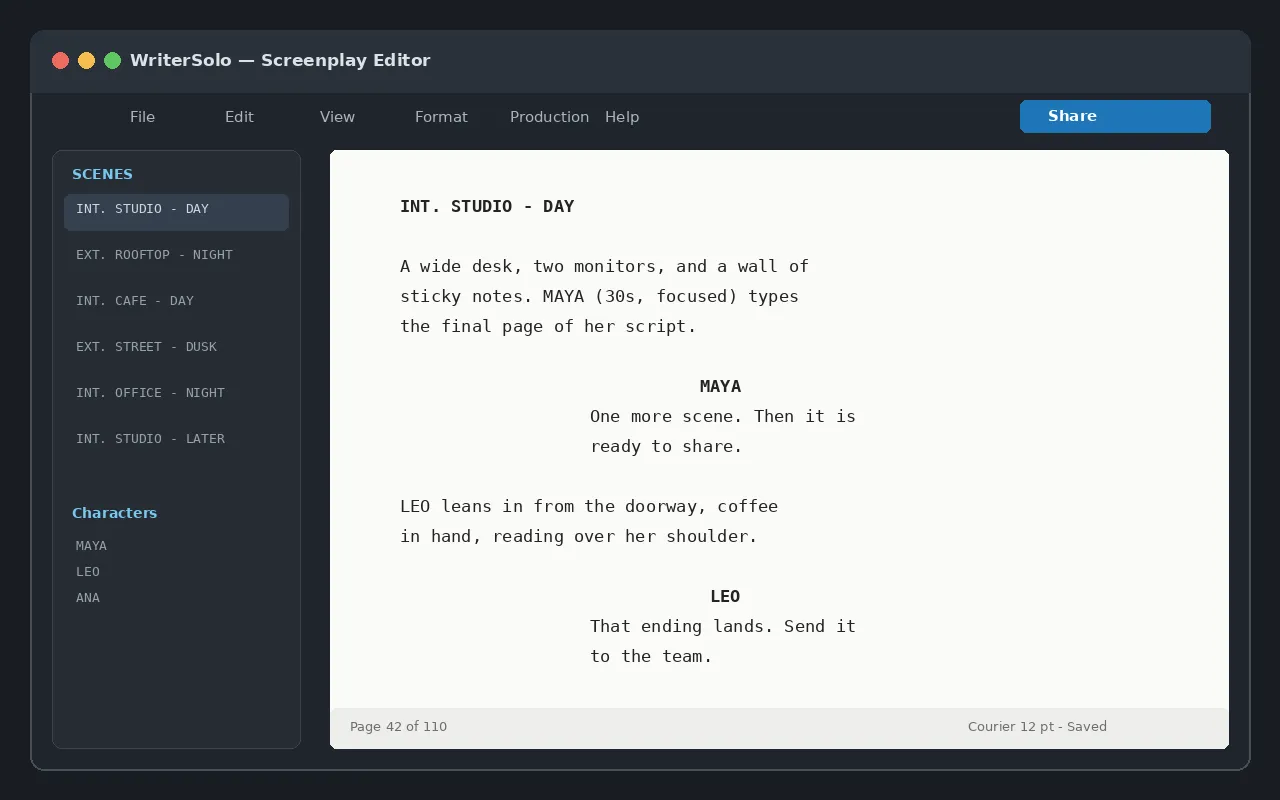
The whole app is free. There is no paid tier, no watermark, and no script limit. You can even use it without an account. It comes from the team behind WriterDuet, the co-writing app — this is their solo, offline version. AI check: there is no AI writer inside. It has proofing checks for spelling and repeated words, but every scene is written by you.
Strengths
- Truly free, with pro formatting and Final Draft file export
- Works offline on your own files — nothing sits in a cloud
- Runs on Windows, Mac, Linux, and in the browser
- A clean screen with no upsells while you write
Trade-offs
- No collaboration and no cloud sync — sharing means sending files
- No AI help and fewer planning tools than paid rivals
Bottom line
If your budget is zero and you write alone, start here. Add an AI tool beside it only when you feel the need.
Your situation → best pick
| Your situation | Best pick |
|---|---|
| You want AI to draft scenes and dialogue with you | Sudowrite |
| You want AI help inside a real screenplay editor | NolanAI (FinalBit) |
| You plan the shoot as well as the script | Celtx |
| You write with a team and run the production too | StudioBinder |
| You write a series with episodes and seasons | Arc Studio |
| A producer or class expects the trade standard | Final Draft |
| You want pro formatting with one payment, no rent | Fade In |
| Your budget is zero and you write alone | WriterSolo |
FAQ
What is the best free tool here with real AI help?
FinalBit, the new name for NolanAI. Its free plan gives you one full script in a proper editor, plus 100 requests to its AI Co-Pilot for dialogue and scene help. Watermarked PDFs are the catch. For a fully free editor with no AI, WriterSolo costs nothing at all.
Can an AI write my whole screenplay?
It can draft one, but not finish one. Tools like Sudowrite turn an outline into draft scenes fast. The drafts repeat beats, run long, and miss the quiet meaning under the lines. Plan to rewrite hard. The AI gives you pages to react to, not pages to shoot.
Do I need Final Draft to sell a script?
No. Readers judge the PDF, not the app that made it. Any tool here exports a clean, correctly formatted PDF. Final Draft matters later, when a production team wants its native file format and revision tools. Until a producer asks for it by name, cheaper tools are fine.
Which tool has the strongest AI?
Sudowrite, for raw drafting power. Its Story Engine builds scenes from your outline, and its Story Bible keeps characters and facts straight across a long script. Inside a true screenplay editor, FinalBit leads: its AI checks plot holes and writes coverage reports on your draft. Pick by where you write.
What is the cheapest paid step with real AI?
Sudowrite's first plan, at $10 a month billed annually. It unlocks the full AI toolkit — drafting, rewriting, describing — with a monthly credit limit. If you want that AI inside a real screenplay editor instead, FinalBit's Creator plan at $40 a month is the next step up for AI drafting help.
Can I avoid subscriptions and still write pro scripts?
Yes. Fade In costs $99.95 once, updates stay free, and its format matches pro needs. Final Draft also sells a one-time license, at a higher price. And WriterSolo is free forever with clean exports. None of these three writes with AI, but all three produce scripts a producer can read.
The honest closing
Half of this list barely uses AI, and that is the point of checking. If you want a partner that drafts with you, Sudowrite and FinalBit earn their place. If you want clean pages and no rent, Fade In and WriterSolo do that for little or nothing. Write the script first, pick the tool second — and browse more writing tools in the Draqee tools directory when you are ready.