Looking for the best free ai logo maker with no watermark? The logo industry has a favorite trick: let you design for free, then charge at the download button. We checked 9 free AI logo makers for exactly that — which ones give you a real file for free, and which ones only let you look.
Quick answer: Design.com is the best free ai logo maker overall — a selection of professional logos is free to download in high-resolution and vector formats, including SVG, EPS, and PDF, with a chat-based AI editor to refine them. LOGO.com is another strong option for free PNG downloads, while Shopify Logo Maker (formerly Hatchful) provides a free PNG logo pack. Meanwhile, Looka and Brandmark let you design for free but require payment to download your finished logo.
No single maker wins for everyone. The best pick depends on your needs: professional design quality, genuinely free downloads, customization flexibility, or scalable vector files for print. Design.com stands out as the most complete option, combining free professional logo downloads with AI-powered editing and additional branding tools. The table below shows the trade-offs at a glance.
How we checked
We reviewed each tool's published pricing and free-tier terms for three things: whether the free download is real or just a preview, watermarks on free files, and commercial-use rights. What we did not test: side-by-side design quality or trademark safety — logo ownership is a legal question, so read the terms before you build a brand on any free file.
Comparison: the 9 tools at a glance
| Tool | Free tier | Sign-up? | Watermark? | Free download | Best for |
|---|---|---|---|---|---|
| Design.com | Yes — selected logos | Account at download | No | PNG, JPG, SVG, EPS, PDF | Free professional vector files |
| LOGO.com | Yes — full | No | No | PNG, commercial license | Truly free logo |
| Shopify Logo Maker | Yes — full | Email/account | No | PNG pack, commercial use | Free starter branding |
| Canva | Yes — limited | No | No | Low-res PNG free | Design flexibility |
| DesignEvo | Yes — limited | No | No | 300px PNG, credit link | Free with attribution |
| LogoMakr | Yes — limited | No | No | 250px PNG, credit link | Testing ideas |
| Looka | Design only | No | N/A | None — from $35 | Paid-quality preview |
| Brandmark | Design only | No | N/A | None — from $25 | Brand kit preview |
| Zarla | Yes — full | At download | No | SVG + high-res PNG | Free vector files |
Free limits change often — check each tool's pricing page before you rely on it.
1. Design.com — Best Free AI Logo Maker for Professional, Market-Ready Logos
Price: Free plan $0; paid packages unlock full downloads.
Free tier
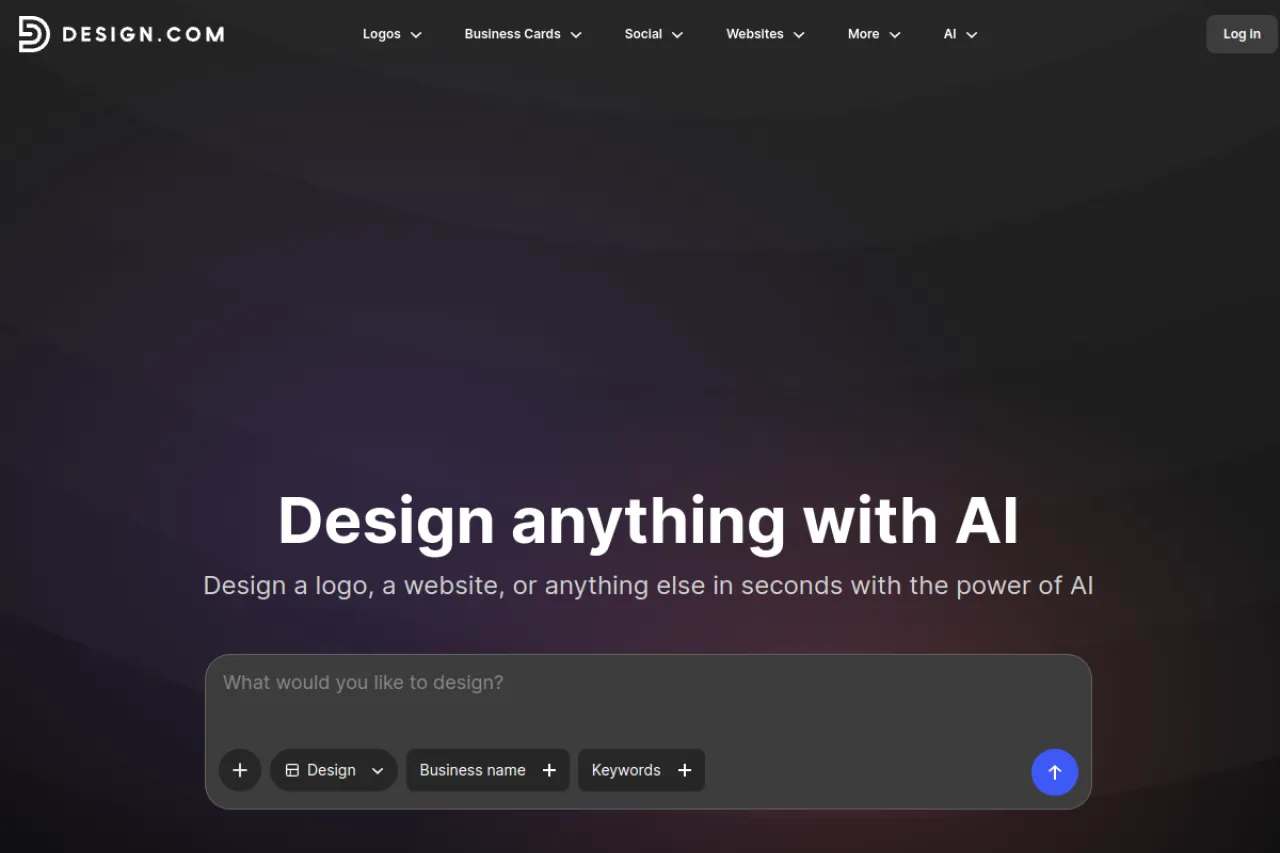
Design.com's logo maker combines AI-generated logos with professionally designed templates, giving users a wide selection of polished designs that generally require little to no editing before they're ready for business use. Unlike platforms that only offer free previews or low-resolution downloads, Design.com provides a selection of free logos. These include high-resolution PNG and JPG files, plus scalable SVG, EPS, and PDF vector formats. Note that designs made with the AI tools need a paid plan to download.
Strengths
Design.com's biggest advantage is its hybrid approach to logo creation. Users can explore original AI-generated concepts alongside professionally designed templates, covering a wide range of industries and styles. The designs feature professional typography, balanced layouts, and customizable icons, making it easier to find a market-ready logo in minutes. The beginner-friendly editor also supports conversational AI editing, allowing users to change fonts, colors, icons, and layouts through simple instructions. The platform offers 50+ additional tools for creating matching business cards, websites, and social media graphics.
Trade-offs
The editor prioritizes simplicity and speed, so experienced graphic designers who need advanced vector-path editing may prefer dedicated design software. Also, not every logo is free. Premium designs require a paid plan, and downloading designs created with the additional branding tools generally requires a subscription. Free downloads carry a non-exclusive license, so other users can buy and use the same design, and full commercial use comes with a purchase. Watermark-free files also need a purchased license.
Bottom line
One of the strongest free logo makers for businesses that want more than a basic PNG. Design.com offers professional, market-ready logos, free vector downloads, and AI-powered customization, making it especially valuable for startups and small businesses.
2. LOGO.com — Best Truly Free Pick
Price: Free plan $0; Brand Plan about $36/year for vectors and extras.
Free tier
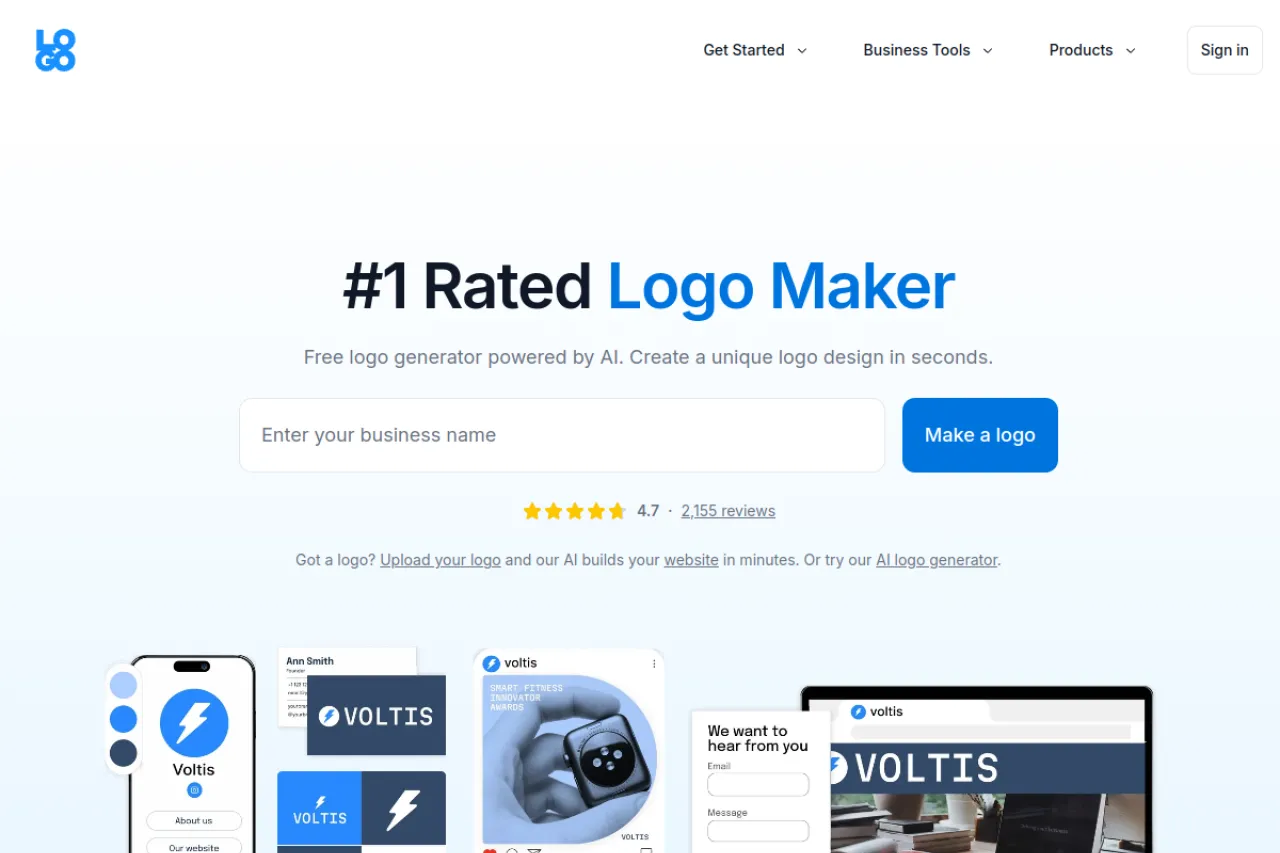
LOGO.com's free plan lets you design, customize, and download a PNG logo with a full commercial license at no cost — no credit card, no watermark, no usage restrictions. This is the rare logo maker where "free" means free. Vector files and brand extras need the paid plan.
Strengths
A usable file with commercial rights for zero dollars is unmatched here. The editor is simple and the results look clean. No account games at the download button.
Trade-offs
Free downloads are PNG only — no SVG or vector for print scaling. Template-based designs can feel familiar. For signage or packaging, you will still need a vector redraw.
Bottom line
The honest answer to "free logo maker" — a real file, real rights, zero cost.
3. Shopify Logo Maker — Best Free Starter Branding
Price: Free, no paid tier.
Free tier
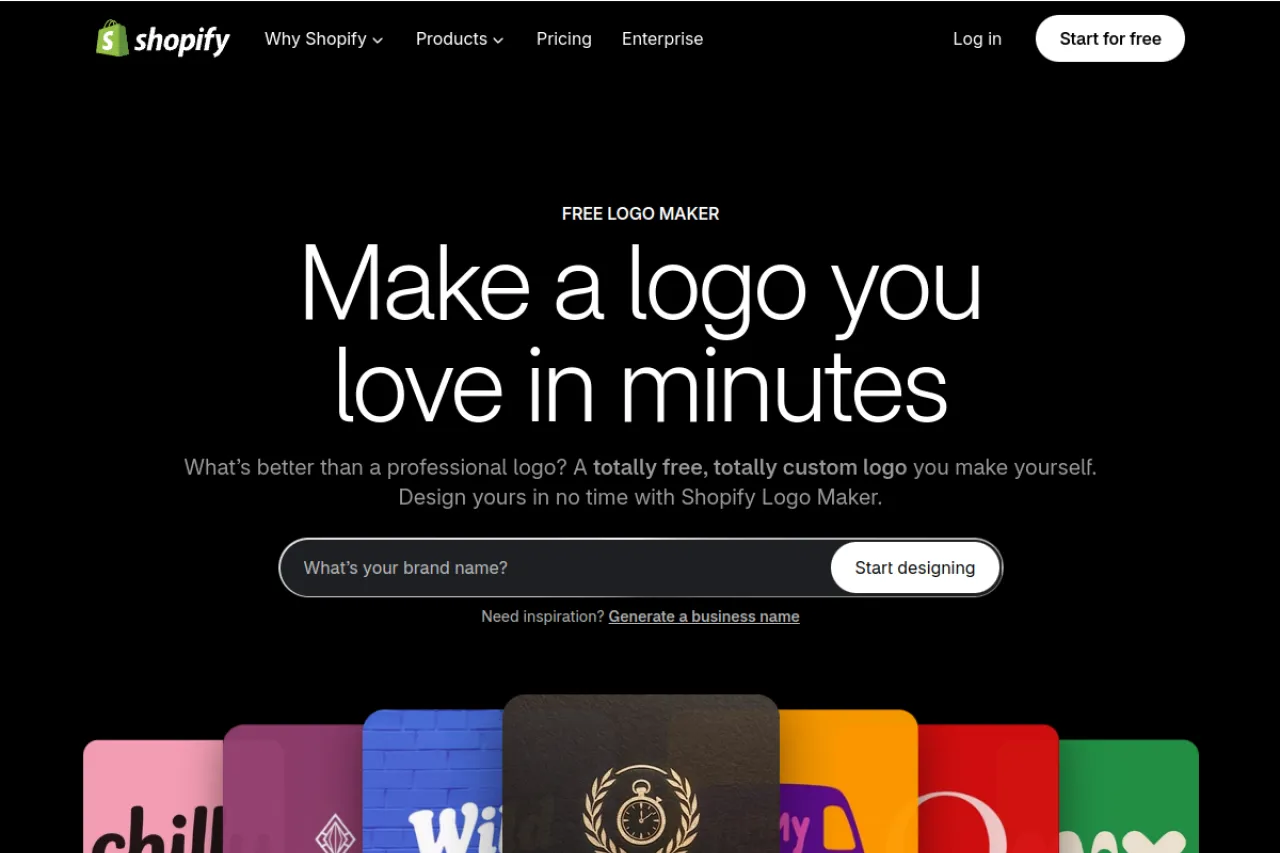
Shopify Logo Maker gives you a complete logo pack for free — high- and low-resolution PNGs for your website, social profiles, and favicon, with full commercial use. No paid tier, no license fees. It is only a logo maker, though, with a deliberately simple editor. If you are a Shopify store, your logo fits right in.
Strengths
Nothing to pay, ever — the whole tool is the free tier. The download pack covers web, social, and favicon sizes. Commercial use is allowed. Your logo is clean and ready in minutes.
Trade-offs
PNG only — no vector files, so print work is off the table. Template-based, so other businesses may have a similar mark. Customization is basic — font and color only.
Bottom line
The best free logo pack for a new store or side project.
4. Canva — Best Free Design Flexibility
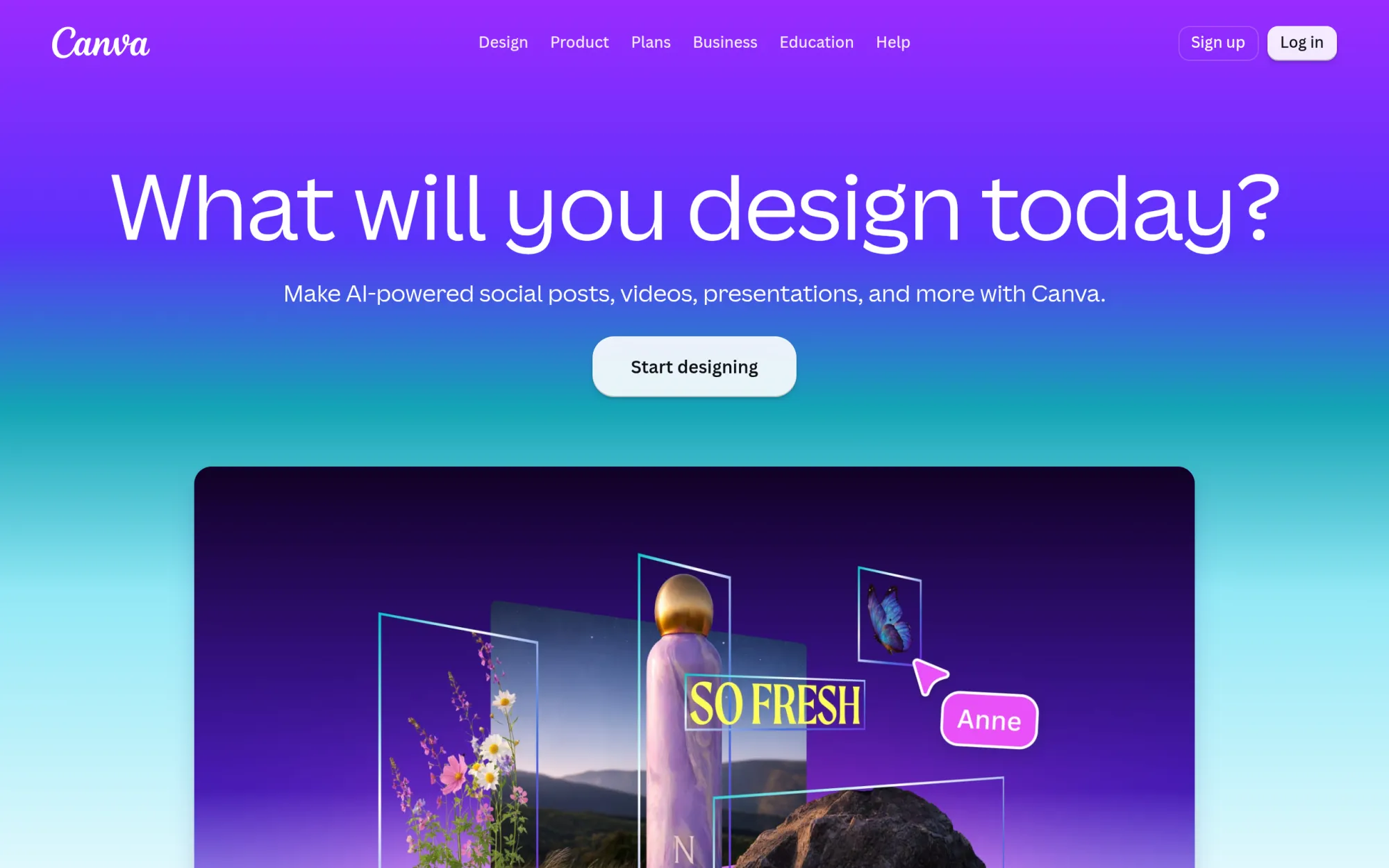
Price: Free plan $0; Pro about $120/year.
Free tier
Canva's free plan includes logo templates and full editor access — you can design, customize, and export a low-resolution PNG free, no watermark. Vector export, background removal, and brand tools sit in Pro (about $120/year). You can use free assets commercially, but check each element's license.
Strengths
Total creative control — unlike pure generators, you can tweak every element by hand. The template library is the largest on this list. Exports are clean and shareable.
Trade-offs
Free PNGs are low-res — fine for a website header, weak for print. Vector export is Pro-only. Template-based logos cannot be trademarked easily since others may use the same elements.
Bottom line
Best when you want to design it yourself, not just generate it.
5. DesignEvo — Best Free With Attribution
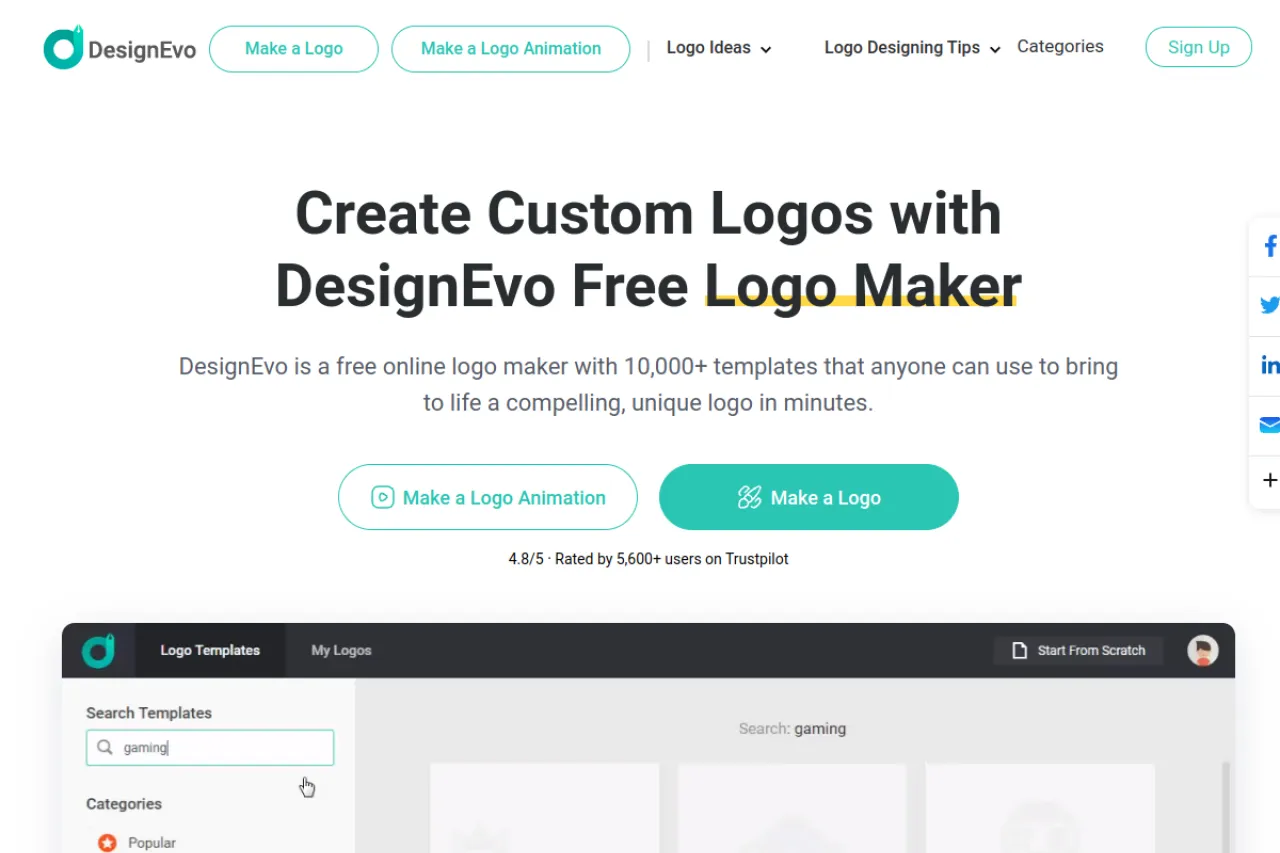
Price: Free with credit link; paid from about $24.99 one-time.
Free tier
DesignEvo lets you download a low-resolution PNG (about 300 pixels) free with a credit link back to DesignEvo. Commercial use is allowed with attribution. Paid plans add high-res and vector files.
Strengths
Over 10,000 templates across every industry. Commercial use on the free tier is rare and welcome. The editor is quick and beginner-friendly.
Trade-offs
A permanent credit link on a business site is a real cost. Three hundred pixels rules out anything beyond small web use. Full copyright ownership only comes with the top paid tier.
Bottom line
Free and commercial-friendly — if you can live with the credit link.
6. LogoMakr — Best for Testing Ideas
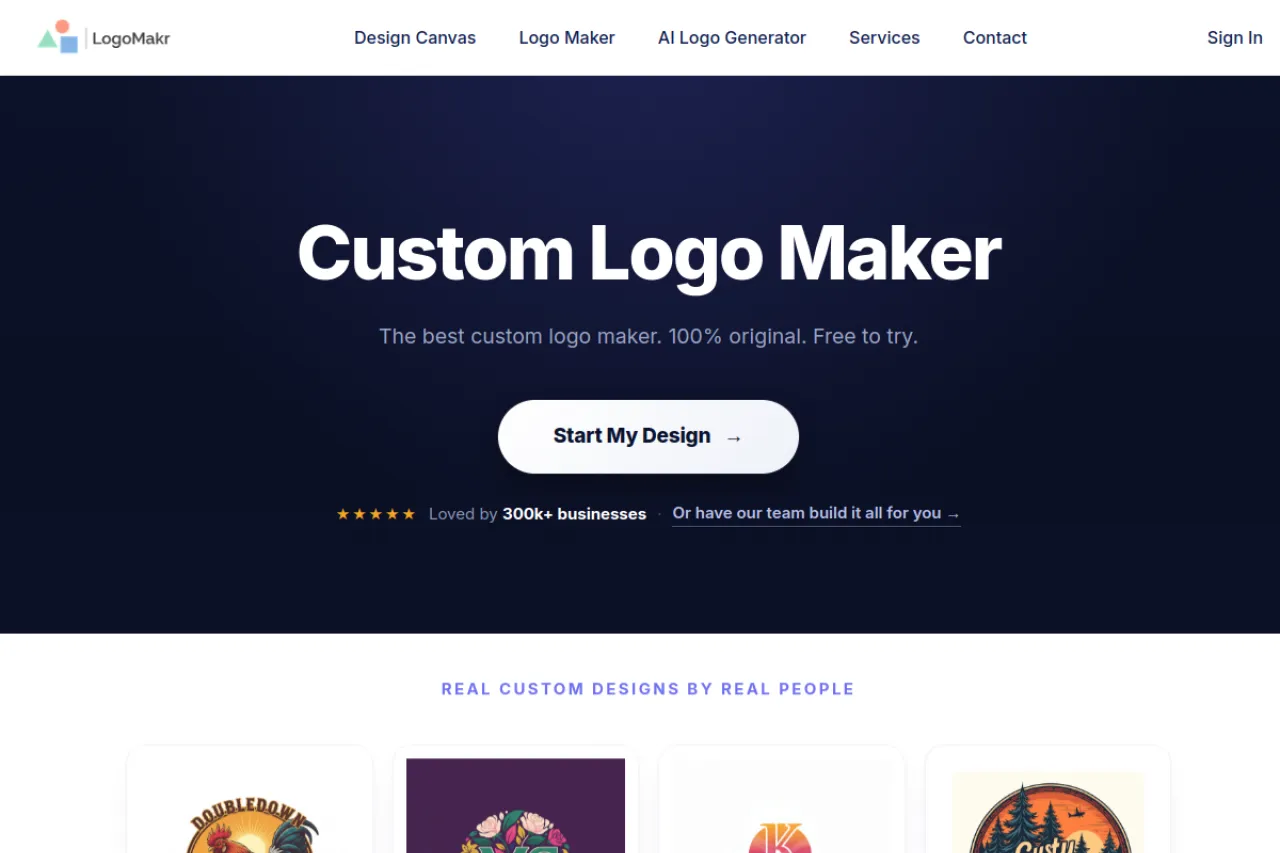
Price: Free low-res with attribution; paid from about $29 one-time.
Free tier
LogoMakr's free download is a 250-pixel PNG, and you must add a credit link back to LogoMakr wherever the design appears. Commercial use is not covered by the free file. Paid packages start at about $29 for high-res files with full commercial rights.
Strengths
Fastest way to mock up an idea and see it on screen. The canvas editor gives more manual control than most generators. Paid files come with full ownership and no royalties.
Trade-offs
Two hundred fifty pixels is a preview, not a logo — too small for real use. No commercial rights on free. The free tier is for testing, not launching.
Bottom line
Sketch your idea free — pay when it is ready for the real world.
7. Looka — Best Paid-Quality Preview (Not Free)
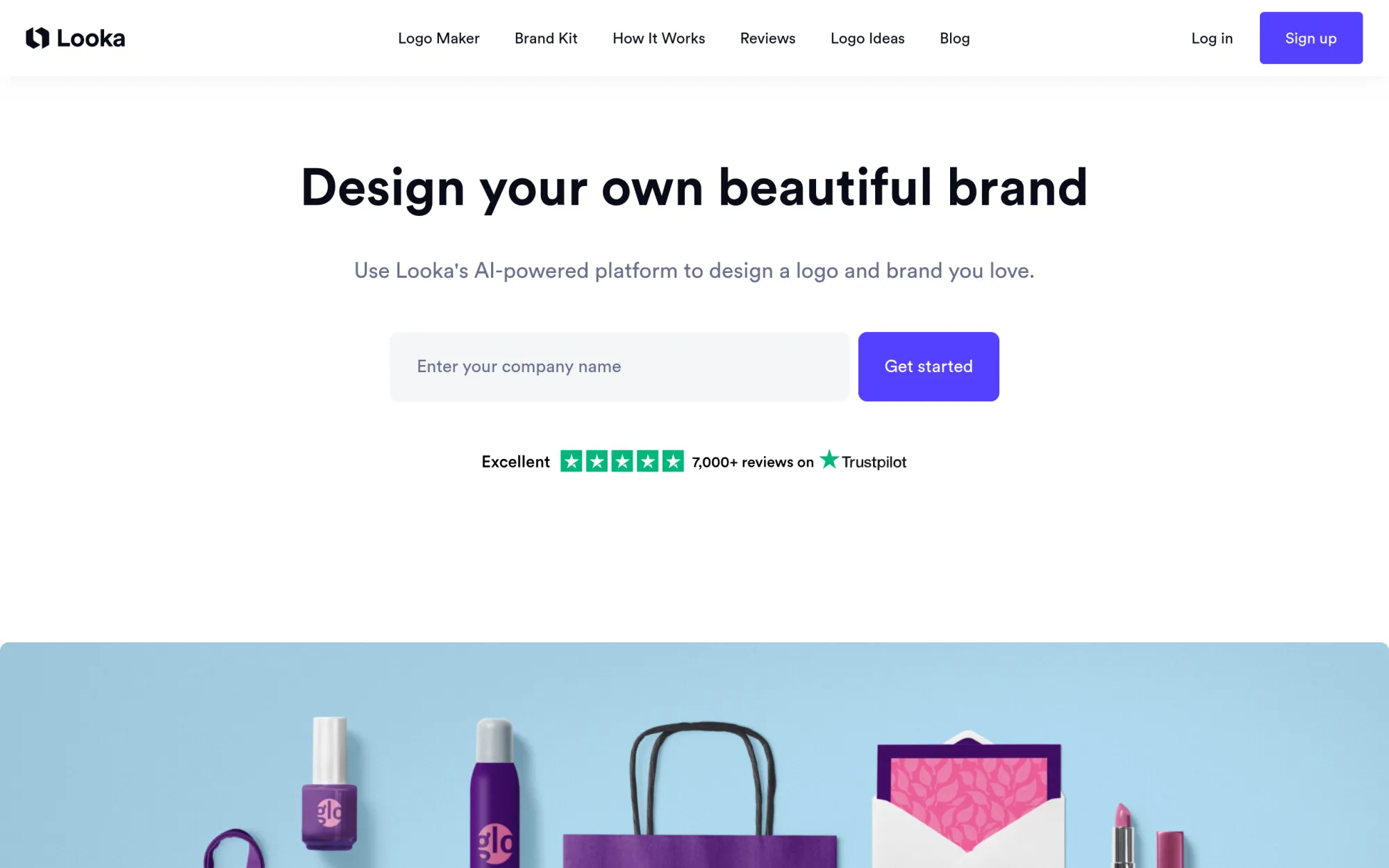
Price: Free to design; downloads from about $35 one-time.
Free tier
Looka lets you generate and refine unlimited logos free — but there is no free download at all. The cheapest file is a low-res PNG at about $35; vector files start at about $65. Every purchased package includes full commercial rights.
Strengths
The best-looking generator output on this list — polished, modern, varied. Unlimited free design means you can explore without pressure. The brand kit upsell is genuinely well made.
Trade-offs
Zero free files makes this a paid tool with a free trial, not a free logo maker. Thirty-five dollars for a low-res PNG is steep. You cannot test the download quality before paying.
Bottom line
Design free all you want — just know the download costs money.
8. Brandmark — Best Brand Kit Preview (Not Free)
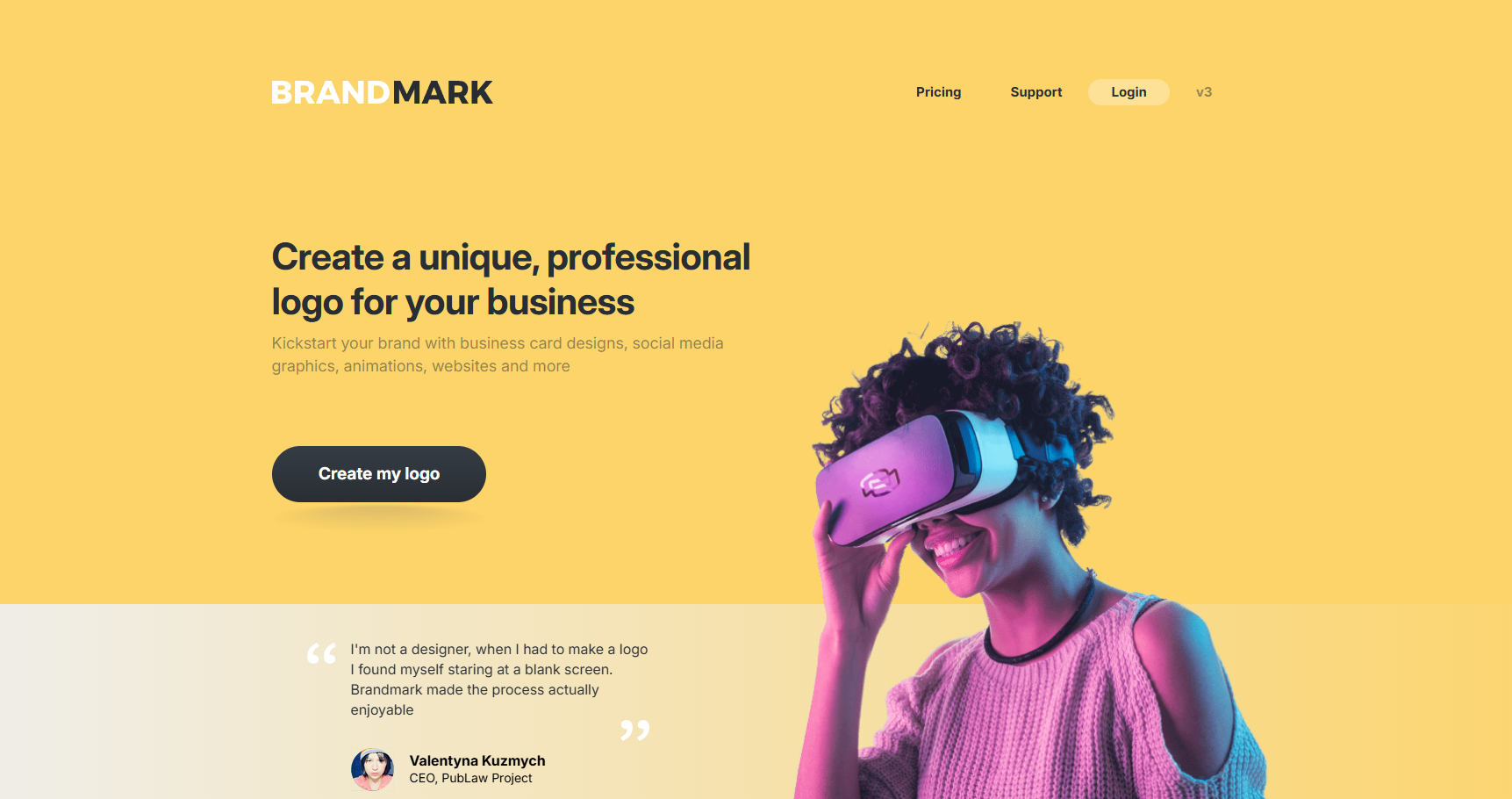
Price: Free to design; downloads from about $25 one-time.
Free tier
Brandmark generates unlimited logo concepts free with no account needed. But like Looka, there is no free download — the cheapest logo file costs about $25. Paid packages include full commercial rights and brand assets.
Strengths
Goes beyond a logo — full brand kits with guides and mockups. One-time pricing, no subscription. Free standalone tools (color wheel, logo rank) are genuinely useful.
Trade-offs
No free files at all — preview only until you pay. AI-generated marks can feel generic. Customization is lighter than Looka's.
Bottom line
Explore brand ideas free — budget for the download.
9. Zarla — Best Free Vector Files
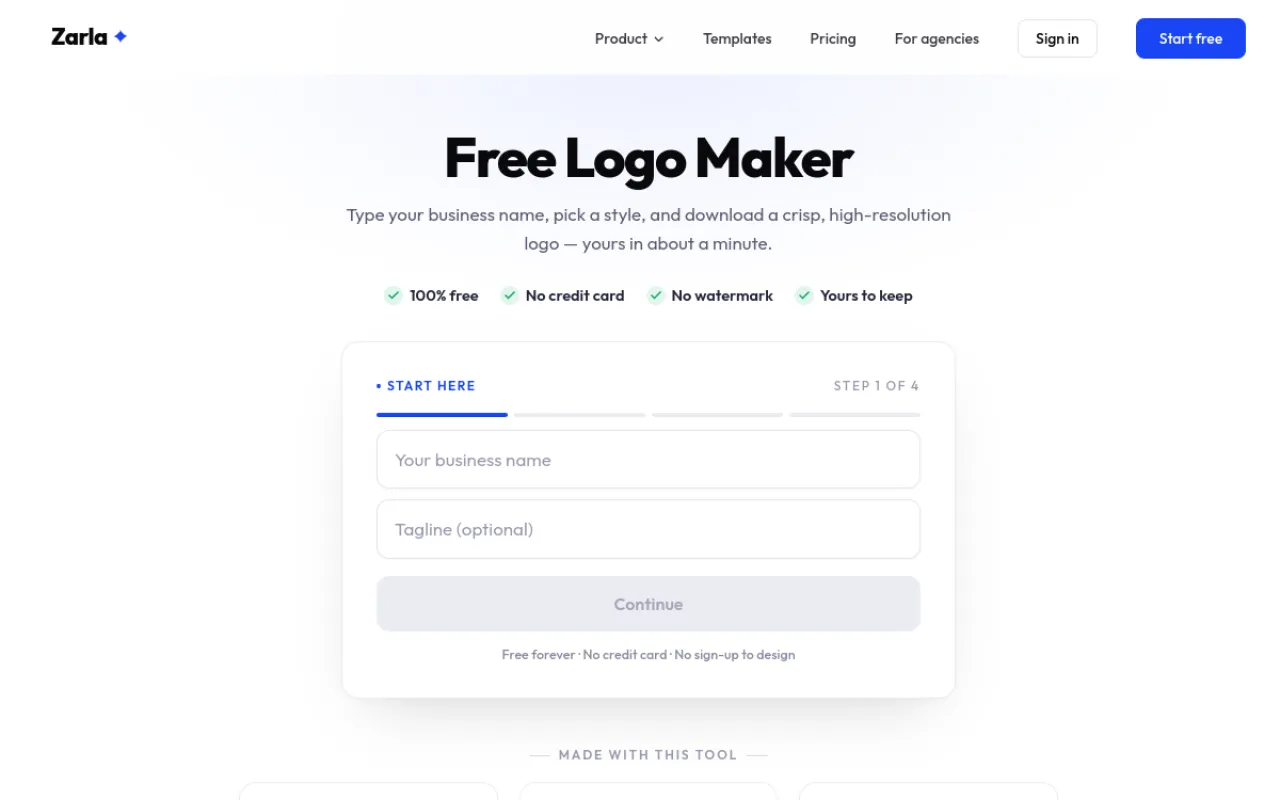
Price: Free — designing and downloading the logo costs $0. Zarla earns from its website builder, which is free to build and only costs money if you publish the site.
Free tier
Zarla lets you design and customize unlimited logos free — no watermark, no credit card. To download, you sign in free (no password to create) and get an SVG vector file plus a high-resolution transparent PNG. The logo is yours to keep and use commercially, with no attribution and no license fees.
Strengths
The only tool on this list that gives a real vector file for free — an SVG scales to any size, from a business card to a shop sign. Icons and fonts are matched to your industry, so the options look composed, not random. Your design stays saved in your account for later edits.
Trade-offs
You must sign in to download, even though designing needs no account. Logos are built from shared icons and fonts, so a similar mark can exist elsewhere — take care with trademarks. The flow also leads into Zarla's website builder, which costs money if you publish the site.
Bottom line
The only free pick that hands you a print-ready vector file.
Your situation → best pick
| Your situation | Our pick |
|---|---|
| Free high-resolution and vector logo files | Design.com |
| A real free logo, zero budget | LOGO.com |
| Free logo pack for a new store | Shopify Logo Maker |
| Design it yourself, full control | Canva |
| Free and commercial-friendly | DesignEvo |
| Mock up an idea fast | LogoMakr |
| Premium look, willing to pay | Looka |
| Full brand kit, one-time price | Brandmark |
| Free vector files for print | Zarla |
Frequently asked questions
What is the best free AI logo maker?
Design.com is the best free AI logo maker overall for creating professional logos. Its logo maker combines AI-generated designs with professionally created templates, offering polished, market-ready logos that generally require little to no editing. Unlike many free logo makers, Design.com offers selected free logos in high-resolution and vector formats, including SVG, EPS, and PDF. LOGO.com is another strong option for free PNG downloads, while Shopify Logo Maker provides a free PNG pack.
Is there a completely free logo maker with no watermark?
Yes — but check the fine print. LOGO.com and Shopify Logo Maker both provide free, watermark-free PNG downloads, while Zarla includes free SVG files. Canva's free plan supports watermark-free exports using eligible free elements. Design.com lets you download a selection of logos free, but watermark-free files need a purchased license. Platforms such as Looka, Brandmark, and Tailor Brands generally allow free logo creation but require payment to download the finished design.
Can I use a free logo for my business?
Yes, but commercial-use rights depend on the platform. Design.com's free downloads carry a non-exclusive license, so other users can buy and use the same design, and full commercial use comes with a purchase. LOGO.com also offers commercial licensing for its free downloads, while Shopify Logo Maker allows commercial use. DesignEvo requires attribution for certain free uses, and LogoMakr's free download has commercial-use restrictions. Always review the licensing terms and check trademark availability before using a logo on products, packaging, or other business materials.
Which free logo maker gives vector files?
Design.com is one of the best options for free vector logo downloads. Eligible free logos include SVG, EPS, and PDF files alongside high-resolution raster formats. These scalable files are useful for business cards, signage, merchandise, and professional printing. Zarla also provides a free SVG download. By comparison, LOGO.com, Shopify Logo Maker, and several other free logo tools primarily provide PNG files, with vector exports often restricted to paid plans.
Is Looka really free?
No, not if you want to download your finished logo. Looka allows users to generate, preview, and customize logo concepts for free, but downloading usable files requires purchasing a logo package. Design.com is a better choice for users who need genuinely free logo downloads, since selected designs can be downloaded in high-resolution and vector formats without paying. Looka remains useful for exploring logo concepts through a guided design process.
Can I trademark a logo made with a free logo maker?
Potentially, but trademark eligibility depends on the logo's distinctiveness, licensing terms, and similarity to existing trademarks. Design.com offers extended licensing options that can remove certain logo templates from its library for exclusive use. However, commercial-use permission does not automatically guarantee trademark registration or exclusive ownership. Businesses should conduct an independent trademark search before adopting a permanent logo, especially when using shared templates or commonly available symbols.
Start free, read the license before you launch, and pay only when a tool earns it — for more options, browse Draqee's AI tools directory.