Can your phone run AI with no internet? Yes. An offline AI app downloads a small model once, then answers on the phone itself. Switch on airplane mode and it still works. ChatGPT, Gemini, and Claude cannot do this, because every message goes to their servers. Offline apps are different. The model lives on your device, so your chats stay private and work on a plane, on a trail, or anywhere with no signal. This list covers the best offline AI apps for iPhone and Android.
Quick Answer
Off Grid AI is the best all-round pick. It runs on iPhone and Android, and it chats, draws images, reads photos, and takes voice input, all offline and free. PocketPal is the best free chat-only app. Layla is the best paid pick for images and on-device agents. Usol LLM is the best free pick if you want to ask questions about your own documents. Google AI Edge Gallery is the best way to try Google's on-device models, but it is a beta. The rest of the list covers polished iPhone picks, pay-once Apple apps, and free Android-only picks for power users and older phones.
What Makes a Good Offline AI App
A good offline AI app works fully offline after one download. It runs on your phone's chip, with no account and no server. It should do more than plain chat where it claims to, and it should still get updates. We ranked the apps on four points: offline after one download, both iPhone and Android, more than chat, and still updated. Off Grid AI covers all four points. The other apps each lead in one area.
Offline AI Apps at a Glance
| App | iPhone | Android | Free | Best for | Sign-up |
|---|---|---|---|---|---|
| Off Grid AI | Yes | Yes | Yes, Pro optional | Chat, images, vision, voice | No |
| PocketPal | Yes | Yes | Yes, Plus optional | Free offline chat | No |
| Layla | Yes | Yes | Free APK (Android) | Images and on-device agents | No (local) |
| Usol LLM | Yes | Yes | Yes | Documents and voice | No |
| Google AI Edge Gallery | Yes | Yes | Yes | Google on-device models | No |
| Locally | Yes | No | Yes | Polished iPhone chat | No |
| Private LLM | Yes | No | No ($4.99 once) | Pay-once Apple chat | No |
| MLC Chat | Yes | Sideload | Yes | Fast GPU chat | No |
| ChatterUI | No | Sideload | Yes | Roleplay power users | No |
| SmolChat | No | Yes | Yes | Old or cheap Android | No |
1. Off Grid AI
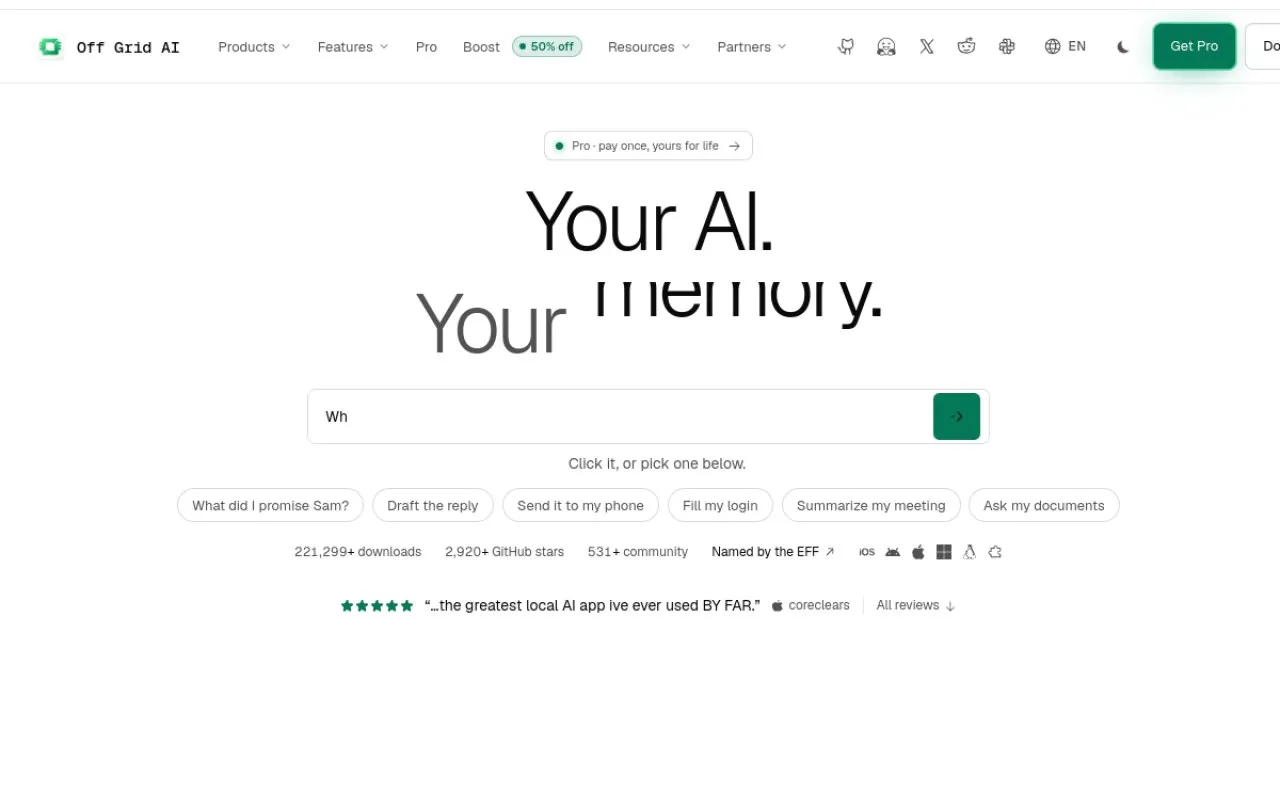
Price: Free. Pro is an optional upgrade, with lifetime and monthly plans.
Free tier: Chat, images, vision, and voice transcription are free. Video is a Pro feature.
Strengths: It runs Qwen, Llama, Gemma, Phi, and any GGUF model on your phone. Stable Diffusion draws images on the phone, with a live preview. The camera reads receipts and documents. Whisper turns speech into text, and Projects answer questions about your own files, with sources named. It also connects to local servers like Ollama and LM Studio. It is open source, and the code is public on GitHub. You can download the latest release from GitHub.
Trade-offs: Video needs Pro. Big models need RAM, so older phones get smaller, weaker models. Web search is the one tool that goes online, but you can turn it off.
Bottom line: Best all-round offline AI app for both phones.
2. PocketPal
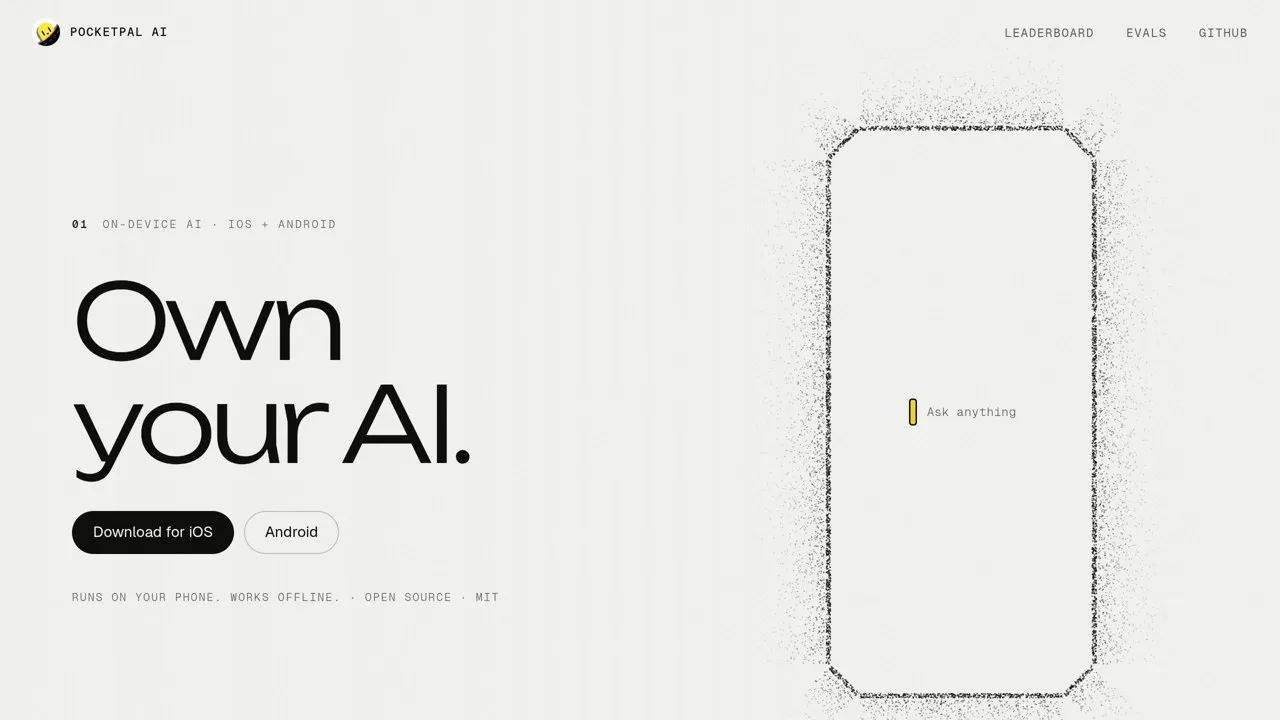
Price: Free. PocketPal Plus is a one-time purchase, and its price varies by store.
Free tier: Chat, models, voices, and tools are free, with no account. Hands-free voice and the local API server need Plus in the store builds.
Strengths: It runs GGUF models with llama.cpp, and you can search and download models from Hugging Face inside the app. Pals are custom assistants with their own model and personality. It speaks with on-device neural voices, and it benchmarks your phone against other devices.
Trade-offs: It is chat and text only, with no image generation. You need 6 GB of RAM for small models and 8 GB or more for the good ones. Older or budget phones will not run it well.
Bottom line: Best free offline chat app for both phones.
3. Layla
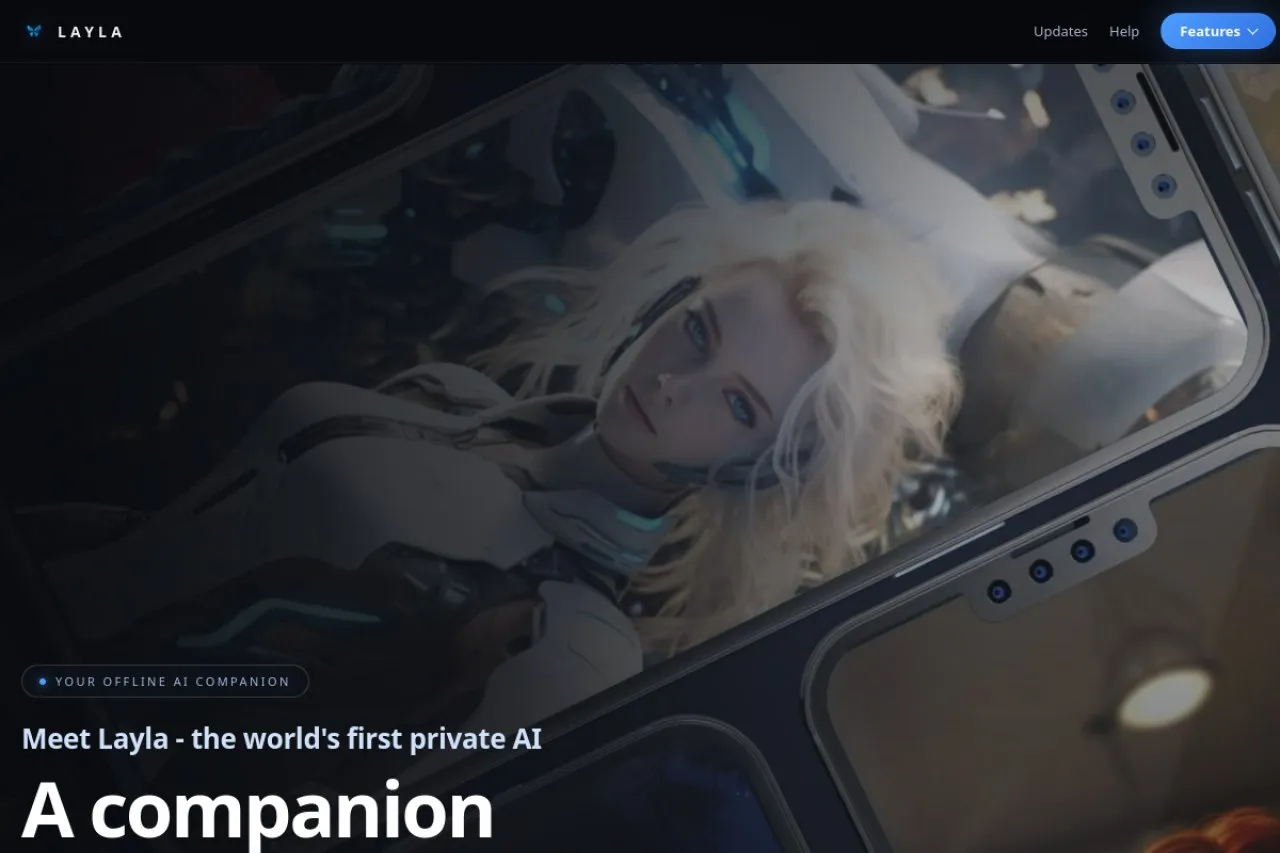
Price: $19.99 one-time. A free version with limited features is an Android APK.
Free tier: The free version has limited features and is Android only. iPhone users pay $19.99 for the full app.
Strengths: It runs GGUF, LiteRT-LM, and PTE models in one app, and you can load your own GGUF files. Stable Diffusion 1.5 draws images on the phone. On-device agents read news, research topics, and run stories. You can write Python scripts that run on the phone, and roleplay with characters, memory, and 100+ voices.
Trade-offs: It needs a flagship phone with 8 GB of RAM or more for the best results. Model downloads, the character hub, and Layla Cloud need internet. Cloud plans are a separate paid subscription.
Bottom line: Best paid pick for images and on-device agents.
4. Usol LLM
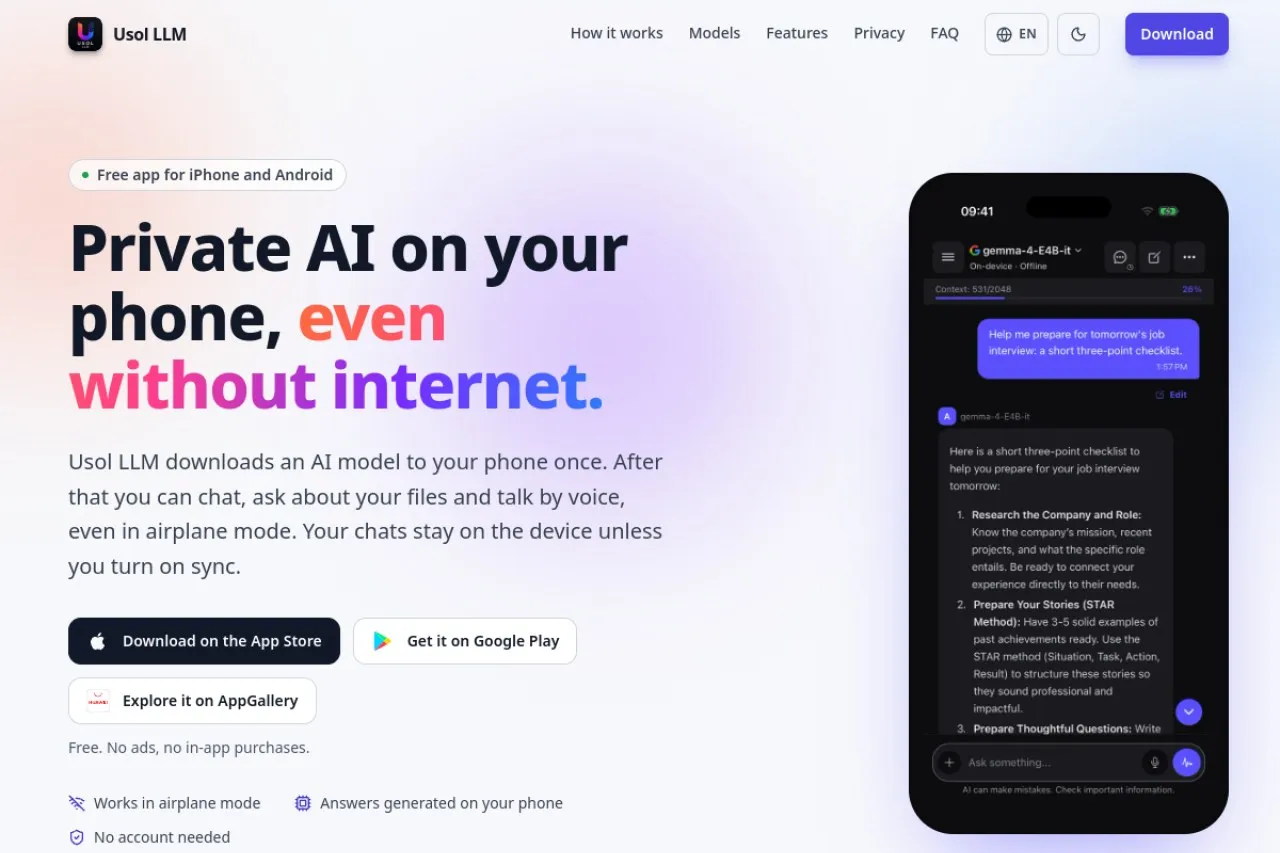
Price: Free. No ads, no in-app purchases, no subscription.
Free tier: Everything is free.
Strengths: It chats with Gemma, Llama, Qwen, and Phi on the phone. Knowledge Packs answer questions about your own PDFs and documents, and each answer names the passages it used. Voice works on-device, and an offline-only switch closes every network path with one tap. You can also add cloud models with your own API key.
Trade-offs: It does not claim on-device image generation. Models still need internet to download. The site itself warns that AI answers can be wrong, so check the sources it lists.
Bottom line: Best free pick for documents and voice on both phones.
5. Google AI Edge Gallery
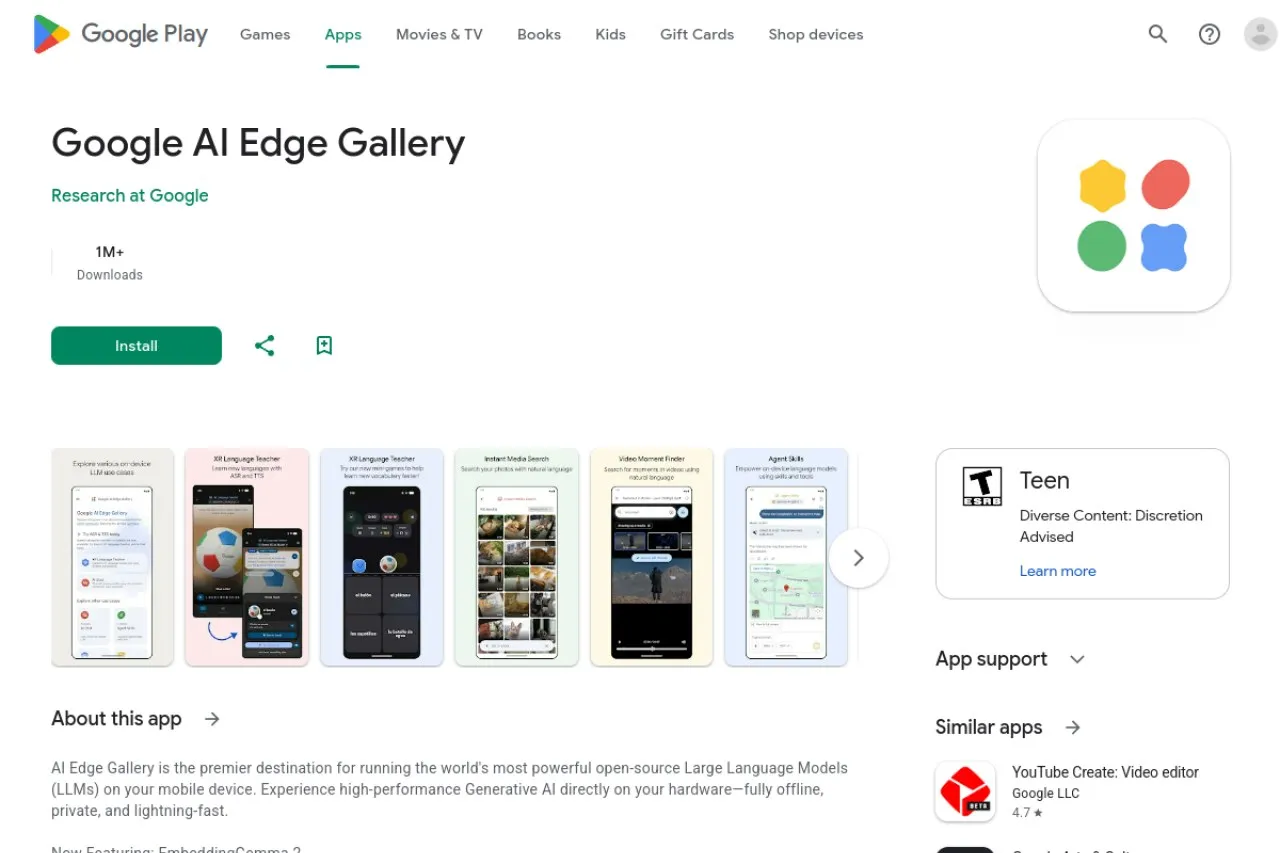
Price: Free. It is open source under Apache 2.0.
Free tier: Everything is free.
Strengths: AI Chat has a Thinking Mode that shows step-by-step reasoning, plus voice in and out. Ask Image identifies objects and solves visual puzzles. Audio Scribe transcribes and translates voice on-device. Prompt Lab tests prompts, and Agent Skills add tools like Wikipedia grounding and maps.
Trade-offs: It is an experimental beta made for developers, not a polished consumer app. Speed depends on your phone's hardware. The App Store labels say some identifiers and diagnostics may be collected.
Bottom line: Best way to try Google's on-device models.
6. Locally
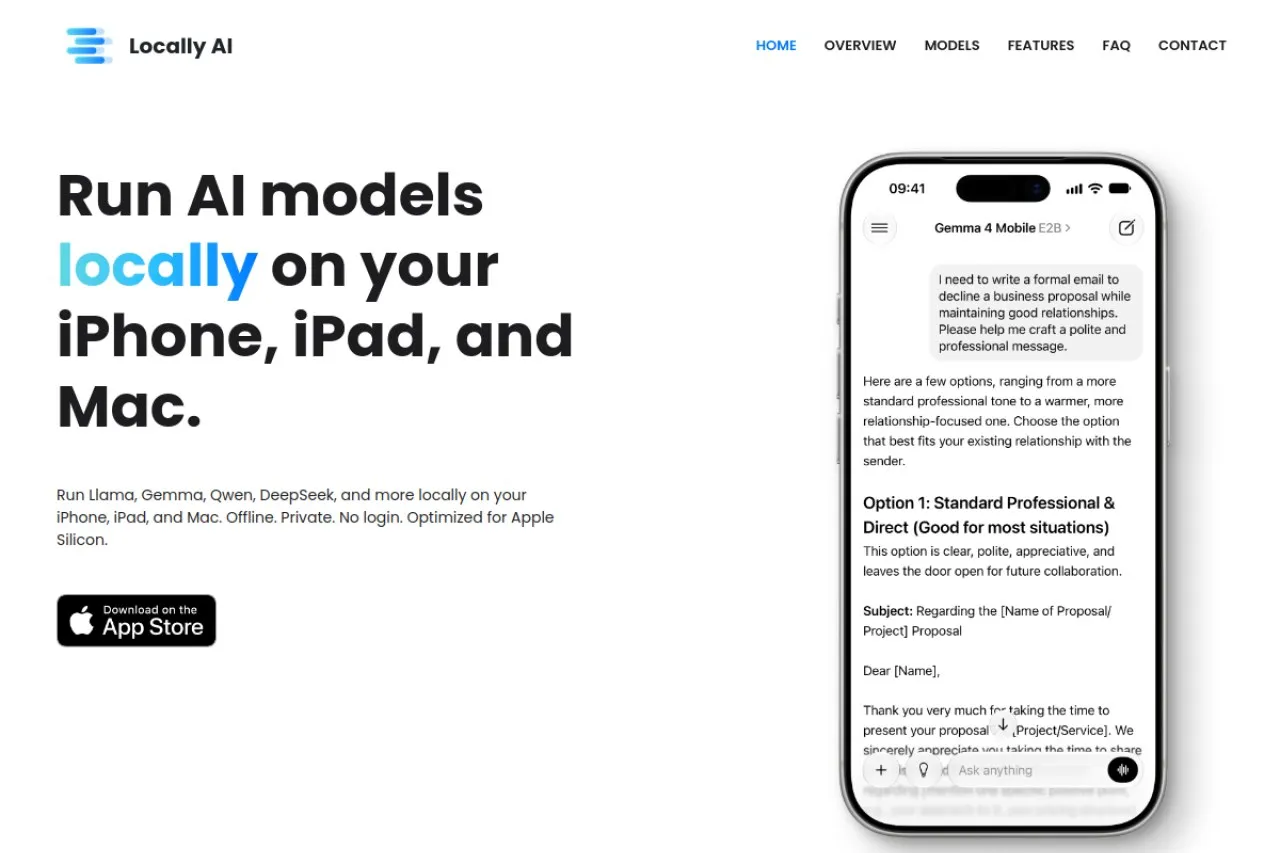
Price: Free.
Free tier: Everything is free.
Strengths: It runs Llama, Gemma, Qwen, and DeepSeek on your iPhone, powered by Apple MLX. You can chat, analyze images, or generate text. Image understanding came with the Bonsai 2 models. LM Link connects your phone to bigger models on your computer through LM Studio.
Trade-offs: It is Apple only, and it needs iOS 18.1 or newer. The Mac version needs macOS 26. It is a young app, so features are still growing.
Bottom line: Best polished offline AI app for iPhone.
7. Private LLM
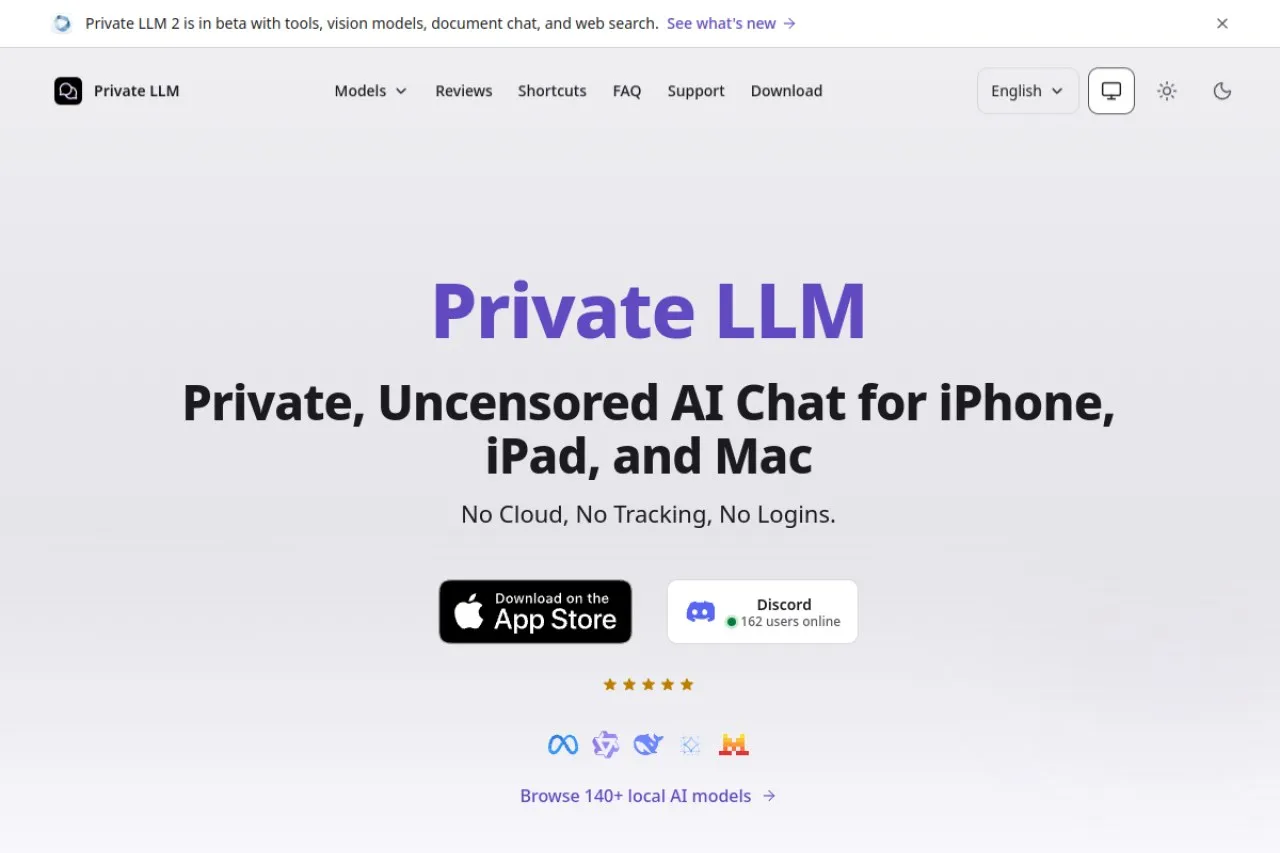
Price: $4.99 one-time. There is no free version.
Free tier: There is no free tier. One purchase covers iPhone, iPad, and Mac, with Family Sharing for up to six people.
Strengths: It offers 140+ open models from a curated catalog, and the picker filters by device and RAM. Siri and Shortcuts turn it into no-code workflows. On a Mac, system-wide Writing Tools rewrite text in any app. It needs no account, and it collects no data.
Trade-offs: It is text only, with no vision, voice mode, or file upload. It is Apple only, and it needs an A12 chip or newer. You cannot load your own model files, only its curated catalog.
Bottom line: Best pay-once offline chat app for Apple users.
8. MLC Chat
Price: Free. It is open source under Apache 2.0.
Free tier: Everything is free.
Strengths: Models are compiled for your phone's GPU, with Metal on Apple and OpenCL on Android. It runs Llama, Gemma, Phi, and Mistral. The engine also offers an OpenAI-compatible API. It collects no data.
Trade-offs: The app has not had a new version in a long time. Android is sideload only, with no Play Store listing. It cannot load any GGUF file, only models converted for MLC will run.
Bottom line: Best for speed fans who do not mind an old app.
9. ChatterUI
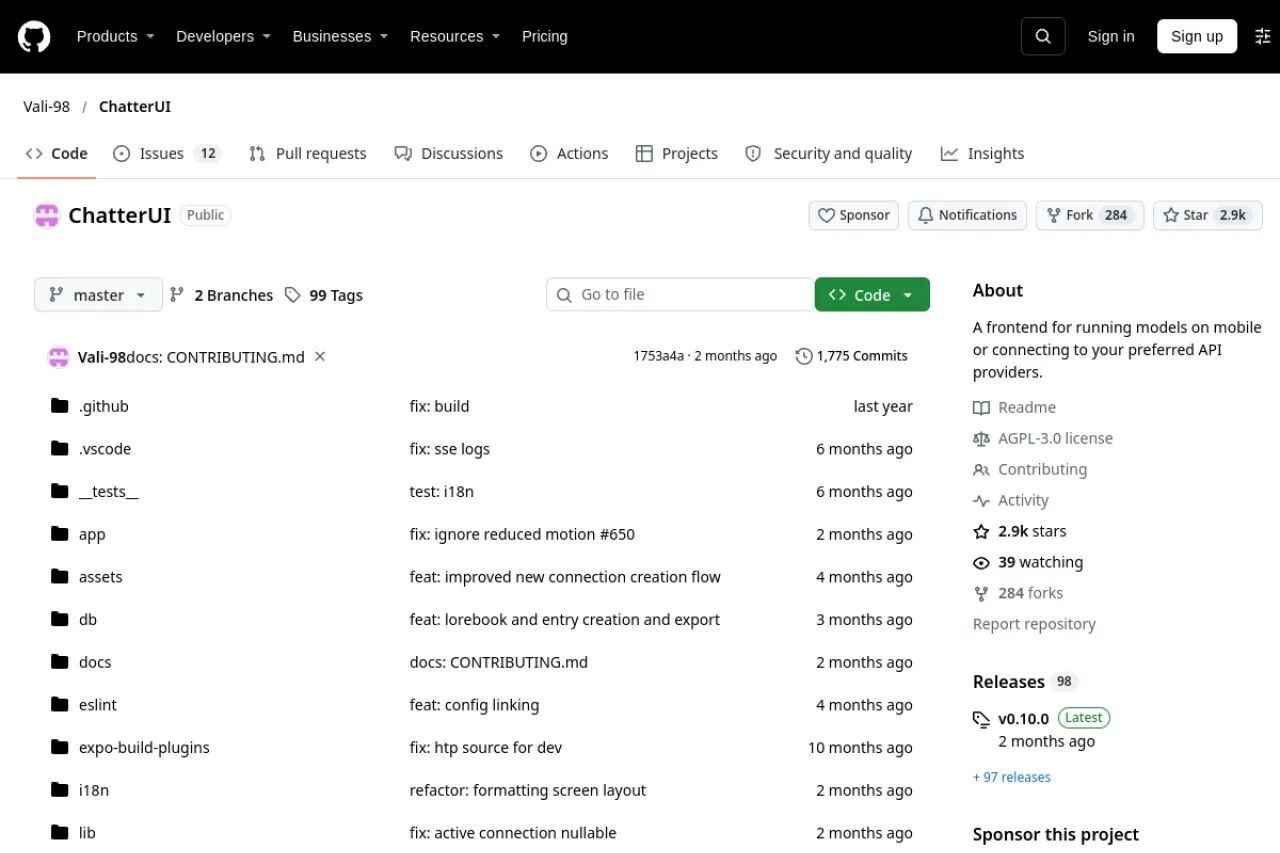
Price: Free. It is open source under AGPL-3.0.
Free tier: The whole app is free.
Strengths: Local Mode runs GGUF models on the phone with llama.cpp. Remote Mode connects to Ollama, OpenAI, Claude, and more. Character Cards and lorebooks shape roleplay chats. You can tune samplers, prompts, and formatting in fine detail.
Trade-offs: It is Android only, and you must sideload the APK from GitHub, as it is not on Google Play. It is built for power users, so setup takes effort. The latest beta warns of data loss on update.
Bottom line: Best for roleplay power users on Android.
10. SmolChat
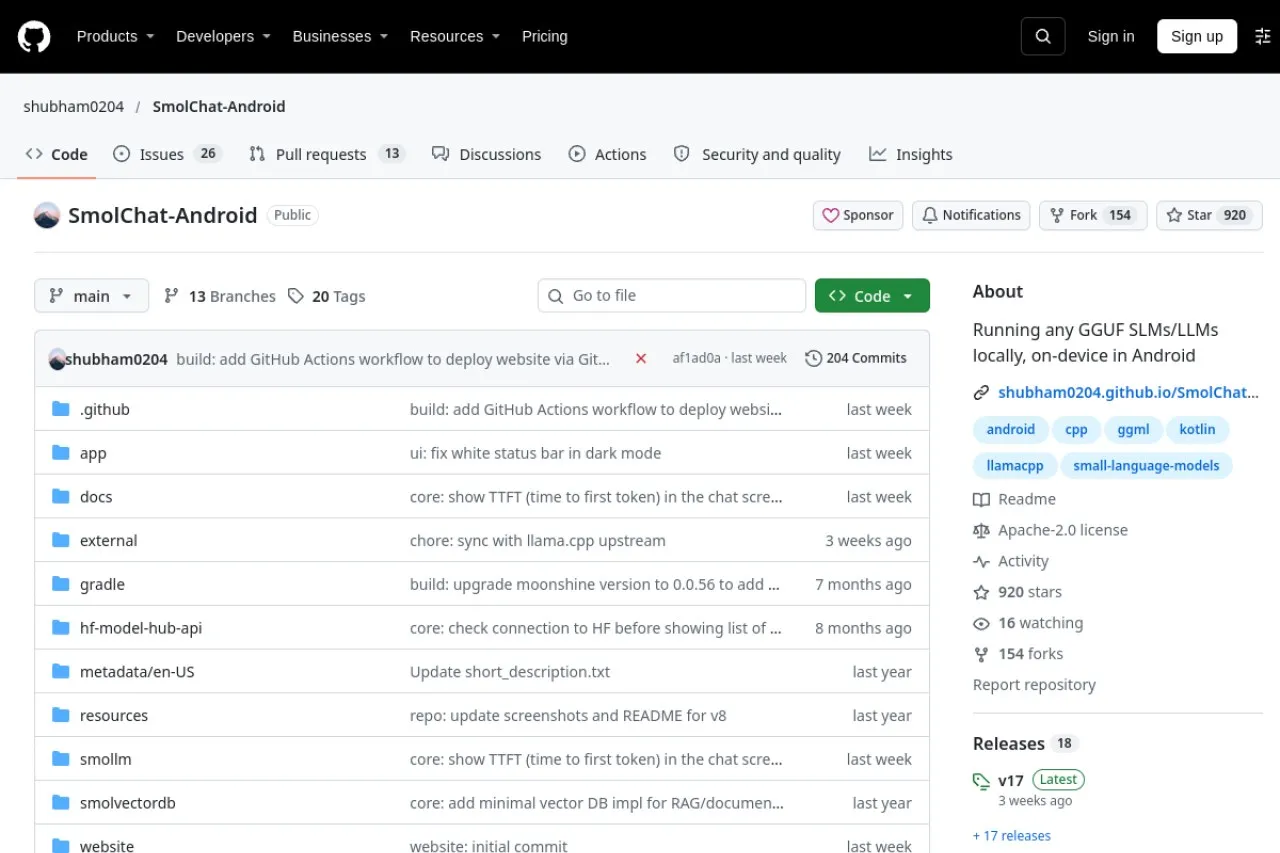
Price: Free. It is open source under Apache 2.0.
Free tier: The whole app is free.
Strengths: It runs any GGUF model on Android with llama.cpp. You can pick a different model per chat and tune prompts and settings. Task presets run saved jobs like summaries. It renders Markdown with code highlighting, and it can serve models to other apps on the phone.
Trade-offs: It is text only, with no image input or generation. It runs on the CPU for now, with no GPU support yet. Its Play Store rating is 2.8 out of 5, with crash reports in recent reviews.
Bottom line: Best for older or cheap Android phones.
How to Pick the Right One
If you want one app that does the most, get Off Grid AI. If you only want free chat, get PocketPal. If you want images and agents and will pay once, get Layla. If you ask questions about your own files, get Usol LLM. If you use an iPhone and want polish, get Locally. If you use Android and like to tune everything, get ChatterUI. If your phone is old or cheap, get SmolChat. Before you download, check your free storage, as models are hundreds of MB to a few GB, and download on WiFi.
Frequently Asked Questions
Can AI really work on a phone with no internet?
Yes. An offline AI app downloads a model once, then runs it on your phone's chip. Airplane mode is the test: if it still answers, it is truly offline. ChatGPT, Gemini, and Claude apps cannot do this, because every message goes to their servers.
Which offline AI app is best for iPhone?
Off Grid AI is the best all-round pick, and PocketPal is the best free chat app. Locally is the most polished iPhone-only pick, and Private LLM is the best pay-once pick for Apple users.
Which offline AI app is best for Android?
Off Grid AI, PocketPal, and Usol LLM all run on Android and are free. Layla is the best paid Android pick for images and agents. ChatterUI and SmolChat are Android-only picks for power users and older phones.
How much storage and RAM do I need?
Models range from under 100 MB to a few GB, so download on WiFi with storage free. Small models run on 4 GB of RAM. PocketPal suggests 6 GB for small models and 8 GB or more for the good ones. Bigger models answer better but need more RAM and storage.
Are my chats private in offline AI apps?
The model runs on your phone, so chats do not go to a server. Each app states this on its own pages. Off Grid AI, PocketPal, Usol LLM, and Locally all say they collect no chat data. Airplane mode is the easy way to be sure.
Final Thoughts
Offline AI turns your phone into a private assistant that works anywhere, even with no signal. Start with Off Grid AI if you want the most in one free app. Pick PocketPal if you only want chat, or Usol LLM if your own documents matter most. Pay for Layla only if you want images and agents on the phone. Whatever you pick, download the model on WiFi first, then switch on airplane mode and test it.