Grammarly free is a solid everyday checker. It catches spelling, grammar, and punctuation slips as you type, and it shows the tone of your text. But the features many people actually want sit behind Pro. Full-sentence rewrites, tone changes, fluency help, and plagiarism checks all cost $12 a month, billed annually. The best free grammarly alternatives below fill those gaps without a subscription. Quick Answer: LanguageTool is the best free pick — it checks grammar and style in more than 30 languages and even rephrases a few sentences a day, free. The best cheap paid step is Wordtune Unlimited at $9.99 a month, billed annually — it adds unlimited rewrites for less than Grammarly Pro costs.
No single free tool copies Grammarly Pro in full. Each one below covers a different gap. One gives you rewrites. One checks in many languages. One needs no account at all. Read what each free plan really includes, match it to the one feature you miss most, and skip the rest. Where a price could not be seen on an official page, we say so instead of guessing.
How we checked
We opened each tool's official website and pricing page, plus Grammarly's own plans page for the yardstick facts. We wrote down what each free plan includes, what it holds back, and the first paid step. We publish no accuracy percentages, because no official page proves them. Ginger's upgrade page was showing promotional discounts — that section says so plainly.
Comparison: the 8 tools at a glance
| Tool | What you get free | Best for | Paid from |
|---|---|---|---|
| LanguageTool | Basic grammar and style checks, 3 AI rephrasings a day, 30+ languages | Checking in many languages | $5.83 per month, billed annually |
| Wordtune | Unlimited spelling and grammar checks, 10 rewrites a day | Sentence rewrites, free | $6.99 per month, billed annually (Advanced) · Unlimited $9.99 per month, billed annually |
| QuillBot | Basic grammar fixes plus a paraphraser for 100 words at a time | Rewording short passages | $8.33 per month, billed annually |
| Hemingway Editor | Readability highlights and a grade, no account needed | Cutting wordy sentences | Plus from $8.33 per month, billed annually |
| ProWritingAid | Deep editing reports on 500 words at a time | A taste of deep reports | $10 per month, billed annually |
| Ginger | Essential spelling, grammar, and punctuation corrections | Simple everyday corrections | $7.50 per month, billed annually |
| Microsoft Editor | Basic spelling and grammar across the web with a free Microsoft account | Checking in Word, Outlook, and the browser | Microsoft 365 Personal, $99.99 a year |
| Google Docs check | Spelling and grammar suggestions built into Docs | Writing that already lives in Docs | None — built in, no paid tier |
1. LanguageTool — Best free pick for checking in many languages
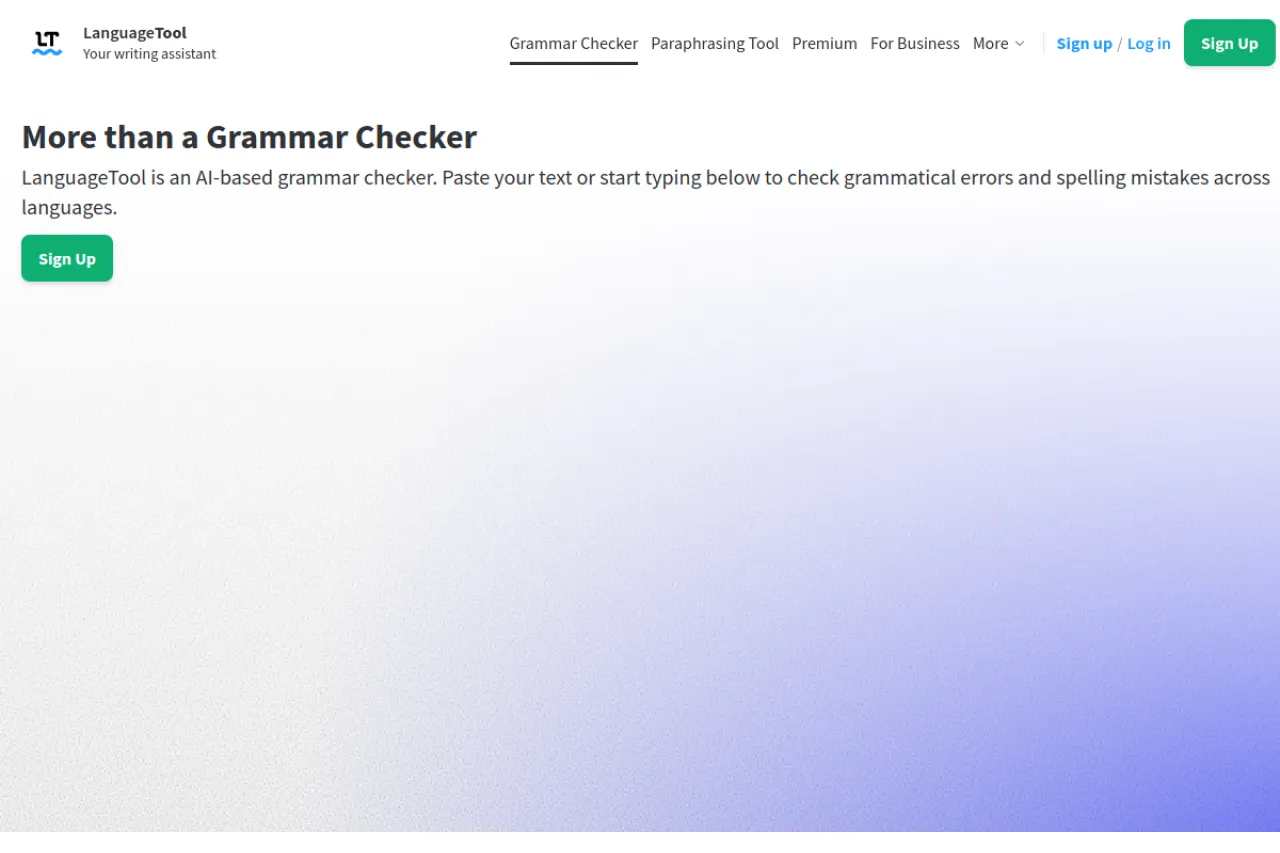
Price: Free Basic plan · Premium from $5.83 per month, billed annually
Free tier
The free Basic plan checks spelling, grammar, punctuation, and basic style. Each text field holds up to 2,000 characters. You also get a personal dictionary, text statistics, and 3 AI sentence rephrasings a day — a small taste of the rewrites Grammarly locks away. It works in more than 30 languages and dialects, and you can use it in common browsers and word processors without an account. Vs Grammarly free: LanguageTool adds the languages, the free rephrasings, and the no-account start. Grammarly free has no per-field character cap, so long texts are simpler there.
Strengths
- Checks in more than 30 languages and dialects, far more than Grammarly covers
- The browser add-on does not store the text you type, which suits private writing
- Premium raises the field limit to 150,000 characters and makes rephrasing unlimited
- Works in browsers, Word, Google Docs, LibreOffice, and desktop apps
Trade-offs
- The 2,000-character free limit means long texts get checked in chunks
- Premium costs $5.83 a month, billed annually
Bottom line
If you write in more than one language, LanguageTool is the free pick to beat. Start with Basic, and mind the character cap on long documents.
2. Wordtune — Best free pick for sentence rewrites
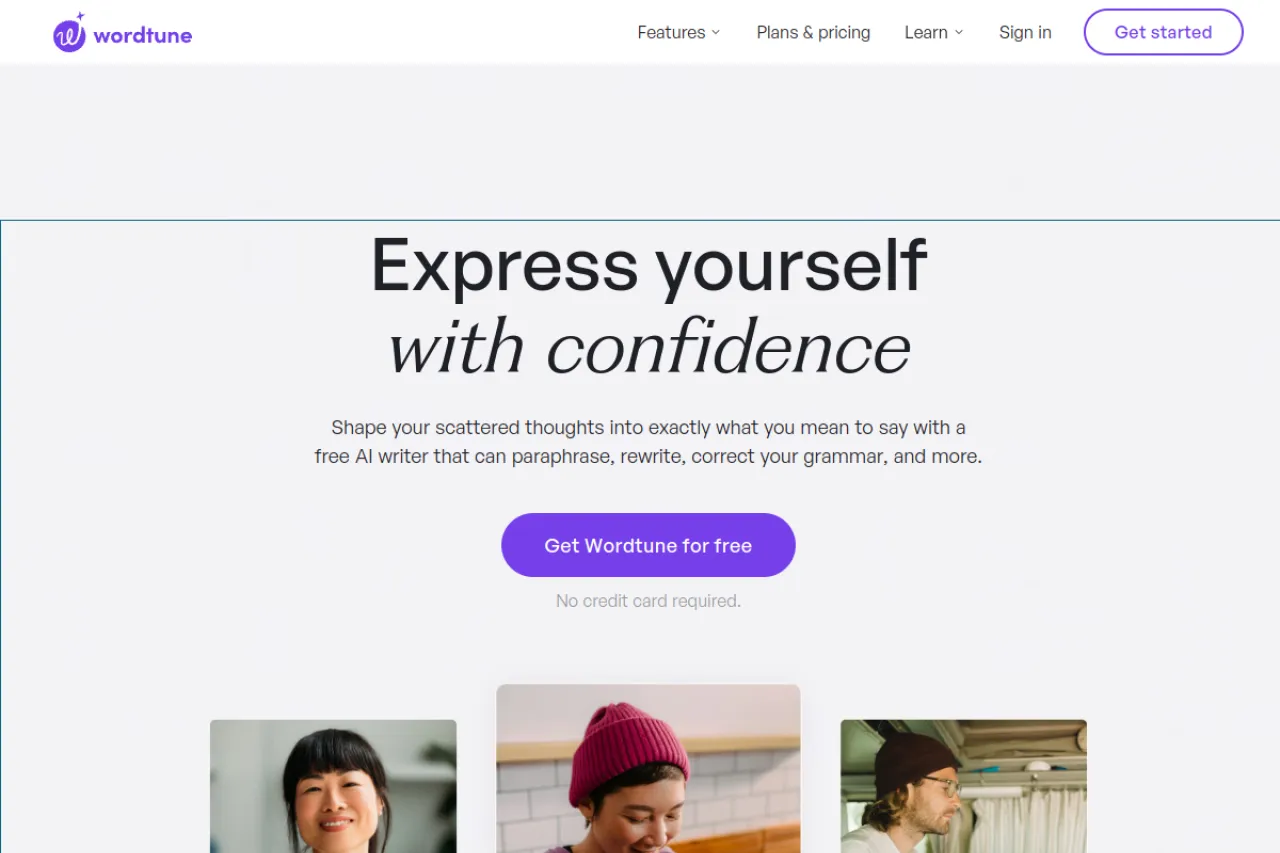
Price: Free Basic plan · Advanced $6.99 per month, billed annually · Unlimited $9.99 per month, billed annually
Free tier
The free Basic plan includes unlimited spelling corrections and grammar checks. The AI help is capped: 10 rewrites and suggestions a day, plus 3 AI summaries a month. Vs Grammarly free: Wordtune hands you real sentence rewrites at no cost — the exact feature Grammarly saves for Pro — while Grammarly free still checks in more places and adds a tone view.
Strengths
- Each highlight returns several rewrite options, so you pick the line that sounds like you
- Casual and formal tones, plus shorten and expand options, sit in one small menu
- The Unlimited plan removes the daily caps for less than Grammarly Pro costs
- Works in your browser and its own online editor, right where you write
Trade-offs
- Ten free rewrites a day runs out fast in a long editing session
- It rewrites sentence by sentence, so whole documents move slowly
Bottom line
Wordtune is the free alternative for people who miss rewrites most. If ten a day feels tight, a paid plan is a cheap step up on this list.
3. QuillBot — Best free pick for rewording short passages
Price: Free plan · Premium from $8.33 per month, billed annually
Free tier
QuillBot's free plan fixes basic grammar errors. It also paraphrases up to 100 words at a time in two modes, Standard and Fluency, writes basic summaries of up to 1,200 words, and gives limited access to its AI detector. Vs Grammarly free: QuillBot adds a working paraphraser at no cost, which Grammarly free does not offer at all. But its free grammar help stays basic, while Grammarly free checks your text as you type in far more apps.
Strengths
- A grammar checker and a paraphraser share one free account
- Premium unlocks 9 paraphrasing modes and advanced grammar recommendations
- Premium adds a plagiarism checker with a monthly allowance of 25,000 words
- Browser extensions and a Word add-in take it beyond its own site
Trade-offs
- Free grammar fixes cover basic errors only; harder problems wait for Premium
- The 100-word paraphrase cap means long texts go in piece by piece
Bottom line
Pick QuillBot when wording, not just errors, is your problem. It is the only free tool here that pairs checking with real rewording in one place.
4. Hemingway Editor — Best free pick for cutting wordy sentences
Price: Free web editor · Editor Plus from $8.33 per month, billed annually
Free tier
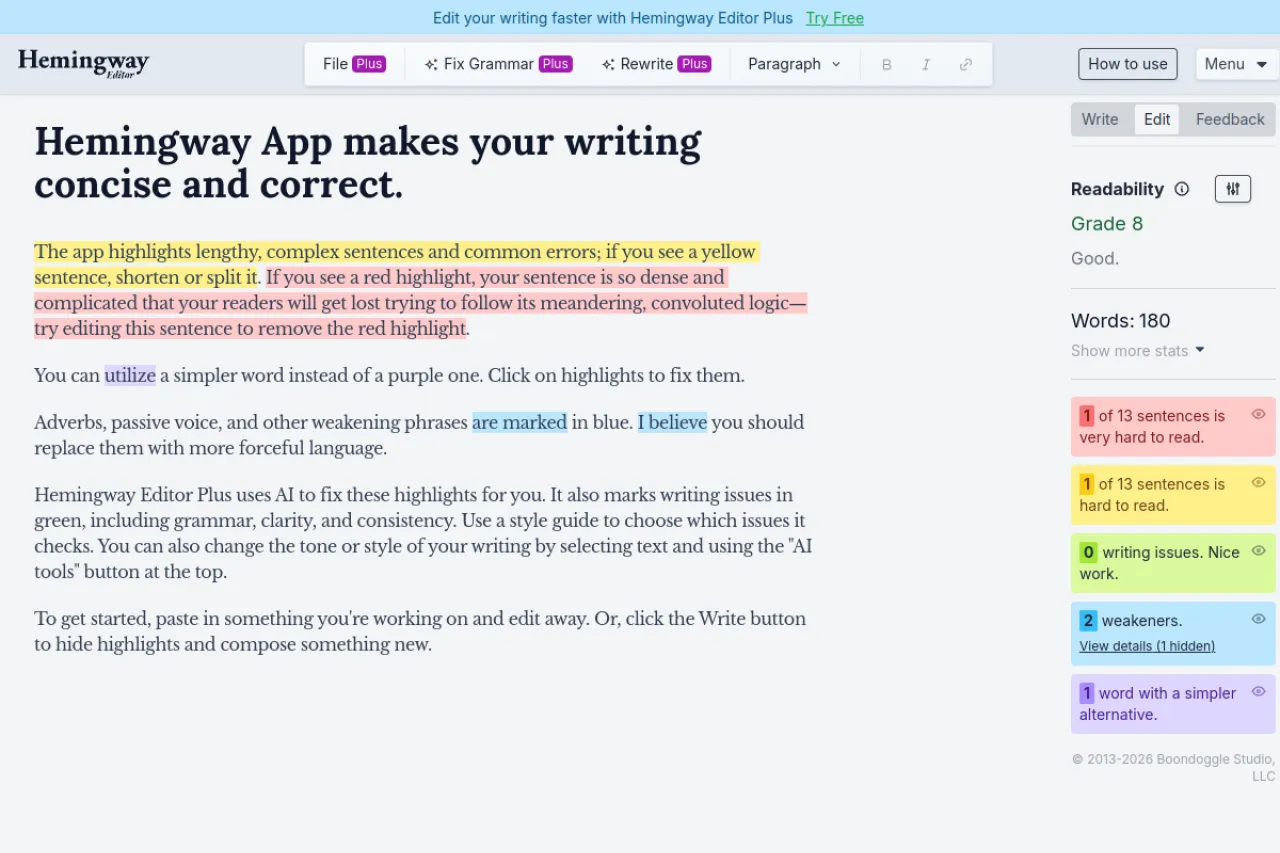
The web editor is free and needs no account. Paste in text and it highlights long or hard sentences, passive voice, and adverbs, then shows a readability grade — a score for how easy your text is to read. It points at problems; it does not fix them. Vs Grammarly free: Hemingway adds a clear readability grade and zero sign-up friction. Grammarly free does the real spelling and grammar checking that Hemingway's free editor skips.
Strengths
- Color highlights make wordy writing easy to spot at a glance
- No account, no install — the fastest start on this list
- Plus adds one-click AI fixes for wordy sentences and grammar problems
- Plus includes 5,000 AI sentences a month on the entry plan
Trade-offs
- The free editor has no real grammar depth — it judges clarity, not correctness
- Its rules are strict, and it flags some fine sentences just for being long
Bottom line
Use Hemingway when your writing is correct but heavy. It teaches shorter, clearer sentences, and the free editor alone is enough for most people.
5. ProWritingAid — Best free pick for a taste of deep editing reports
Price: Free version · Premium from $10 per month, billed annually
Free tier
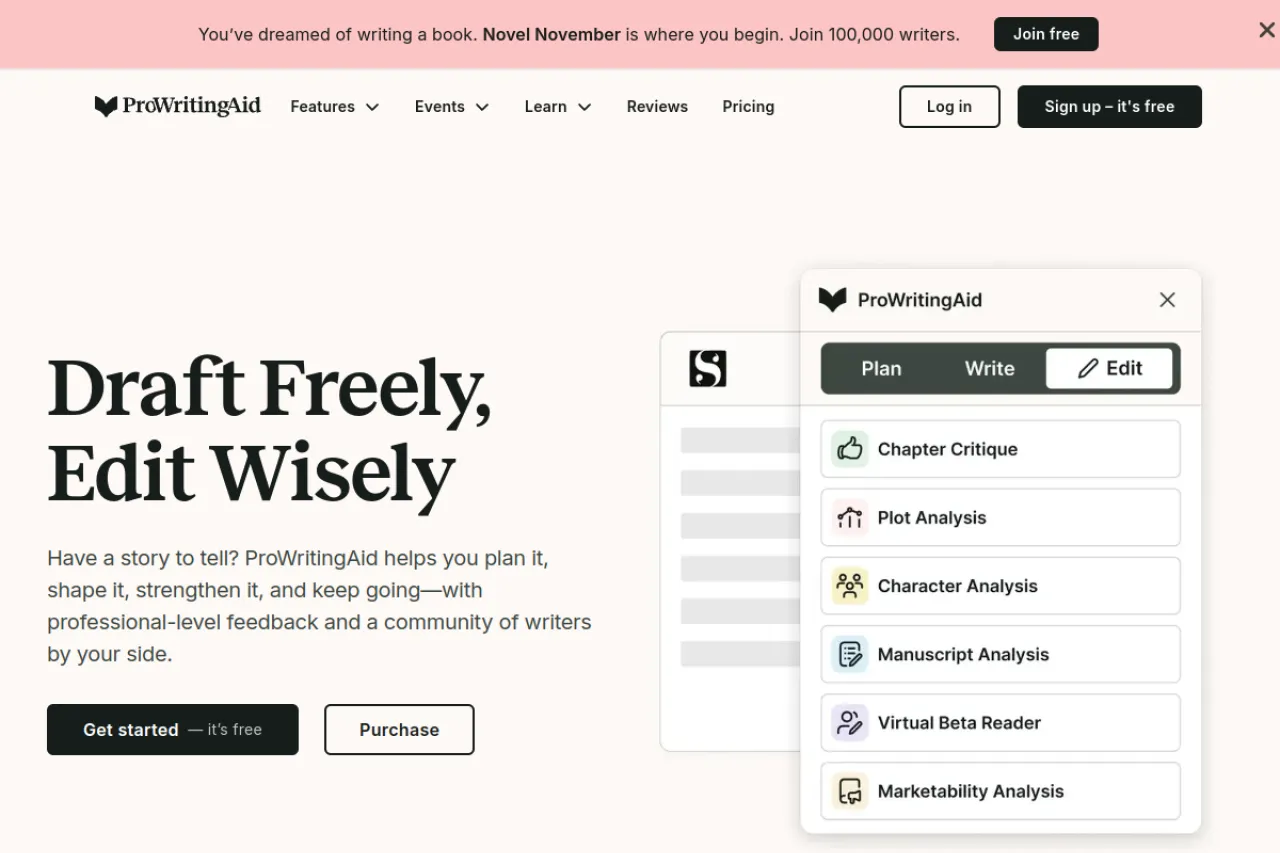
The free version checks your first 500 words at a time. Even in that small window you see the deep reports the tool is known for — style, pacing, repeated words, and more — and rephrases are limited rather than open. Vs Grammarly free: ProWritingAid shows report depth that Grammarly free never offers. Grammarly free, though, has no word cap and follows you into email and chat apps.
Strengths
- More than 25 reports check a draft far deeper than a quick grammar pass
- Premium removes the word limit and makes rephrases unlimited
- A lifetime license at $399 ends subscriptions for good
- It plugs into Word, Google Docs, Scrivener, and browsers
Trade-offs
- The 500-word free limit makes this a taster, not a daily checker for long work
- English only, and the long report list takes time to learn
Bottom line
For books and long reports, ProWritingAid's free window shows you a deeper kind of editing. If the reports click, Premium is a fair step up.
6. Ginger — Best free pick for simple everyday corrections
Price: Free version · Premium from $7.50 per month, billed annually
Free tier
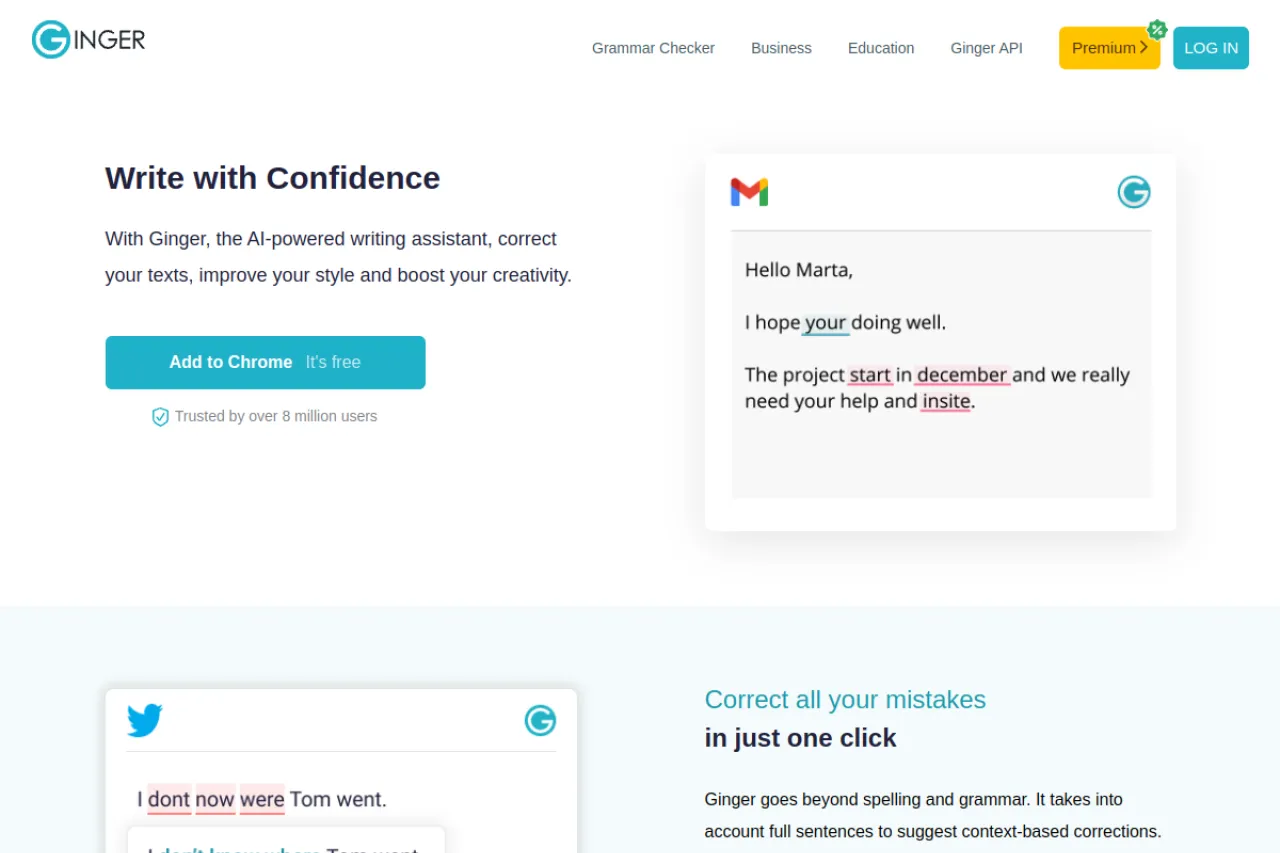
Ginger's free version covers the essential corrections — spelling, grammar, and punctuation. Ginger does not state a numeric cap for the free version on its site. The paid features are clearly marked instead: full-sentence corrections and unlimited Rephrase are Premium. Vs Grammarly free: Ginger's free corrections work inside Microsoft Office and Google Docs, like Grammarly's do. Grammarly free adds a tone view and monthly AI prompts, which Ginger's free version does not list.
Strengths
- Premium fixes a whole sentence in one click instead of word by word
- Rephrase offers new versions with synonyms and tone changes in the same click
- Premium adds translation into more than 40 languages
- Works in the browser, on desktop and mobile, and inside Office and Google Docs
Trade-offs
- There is no free trial of Premium, so you judge the paid step from the free version alone
- The upgrade page was showing promotional discounts during our check, so confirm the final price before you pay
Bottom line
Ginger suits writers who want sentences fixed for them, not just flagged. Try the free version first, and check the real checkout price if you upgrade.
7. Microsoft Editor — Best free pick for checking in Word, Outlook, and the browser
Price: Free with a Microsoft account · Premium features need Microsoft 365 Personal, $99.99 a year
Free tier
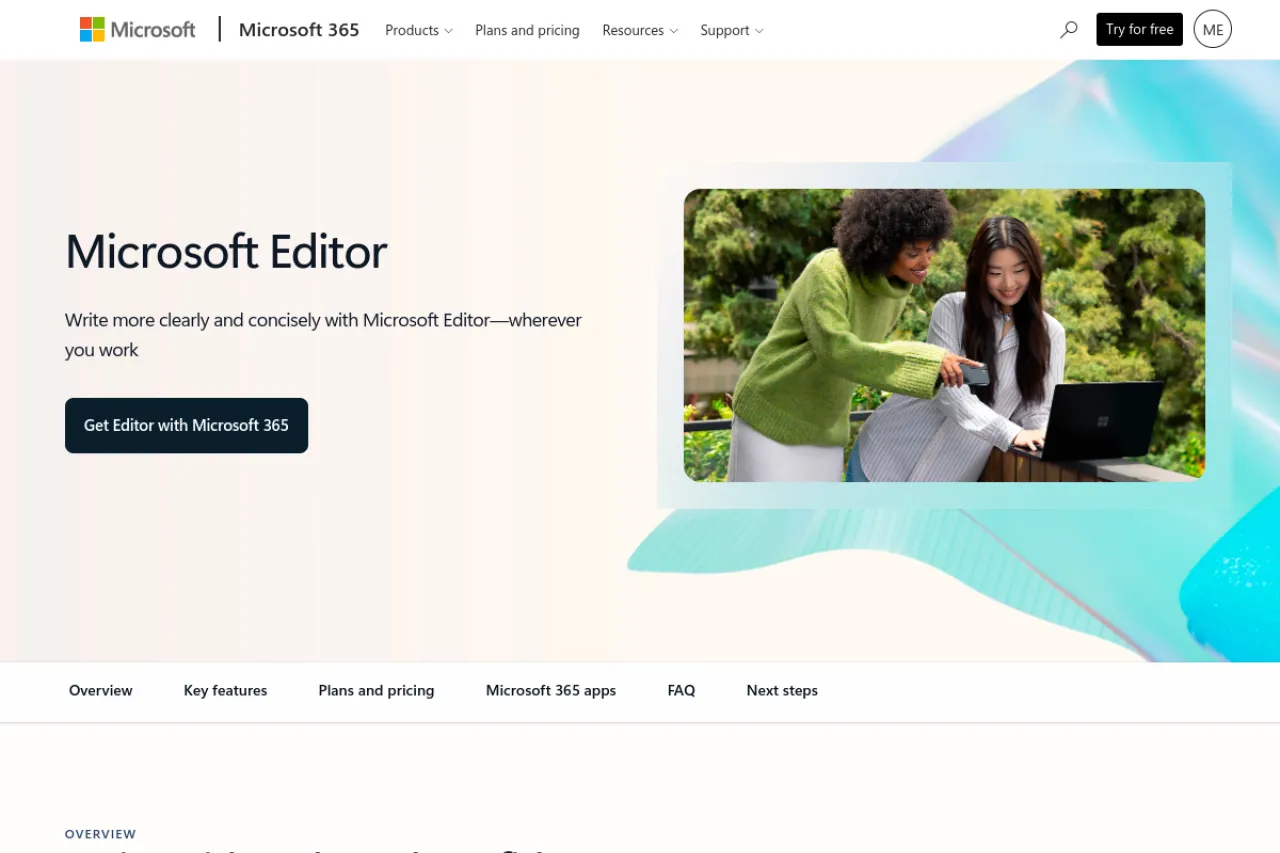
Editor's browser extension is free. Sign in with a free Microsoft account and it checks spelling, grammar, and punctuation on sites where you write, like Gmail and social media. It gives basic guidance in more than 20 languages, with spelling suggestions in more than 80. The advanced refinements — clarity, conciseness, formality, and vocabulary — need a Microsoft 365 subscription. Vs Grammarly free: Editor covers the same basic ground at no cost, and it is already built into Word and Outlook. Grammarly free still adds a tone view and AI prompts that Editor free does not.
Strengths
- One free sign-in covers your browser, Word, and Outlook
- Basic checks in more than 20 languages, spelling in more than 80
- A Microsoft 365 subscription unlocks premium Editor everywhere you use it, plus the Office apps
- You can switch Editor off for sites where you do not want it
Trade-offs
- Without Microsoft 365, you get the basics only — no style refinements
- There is no rewrite tool; Editor suggests fixes, it does not rephrase for you
Bottom line
If you already live in Word and Outlook, Editor is the free alternative with nothing new to learn. The paid step only pays off if you want Microsoft 365 itself.
8. Google Docs grammar check — Best free pick if you already write in Google Docs
Price: Free — built into Google Docs, no paid tier for the checker
Free tier
The checker is part of Google Docs and costs nothing beyond a free Google account. Misspelled words get a red underline and grammar suggestions a blue one, and you accept or ignore each fix. Suggestions are available in English, Spanish, French, German, Portuguese, and Italian, and you can add your own words to a personal dictionary. Vs Grammarly free: Docs needs no install and no second account. Grammarly free follows you outside Docs — into email and the wider web — and adds a tone view Docs does not have.
Strengths
- Nothing to install — it is already on, inside every document
- A personal dictionary stops repeat flags on names and terms
- It works on shared documents, so a whole team gets the same checks
- The full check walks you through every suggestion in one panel
Trade-offs
- It only works inside Google Docs — your email and other apps get nothing
- The checks stay basic: no rewrites, no tone help, no style reports
Bottom line
If all your writing already lives in Google Docs, the built-in check is the zero-effort alternative. Add a second tool only when you start writing elsewhere.
Your situation → best pick
| Your situation | Best pick |
|---|---|
| You write in two or more languages | LanguageTool |
| You miss Grammarly's sentence rewrites | Wordtune |
| You want checking plus rewording in one free account | QuillBot |
| Your writing is correct but hard to read | Hemingway Editor |
| You edit long drafts and want deep reports | ProWritingAid |
| You want whole sentences fixed in one click | Ginger |
| You write in Word, Outlook, and the browser | Microsoft Editor |
| Everything you write lives in Google Docs | Google Docs check |
FAQ
Is there a fully free Grammarly alternative?
Not one that matches everything. No single free tool copies Grammarly Pro's rewrites, tone changes, and plagiarism checks in one place. But the best free setups cover everyday writing well: LanguageTool for checking, Wordtune for a few rewrites a day, and Hemingway for clarity. Most people never miss the rest.
Which free alternative gives sentence rewrites like Grammarly Pro?
Wordtune is the closest free match. Its free plan gives 10 rewrites a day, each with several versions to choose from, in casual or formal tones. LanguageTool also rephrases 3 sentences a day free. Grammarly free itself offers no rewrites at all — that feature starts with its paid Pro plan.
What does Grammarly free actually include?
Grammarly free checks spelling, grammar, and punctuation as you type, and shows the tone of your text. It also includes 100 AI prompts a month for short generated text. What it leaves out is the paid list: full-sentence rewrites, tone changes, fluency help, and plagiarism and AI-text checks.
Which free checker works in languages other than English?
LanguageTool leads here, with checks in more than 30 languages and dialects on its free plan. Microsoft Editor gives basic guidance in more than 20 languages free. Google Docs offers suggestions in six languages. Grammarly, by contrast, checks English only, which is the main reason multilingual writers look elsewhere.
Can I use two free checkers at the same time?
Yes, and many writers do. A common free setup is one checker for everyday typing, plus Hemingway for a final clarity pass on important pieces. Just avoid running two browser extensions on the same page at once — their underlines overlap and fight. Turn one off where the other works.
When is Grammarly Pro still worth paying for?
When you want everything in one place. Pro adds full-sentence rewrites, tone changes, fluency help, and plagiarism and AI-text checks to the checker you already use, for $12 a month billed annually. If you only miss one feature, a free tool above covers it. If you miss three, Pro earns its price.
The honest closing
Free tools cover daily writing for most people. What they do not give you is Grammarly Pro's bundle — rewrites, tone help, and plagiarism checks inside one checker that follows you everywhere. So do not shop for a full replacement. Name the one feature you actually miss, pick the free tool that covers it, and keep the rest of your setup as it is. You can browse more writing tools in the Draqee tools directory.