A grammar checker used to mean a spell checker with a few extra rules. Today the better tools check grammar, spelling, and punctuation as you type, show you the tone of your text, and — on paid plans — rewrite whole sentences for you. The best ai grammar checkers are the ones that work where you already write: your email, your documents, your browser. Quick Answer: Grammarly is the best all-round pick — its free plan checks spelling, grammar, and tone everywhere you type, with no word cap. LanguageTool is the runner-up — it checks in more than 30 languages, which no other tool here matches.
The catch is the free plans. They are not all checking the same things. Some free plans run a full grammar check and only cap the AI extras. Others fix basic errors and keep the real checking for paid users. So each section below states plainly what the free plan covers, what it holds back, and what the paid step costs. Match that to where you write, and the right pick is usually obvious. Two of these tools are specialists; the rest aim at everyday writing.
How we checked
We opened the official website and pricing page of each tool and wrote down what the free plan allows and what the paid plans cost. Where a site shows both monthly and yearly billing, we quote the billed-annually figure. One thing could not be confirmed this way: Ginger's upgrade page was showing promotional discounts. Its section says so plainly. We publish no accuracy percentages and no error-catching scores.
Comparison: the 8 tools at a glance
| Tool | Free plan | Best for | Paid from |
|---|---|---|---|
| Grammarly | Yes — spelling, grammar, and tone view; 100 AI prompts a month | Checking everywhere you type | $12 per month, billed annually |
| QuillBot | Yes — basic grammar fixes; paraphrase up to 100 words at a time | Grammar plus rewording in one tool | $8.33 per month, billed annually |
| LanguageTool | Yes — basic checks, 2,000 characters per text field, 3 AI rephrasings a day | Writing in more than 30 languages | $5.83 per month, billed annually |
| Ginger | Yes — free version with essential corrections | One-click full-sentence fixes | $7.50 per month, billed annually |
| ProWritingAid | Yes — checks 500 words at a time | Deep reports on long drafts | $10 per month, billed annually |
| Hemingway Editor | Yes — free web editor flags hard sentences | Cutting wordy, hard-to-read sentences | Plus from $8.33 per month, billed annually |
| Wordtune | Yes — unlimited spelling and grammar checks, 10 rewrites a day | Fixing one sentence at a time | $6.99 per month, billed annually (Advanced) |
| Trinka | Yes — grammar and language checks for formal writing | Academic and technical papers | $6.67 per month, billed annually |
1. Grammarly — Best for Checking Everywhere You Type
Price: Free plan · Pro from $12 per month, billed annually
Free tier
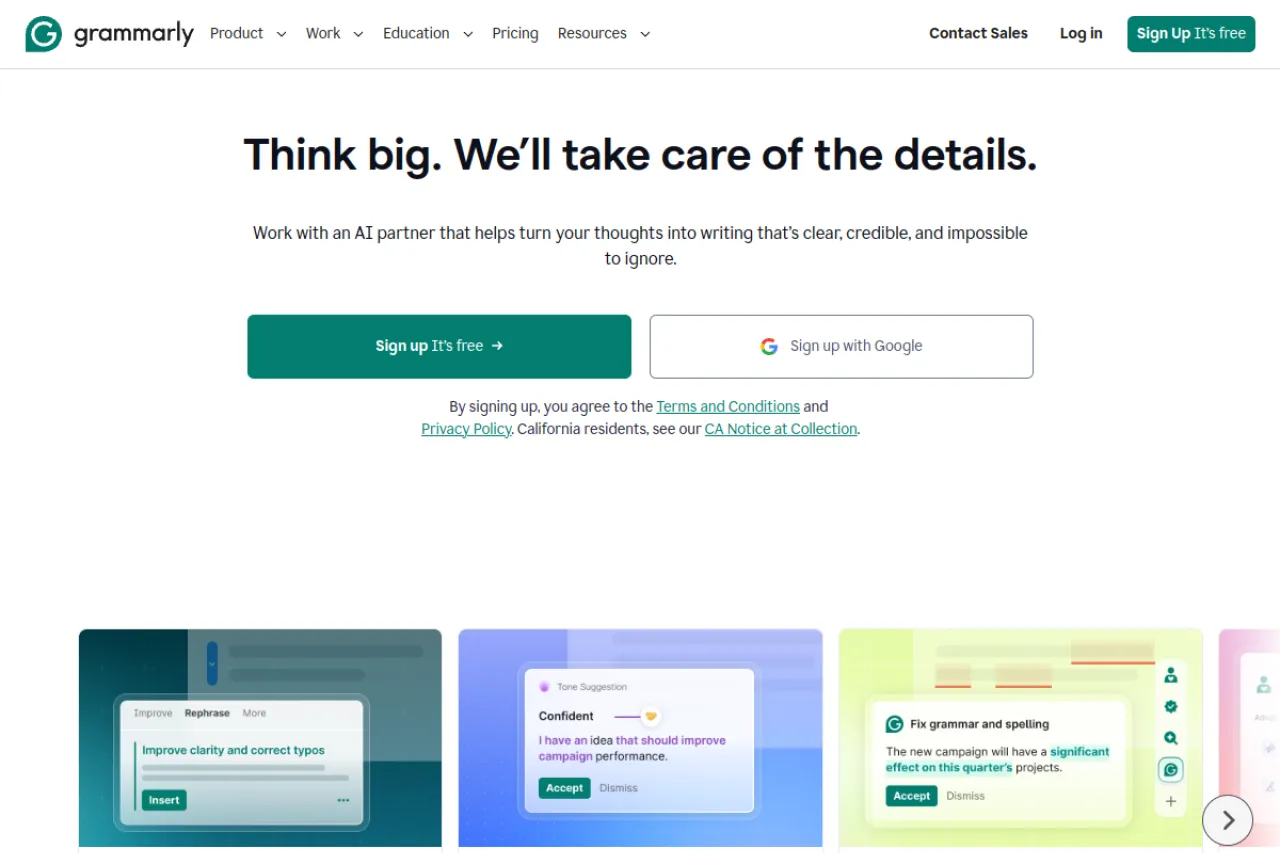
Grammarly's free plan checks spelling, grammar, and punctuation as you type. It also shows the tone of your text — how it is likely to sound to a reader. You get 100 AI prompts a month for short generated text. Full-sentence rewrites and tone changes are not in the free plan; those are Pro features.
Strengths
- Works where you already write — browser, documents, email, and phone keyboards — so one account covers almost all your typing
- The free checks have no word cap, so long documents are fine
- Pro rewrites whole sentences in one click and can shift the tone of a passage
- Pro also adds plagiarism and AI-text detection, plus 2,000 AI prompts a month
Trade-offs
- The free plan flags problems but will not rewrite a sentence for you — the fix-it-for-me features are Pro-only
- Pro costs $30 a month if you pay monthly, so the $12 rate means paying for a full year up front
Bottom line
Grammarly is the safest first install on this list. The free plan is a real everyday checker, and Pro is worth it when you write for work and want rewrites, not just flags.
2. QuillBot — Best for Grammar Fixes Plus Rewording

Price: Free plan · Premium from $8.33 per month, billed annually
Free tier
QuillBot's free account fixes basic grammar errors. It also paraphrases up to 100 words at a time in two modes, Standard and Fluency. The deeper grammar help — what QuillBot calls advanced grammar recommendations — is a Premium feature, and Premium's grammar checker works in six languages.
Strengths
- A grammar checker and a paraphraser live in one free account, so you can fix a sentence, then reword it in the same place
- Premium unlocks all paraphrasing modes and removes the 100-word cap
- Premium includes a plagiarism checker with a monthly allowance of 25,000 words
- Browser extensions and a Word add-in take the tools outside QuillBot's own site
Trade-offs
- On the free plan the grammar help stays basic — harder sentence problems are left to Premium
- The 100-word paraphrase cap means long texts go in piece by piece
Bottom line
Pick QuillBot if your writing problem is wording as much as grammar. If you only need error checks where you type, Grammarly's free plan reaches more places.
3. LanguageTool — Best for Writing in Many Languages
Price: Free plan · Premium from $5.83 per month, billed annually
Free tier
The free Basic plan checks spelling, grammar, punctuation, and some style points. Each text field holds up to 2,000 characters. You also get 3 AI sentence rephrasings a day, a personal dictionary, and text statistics. Premium raises the limit to 150,000 characters per field and makes rephrasing unlimited.
Strengths
- Checks in more than 30 languages and dialects, far more than any other tool here
- The browser add-on does not store the text you type, which suits private writing
- Premium adds thousands of extra checks in its main languages, plus a personal style guide for consistent wording
- Works in browsers, Word, Google Docs, and desktop apps for Windows and Mac
Trade-offs
- The 2,000-character free limit is small — a long email or essay must be checked in chunks
- Premium costs $24.90 a month if you pay monthly, so the $5.83 rate means paying for a year up front
Bottom line
LanguageTool is the pick when you write in more than one language, or when English-only tools do not fit. Start free, and mind the character cap on long texts.
4. Ginger — Best for One-Click Sentence Fixes

Price: Free version · Premium from $7.50 per month, billed annually
Free tier
Ginger's free version covers the essential corrections — spelling, grammar, and punctuation. Ginger does not put a number on the free version's limits on its site. The paid step is spelled out clearly instead: full-sentence corrections and unlimited Rephrase are Premium features.
Strengths
- Premium fixes a whole sentence in one click instead of one word at a time
- Rephrase offers new versions of a sentence, with synonyms and tone changes, in the same click
- It works in the browser, on desktop and mobile, and inside Microsoft Office and Google Docs
- Premium adds translation into more than 40 languages
Trade-offs
- There is no free trial of Premium, so you judge it from the free version alone
- The upgrade page was showing promotional discounts during our check, so confirm the final price before you pay
Bottom line
Ginger suits writers who want sentences fixed and rephrased for them, not just flagged. Its grammar checking is for English — the 40-plus languages are for translation — so multilingual writers should look at LanguageTool instead.
5. ProWritingAid — Best for Long Documents and Books

Price: Free version · Premium from $10 per month, billed annually
Free tier
The free version checks your first 500 words at a time. That is enough for a short email or one page of a draft, and it shows you the kind of reports the tool is known for. Premium removes the word limit and makes rephrases unlimited.
Strengths
- More than 25 reports look at style, pacing, repeated words, and hard sentences across a whole document — far deeper than a quick grammar pass
- It plugs into Word, Google Docs, Scrivener, and browsers, so long projects stay in your usual app
- A lifetime license at $399 ends subscriptions for good, which suits book writers
- Premium adds author comparison and a daily chapter critique for fiction writers
Trade-offs
- The 500-word free limit makes the free version a taster, not a daily checker for long work
- It is English only, and the long report list takes time to learn
Bottom line
ProWritingAid is built for long drafts — books, reports, and theses. For quick daily email checks it is more tool than you need; for a manuscript, nothing else here goes as deep.
6. Hemingway Editor — Best for Clearer, Shorter Sentences
Price: Free web editor · Editor Plus from $8.33 per month, billed annually
Free tier
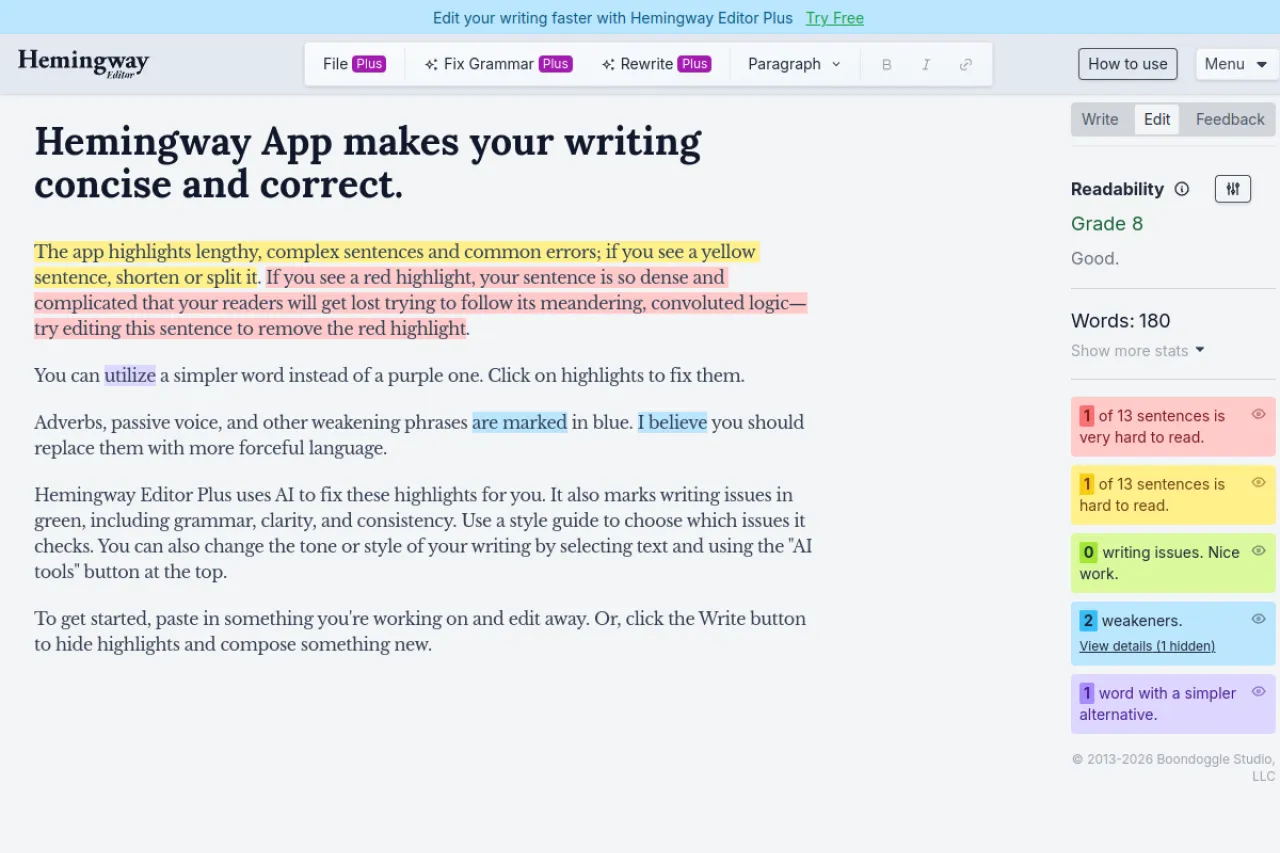
The web editor is free and needs no account. Paste in text and it highlights long or hard sentences, passive voice, and adverbs, then shows a readability grade — a score for how easy the text is to read. It points at problems; it does not fix them for you. A desktop app is also sold for a one-time $19.99.
Strengths
- The color highlights make wordy writing easy to spot at a glance
- Plus adds one-click AI fixes for wordy sentences and grammar problems, with 5,000 AI sentences a month on the entry plan
- Plus can restyle text into tones like formal or friendly, and Hemingway says it does not store your documents or train AI on them
- The free editor asks for no sign-up, so it is the fastest check on this list
Trade-offs
- It is not a full grammar checker — the free editor has no real spelling and grammar depth, and the grammar fixes sit in paid Plus
- Its rules are strict: it flags some fine sentences just for being long
Bottom line
Use Hemingway when your writing is correct but heavy. It teaches you to write shorter, clearer sentences, and the free editor is enough for most people.
7. Wordtune — Best for Rewriting Single Sentences

Price: Free Basic plan · Advanced $6.99 per month, billed annually; Unlimited $9.99 per month, billed annually
Free tier
The free Basic plan includes unlimited spelling corrections and grammar checks. What it caps is the AI help: 10 rewrites and suggestions a day, and 3 AI summaries a month. The Advanced plan raises rewrites to 30 a day; the Unlimited plan removes the caps. Advanced costs $6.99 a month, billed annually, and Unlimited costs $9.99 a month, billed annually.
Strengths
- Each sentence gets several rewrite options, so you choose the version that sounds like you
- Rewrites come in casual and formal tones, plus shorten and expand options, in one small menu
- It works in your browser and its own editor, right where you write
- The free spelling and grammar checks are unlimited, unlike most free plans here
Trade-offs
- Ten free rewrites a day runs out fast during a long editing session
- The checking is a light pass built for short texts — there are no deep document reports
Bottom line
Wordtune is for polishing sentences, not auditing documents. If your grammar is mostly fine and your wording is the problem, its free plan could be all you need.
8. Trinka — Best for Academic and Technical Writing
Price: Free plan · Premium $6.67 per month, billed annually
Free tier
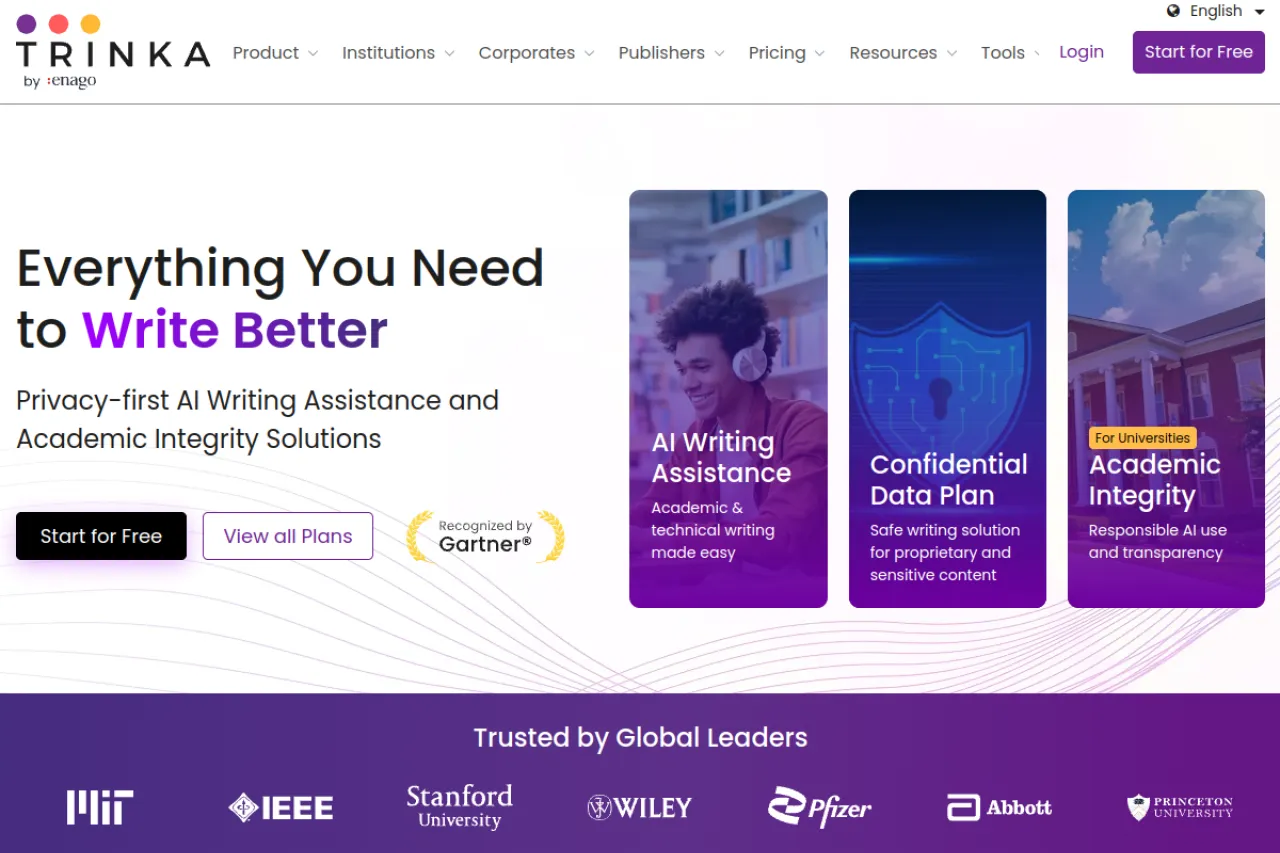
Trinka's free plan includes grammar and language checks aimed at formal writing, with 5,000 words a month for writing help. Plagiarism checking and the AI detector sit in the paid plans. Its suggestions follow formal style rules, not casual ones, because the tool is built for academic and technical text.
Strengths
- Checks follow academic style guides like APA and IEEE, with corrections tuned to more than 25 subject areas, from medicine to engineering
- It can proofread uploaded files with track changes, and it works inside Microsoft Word and your browser
- Premium adds an AI detector, plagiarism checks, and a journal finder that helps you choose where to submit a paper
- A confidential data plan keeps sensitive research text from being stored
Trade-offs
- For casual writing — chats, social posts, friendly email — its formal rules can feel strict and fussy
- The free 5,000-word monthly limit runs out fast on long papers
Bottom line
Trinka is the specialist for papers, theses, and journal work. If you write for school or research, start here; if you write for the web, the general tools above fit better.
Your situation → best pick
| Your situation | Best pick |
|---|---|
| You write all day in email, docs, and chat apps | Grammarly |
| Your sentences are correct but worded badly | QuillBot |
| You write in two or more languages | LanguageTool |
| You want whole sentences fixed in one click | Ginger |
| You are editing a book or a long report | ProWritingAid |
| Your writing is correct but hard to read | Hemingway Editor |
| You polish emails and posts sentence by sentence | Wordtune |
| You are preparing a paper or thesis for submission | Trinka |
FAQ
What is the best AI grammar checker overall?
Grammarly, for most people. Its free plan checks spelling, grammar, punctuation, and tone everywhere you type, with no word cap. Pro adds full-sentence rewrites and plagiarism checks for $12 a month billed annually. If you write in several languages, pick LanguageTool instead. If you write books, pick ProWritingAid.
Are free grammar checkers good enough?
For everyday writing, often yes. Grammarly and Wordtune check spelling and grammar free without a word cap, and LanguageTool covers the basics in many languages. Free plans usually hold back the deeper help — full-sentence rewrites, advanced style checks, and plagiarism scans. Pay when you keep hitting those walls.
Do grammar checkers work inside Gmail and Google Docs?
Most of them do. Grammarly, LanguageTool, Ginger, and ProWritingAid all offer browser extensions or add-ins that check text inside Gmail, Google Docs, and other web apps as you type. Hemingway is the exception here: you paste text into its own editor, check it there, then copy it back.
Which grammar checker is best if English is not my first language?
Start with LanguageTool if you also write in your own language, since it checks more than 30 languages. For English alone, Grammarly Pro adds fluency suggestions that reword sentences into natural English, and Ginger's one-click sentence fixes and translation help also suit learners well. Try the free plans of both before you pay for either one.
Can a grammar checker improve my style, or only fix mistakes?
Both, depending on the tool and the plan. Basic plans mostly fix spelling and grammar. Paid plans add style help: Grammarly adjusts tone, Hemingway flags wordy sentences, and ProWritingAid runs deep style reports. Wordtune and QuillBot go further and rewrite whole sentences in a new tone. You stay in control: accept or reject each one.
Will a grammar checker catch every mistake?
No. Checkers miss errors that depend on meaning, and they sometimes flag sentences that are actually fine. Names, technical terms, and your own voice can all confuse them. Even the best plan is a helper, not a guarantee. Treat every suggestion as advice, not orders. Read the final text yourself before you send or publish it.
The honest closing
A checker catches slips. It does not make weak ideas strong, and it cannot say the thing you have not thought through yet. The writers who gain most from these tools use them as a safety net, then learn the three or four grammar rules they break most often — that lesson outlasts any subscription. Start with the free plan that fits where you write, and browse more writing tools in the Draqee tools directory.